ROS 2 packages for Husarion ROSbot Series.
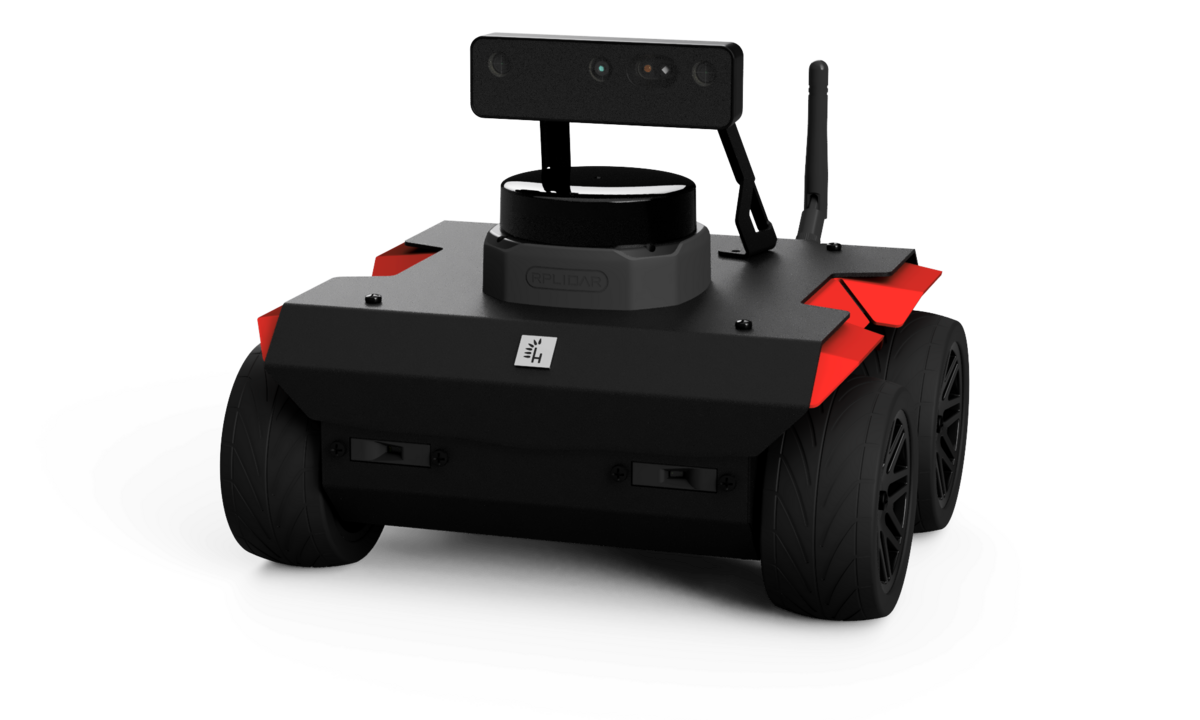
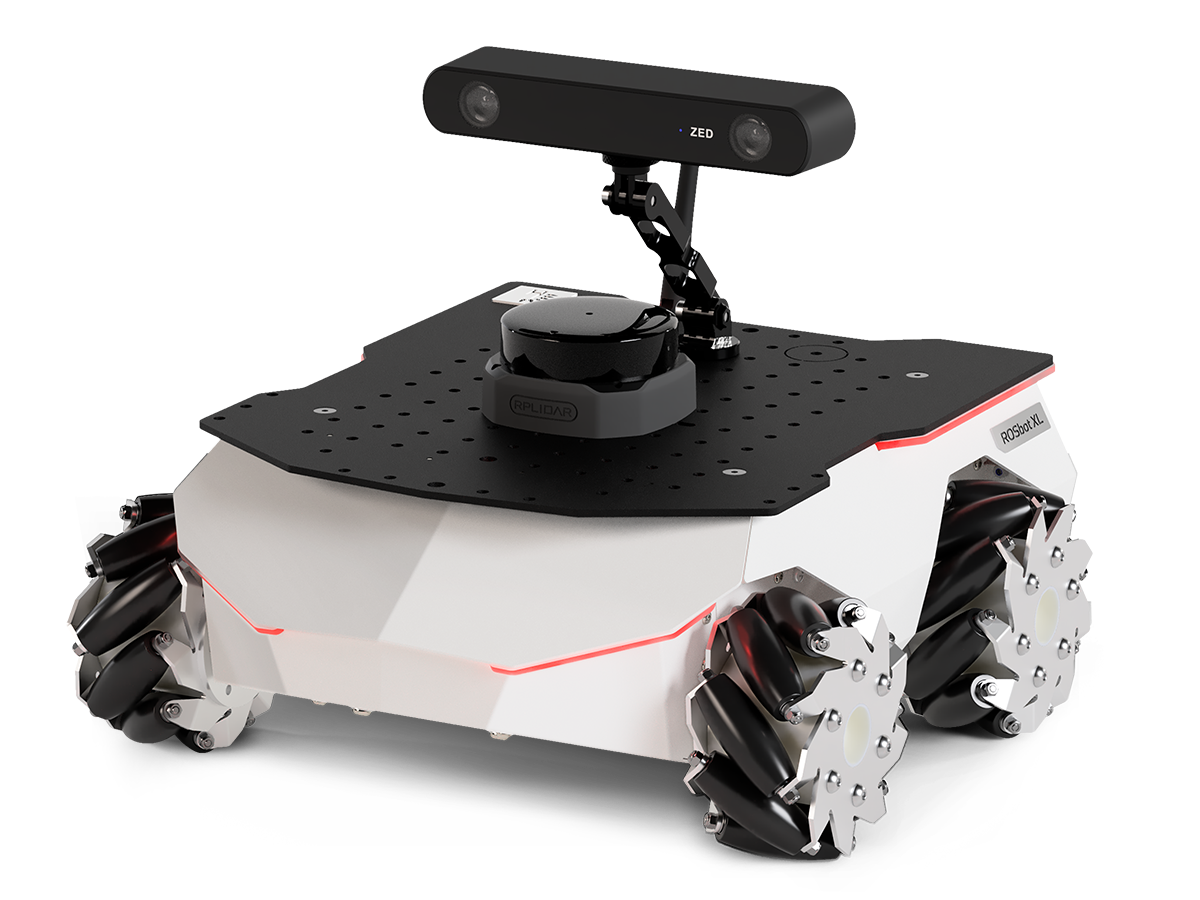
Documentation is available in ROS_API.md.
-
Install all necessary tools:
sudo apt-get update
sudo apt-get install -y python3-pip ros-dev-tools
-
Create a workspace folder and clone the rosbot_ros repository:
mkdir rosbot_ws
cd rosbot_ws
git clone -b jazzy https://github.com/husarion/rosbot_ros.git src/rosbot_ros
source /opt/ros/$ROS_DISTRO/setup.bash

vcs import src < src/rosbot_ros/rosbot/rosbot_hardware.repos
vcs import src < src/rosbot_ros/rosbot/rosbot_simulation.repos

# Optional: speed up build by removing unnecessary packages
# For hardware build only, remove simulation package:
# rm -rf src/rosbot_ros/rosbot_gazebo
# For simulation build only, remove hardware package:
# rm -rf src/rosbot_ros/rosbot_bringup

export PIP_BREAK_SYSTEM_PACKAGES=1
sudo rosdep init
rosdep update --rosdistro $ROS_DISTRO
rosdep install -i --from-path src --rosdistro $ROS_DISTRO -y

colcon build --symlink-install --cmake-args -DCMAKE_BUILD_TYPE=ReleaseFor ROSbot XL, you can specify a particular configuration using the launch configuration argument. If you are using the manipulation configuration, please refer to MANIPULATOR.md for detailed instructions — including the gamepad controls for the OpenMANIPULATOR-X (X = joint-jog mode, Y = Cartesian XYZ via MoveIt Servo POSE, RT + Back/Start = Dock/Home named poses).
Real robot:
source install/setup.bash
ros2 launch rosbot_bringup <rosbot/rosbot_xl>.yaml
Note
The ROSbot ROS Driver is strongly dependent on the firmware version. If you change driver version or ROS distro, ensure the firmware is compatible. Firmware can be updated with the flash_firmware script.
source install/setup.bash
ros2 run rosbot_utils flash_firmware --robot-model <rosbot/rosbot_xl>
The runtime-switch firmware variant covers both backends; flash it the usual way and pick the link at boot via backend:=microros (default mavlink).
Simulation:
source install/setup.bash
ros2 launch rosbot_gazebo simulation.yaml robot_model:=<rosbot/rosbot_xl>
Tip
You can spawn multiple robots in the simulation. To do that, run the launch file multiple times with different namespaces and initial positions (x, y, z). For example:
source install/setup.bash
ros2 launch rosbot_gazebo spawn_robot.yaml robot_model:=<rosbot/rosbot_xl> namespace:=robot1 x:=0 y:=0
All topics/services/actions are namespaced under /<namespace>/ on HW
and sim — see Namespace policy.
| Symbol | Meaning |
|---|---|
| 🤖 | Available for physical robot |
| 🖥️ | Available in simulation |
| 🤖 | 🖥️ | Argument | Description Type: Default |
|---|---|---|---|
| ✅ | ✅ | arm_activate |
Whether to activate the manipulator arm on startup. bool: False (True for simulation) |
| ✅ | ❌ | asset_server |
Launch husarion_asset_server, serving this robot's package:// meshes/URDF resources to the bridge's get_asset service. bool: True |
| ✅ | ✅ | config_dir |
Path to the common configuration directory. You can create such common configuration directory with ros2 run rosbot_utils create_config_dir {directory}. string: "" |
| ✅ | ✅ | configuration |
Specify configuration packages. ROSbot XL has the full set; ROSbot 2/3 only basic/custom. Packages: basic, telepresence, autonomy, manipulation, manipulation_pro, custom. string: basic |
| ✅ | ✅ | controller_manager_timeout |
Seconds the spawner waits for controller_manager to load + activate the controllers (raised from 20 for slower SBCs such as the Raspberry Pi 5 on ROSbot 3). int: 60 |
| ✅ | ✅ | joy_vel |
The topic name to which velocity commands will be published. string: cmd_vel |
| ✅ | ❌ | led_strip |
ROSbot XL only. Enable or disable the LED strip. bool: True |
| ✅ | ✅ | mecanum |
Whether to use mecanum drive controller, otherwise use diff drive. bool: True for rosbot_xl, False otherwise |
| ✅ | ✅ | namespace |
Add namespace to all launched nodes. string: env(ROBOT_NAMESPACE) |
| ✅ | ✅ | robot_model |
Specify robot model. string: env(ROBOT_MODEL) (choices: rosbot, rosbot_xl) |
| ✅ | ❌ | backend |
MCU↔SBC upstream-link backend the hardware bridge drives. microros starts the XRCE-DDS agent (micro_ros_agent); mavlink starts the rosbot_mavlink_bridge node. The matching BACKEND: line is emitted to the MCU during the pre-comm handshake; runtime-switch firmware brings up the chosen path. string: mavlink (choices: microros, mavlink) |
| ✅ | ❌ | hardware_bridge |
Whether to launch the SBC↔MCU bridge (selected by backend). Set to False to skip it entirely (e.g. when running the bridge/agent in a separate container). bool: True |
| ✅ | ❌ | manipulator_serial_port |
Port to connect to the manipulator. string: /dev/manipulator |
| ✅ | ❌ | port |
ROSbot XL only. UDP4 port for micro-ROS agent. string: 8888 |
| ✅ | ❌ | serial_baudrate |
ROSbot only. Baud rate for serial communication. string: 921600 |
| ✅ | ❌ | serial_port |
ROSbot only. Serial port for micro-ROS agent. string: /dev/ttySERIAL |
| ✅ | ✅ | tf_namespace_bridge |
Bridge robot's namespaced TF to the global /tf and /tf_static. Only active when namespace is set. bool: True |
| ❌ | ✅ | gz_gui |
Run simulation with specific GUI layout. string: teleop.config |
| ❌ | ✅ | gz_headless_mode |
Run the simulation in headless mode. Useful when a GUI is not needed or to reduce the number of calculations. bool: False |
| ❌ | ✅ | gz_log_level |
Adjust the level of console output. int: 1 (choices: 0, 1, 2, 3, 4) |
| ❌ | ✅ | gz_world |
Absolute path to SDF world file. string: husarion_world.sdf |
| ❌ | ✅ | rviz |
Run RViz simultaneously. bool: True |
| ❌ | ✅ | x |
Initial robot position in the global 'x' axis. float: 0.0 |
| ❌ | ✅ | y |
Initial robot position in the global 'y' axis. float: 2.0 |
| ❌ | ✅ | z |
Initial robot position in the global 'z' axis. float: 0.0 |
| ❌ | ✅ | roll |
Initial robot 'roll' orientation. float: 0.0 |
| ❌ | ✅ | pitch |
Initial robot 'pitch' orientation. float: 0.0 |
| ❌ | ✅ | yaw |
Initial robot 'yaw' orientation. float: 0.0 |
Tip
To read the arguments for individual launch files, add the -s flag to the ros2 launch command (e.g. ros2 launch <pkg> <launch> -s)
Explore demos showcasing the capabilities of ROSbots:
| 📎 Link | 📖 Description |
|---|---|
| rosbot-telepresence | Stream live video from Orbbec Astra to a PC and control the robot using teleop-twist-keyboard |
| rosbot-autonomy | Enables simultaneous mapping and navigation, allowing the robot to move in unknown environments. |