

xEngine is a Game Engine library for C++.
The engine is designed as a standalone modular toolkit from which different modules can be used independently.
This project is currently under heavy construction and should not be used in projects yet because the interface is still unstable and may change any time.
Once the project has reached a stable state there will be semantically versioned releases.
xng-editor - Editor application to simplify and accelerate the game creation workflow
- Graphics
- Render Graph
- OpenGL Implementation
- Vulkan Implementation
- 3D
- PBR Shading Model
- Skeletal Animation
- Shadow Mapping
- Image Based Lighting
- Environment Mapping (Probes)
- Skybox Rendering
- Particles Rendering
- Terrain Rendering
- Volumetric Rendering
- Post Processing (Anti Aliasing)
- 2D
- Canvas Rendering
- Text Rendering
- Sprite Animation
- Sprite Rendering
- Sprite Lighting
- Render Graph
- Resource Management
- Resource System
- Custom Asset File format
- GUI
- Flexbox based GUI Layout
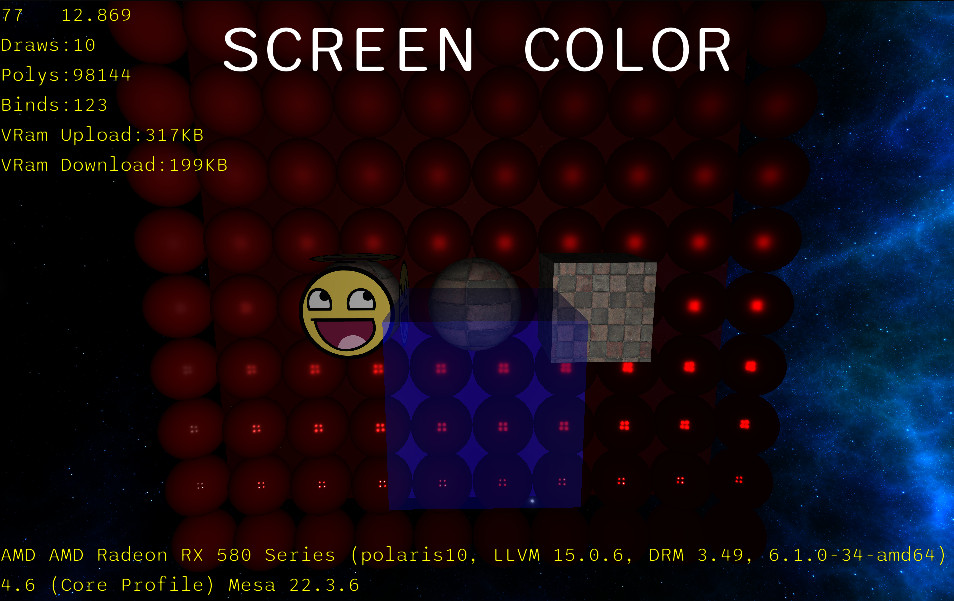
- Linux
- Tested Compiler: GCC 12.2.0 64bit
- Windows
- Tested Compilers:
- MSVC 2022 64bit
- Build warnings are emitted due to the fact that xng uses STL types in dllexport types.
- Users must ensure that their application is built with the same compiler version as the linked library because windows uses multiple STL dll files and allows loading of multiple STL version dlls into the same process. If the user links to a different STL version than the one used for building the engine dll there can be problems when passing types through the dll interface.
- MinGW-w64 11
- MSVC 2022 64bit
- Tested Compilers:
- Android
- Tested Compiler: Android NDK r25c
Check BUILDING.md for detailed building instructions.
When exporting rigged meshes from blender to be imported with the assimp importer platform make sure to:
- Set the "Apply Scalings" to fbx unit scale.
- Rotate the mesh and the rig -90 degrees in the X axis and apply the rotation.
- Set the forward and up axis in the fbx exporter settings to Y forward and Z up to match blenders coordinate system.
- Uncheck "Key All Bones" and "Force Start/End Keyframes"
- "Key All Bones" appears to do nothing at all
- "Force Start/End Keyframes" creates invalid keyframes inside an animation for bones which are not keyframed in the animation.
- Run "Limit Total" in weight paint mode to ensure that there is no more than 4 bones per vertex.
Because I do not have or know anyone with a math degree I am dependent on tutorials for the lighting calculations.
I would welcome any math geniuses to help me out once the engine has reached a more stable state.