Sort images by quality.
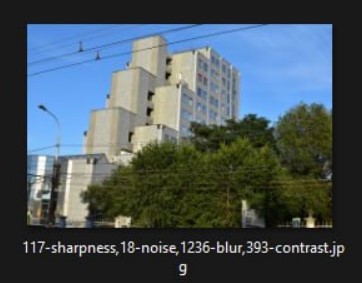
This is a Python script that determines the quality of images (noise, blur, sharpness, contrast) and renames these images according to the quality values. The script is also capable of copying quality photos to another folder or combine both modes. You can change the thresholds for noise, blur (from the whole photo or from the face in the photo), sharpness, contrast.
All settings are made in the config.yaml file. If you don't want to load the system too much, set num_processes = 1. At the very beginning, I recommend running the script in work_mode: 1 to look at the values in the new names of your photos. After that you will be able to adjust the thresholds in the config for your needs.