#AuthenticationBlah
Simple weather demo built in React Native, making use of MapView and openweathermap.
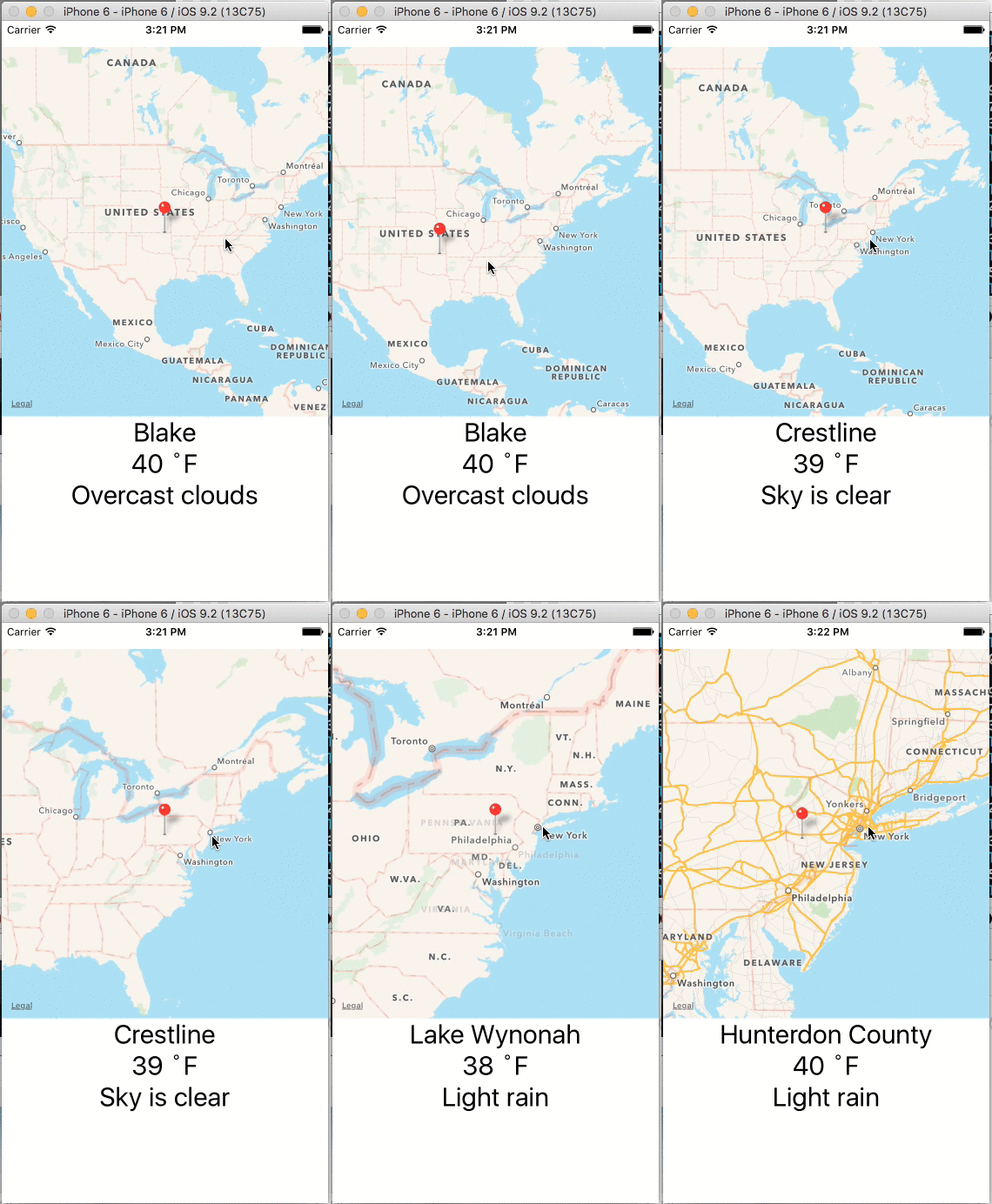
###TODO
- Organize components into individual files.
- Use more ES6/ES7 features (intentionally neglected ES6
class). - Consider ways to improve functionality.
##Installation
Basic React Native setup requirements here and for Android here.
Summary:
-
Install Xcode
-
Install Node.js 4.0 or newer.
$ brew install nodea. NVM is also useful to manage your node version. -
Install watchman, which like
gulp watchdetects file changes and rebuilds assets$ brew install watchman. -
Install RN binary
$ npm install -g react-native-cli -
Run with
$ react-native start
-
$ open ios/stopwatch.xcodeproj/- Opens the iOS sub-project in Xcode. -
Click the "Play" button in Xcode