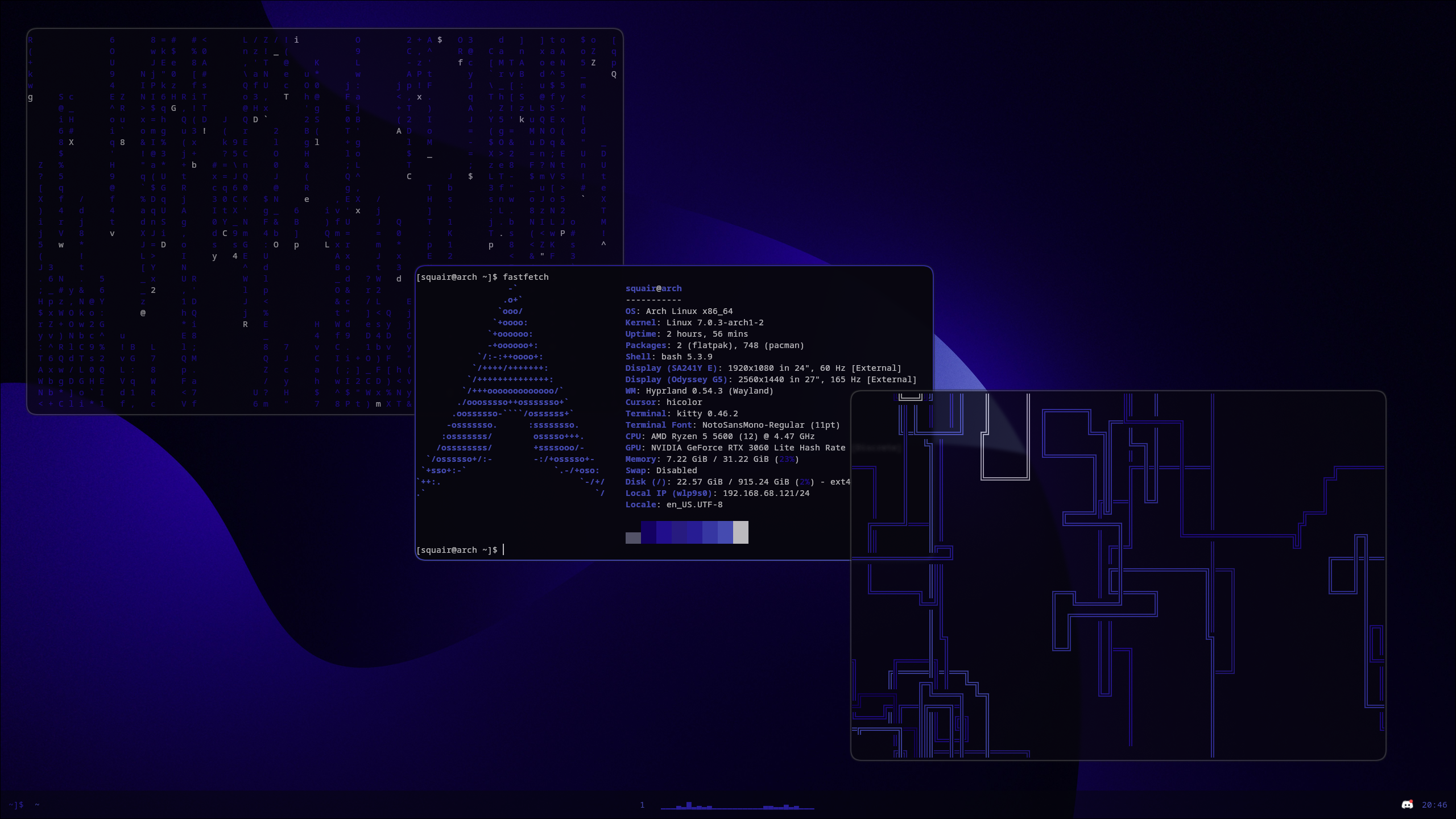
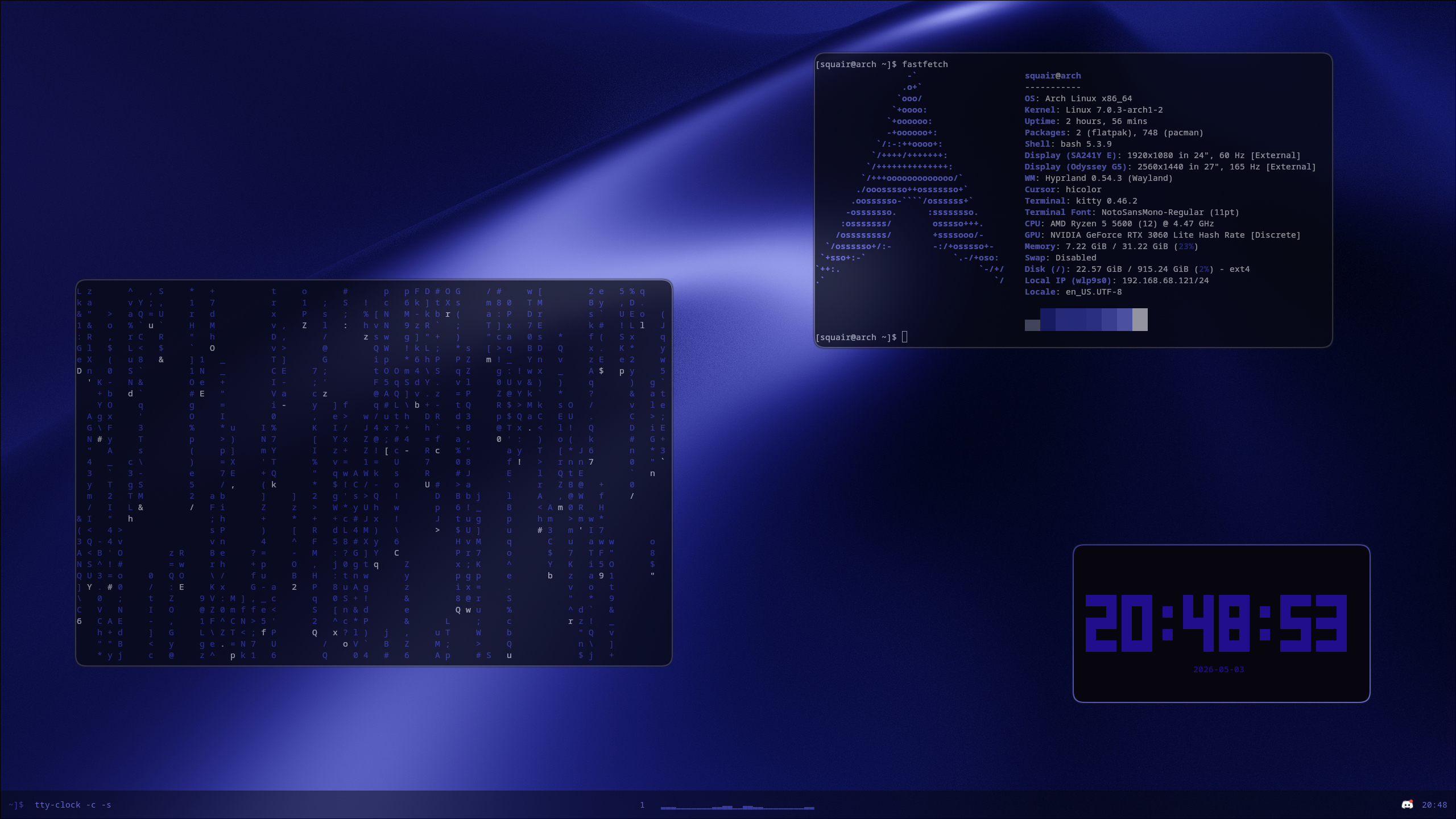
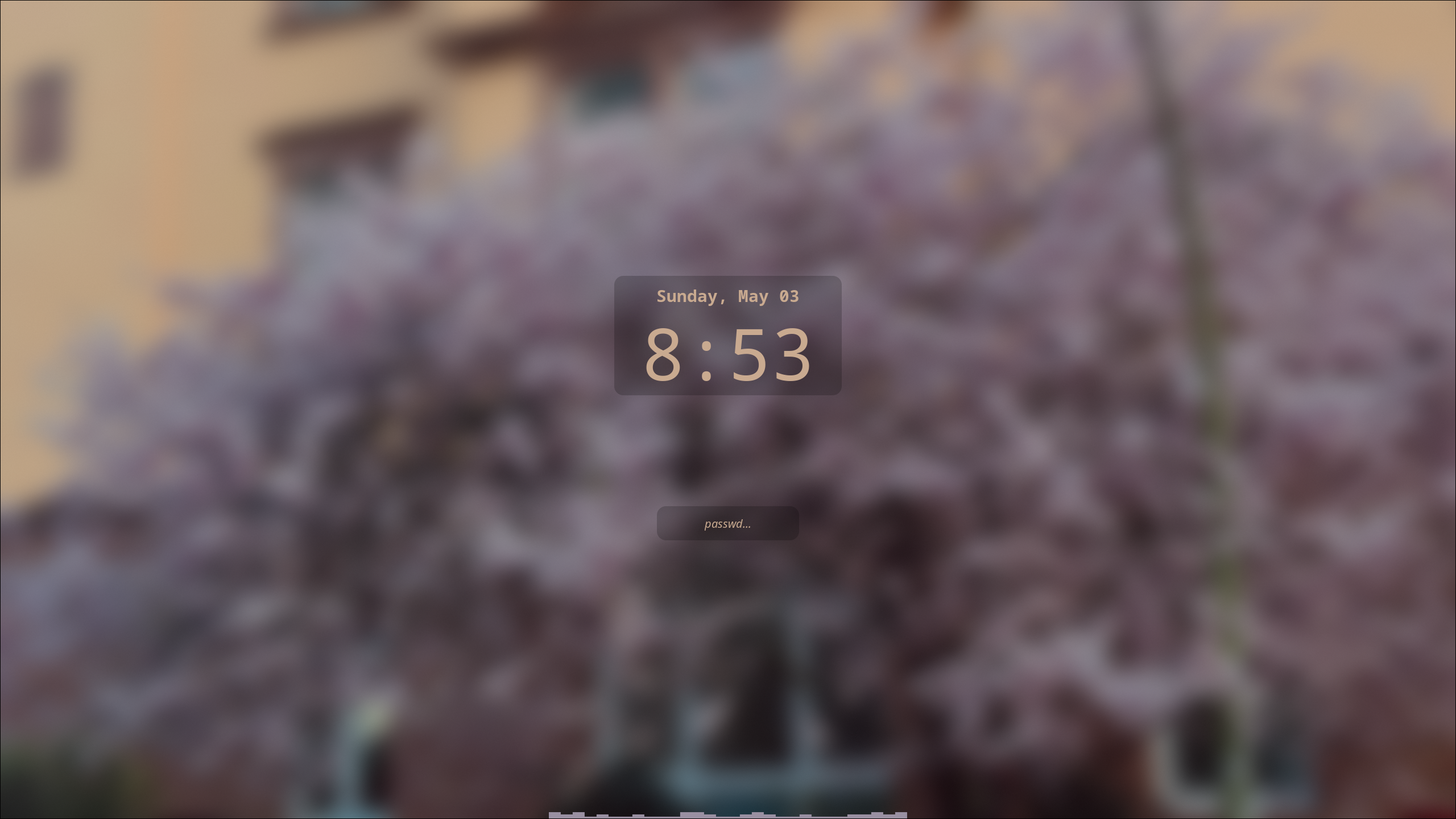
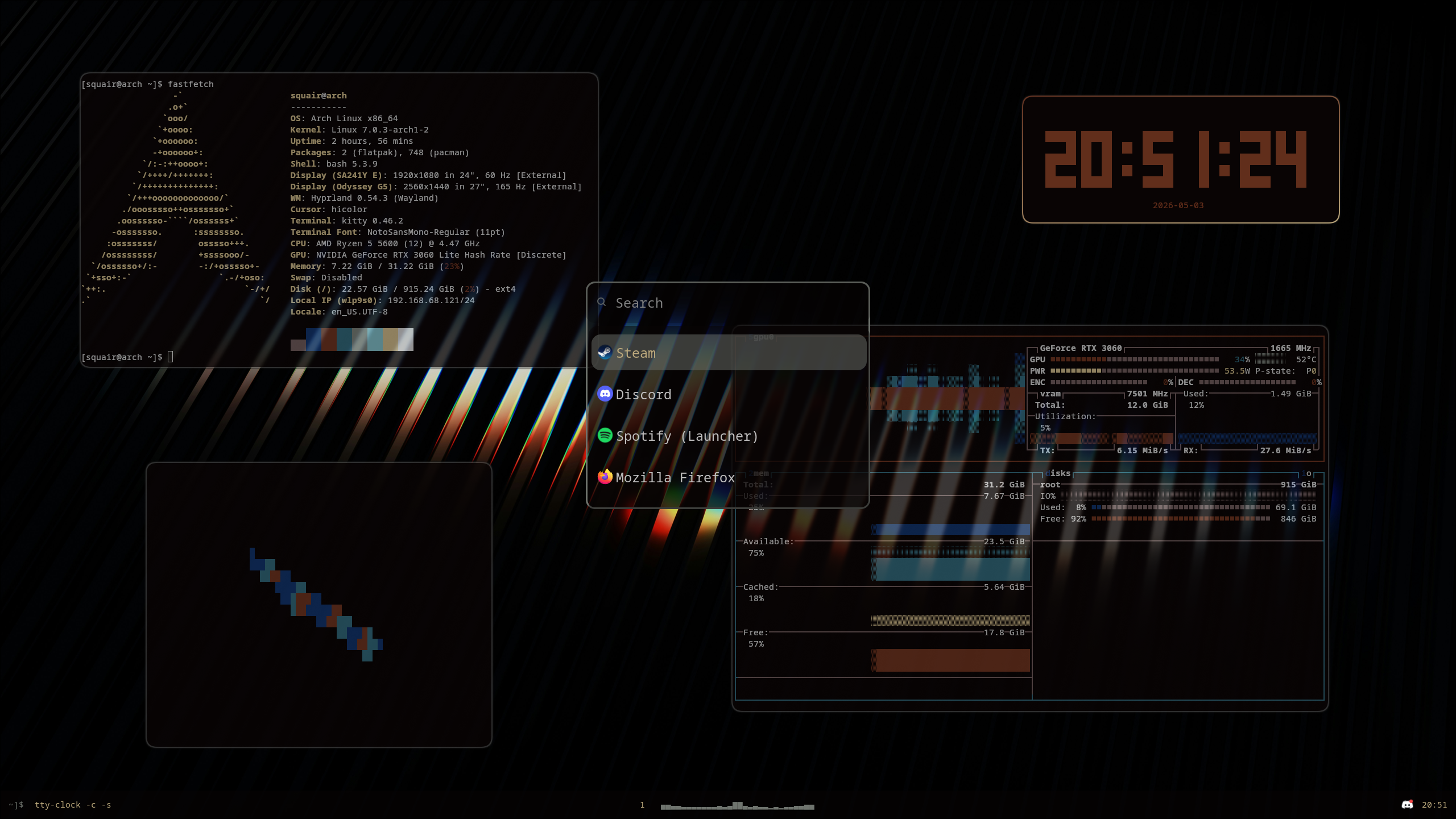
(note; pictures are captured on a 1440p 27" monitor. Scaling may be different on your end.)
You can choose the Nightly release or the GitHub release.
Full release (github.com)
You can use the redirect:
bash <(curl -s https://hypr.squair.xyz)or, directly from the repository:
bash <(curl -s https://raw.githubusercontent.com/squairdev/dotfiles/refs/heads/main/install.sh)Nightly release (git.kittycat.boo)
You can use the redirect:
bash <(curl -s https://hypr.squair.xyz/nightly)or, directly from the repository:
bash <(curl -s https://git.kittycat.boo/Squair/dotfiles/raw/branch/main/install.sh)For the wallpaper script (/bin/swal) to work correctly with Dunst (notification daemon), you must create a symlink.
after applying a wallpaper (so cache gets created), run:
sudo ln -s ~/.cache/wal/dunstrc ~/.config/dunst/dunstrcIf you have any issues, feel free to open an issue or contact me.
Window Management
Mod + [arrow] - Move to window in [arrow] direction
Mod + [num] - Go to [num] workspace
Mod + Shift + [Num] - Move window to [num] workspace
Mod + B - Close window
Mod + J - Switch window tiling direction
Mod + V - Switch to floating windows
Mod + F - Fullscreen window
Mod + P - Pseudo window
Mod + S - "Special" workspace
CTRL+Print - Screenshot (hyprshot, saves to ~/screenshots)
Apps
Mod + Space - Open app
Mod + Q - Open terminal (default is kitty, you can change it in ~/.config/hypr/hyprland.conf)
Mod + B - Close window
Alt + W - Wallpaper switcher
Mod + E - File manager (default is nautilus, you can change it in ~/.config/hypr/hyprland.conf)
Session Management
Mod + Tab - wlogout (Lock, Suspend, Restart, Power off)
Mod + L - Lock (Hyprlock)
Wofi (launcher)

Process launcher.
-
Install Wofi
sudo pacman -S wofi
-
Copy files
copy files from
config/.config/wofito~/.config/wofi
Hyprlock (lockscreen)

Lockscreen for Hyprland. Loads on boot.
-
Install Hyprlock
sudo pacman -S hyprlock
-
Copy files
copy files from
config/.config/hypr/hyprlock.confto~/.config/hypr/hyprlock.conf
Waybar (taskbar)

Taskbar. Includes cureent window and workspace, Cava, time and a lock button.
-
Install Waybar & dependencies
sudo pacman -S waybar pipewire-pulse cava
-
Copy files
copy files from
config/.config/waybarto~/.config/waybar
Note: for the audio visualizer in the middle (Cava), make sure the Recording output for cava is set to your speakers. You can change it with pavucontrol (sudo pacman -S pavucontrol).
Pywal & AWWW (wallpapers & colors)

Wallpaper & color daemon.
-
Install packages
sudo pacman -S awww
yay -S pywal
-
Copying files
copy files from
config/.config/walto~/.config/wal
copyconfig/bin/swalto/bin/swal, or to another path where you can executeswalin terminal.
You can also place it in another directory, like/opt/swal, and then create a symlink from it to/bin/swal.
Dunst (notifications)

Notification daemon.
-
Install Dunst
sudo pacman -S dunst
-
Symlinking files
create a directory at
~/.config/dunst
after applying a wallpaper, symlink the file (for colors):sudo ln -s ~/.cache/wal/dunstrc ~/.config/dunst/dunstrc
you only need to do this once. Once the wal cahce is created, every wallpaper applied will update dunst's colors.
Only officially tested on Arch and Gentoo (files copied manually, no install script).
I installed Hyprland straight from a fresh install (from tty).