After cloud readiness report, if project has suitability to move to cloud then what is the next step and what type of technologies need to be add. Developer has to take manual analysis on Cloud native approach aspects like Containerization, Micro-services, CI/CD Pipeline etc. It takes hardly more than a month to come up with a manual solution.
Code assistant AI enable developer to auto generate the Cloud suitability code based on project technologies been uses on UI, Middle and Backend layers. Based on the AI analysis, tool find whether it is “Cloud native” or “Hybrid Cloud” then it will generate cloud compatibility code as a zip file. Once downloaded, developer can extract the zip file and move the generate files in to project root location. Cloud generation based on cloud native approach like Containerization, Kubernetes and Gitlab CI pipeline template.
Project is used as a UI project to interact with CodeGeneratorAI experience API project. It is implemented using Angular 7, HTML5.
- Run "npm install" from the project location in command prompt
- Run "npm run start" to compile and execute the UI project
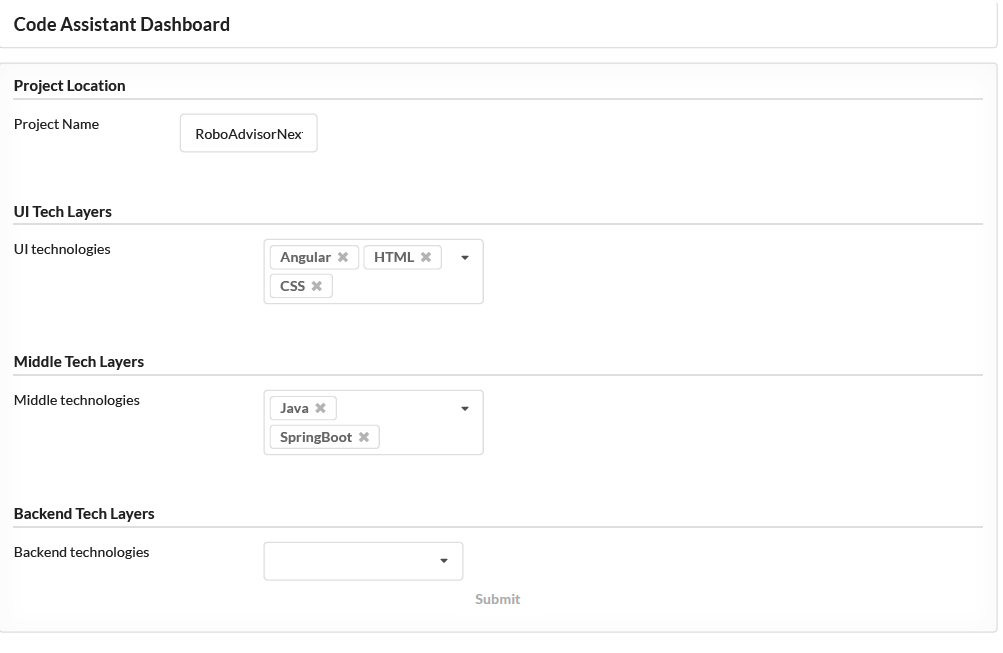
- From browser, Open localhost:4200 to access code-assistant-ai dashboard
- Developer should inputs like ProjectName, technologies in UI, Middle and backend layer. Finally, click on submit button to submit the request.
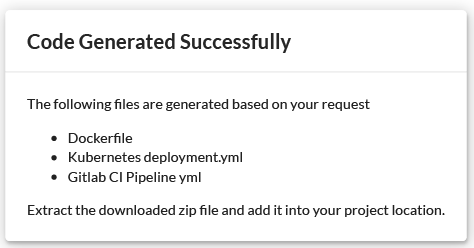
- Code will be generated and downloaded as a zip file. Developer can extract and move the files into project root location eg: C:/dev/projectNameUI