

The Designated Show is a series manager aimed at the professional binge-watcher. TDS lets you find and keep track of all the series you have going on.
Live demo (remember to add API key - instructions below)
# HTTP
https://github.com/piravp/series-manager.git
# SSH
git@github.com:piravp/series-manager.gitTDS uses The Movie Database API (TMDb). Register an account and aquire an API_KEY.
Adding the key can be done either directly inside the app or by modifying the configKey.js file.
After you've run npm run dev-server and opened the app navigate to Home and open the dropdown menu below the search bar. Click on Add key and insert your key.
Locate configKey.js in the root folder and insert your API_KEY inside the string on line 3.
export const API_KEY = getAPIKey() || "YOU-MUST-PROVIDE-AN-API-KEY-HERE";# npm
npm install
# yarn
yarn install# npm
npm run dev-server
# yarn
yarn run dev-serverNice! You can now navigate to http://localhost:8080 to see the result.
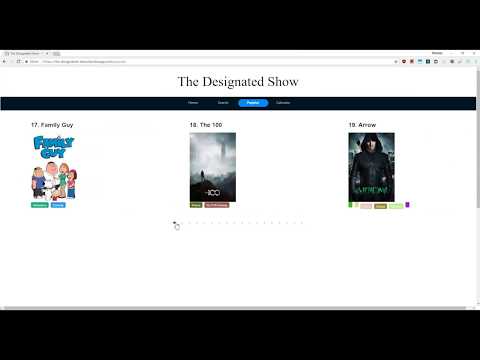
Click here for live demo (remember to add API key, as discussed above)
- Manually adding series has not been implemented yet.
- Sometimes opening the
HomeDetailsModaldoesn't fetch the details. The current fix is to close and re-open the modal (may require several attempts). - The list view in
Homeshows two empty items even though list is empty.
Please fork this repository and contribute back using pull requests. Any contributions, large or small, major features, bug fixes, additional language translations, unit/integration tests are welcomed.