🇯🇵日本語
live_displayflow.webm
- 🚀 Fast: Written in Rust for maximum performance and memory safety.
- 🛠️ DDC/CI Control: Adjust brightness, contrast, and VCP features without OSD menus.
- 📟 CLI First: Optimized for terminal usage, automation, and custom keybindings.
- 🔍 Hardware Detection: Read EDID data and metadata even from inactive or standby monitors.
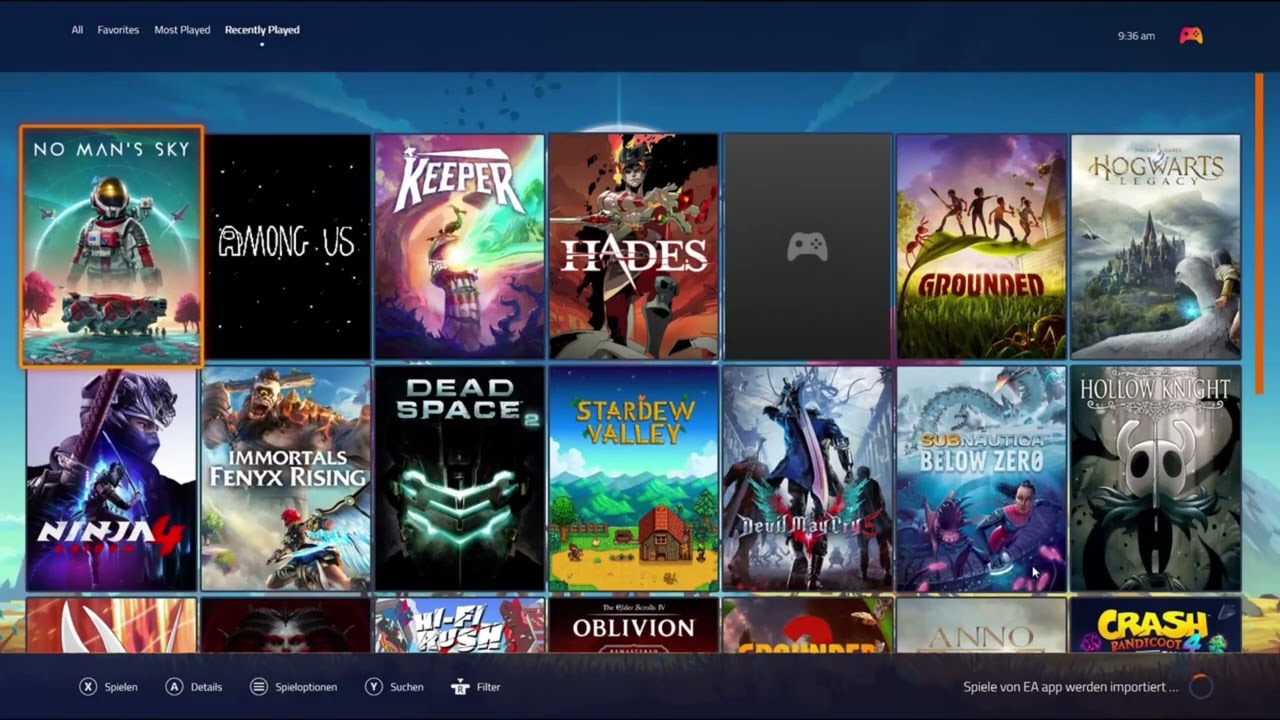
Click the image above to see how DisplayFlow automates monitor switching and launches Playnite.
If you provide --save without a configuration string, the tool reads your current live setup and saves it exactly as it is.
- Manually arrange your windows/monitors in Windows Settings.
- Run this to save the current state as "Gaming":
displayflow.exe --save Gaming --hotkey
For manual configuration or scripting, use the following colon-separated string format. Note that the Animation Direction is defined per monitor at the very end of its string. Format: ID : Width : Height : X : Y : Primary : Rotation : Freq : Brightness : Contrast : [Animation]
| Field | Description |
|---|---|
| ID | Persistent ID (e.g., BNQ78A7 or 1). Find via --scan. |
| Primary | 1 for primary monitor, 0 for secondary. |
| Rotation | 0 (Normal), 90 (Portrait), 180 (Inverted), 270 (Portrait Flipped). |
| Brightness | Hardware level 0-100 (via DDC/CI). |
| Animation | Direction for screen_animation.exe (up, down, left, right, none). |
If you have a vertical setup, you can trigger animations in opposite directions for a seamless transition effect. PowerShell Top monitor slides 'down', Bottom monitor slides 'up':
displayflow.exe "1:1920:1080:0:0:1:0:60:60:80:down 2:1920:1080:0:1080:0:0:60:70:90:up" --save Productivity
Completely disable a monitor by setting its dimensions to zero while keeping its ID in the config.
displayflow.exe "2:0:0:0:0:0" --save FocusMode
Force the primary display to its max refresh rate and hardware brightness.
displayflow.exe "1:2560:1440:0:0:1:0:144:100:80" --save HighFPS --post "start steam://open/main"
| Flag | Effect |
|---|---|
| --scan | Crucial: Lists all IDs and current hardware values. |
| --save | Saves the provided string (or current live state if string is missing). |
| --apply-suite | Instantly restores a saved layout. |
| --hotkey | Records a global shortcut (e.g., Alt+Shift+G) for the suite. |
| --daemon | Starts the background service for Hotkeys and Tray-Icon. |
| --silent | No console output (perfect for .bat or .ps1 scripts). |
- Zero Admin: Runs entirely in User Mode. No UAC prompts.
- Persistent IDs: Monitors are identified by their hardware signature (synth.rs), so your settings survive a reboot or GPU port swap.
- Smart Animation: If an animation direction is present in the task string, screen_animation.exe is triggered instantly in a background thread to mask the Windows display-driver handshake. If this tool saved you some time, consider leaving a ⭐ - it helps others find the project!