Minishell is the second project from the Unix-branch at Hive Helsinki coding school.
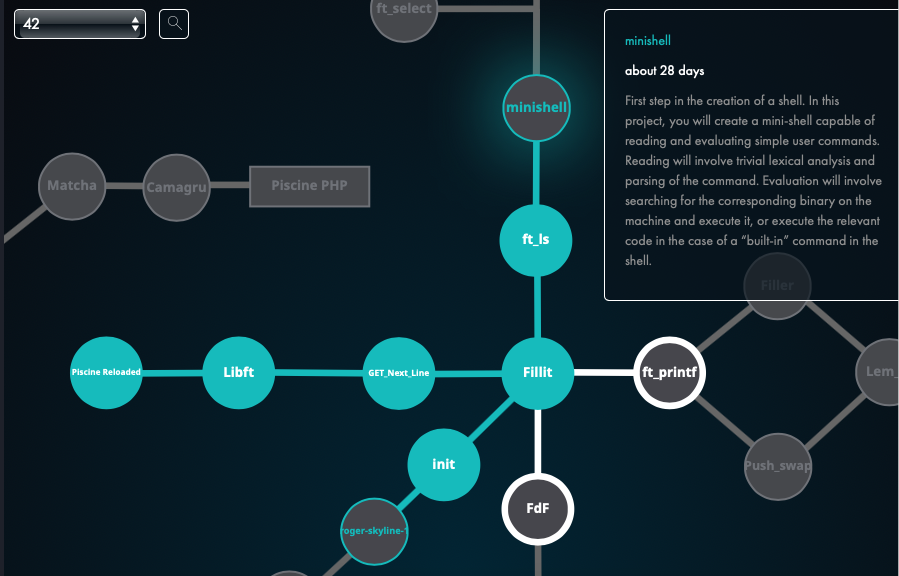
First step in the creation of a shell. In this project, I will create a "mini-shell" capable of reading and evaluating simple user commands. Reading will involve trivial lexical analysis and parsing of the command. The program will, for example, involve searching for the corresponding binary on the machine and execute it, or execute the relevant code in the case of a “built-in” command in the shell.
So basically it's about coding a minimally functional command prompt interpreter aka minishell.
- read and parse user input into commands and arguments.
- to handle expansions
$and~. - corect handling of the environment (
char **environ) and$PATH.
-
I learned from my previous projects that I needed to plan ahead before actually starting to write code. So...
- I began this project by reading and taking notes of the man pages for the system calls and allowed functions. By reading the manual I was already able to put some ideas on paper on how the program should behave and how to organize the data collected from user input and what to do with the environment variables.
- I used about a week only reading, writing, and sketching on paper how to start the project.
-
When I decided to start the project it was easier as I had a plan which included:
- How to organize data (structs, arrays, linked list, etc..).
- How to write basic interpreter which can be expanded (needs to be done for quotes in input).
- How to start writing functions to create a child process in case binary is needed.
- How to write the required built-ins for the project:
env,setenv,unsetenv,cd,echo,exit.
-
I underestimated the complexity of quoting (especially this one) and parsing of input (July 20th 2022).
-
Found a memory issue when launching
./minishellfrom bash after launching bash from the minishell. It was caused by the"OLDPWD"environment variable which is not set at all when launching bash. As minishell was trying to modify this variable that didn't exist it resulted in a segfault. It was quit an easy fix.
- no memory leaks in the
setenv,env,unsetenv,cd, andexitbuiltins. - no memory leaks when trying to run an executable from the current folder or from the PATH.
cdpermission check for each folder in the pathname.- this was particularly difficult to do with the use of
access()system call as it returns -1 indicating an error if the user has no search permission or that the folder doesn't exist. Ended up usinglstat()andX_OKto check the permissions and handle non-existent files later when trying to change the the working directory.
- this was particularly difficult to do with the use of
- environment variable
$_handling and updating after every command making sure it is correctly set.
- echo
- cd (DONE)
- permissions (DONE)
- permission check for the whole path to a binary (halfway there)
- quoting detection
- expand
~and$(DONE for cd, setenv and unsetenv)