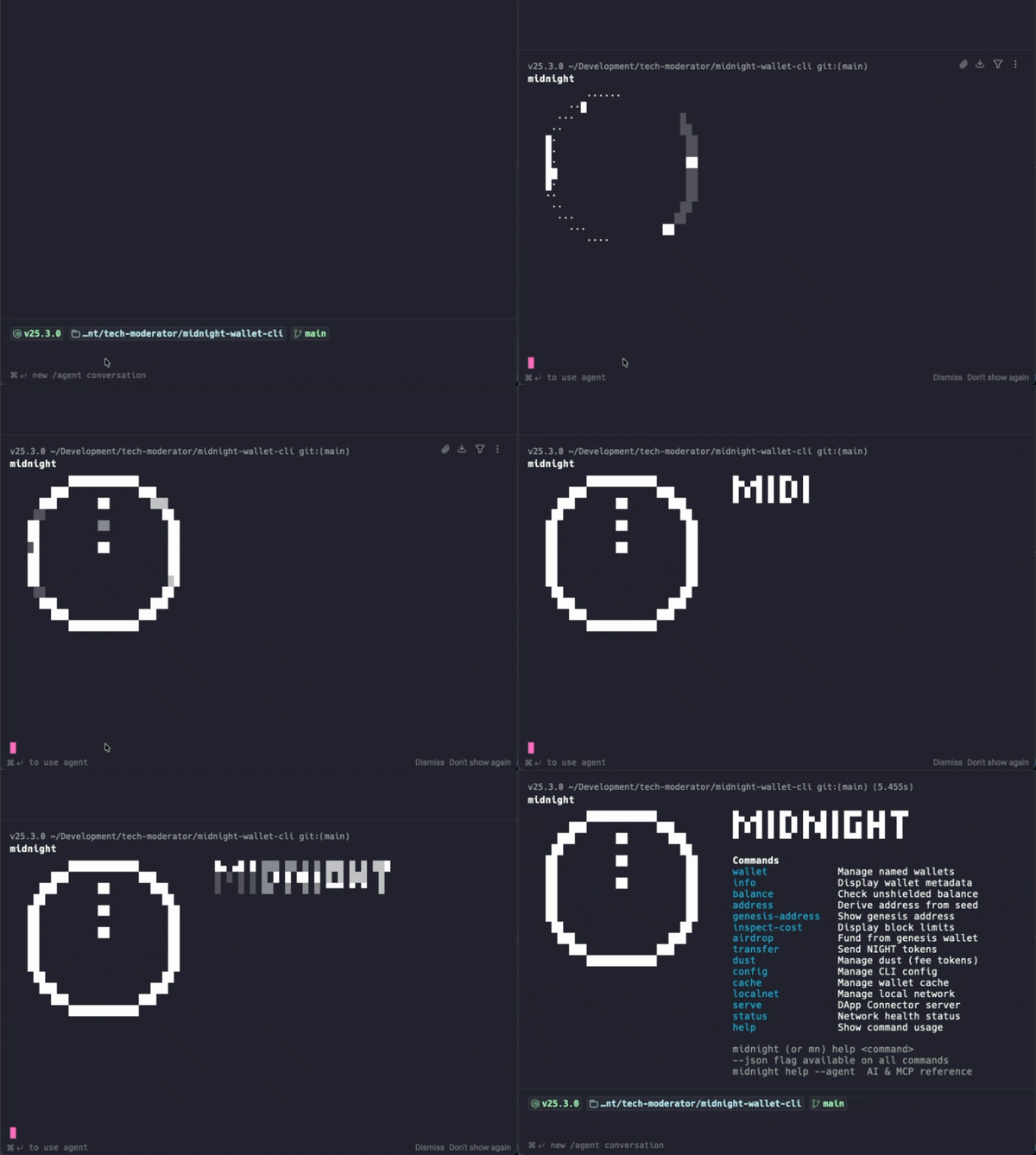




A standalone CLI wallet for the Midnight blockchain. Manage wallets, check balances, transfer NIGHT tokens, and run a local network — all from the terminal.
Built for two audiences: beginners starting their first Midnight project (localnet + funded wallets + contract deploy in under 5 minutes), and AI agents (Cursor, Claude Code, any MCP client) using the same primitives via a built-in MCP server.
npm install -g midnight-wallet-cliThis installs two commands: midnight (or mn for short) and midnight-wallet-mcp.
| Command | Description |
|---|---|
midnight wallet generate <name> |
Create a named wallet and set it as active |
midnight wallet list |
List all wallets with active marker |
midnight wallet use <name> |
Set the active wallet |
midnight wallet info [name] |
Show wallet details |
midnight wallet remove <name> |
Remove a wallet |
midnight info |
Display wallet address, network, creation date |
midnight balance [address] |
Check unshielded + shielded NIGHT balance |
midnight transfer <to> <amount> |
Send NIGHT tokens (--shielded for shielded) |
midnight airdrop <amount> |
Fund a wallet or raw address from genesis (--shielded for shielded, undeployed only) |
midnight dust register |
Register NIGHT UTXOs for dust (fee token) generation |
midnight dust status |
Check dust registration status and balance |
midnight address --seed <hex> |
Derive an address from a seed |
midnight genesis-address |
Show the genesis wallet address |
midnight inspect-cost |
Display current block cost limits |
midnight serve |
Start DApp Connector server (WebSocket JSON-RPC) |
midnight contract inspect |
Show circuits, witnesses, and types for a compiled contract |
midnight contract deploy |
Deploy a contract to the network |
midnight contract call |
Call a circuit on a deployed contract |
midnight contract state |
Read ledger state of a deployed contract |
midnight dev |
Contract dev loop — watcher auto-compiles on save; [t] runs tests, [d] deploys |
midnight test create/run/list/results |
Generate and run E2E tests for Midnight dApps |
midnight config get/set/unset |
Manage persistent config (network, wallet, endpoints) |
midnight cache clear |
Clear wallet state cache |
midnight localnet up/stop/down/status/logs/clean |
Manage a local Midnight network via Docker |
midnight help [command] |
Show usage for all or a specific command |
midnight manual |
Full reference manual (every command, every flag) |
# 1. Start local network (node, indexer, proof server)
midnight localnet up

# 2. Create a wallet and set the network
midnight wallet generate alice
midnight config set network undeployed

# 3. Fund your wallet and register dust (needed for fees)
midnight airdrop 1000
midnight dust register

# 4. Check balance and transfer
midnight balance
midnight transfer mn_addr_undeployed1... 100# 1. Create a wallet and set the network
midnight wallet generate alice
midnight config set network preprod # or: preview
# 2. Get test tokens from the faucet
# preprod: https://faucet.preprod.midnight.network/
# preview: https://faucet.preview.midnight.network/
# Paste your address from: midnight wallet info alice
# 3. Register dust (needed for fees)
midnight dust register
# 4. Check balance and transfer
midnight balance
midnight transfer mn_addr_preprod1... 100| Network | Description |
|---|---|
undeployed |
Local network via Docker (midnight localnet up) |
preprod |
Midnight pre-production testnet |
preview |
Midnight preview testnet |
Wallets are network-agnostic — one seed derives addresses for all three networks. Use --network <name> on any command, or persist it with midnight config set network preview.
midnight serve starts a WebSocket JSON-RPC server that implements the same ConnectedAPI interface as the Lace browser wallet. Any DApp can connect to it — no browser extension needed.
# Start the connector server
midnight serve --network preview

# Or auto-approve all requests (dev only)
midnight serve --network preview --approve-all
To connect from your DApp, install the connector package:
npm install midnight-wallet-connectorimport { createWalletClient } from 'midnight-wallet-connector';
const wallet = await createWalletClient({
url: 'ws://localhost:9932',
networkId: 'Preview',
});
const balances = await wallet.getUnshieldedBalances();See the midnight-wallet-connector package for the full API, and midnight-starship for a working example DApp.
Every command supports --json for structured output:
midnight balance --json
# → {"address":"mn_addr_...","shieldedAddress":"mn_shield-addr_...","network":"undeployed","unshielded":{"NIGHT":"1000.000000","utxoCount":1},"shielded":{"NIGHT":"10.000000","availableCoins":1,"pendingCoins":0}}

midnight transfer alice 100 --json
# → {"txHash":"00ab...","amount":100,"recipient":"mn_addr_...","network":"undeployed"}
When --json is active:
- stdout receives a single line of JSON (the data)
- stderr keeps showing chrome (spinners, headers, progress) — pipe through
2>/dev/nullif you need it gone - Errors produce:
{"error":true,"code":"...","message":"...","exitCode":N}
Run midnight help --json for a full capability manifest, or midnight help --agent for a comprehensive AI agent reference.
The package includes an MCP (Model Context Protocol) server that exposes all wallet operations as typed tools. AI agents call them directly via JSON-RPC over stdio — no shell spawning or output parsing needed.
Create .mcp.json in your project root:
{
  "mcpServers": {
    "midnight-wallet": {
      "command": "midnight-wallet-mcp"
    }
  }
}Add to ~/Library/Application Support/Claude/claude_desktop_config.json (macOS) or %APPDATA%\Claude\claude_desktop_config.json (Windows):
{
  "mcpServers": {
    "midnight-wallet": {
      "command": "midnight-wallet-mcp"
    }
  }
}Create .cursor/mcp.json in your project root:
{
  "mcpServers": {
    "midnight-wallet": {
      "command": "midnight-wallet-mcp"
    }
  }
}Create .vscode/mcp.json in your project root:
{
  "servers": {
    "midnight-wallet": {
      "type": "stdio",
      "command": "midnight-wallet-mcp"
    }
  }
}Add to ~/.codeium/windsurf/mcp_config.json:
{
  "mcpServers": {
    "midnight-wallet": {
      "command": "midnight-wallet-mcp"
    }
  }
}
Tip: If you haven't installed globally, use
"command": "npx"with"args": ["-y", "midnight-wallet-cli@latest", "--mcp"]instead.
Once connected, your AI agent gets access to 30 tools:
| Tool | Description |
|---|---|
midnight_wallet_generate |
Create a named wallet |
midnight_wallet_list |
List all wallets (slim by default — see "Agent-slim responses" below) |
midnight_wallet_use |
Set active wallet |
midnight_wallet_info |
Show wallet details (slim by default) |
midnight_wallet_remove |
Remove a wallet |
midnight_info |
Show wallet info (no secrets) |
midnight_balance |
Check NIGHT balance (slim by default) |
midnight_address |
Derive address from seed |
midnight_genesis_address |
Show genesis wallet address |
midnight_inspect_cost |
Show block cost limits |
midnight_airdrop |
Fund wallet from genesis |
midnight_transfer |
Send NIGHT tokens (returns a pending token; confirm with midnight_confirm_operation) |
midnight_confirm_operation |
Execute a previously-returned pending operation (transfer/contract confirmation flow) |
midnight_dust_register |
Register UTXOs for dust generation |
midnight_dust_status |
Check dust status (slim by default) |
midnight_config_get |
Read config value |
midnight_config_set |
Write config value |
midnight_config_unset |
Remove config value |
midnight_cache_clear |
Clear wallet state cache |
midnight_localnet_up |
Start local network |
midnight_localnet_stop |
Stop local network |
midnight_localnet_down |
Remove local network |
midnight_localnet_status |
Show service status |
midnight_localnet_clean |
Remove conflicting containers |
midnight_localnet_logs |
Snapshot of recent logs from each service |
midnight_contract_inspect |
Read circuits, witnesses, ledger shape from a compiled contract; lists siblings for multi-contract projects |
midnight_contract_state |
Query a deployed contract's ledger state |
midnight_contract_deploy |
Deploy a compiled contract (returns pending token; confirm with midnight_confirm_operation) |
midnight_contract_call |
Call a circuit on a deployed contract (returns pending token; auto-coerces numbers/"123n" strings to BigInt and [0–255] arrays to Uint8Array) |
midnight_test_create |
Generate a CLI or browser test scaffold from the compiled contract |
Every response carries _serverVersion so a stale MCP server (CLI on disk says X, responses still say Y) is detectable — see "Stale MCP server" in docs/SKILL.md.
wallet_list, wallet_info, balance, and dust_status return a slim JSON shape by default — agents pay roughly half the tokens of the legacy --json shape. Pass { full: true } to get the same shape mn <cmd> --json emits (per-network address maps, sync internals, etc.):
midnight_wallet_list()              // slim: { name, active, network, address, shieldedAddress } per wallet
midnight_wallet_list({ full: true }) // full: per-network addresses + shieldedAddresses maps (legacy shape)
The CLI human paths (mn wallet list --json, etc.) are unchanged.
Two markdown resources teach agents how to use the CLI:
midnight-wallet://skill/core— intent routing + safety rules. ~890 tokens. Fetch on session start.midnight-wallet://skill/full— canonical flows, error recovery, concept primers. ~2.4k tokens. Fetch on demand (errors, multi-step flows).
The legacy midnight-wallet://skill URI still works as an alias for /full.
Every tool error returns { error: true, code: <CODE>, message: <human prose> }. Agents should index on the stable code (INSUFFICIENT_BALANCE, DUST_REQUIRED, INVALID_DUST_PROOF, STALE_CACHE, PROOF_FAILURE, SYNC_TIMEOUT, NETWORK_ERROR, WALLET_NOT_FOUND, INVALID_ARGS, TX_REJECTED, STALE_UTXO, PROOF_TIMEOUT, CANCELLED, UNKNOWN) — full taxonomy + recovery recipes are in docs/SKILL.md.
Found a bug or have a feature request? Open an issue.
- Node.js >= 20
- Docker (for
midnight localnetcommands) - A running proof server on
localhost:6300(for transactions — required on all networks)
Working on the CLI itself? Clone, install, build, test:
git clone https://github.com/nel349/midnight-wallet-cli.git
cd midnight-wallet-cli
npm install
npm run build       # bun build → dist/wallet.js + dist/mcp-server.js
npm test            # vitest run
npm run typecheck   # tsc --noEmit
Run the CLI directly from source without rebuilding:
npx tsx src/wallet.ts <command>     # or: npm run wallet -- <command>
npx tsx src/mcp-server.ts # or: npm run mcpContributions welcome. See CONTRIBUTING.md for the workflow, coding standards, and testing requirements.
Quick checklist before opening a PR:
npm run typecheckcleannpm testgreen- New behavior covered by a test in
src/__tests__/ - Commit messages follow the repo style (
feat(scope): …,fix(scope): …, etc.)
Apache-2.0. See LICENSE.