Upgrade drag-out to a native drag session with real multi-file payloads - #97
Open
alvst wants to merge 1 commit into
Open
Upgrade drag-out to a native drag session with real multi-file payloads#97alvst wants to merge 1 commit into
alvst wants to merge 1 commit into
Conversation


Adds a native NSDraggingSession-based drag source (ClipDragSource) used
for every clip type, replacing SwiftUI's .onDrag - a single-payload API
with no visibility into where the drag actually is on screen. Tracking
that position is what lets the bar stay open while a drag is still
hovering over it (e.g. onto a Pinboard tab) and only drop once the drag
has genuinely left the bar's window for whatever's underneath.

ClipDragProvider builds the pasteboard payload per clip type: one file
URL per item for multi-file .file clips (dragging out as that many
items, matching Finder's own multi-selection hand-off), or a single
NSPasteboardItem for everything else (text, rich text, links, colors,
images) built directly rather than through NSItemProvider, since
NSItemProvider isn't NSPasteboardWriting-conformant outside of
SwiftUI's private .onDrag bridging.

Capture now records every file in a multi-file copy, not just the first.
Some sources put each copied file in its own pasteboard item while others
only fill the legacy NSFilenamesPboardType array and leave a single URL
item behind, so the monitor reads both and keeps whichever list is
longer. Without that half, a clip that only ever recorded one file could
never drag out as several, and the multi-item hand-off above would have
nothing to exercise it.

This file contains hidden or bidirectional Unicode text that may be interpreted or compiled differently than what appears below. To review, open the file in an editor that reveals hidden Unicode characters.
Learn more about bidirectional Unicode characters
Sign up for free
to join this conversation on GitHub.
Already have an account?
Sign in to comment
1 participant

Add this suggestion to a batch that can be applied as a single commit.This suggestion is invalid because no changes were made to the code.Suggestions cannot be applied while the pull request is closed.Suggestions cannot be applied while viewing a subset of changes.Only one suggestion per line can be applied in a batch.Add this suggestion to a batch that can be applied as a single commit.Applying suggestions on deleted lines is not supported.You must change the existing code in this line in order to create a valid suggestion.Outdated suggestions cannot be applied.This suggestion has been applied or marked resolved.Suggestions cannot be applied from pending reviews.Suggestions cannot be applied on multi-line comments.Suggestions cannot be applied while the pull request is queued to merge.Suggestion cannot be applied right now. Please check back later.
Follow-up to #73, which added drag-out via SwiftUI's
.onDrag. That API hands over a single payload and gives the bar no visibility into where the drag actually is, which caps what drag-out can do. This swaps in a nativeNSDraggingSessionand fixes the capture-side gap underneath it.What changed
ClipDragSourcereplaces.onDragfor every clip type. Tracking the drag's position on screen is what lets the bar stay open while a drag is still hovering over it — dragging onto a Pinboard tab, for instance — and only get out of the way once the drag has genuinely left the bar's window for whatever is underneath.ClipDragProviderbuilds the pasteboard payload per clip type: one file URL per item for multi-file.fileclips, so they drag out as that many items, matching Finder's own multi-selection hand-off. Everything else (text, rich text, links, colors, images) is a singleNSPasteboardItembuilt directly rather than throughNSItemProvider, which isn'tNSPasteboardWriting-conformant outside SwiftUI's private.onDragbridging.NSFilenamesPboardTypearray and leave a single URL item behind. The monitor reads both and keeps whichever list is longer.Screenshots
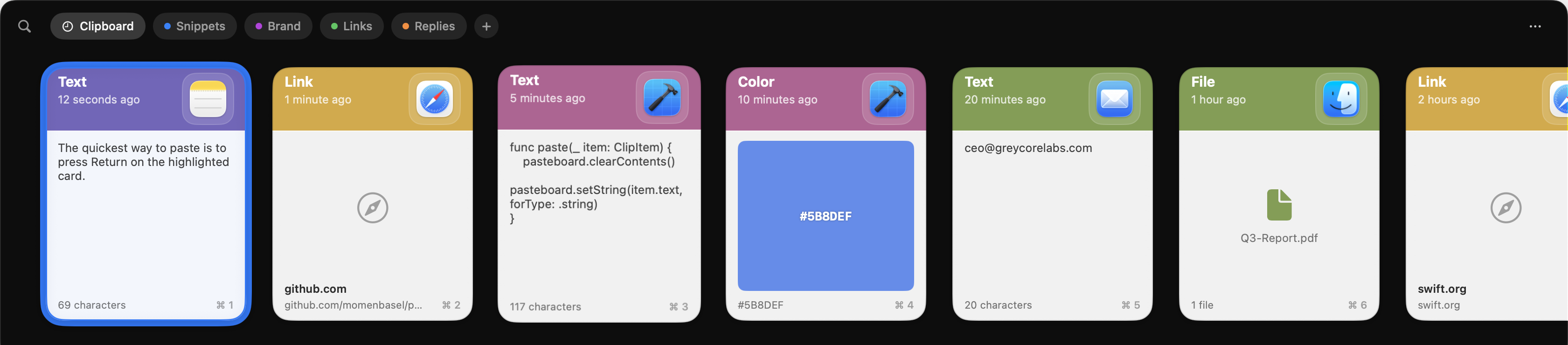
Before:
After:
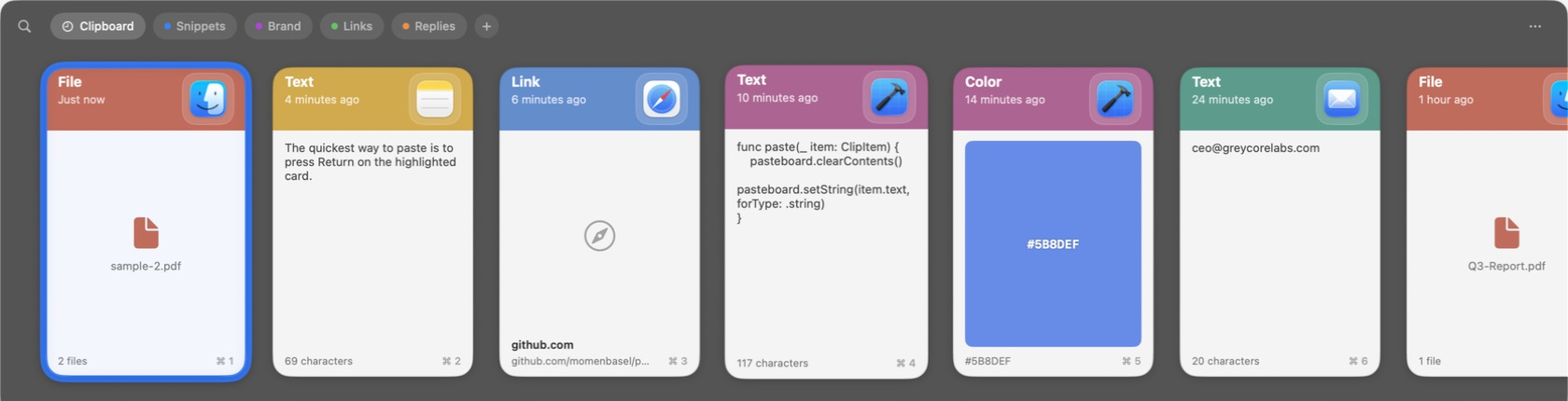
The capture half has no visual delta — it changes what a multi-file clip records, not how it draws. Its effect is only observable as the drag above producing several files instead of one.
Notes for review
.onDrag: multi-select taps still reproduce, right-click/context menu still works, and VoiceOver actions are unaffected (accessibility actions don't route through the overlay'shitTest).This feature should be bundled into v2.
Part of #80.