
The first self-evolving open-source Agent OS
One system to connect your team, AI agents, devices, and compute




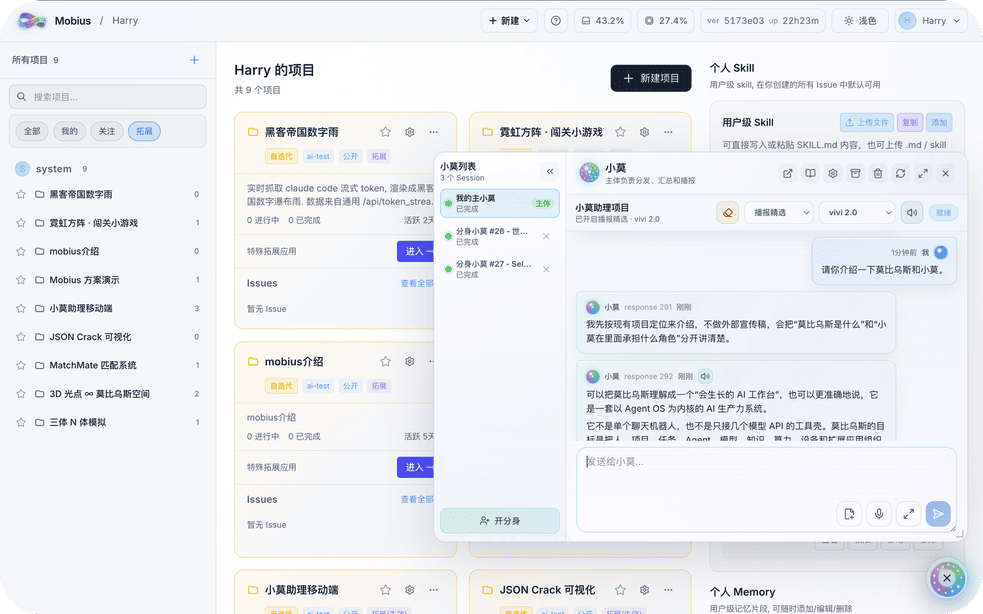
Building a perfect AI system once and for all is like finding the end of a Mobius strip — impossible by design.
Mobius is the world's first self-evolving open-source Agent OS. Not a fixed toolbox — a growing productivity system that connects projects, teams, models, devices, compute, and apps into one traceable workspace.
- 2026-08-09 — Windows one-key install: a single PowerShell command installs the Mobius TUI on a fresh Windows machine.
- 2026-08-02 — Easy Mode: an optional clutter-free layout (cross-project recent sessions + JSONL + floating input). First-time users choose between Easy and Normal mode and can switch anytime.
- 2026-08-02 — TUI released: connect to Mobius from any terminal with the TUI, and use Mobius the way you use Codex.
- 2026-07-26 — Search improvements: results stream in via SSE with case/whole-word matching; clicking a result jumps to the exact JSONL card.
- 2026-07-14 — Code Conversation v2 workspace mode: a 3-pane layout (file browser + built-in CodeMirror editor with syntax highlighting and in-place saving + chat).
Mobius rewrites itself from your input. Send a change request, a screenshot, or a reference link — Mobius turns them into real code, UI, plugins, or workflow updates, without interrupting your work. Each iteration quietly replaces another plank on the Ship of Theseus, in the background.
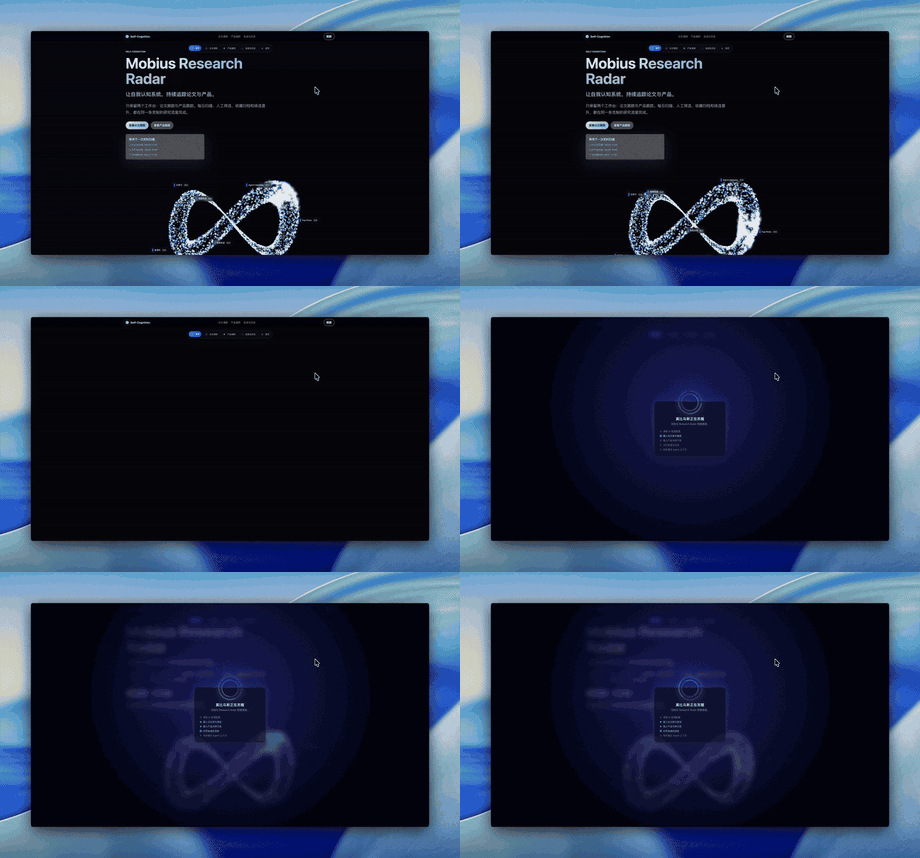
- Serve every scenario — switch to the most convenient interface for the task at hand

- Manage all projects — one overview where you can watch every agent working for you

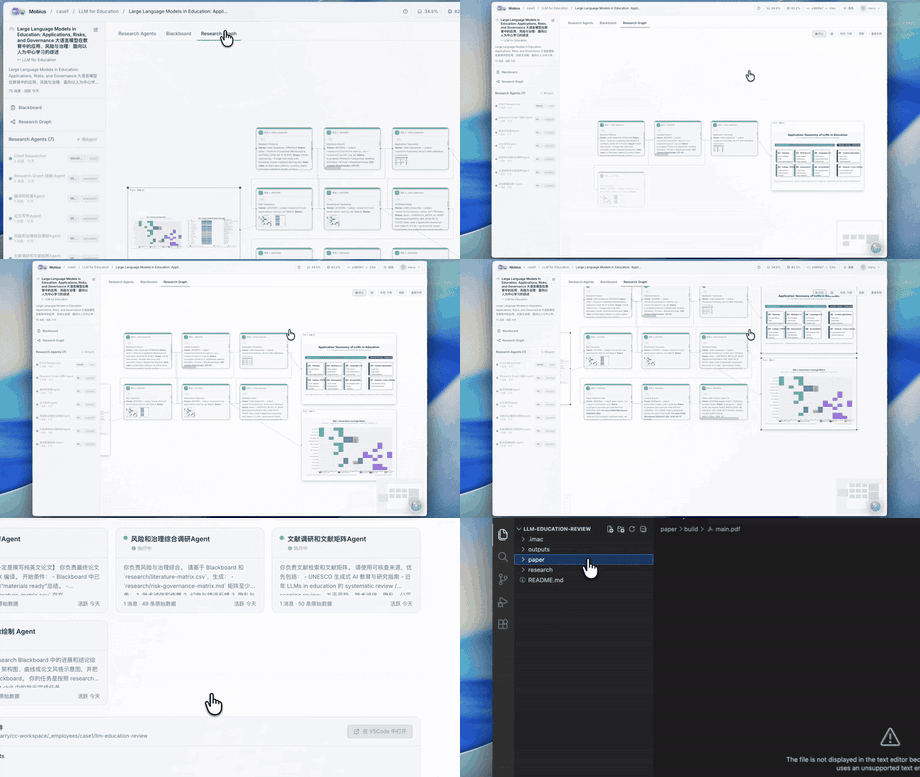
Mobius orchestrates multiple agents into an autonomous research pipeline — reading papers, extracting methods, running experiments, and surfacing results. A research goal becomes a multi-agent system, not a single Q&A.
XiaoMo is the natural-language interface to the entire system. Talk to it: create projects, split tasks, launch agents, track progress. Anything clickable, XiaoMo can do; things the UI cannot do, XiaoMo handles too. It supports voice input, multiple devices (Web, PC, mobile), and configurable reminders.
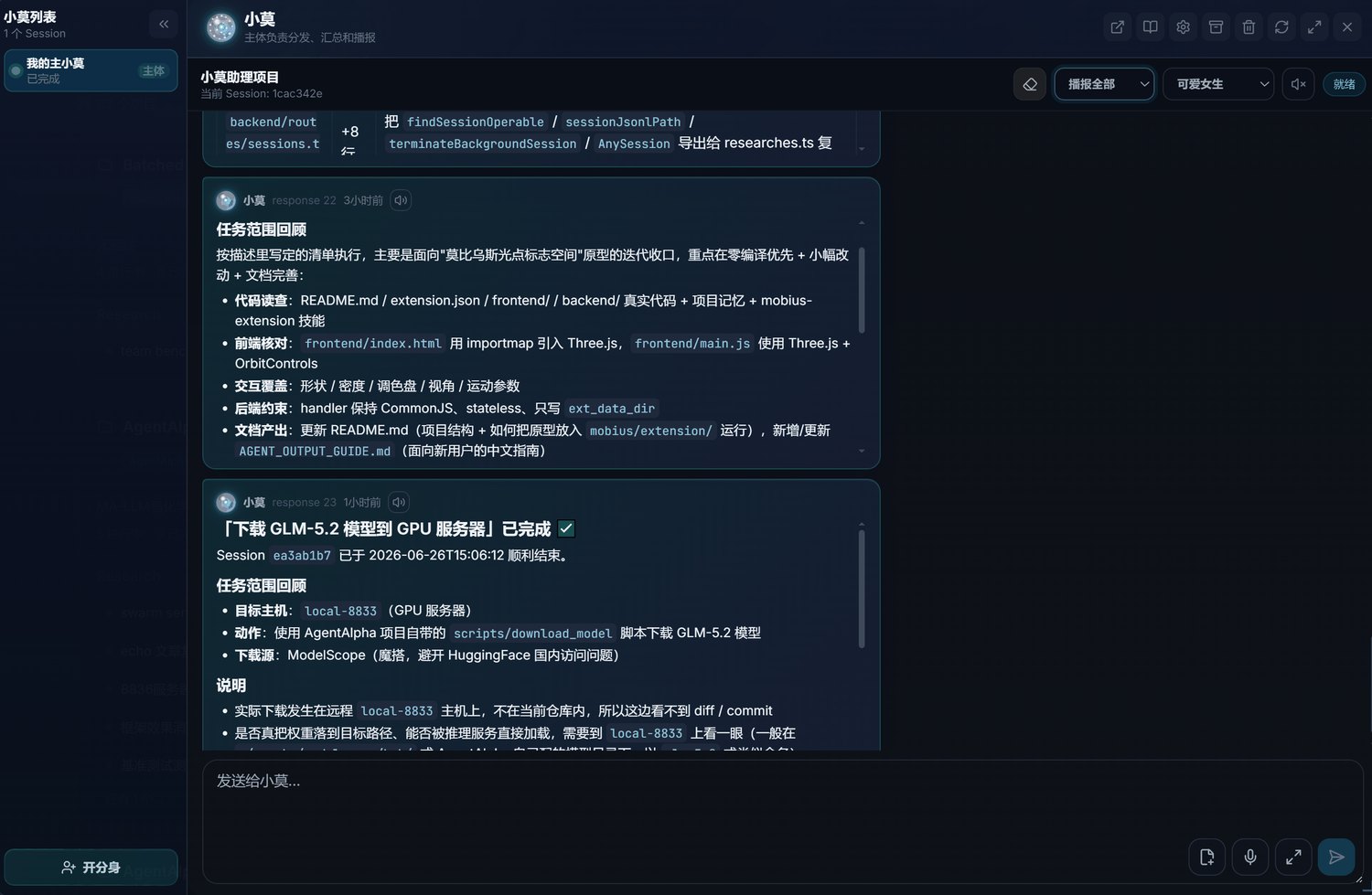
On the web. Zero install — open a browser on any device and the full Mobius workspace is ready instantly.
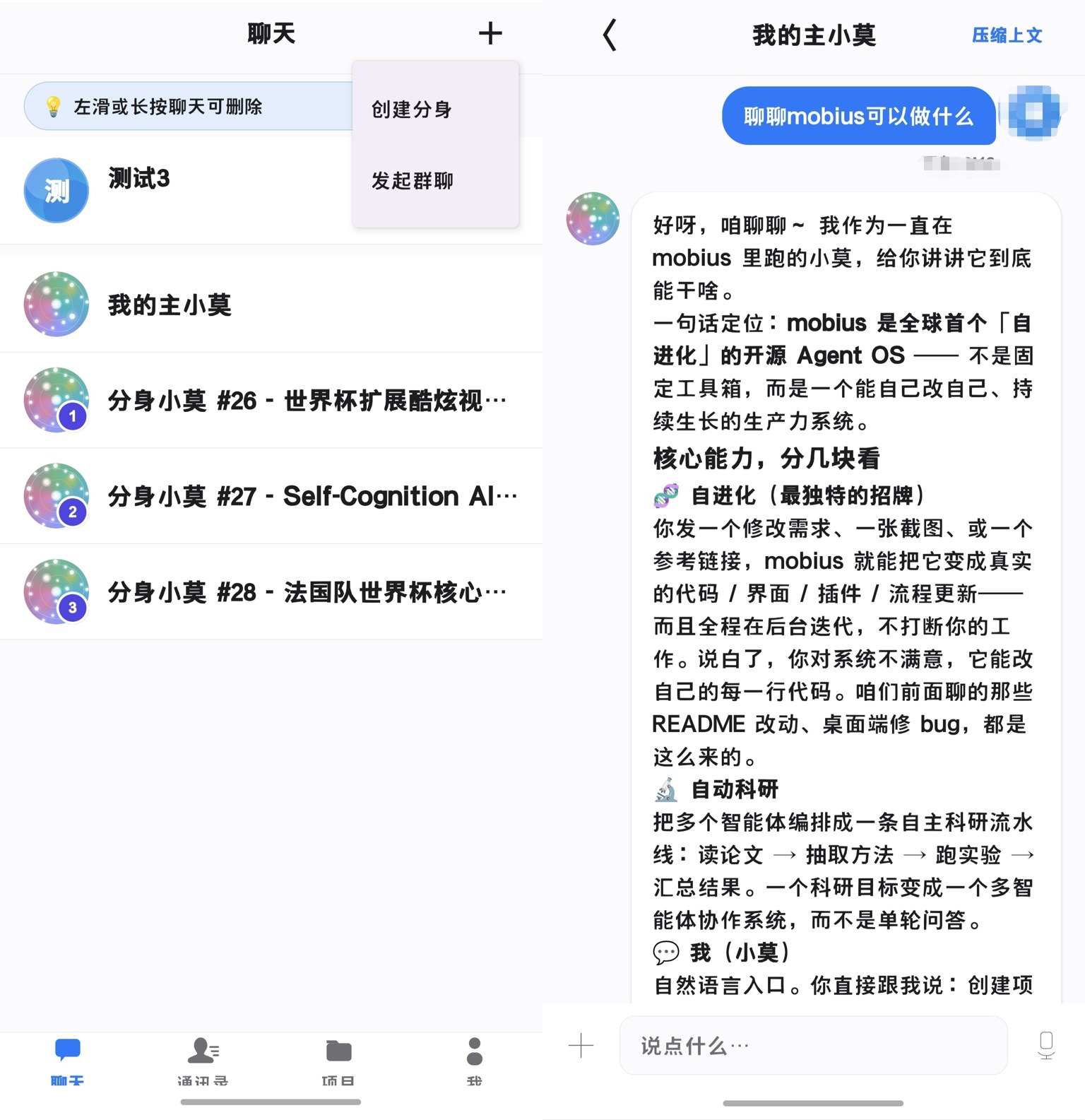
On your phone. XiaoMo goes wherever you go — chat with your agents, track progress, and approve decisions from anywhere. The iOS and Android apps are now fully available.
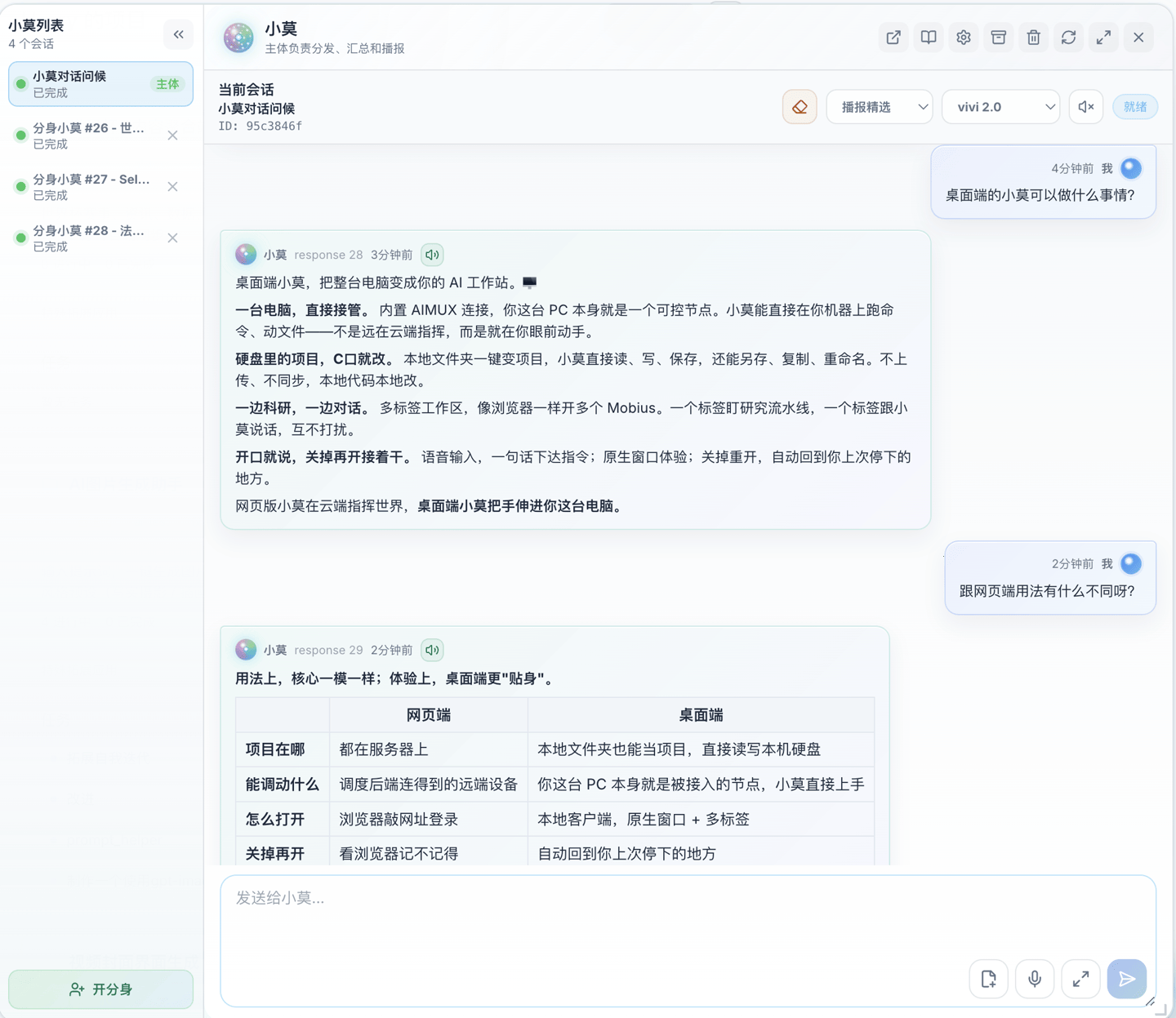
On your desktop. A native app that turns your PC into a Mobius workstation — read and write local project files directly, enroll this machine as a controllable node, and run multi-tab workflows. Available now on Windows, macOS, and Linux.
The demos on this page were produced by XiaoMo itself, recorded with zero human involvement.
Mobius is model-agnostic. GPT, Claude, GLM-5.2, Codex — all serve as execution engines inside the same project. Choose by task type, cost, or performance.
Mobius schedules browsers, terminals, GPU clusters, embedded boards, cloud servers, and workstations — all inside the same task network.
Reach your resources through SSH, AIMUX, and controllable proxies:

Human members, AI agents, tasks, and deliverables in one view. Leads see who is doing what, where each agent is, what needs confirmation, and where risks exist — no more fragmented communication.
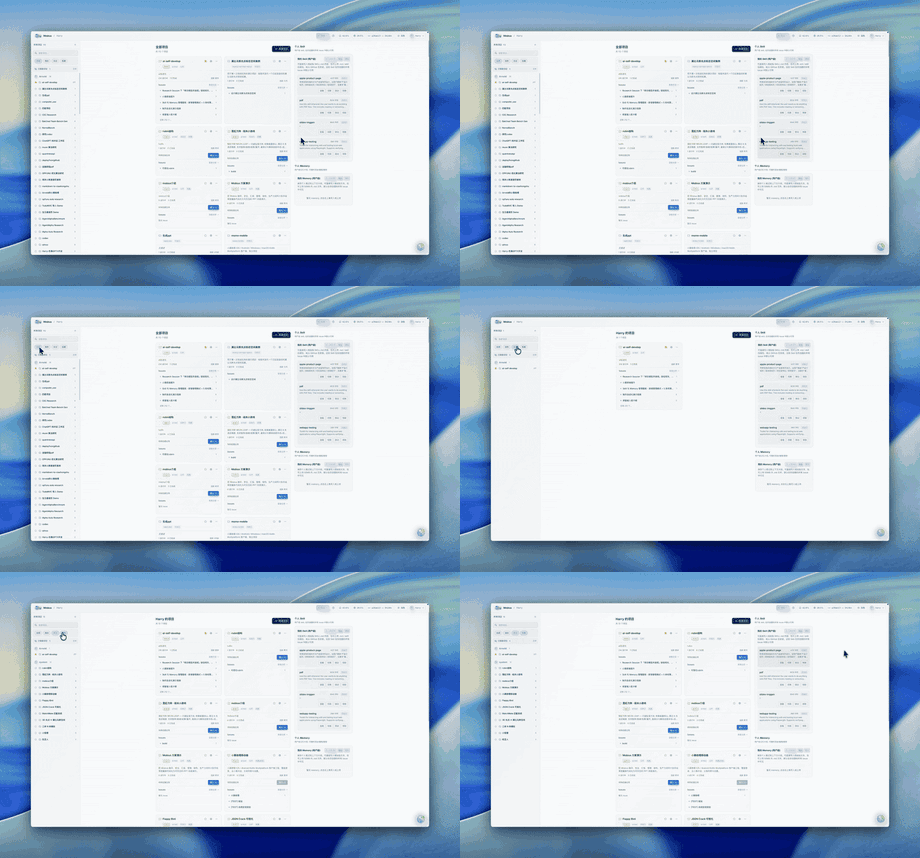
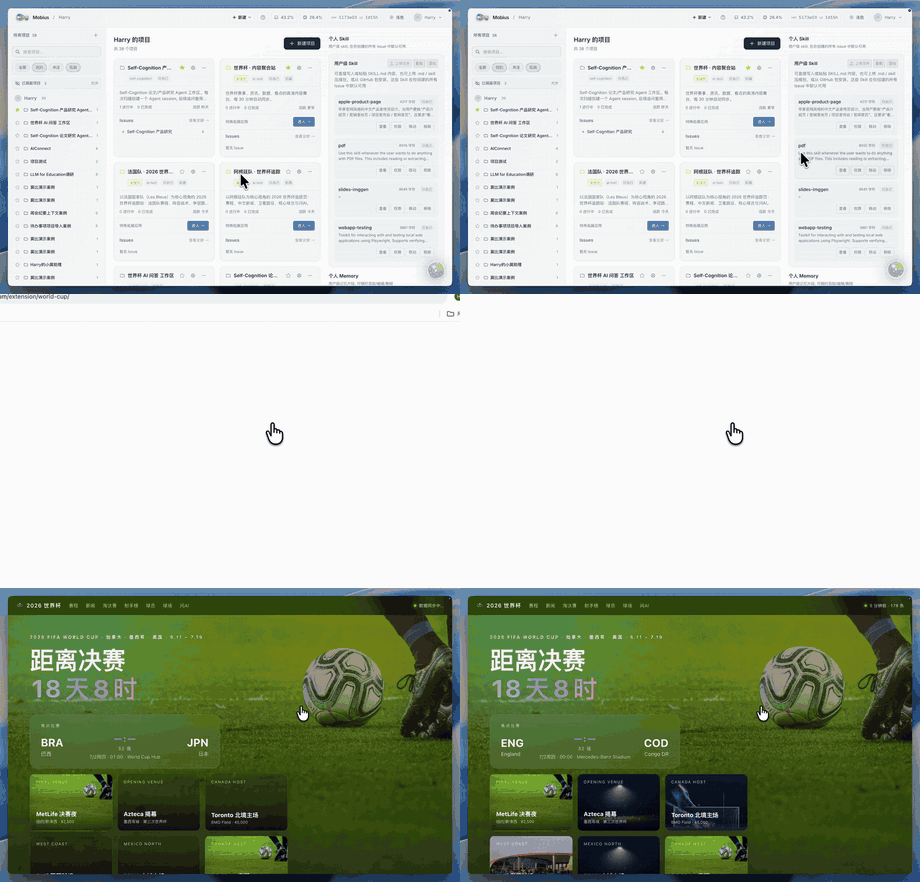
Mobius ships with built-in extensions and grows new ones from your needs — financial dashboards, PPT generators, research workbenches, live portals. Each extension comes with a frontend, backend handler, data directory, and an invocation entry point, ready to keep evolving.
|
Immersive Web Experiences Turn visual ideas into runnable extension apps. 
|
Financial News Wall Track live market narratives. 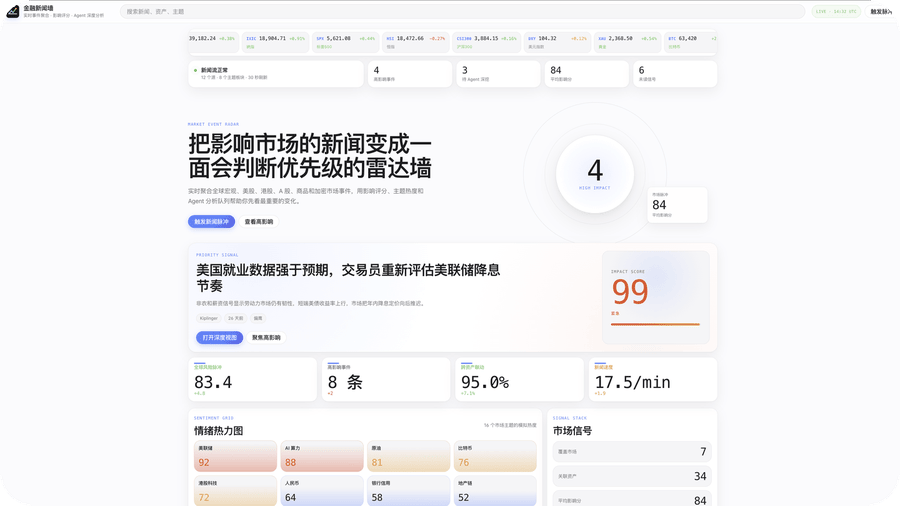
|
|
World Cup Portal Data-rich sports portal. 
|
PPT Maker Presentations from topics and materials. 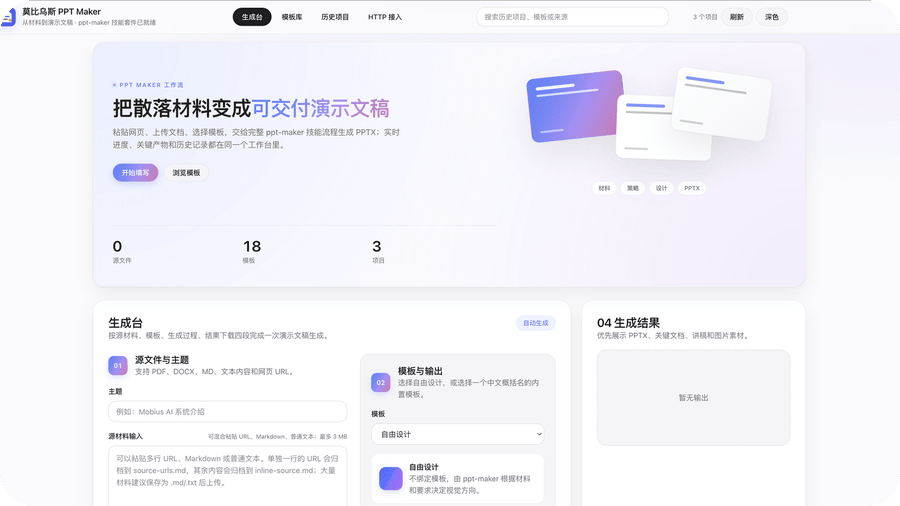
|
Full deployment guide at Docs.
# 1. Clone the repo (tip: fork first, then clone — after self-evolution you can commit directly to your own repo)
git clone https://github.com/mobius-system/mobius.git && cd mobius

# 2. Generate config (random keys/passwords; you may configure manually to skip this)
python3 conf_prepare.py --docker && python3 conf_check.py --docker

# 3. Build the images (the base image is environment only, no code)
docker build -t mobius-system-base:latest -f deploy/Dockerfile .
docker build -t mobius-system-exe:latest .

# 4. Launch
docker compose up# 1. Install prerequisites (tmux, git, etc.)
sudo apt install tmux python3 git curl proxychains openssh-server build-essential
# 2. Install coding agents (either works; installing both is recommended)
npm install -g @anthropic-ai/claude-code @openai/codex
# 3. Clone the repo (tip: fork first, then clone — after self-evolution you can commit directly to your own repo)
git clone https://github.com/mobius-system/mobius.git && cd mobius
# 4. Generate and check config (copies .env.default to .env with random passwords)
python3 conf_prepare.py && python3 conf_check.py
# 5. Install dependencies (frontend + backend)
cd ./mobius && npm install && cd ./frontend && npm install && cd ../..
# 6. Run
python3 start.pyWhat we are building next:
- Mobile App — XiaoMo and full Agent control on iOS and Android
- Desktop App — a native connector that brings PC devices (Windows, macOS, Linux) into Mobius
- Extension Market — discover, share, and install community-built extensions
- i18n & Multi-language — localize the interface and documentation into more languages
Issues, plugins, docs, bug reports, use cases — all welcome. If you believe AI systems should keep evolving instead of remaining static tools, join us.