Secrets that AI coding agents can use, but never see.
A clean replacement for .env files in CI and on dev workstations.

No migration required. The demo shows
lusterpass execbecause it's visually clearest, buteval "$(lusterpass env)"is equally supported, equally agent-safe in a captured-pipe context, and the right choice for direnv. Both paths are first-class — pick whichever fits your workflow. See Security model for the full comparison.
Lusterpass is a CLI that loads secrets from Bitwarden Secrets Manager into a child process's environment. The values never enter an AI agent's transcript, your shell history, or a checked-in file — they flow straight from your encrypted local cache into the subprocess that needs them.
Built for two audiences that share the same problem:
- Human developers and CI pipelines — anyone running deploy scripts, integration tests, or local dev servers who's tired of
.envsprawl, accidentally-committed.envrcs, secrets in CI logs, and per-project SaaS-secret-store subscriptions. - AI coding agents — Cline, Cursor, Aider, OpenClaw, Hermes, and any LLM-driven workflow that needs to run real commands without leaking secret values into prompt cache, transcripts, or vendor telemetry.
# Your AI agent (or you, or your CI job) runs this:
lusterpass exec -- ./run-migrations.sh

# What the agent sees in its transcript: nothing.
# What the migration script sees in its env: DATABASE_URL, API_KEY, ...
# What your shell sees afterwards: also nothing — secrets exist only in
# the migration script's process, then disappear.
The agent never reads a .env file. The values never enter the LLM's context window, prompt cache, or telemetry pipeline. The only surface area the agent touches is the names of secrets — defined in a committed .lusterpass.yaml — and the eval line that hands them to the next process.
The same mechanic solves two related leaks.
For human developers and CI pipelines. .env files are a known mess: they get committed by accident, copied between projects, dumped into CI logs by a stray printenv, inherited by every grandchild process, and they spread across machines without any audit trail. Lusterpass replaces .env with a vault-backed loader: secrets live encrypted in Bitwarden, get pulled once into an encrypted local cache, and reach the subprocess that needs them via eval — never via a checked-in file or a CI variable export step that lands in plaintext logs.
For AI coding agents. Agents are now writing code that needs database passwords, API tokens, and OAuth secrets to actually work. The default agent workflow is broken in two directions:
- Agent reads
.envdirectly → secret values flow into the LLM's prompt, cache, and any vendor-side logging. - Agent has no secrets → the agent can't run migrations, deploys, or integration tests, so a human babysits every command.
Lusterpass closes the gap: secrets reach the subprocess environment via shell eval, where they belong, while the agent's stdout/stderr stays clean.
This is not a new technique — direnv export, op run, doppler run, chamber exec all do the underlying mechanic. What lusterpass adds:
- Bitwarden Secrets Manager backend — open-source vault with a usable free tier ($0/mo: unlimited secrets, 2 users, 3 projects, 3 machine accounts). Self-hosting is available on the Enterprise plan.
- Per-project, per-environment profiles —
dev,staging,proddefined in a committed YAML, with secret names (never values) tracked in git. - First-class agent-safe usage rules shipped as an agent skill that any coding-agent runtime can adopt.
- Encrypted local cache — secrets fetched once, then served from
~/.lusterpass/cache/so agents work offline and avoid rate limits.
curl -sSfL https://raw.githubusercontent.com/lustertools/lusterpass/main/install.sh | bashAlternatives: VERSION=v0.1.0 ... for a specific version, INSTALL_DIR=~/.local/bin ... for a custom path.
You need a Bitwarden Secrets Manager account and a machine access token. Free tier works. Step-by-step in docs/bitwarden-setup.md.
lusterpass login
# Prompts for: Bitwarden access token, Organization IDDrop a .lusterpass.yaml in your project root (or copy .lusterpass.yaml.example):
project: myapp

common:
  vars:
    APP_NAME: myapp
    LOG_FORMAT: json
  secrets:
    DATABASE_URL: db-url--myapp
    OPENAI_API_KEY: openai-key--myapp
The right-hand side of secrets: is a reference name in Bitwarden — never a value.
lusterpass pull                              # fetch + encrypt locally

# Recommended: run a single command with secrets in its env.
# Secrets never enter your shell, your history, or stdout.
lusterpass exec -- ./run-migrations.sh
lusterpass exec -- npm test

# Alternative: load secrets into your current shell (persists until exit).
eval "$(lusterpass env)"
exec is the safer default — see Security model for why.
echo 'eval "$(lusterpass env)"' > .envrc
direnv allow
Now cd-ing into the project loads secrets automatically — into your shell, not your agent's transcript. (direnv requires eval-style integration; exec doesn't work for this case.)
If you need to differentiate dev / staging / prod, add a profiles: section to .lusterpass.yaml:
profiles:
  dev:
    vars:
      LOG_LEVEL: debug
    secrets:
      DATABASE_URL: db-url--myapp--dev   # overrides the common DATABASE_URL
  prod:
    vars:
      LOG_LEVEL: warn
    secrets:
      DATABASE_URL: db-url--myapp--prod
Then use --profile:
lusterpass pull --profile dev
eval "$(lusterpass env --profile dev)"
Profile values override common values for the same key. Without --profile, only the common section loads.
| Surface | What lives here | Visible to the agent? |
|---|---|---|
.lusterpass.yaml |
Secret names + non-secret config vars | Yes — committed to git |
| Bitwarden vault | Secret values | No — agent never authenticates |
~/.lusterpass/cache/ |
Encrypted blob of resolved values | No — encrypted with a local key |
lusterpass env stdout |
export VAR=value lines |
Yes if printed; no if eval'd |
| Subprocess env | Resolved values | No — child process, not parent shell output |
The only sharp edge: if an agent runs lusterpass env without eval, the values land in stdout. The shipped agent skill enforces "always eval, never raw print." Other runtimes need an equivalent rule.

lusterpass login              # store token + org ID for an account
lusterpass account list       # multi-account: see all configured accounts
lusterpass account use <n>    # switch active account
lusterpass list               # show secret names (never values) in vault
lusterpass enrol              # add a new secret to Bitwarden
lusterpass pull               # fetch + cache common-section secrets
lusterpass pull --profile X   # … or include an environment profile overlay
lusterpass exec -- <cmd>      # run <cmd> with secrets in its env (recommended)
lusterpass exec --profile X -- <cmd>
lusterpass env                # emit export lines for `eval` (direnv integration)
lusterpass env --profile X
lusterpass migrate .envrc     # bootstrap config from existing .envrc
lusterpass test               # end-to-end test against your vault
Full per-command help: lusterpass <command> --help.
Lusterpass ships dynamic shell completion via cobra. Tab-completion always reflects the installed binary's current command tree — no need to regenerate when you upgrade.
# zsh
lusterpass completion zsh > "${fpath[1]}/_lusterpass"

# bash (Linux)
lusterpass completion bash > /etc/bash_completion.d/lusterpass

# bash (macOS, with bash-completion@2)
lusterpass completion bash > "$(brew --prefix)/etc/bash_completion.d/lusterpass"

# fish
lusterpass completion fish > ~/.config/fish/completions/lusterpass.fish

# PowerShell
lusterpass completion powershell | Out-String | Invoke-Expression
Open a new shell after running the appropriate command, then lusterpass <Tab> will list subcommands and lusterpass exec --<Tab> will list flags with descriptions.
Both exec and eval are first-class supported paths and not going anywhere. If you've been using eval "$(lusterpass env)" and it works, keep using it — there's no deprecation, no forced migration. exec is recommended as the default for one-shot commands because secrets never enter your parent shell, but eval is the right choice for direnv integration and extended interactive sessions. Pick whichever fits your workflow.
Three execution paths with very different safety properties:
| Path | Secrets enter parent shell? | Printed to terminal? | Persist after run? | Recommended? |
|---|---|---|---|---|
lusterpass exec -- <cmd> |
No | Never | No (process replaced) | Yes for most cases |
eval "$(lusterpass env)" |
Yes | Never (captured pipe) | Until shell exits | For direnv only |
lusterpass env (raw) |
n/a | Would print to TTY | n/a | Blocked by TTY guard |
Read docs/security-model.md for the full threat model: what lusterpass defends against, what it doesn't (notably: local shell compromise), how execve makes exec zero-overhead on Unix, what lives where on disk, known footguns, and comparison to direnv/sops/op/doppler/chamber/aws-vault.
- Not a Bitwarden replacement. It uses Bitwarden Secrets Manager as the backend; you still need an account.
- Not a DRM solution. A determined adversary with shell access can still capture env vars from a live process. Lusterpass narrows the leak surface to the agent's transcript, which is the actual threat model in 2026.
The repo ships an agent skill that teaches a coding agent to:
- Use
eval "$(lusterpass env)"instead of reading.env - Never print, echo, or log resolved secret values
- Reference secrets as
$VAR_NAMEin generated scripts
To install: copy skills/lusterpass/ into the skills/rules directory your coding agent reads from. The core invariant is one line — always eval, never raw output — and translates straightforwardly to any agent's rules format. PRs adding adapted skill files for specific runtimes (Cline, Cursor, Aider, OpenClaw, Hermes, …) are welcome.
- Redacted-by-default subcommand output (mask any secret value that appears in stdout/stderr of wrapped commands)
- Local audit log of
pull/envinvocations with caller process attribution - Process-attestation: only resolve secrets if the parent process matches an allowlist
- Skills for Cline, Cursor, Aider, OpenClaw, Hermes
- Backend adapters beyond Bitwarden (1Password, Vault, AWS Secrets Manager)
If any of these matter to you, open an issue or sponsor the project.
Bug reports, agent-runtime skills, and backend adapters are the highest-value contributions. See docs/release-and-install.md for build details.
Lusterpass reduces the surface area where secrets are exposed to AI agents and shell transcripts. It does not make secrets unreadable to a determined attacker who already has shell access, debugger access, or a malicious subprocess running under your user.
Specifically, lusterpass does not protect against:
- Reading
/proc/<pid>/environon Linux for any process you own - A subprocess that intentionally logs, echoes, or transmits the env values it receives
- Core dumps, debuggers (lldb/gdb), or memory inspection of running processes
- An attacker who has already compromised your user account on the machine
- Misuse: running
lusterpass envwithouteval, copying values into source code, or pasting them into a chat - Vulnerabilities in Bitwarden Secrets Manager itself, which is the upstream source of truth
The encrypted local cache protects secrets at rest from casual disk inspection, not from an attacker with your filesystem credentials.
Use at your own risk. This software is provided "AS IS" under the MIT License, with no warranty of any kind. The maintainers and contributors are not liable for any damages, data loss, security breaches, downtime, or financial harm arising from use, misuse, or inability to use this software. Review the source code, threat-model your environment, and validate against your organization's security policy before adopting in production-adjacent contexts.
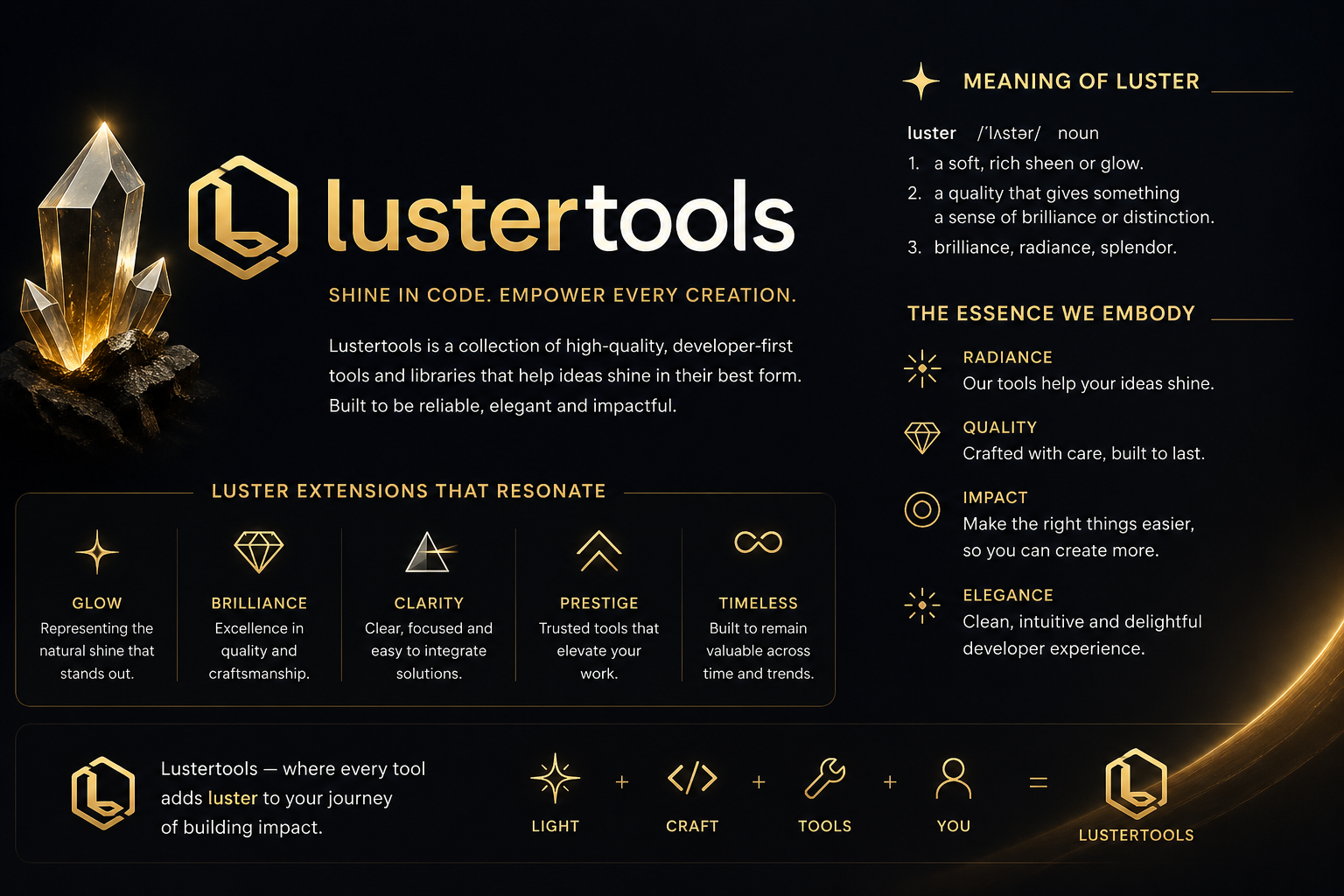
Lusterpass is part of lustertools, a collection of high-quality, developer-first tools and libraries that help ideas shine in their best form. The lustertools family is built on four principles: radiance (your ideas shine), quality (crafted with care, built to last), impact (make the right things easier so you can create more), and elegance (clean, intuitive, delightful developer experience).
MIT — see LICENSE.