---.
- Open webcam - Use Real Browser (Pass Cloudflare & bot verifications) -Take Screenshot - scroll - click_button - login - check-email
- Unlimited Scenarios - Unlimited Skills (It writes, debug, executes skills by itself -Self-healing)
Connect and manage multiple messaging channels — WhatsApp, Telegram, Slack, Built-in Chat, Blender Chat .. and more.
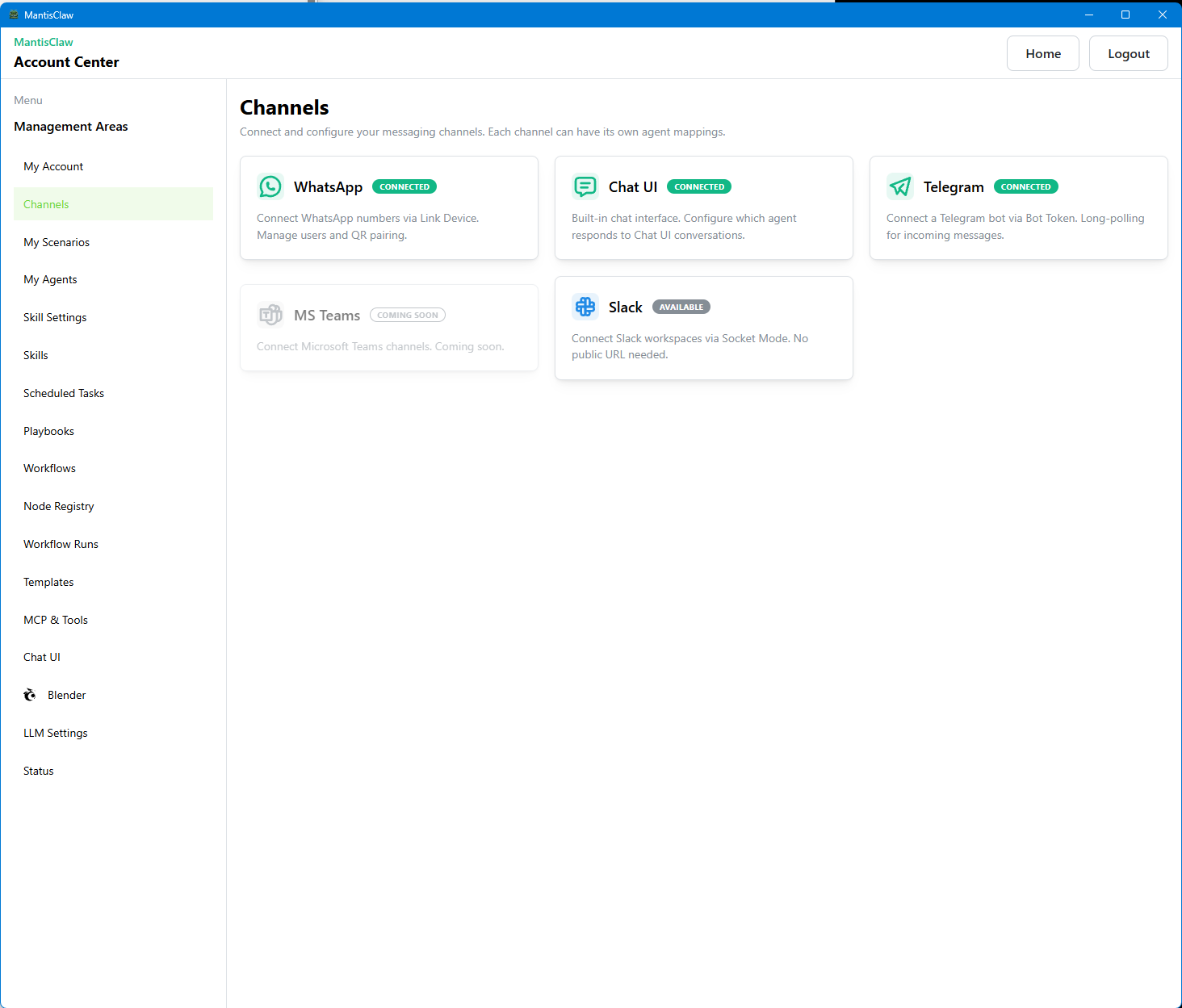


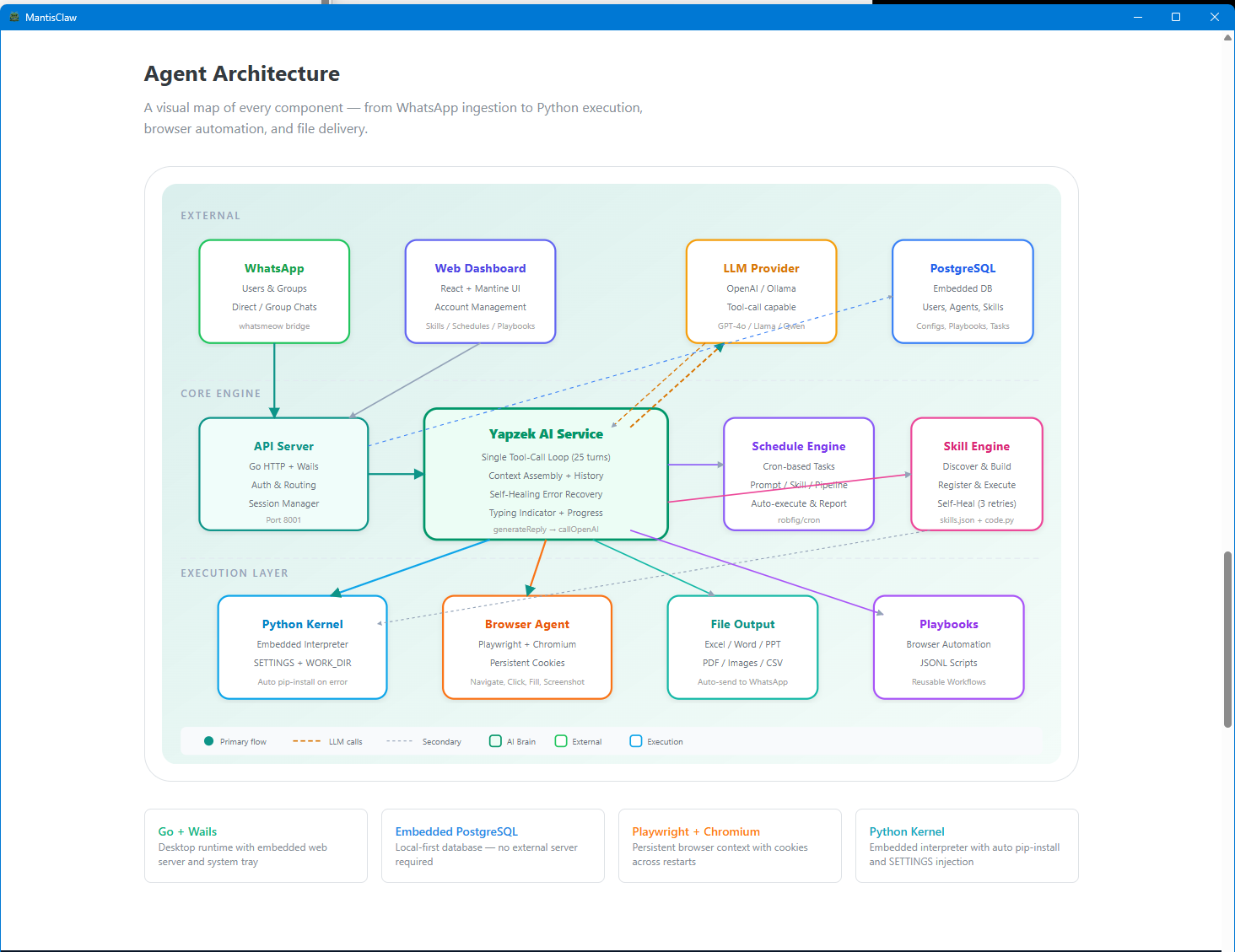
Multi-Platform Autonomous Agent — Control from WhatsApp, Telegram, Slack, and more
The best GUI Computer Use Agent. No complex setup — just download and run. All features are already built-in.
🌐 Website · ⬇️ Download · 🎬 Demo Videos · 📸 Screenshots
MantisClaw integrates autonomous agents across multiple channels so your team can command, automate, and supervise real operations from chat. Use direct or group conversations to run tasks, trigger workflows, and keep execution secure with local-first data control.
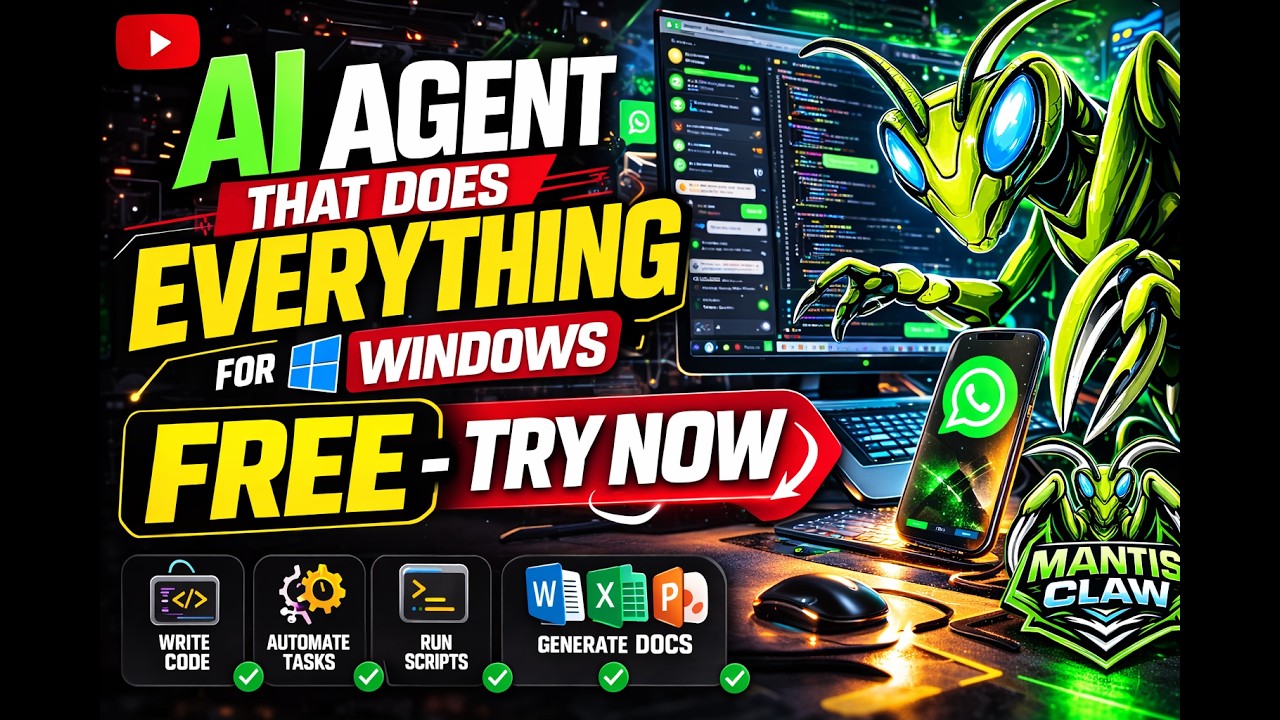
▶ Demo Video 1 |
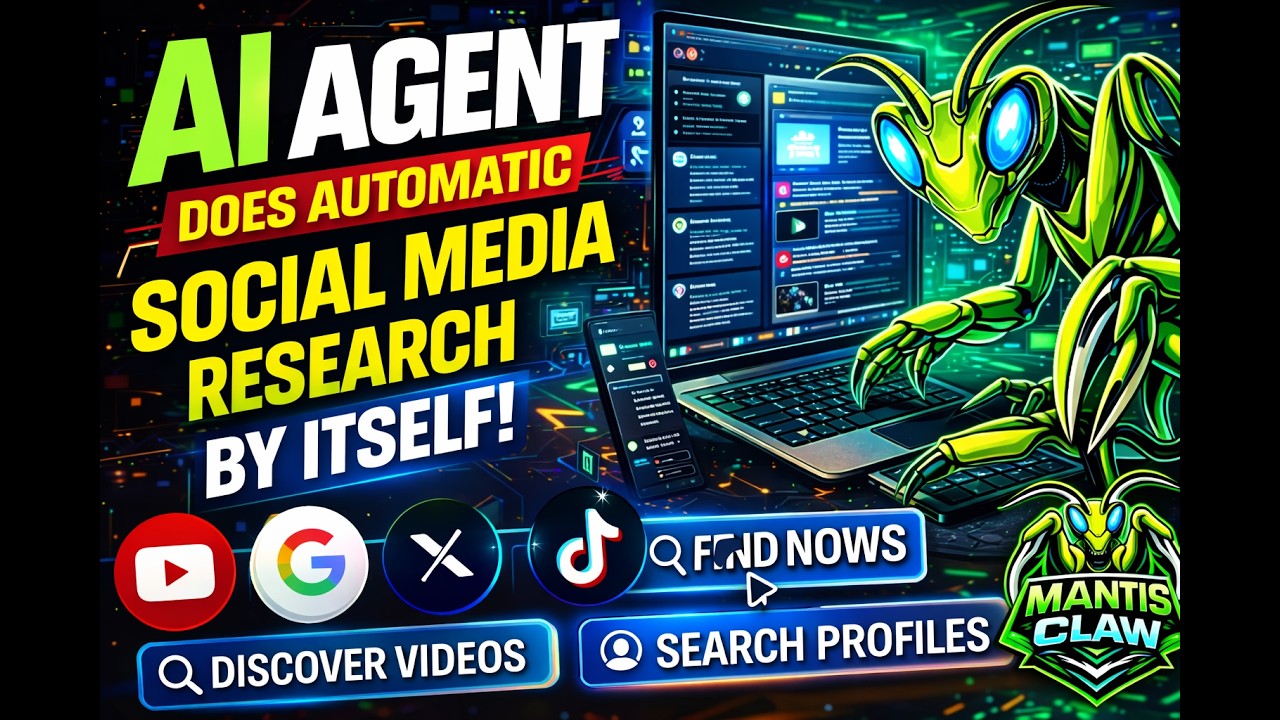
▶ Demo Video 2 |
▶ Demo Video 3 |
▶ Demo Video 4 |
- WhatsApp, Telegram, Slack, Built-in ChatUI channels
- MantisClaw Blender MCP Control UI
- MCP support for extensible tool discovery
- OpenAI-compatible Tools & Advanced HTTP Call Support
- Workflow — POC (under development)
- 50+ Node Registry POC (under development)
- Templates POC (under development)
- Bug Fixes & Stability Improvements
| Feature | Details |
|---|---|
| Local Database | Your accounts & keys never leave your computer |
| Runtime Key Injection | Keys injected at runtime, never sent to LLM |
| Built-in Office Engine | Word, Excel, PowerPoint, PDF — no external apps needed |
- Control agents from WhatsApp, Telegram, Slack, and more
- Run autonomous tasks on real desktop environments
- Orchestrate multiple agents across teams, chats, and workflows
- Use connectors, tools, and browser-integrated automation
- Support local-first security for data and keys
- Connect your channels and accounts
- Create or assign agents to tasks or teams
- Trigger commands from chat or automation rules
- Supervise results, logs, and approvals in real time
- Scale with skills, workflows, and templates
[WhatsApp / Telegram / Slack / Chat]\
        |
        v
[Channel Layer]
        |
        v
[Agent Orchestrator]
        |
        v→ [Skills / Tools / MCP]
        v
[Local Execution Environment]
        |
        v→ [Browser / Files / APIs / Office Engine]
- User sends a command via WhatsApp/Telegram/Slack
- MantisClaw routes the request to the right agent
- Agent executes tools, browser steps, or workflows
- Results are returned to the same chat channel
- Optional approval, logging, and supervision are applied
- Desktop-first autonomous agent experience
- Chat-native control across multiple platforms
- Built-in security model for sensitive automation
- No complex installation or external tooling required
- Designed for real operations, not just demos


