Skip to content

Folders and files

NameName
Last commit message
Last commit date

Latest commit


History

12 Commits


Repository files navigation

Ubuntu-install for Windows

Explain how to install Ubuntu (22.04 LTS) by ventoy

Installation for Mac

한국어 Notion link

1. Prepare the base

Get the USB at least about 8GB and Download ISO file, what you want to install.

Usually, we install ubuntu 22.04 LTS, desktop.

Download link

Download Ventoy in this Github or offical homepage
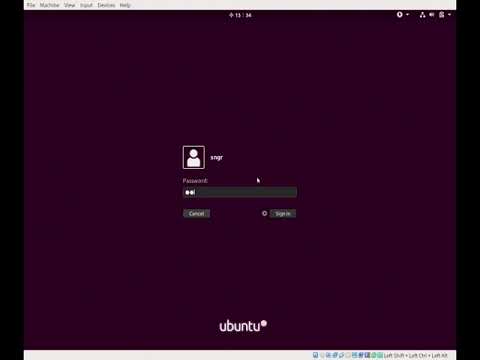
2. Install Ventoy in USB and Follow video

Watch the video

Watch the video

3. Install ROS2 Humble

Follow the Github : Download and install ROS2 in ONESHOT

About

Explain how to install Ubuntu (22.04 LTS) by ventoy

Resources

Stars

Watchers

Forks

Releases

Packages

Contributors