A template repo for making archival websites
To simply edit and view this website, there are technically no dependencies. However, in most practical cases you'll at least need git so that you can clone this repo and push it somewhere to be deployed.
- Git: https://git-scm.com
This is the version control system we'll use to edit the website. You'll need it
locally - it comes preinstalled on Mac OS and most linux distros. You can see if
you already have it by opening a terminal and running git --version.
If you plan on using typescript and/or tailwind css, you'll also need node.js to build your site. You can find installers here:
You'll need basic familiarity with html to edit and create pages. Archival uses the liquid templating language (https://liquidmarkup.org/) to generate dynamic content.
For more information on how archival works, see the full documentation:
- Click the "Use this template" button at the top of this repo in github:

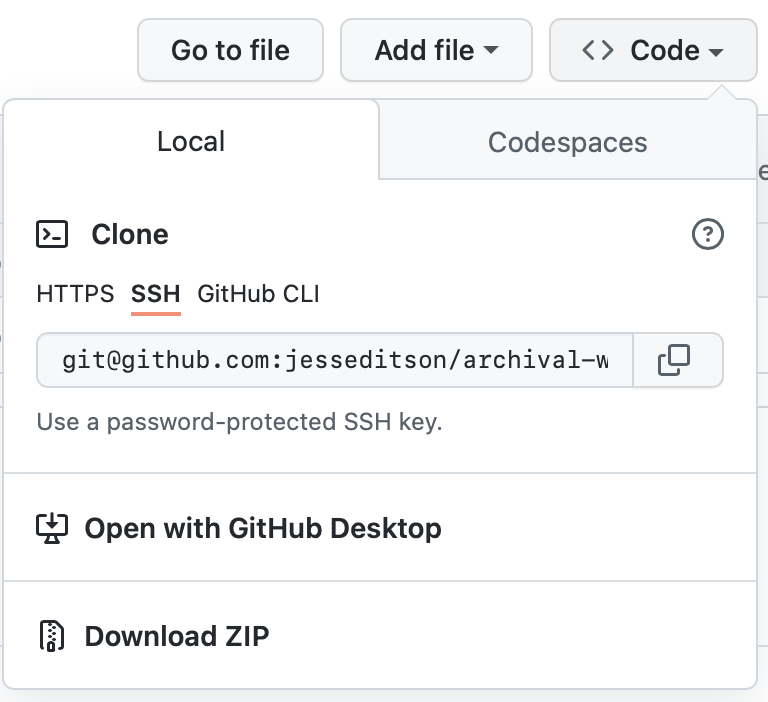
- Clone the resulting repo using
git clone <your-repo-url>
-
inside the repo, run
npm ito install js dependencies (if you're using compiled js or css). -
if you're using compiled js/css, run
npm run build. Otherwise, runbin/archival run- either command will print a server location where you can view your website, which will automatically rebuild whenever you change a file.
-
In netlify, cloudflare or any other git-based host, create a new site that deploys from this repository.
-
If you're using typescript and/or tailwind, set the build command to
npm run build. Otherwise, set it tobin/archival build. -
Add
bin/archival buildto the build steps for the repo anddistas the folder to deploy.
Head to https://archival.dev for more documentation and help.