JavaScript Debugging
If you need to debug JavaScript files in iOS you can use Safari and iOS Simulator. (Usually when using a $webcontainer).
First activate Safari Developer Menu.
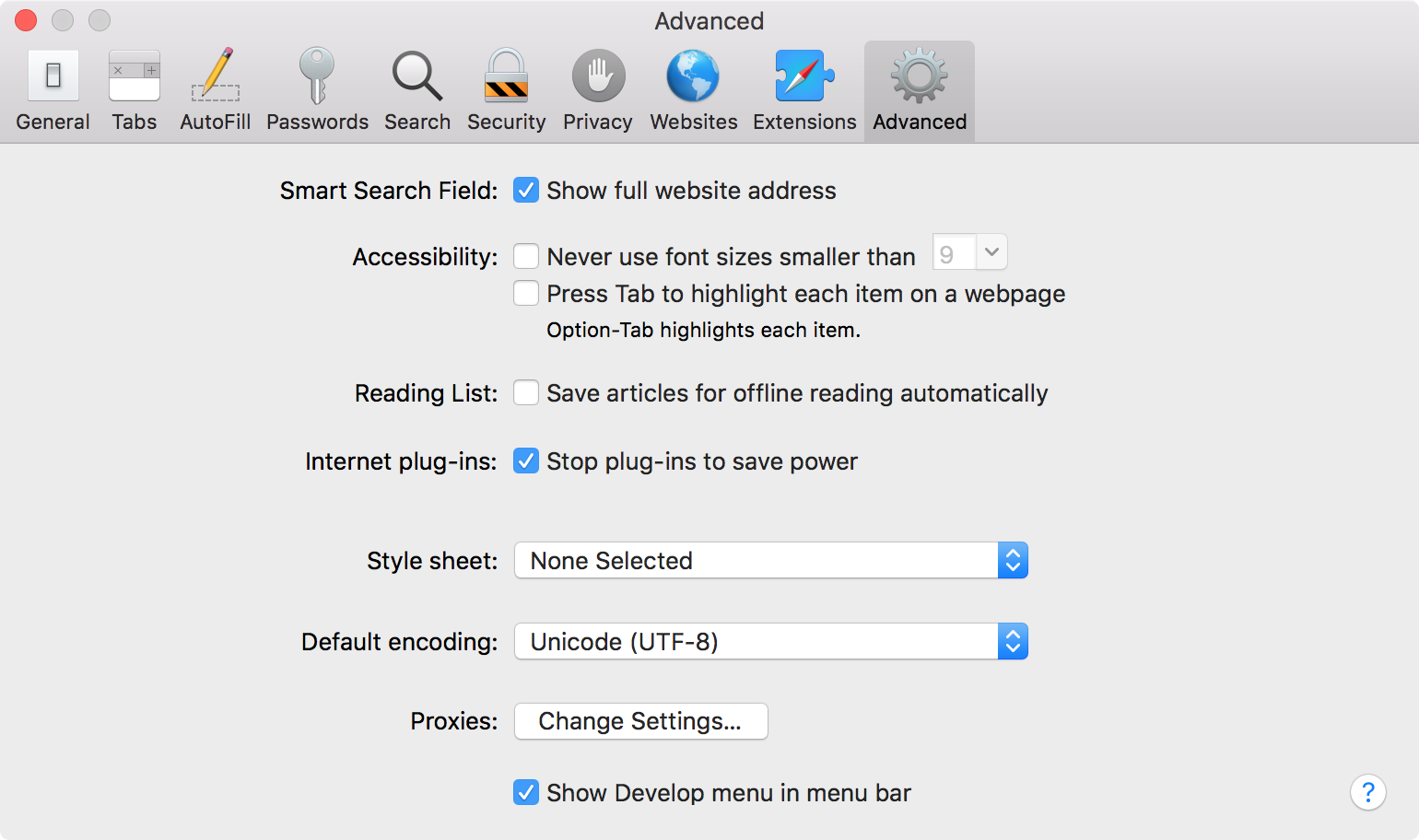
Then open Xcode and run your Jasonette project with a Simulator.
Finally select your Simulator inside Safari’s Debug Menu .
Choose the JSContext for your App. A JavaScript console should be available.
More details in the Phoenix Wiki.
-
If the simulator does not appear. Try closing Safari and restart the simulator. The simulator must be open before Safari.
-
You can also use a normal iPhone if you have a developer license.
Android folks can follow Remote Debugging