
A native progress bar for Codex Goals, powered by verified checklists and local progress tracking.
English · 简体中文
Updated: September 7, 2026
- Large sets of similar deliverables are easier to follow in separate progress groups.
- Existing checklists and confirmed progress are preserved when work continues or the scope changes.
- Cancelled work can be saved correctly and no longer counts toward completion.
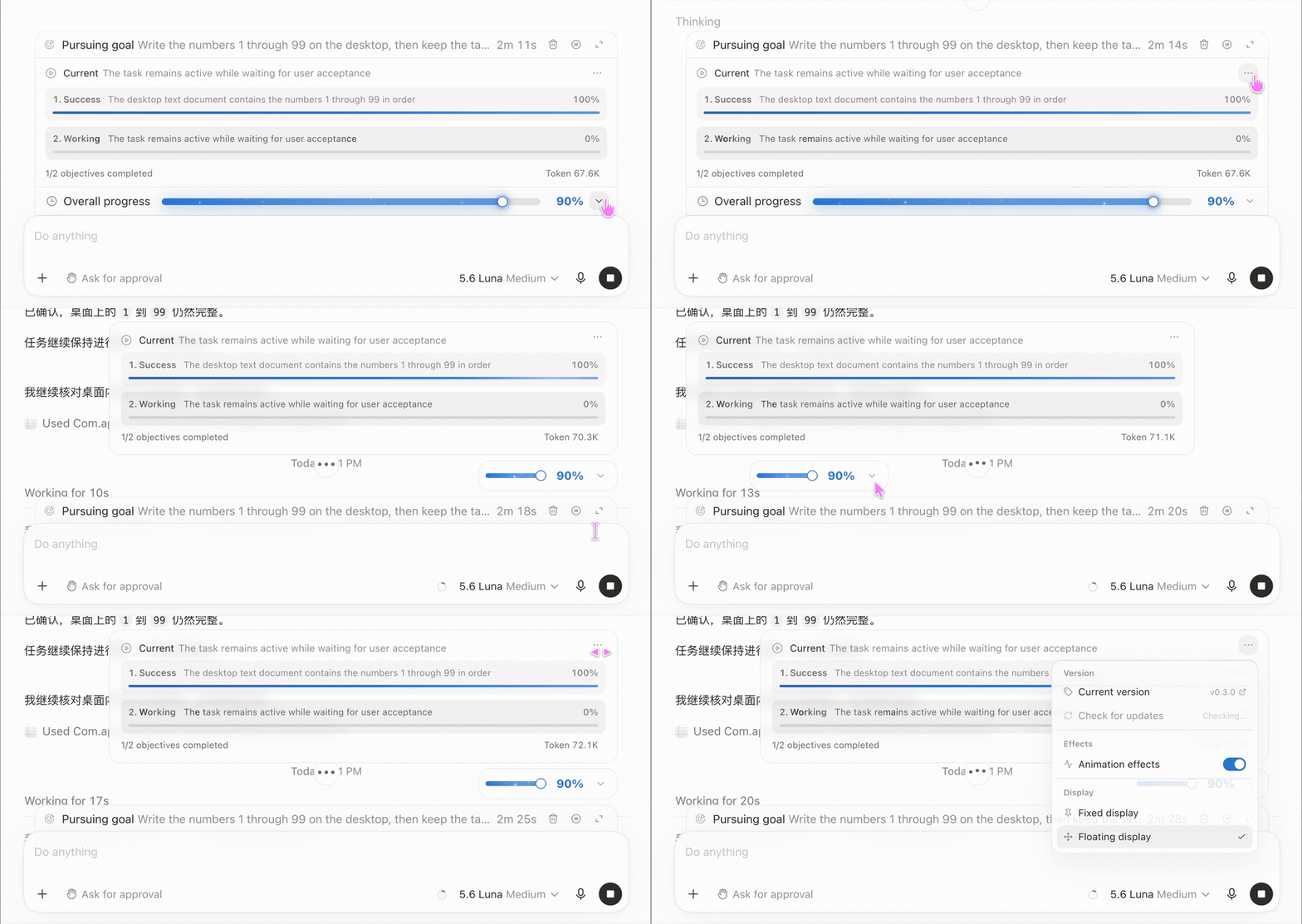
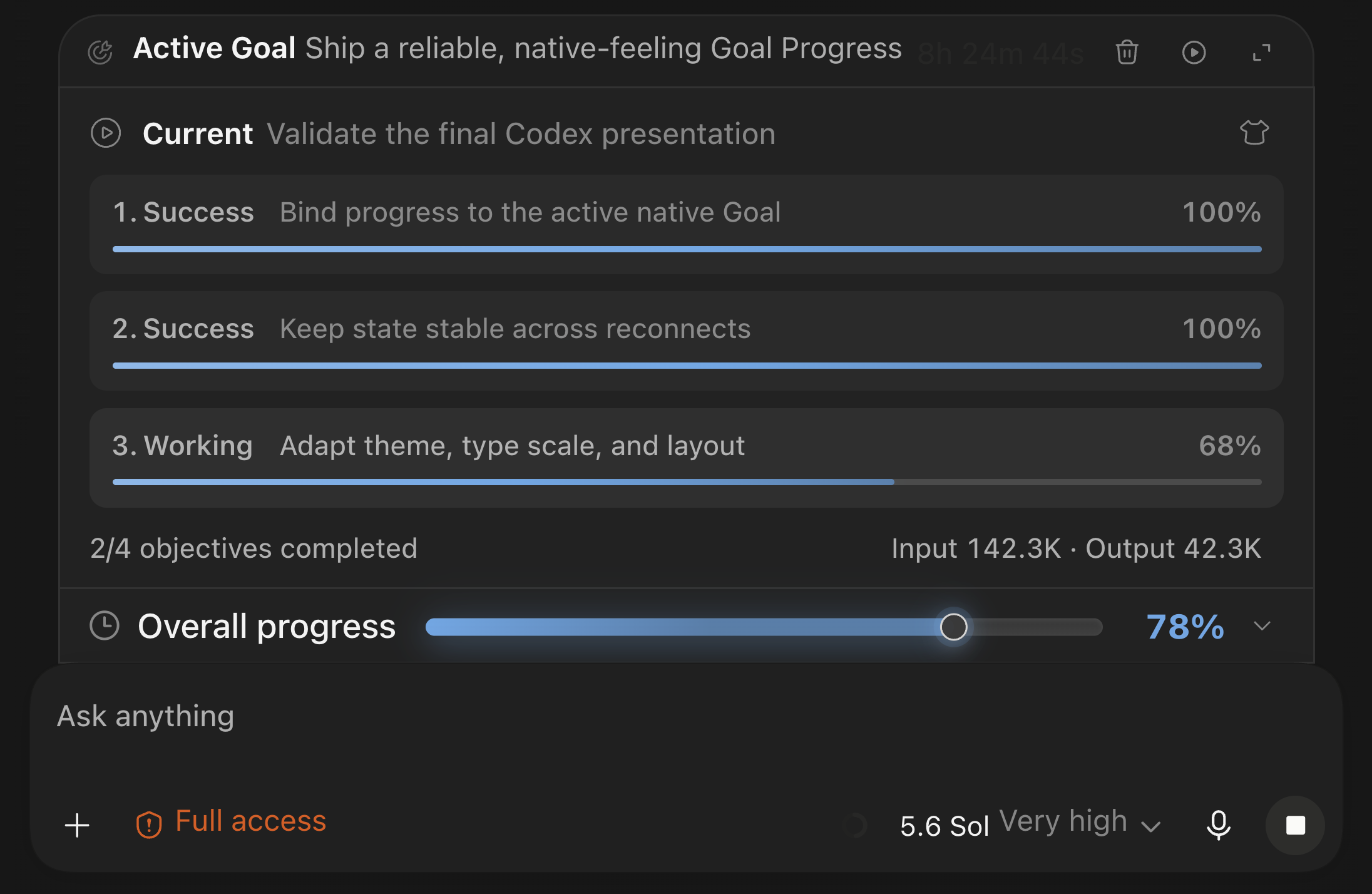
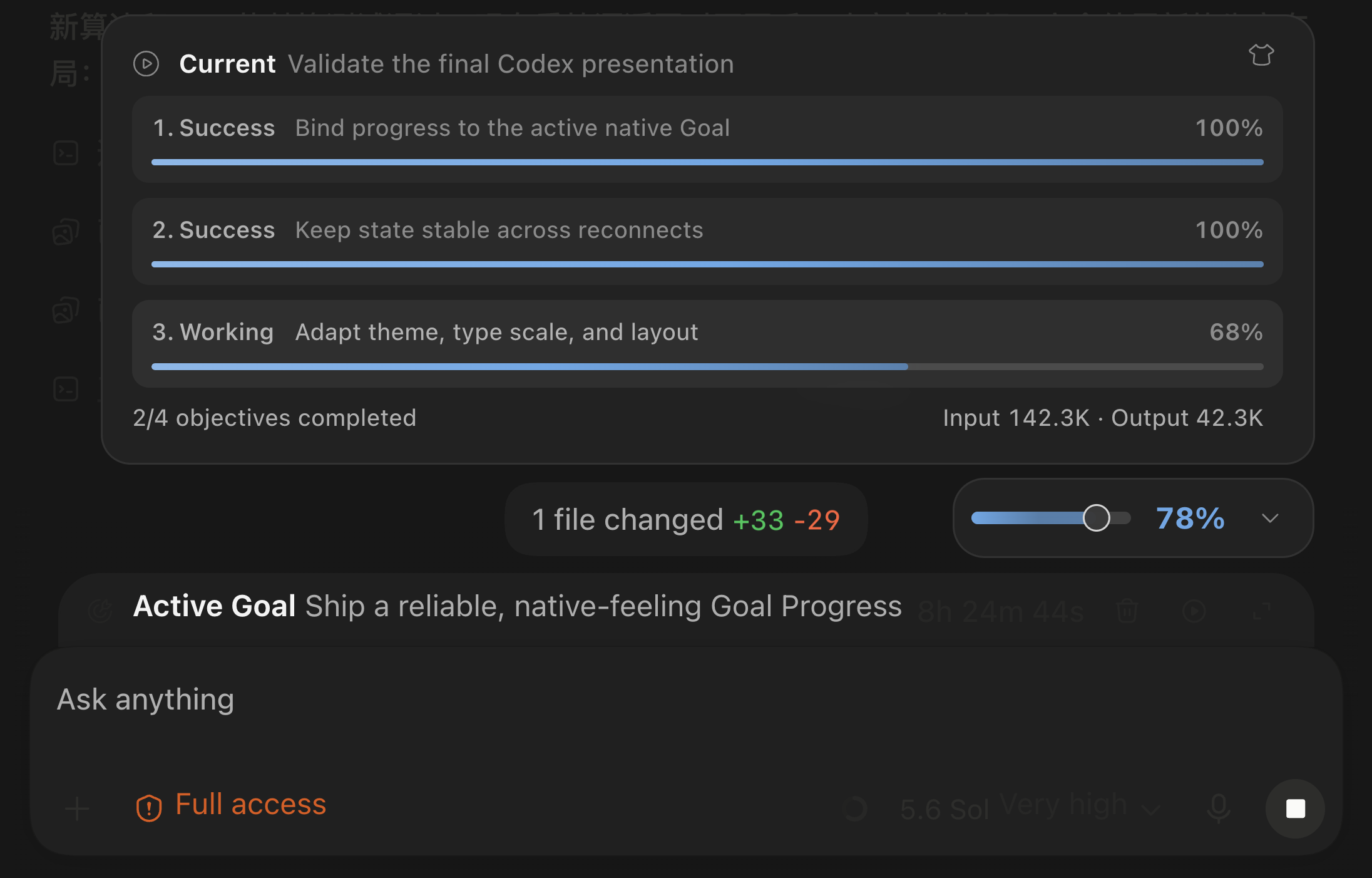
Displays a progress view beside the native Codex Goal, bringing together current objective progress, overall progress, and Token usage attributable to that Goal.
| Capability | Behavior |
|---|---|
| Rule-driven progress | Calculates objective and overall progress from a validated checklist; Token usage and elapsed time remain separate supporting data. |
| Verifiable calculation | The model handles only the necessary Goal understanding and checklist updates; the local Helper manages state and progress calculation. |
| Native theme adaptation | Follows Codex Light/Dark mode and the user's current accent color. |
| Type scale adaptation | Reads the current Codex UI font size and derives spacing continuously from it. |
| Layout adaptation | Measures the real native Goal and composer geometry to coordinate fixed and draggable floating layouts. |
| Language adaptation | Reads the live Codex document locale and direction, selects a matching built-in catalog, and falls back to English. |
The source plugin requires an Apple Silicon Mac, Codex Desktop, Node.js 22.12 or newer, and pnpm 11. Install Goal Progress from the marketplace. On first use it installs the locked dependencies and builds the Helper in Codex plugin data; later starts reuse that build.
Send this instruction to an AI:
Install and verify https://github.com/Ezra-Y/codex-goal-progress by following its INSTALL-FOR-AI.md.
curl -fsSL https://github.com/Ezra-Y/codex-goal-progress/releases/latest/download/install.sh -o /tmp/codex-goal-progress-install.sh
sh /tmp/codex-goal-progress-install.sh
The script downloads the macOS package and SHA256SUMS, verifies the ZIP, and runs the bundled
installer. If Codex must restart, the script asks first.
After installation, reopen Codex when requested, then open a new task so the new Plugin session loads.
- Apple Silicon Mac
- Codex Desktop
- Source Plugin: Node.js 22.12 or newer and pnpm 11
The prebuilt macOS Release includes its own runtime and does not require Node.js or pnpm.
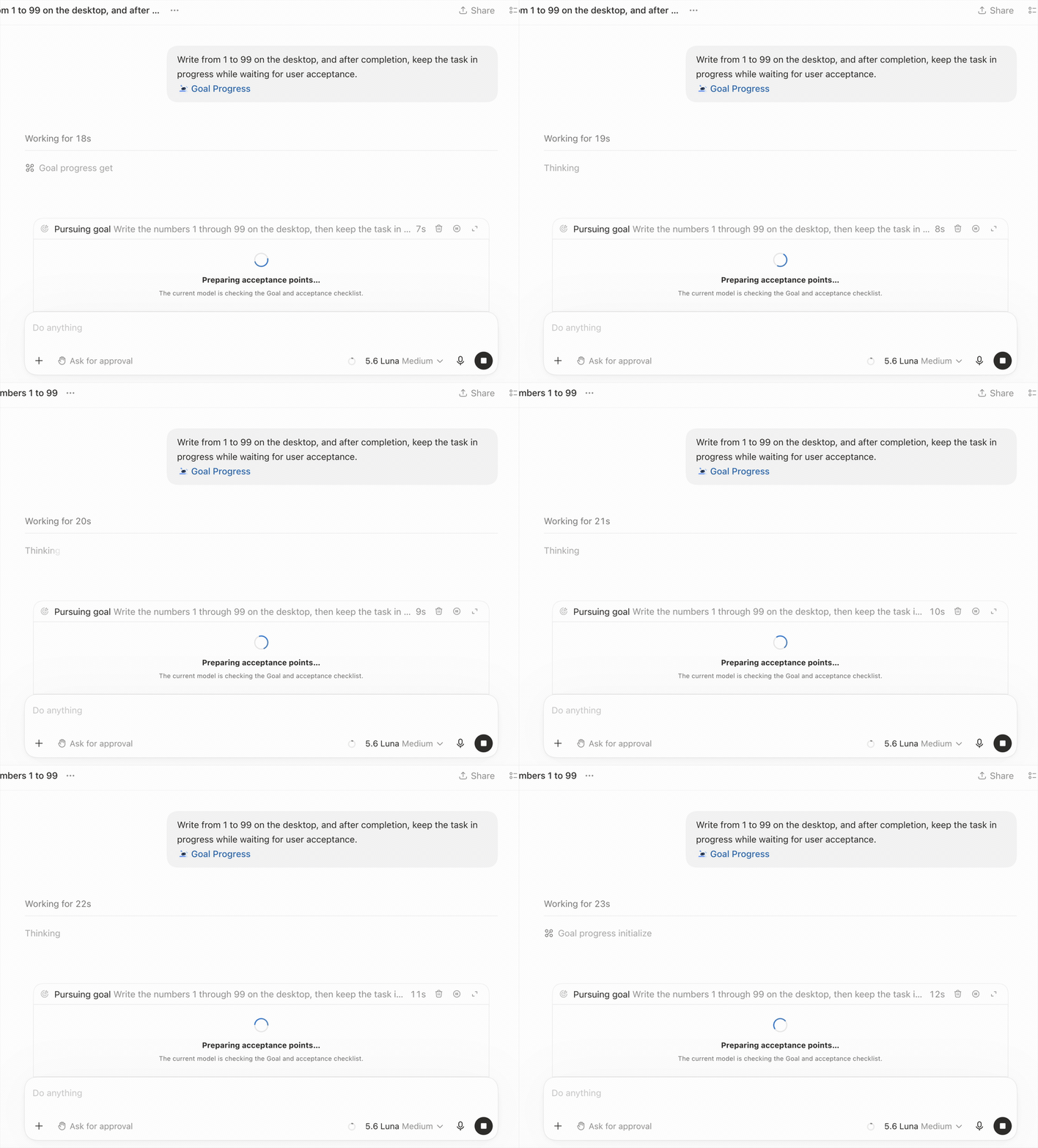
Open a native Codex Goal, then select the Goal Progress Skill.
The current Codex model prepares or reuses that Goal's checklist and creates a local progress record.
Enable Goal Progress separately for each new Goal. Ordinary Goals continue through the native Codex flow.
| Fixed view | Floating view |
|---|---|
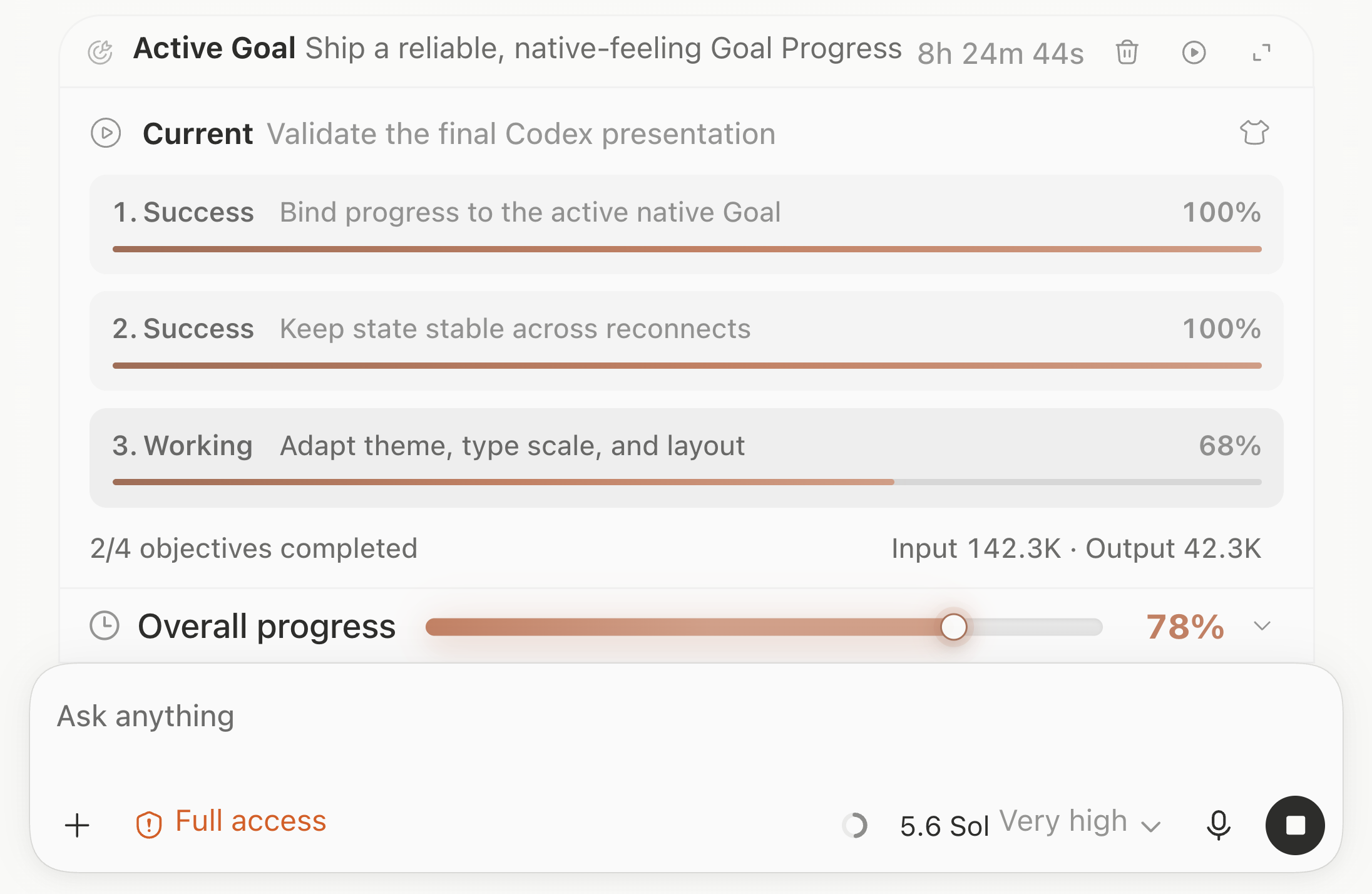 |
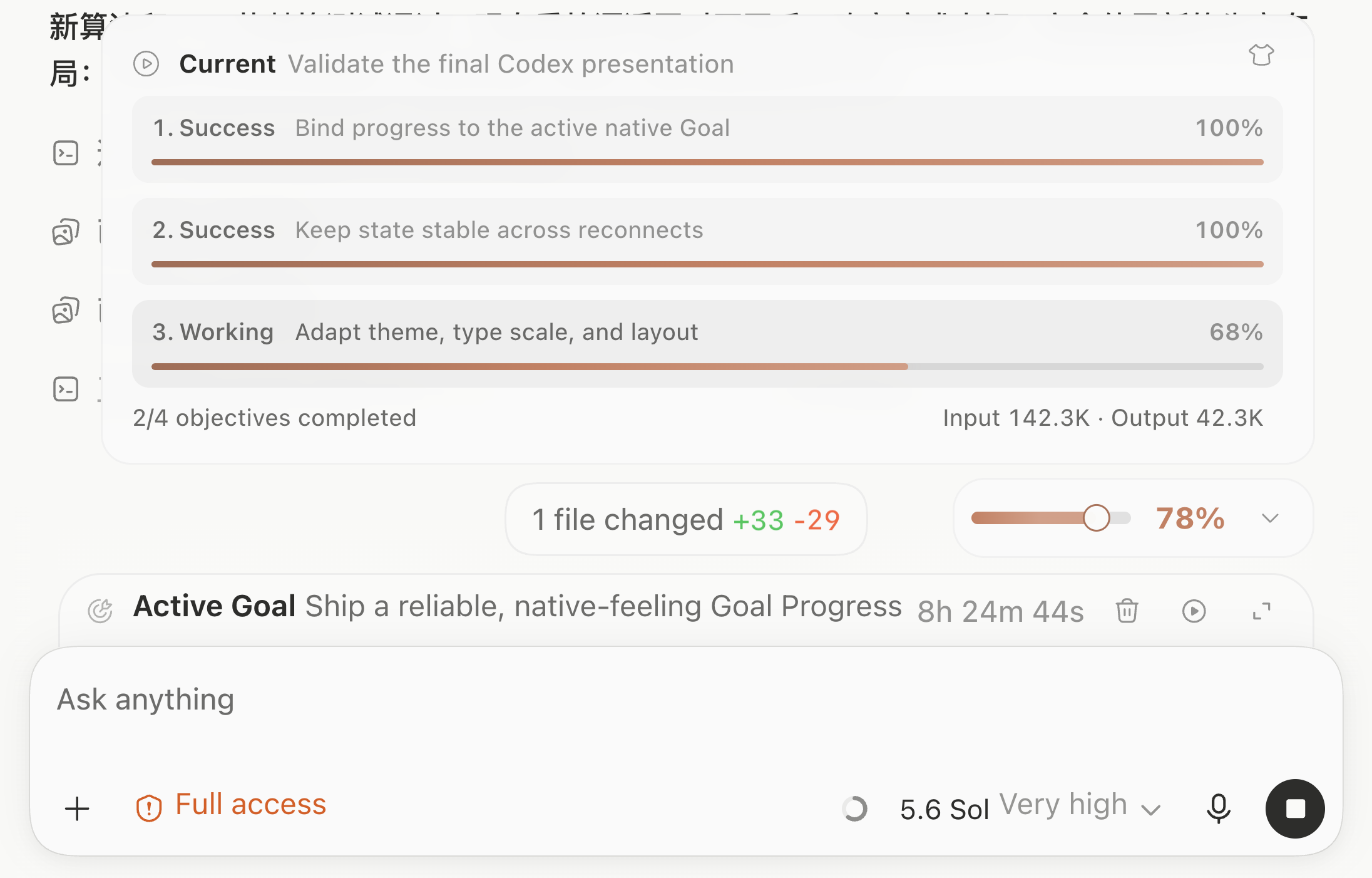 |
| Fixed view | Floating view |
|---|---|
 |
 |
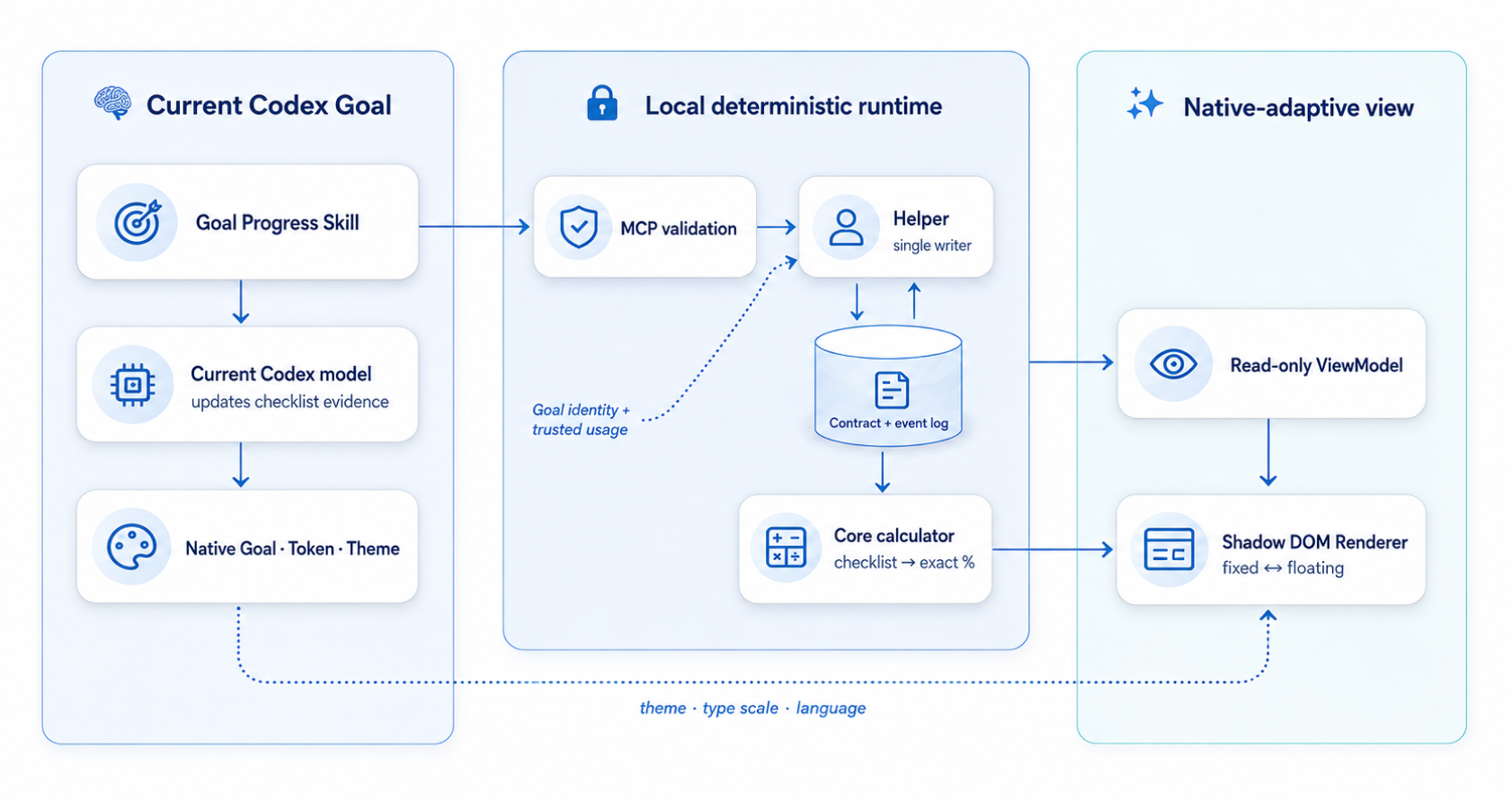
- The current model updates checklist evidence through local MCP tools.
- Helper validates revisions and is the only state writer.
- Core derives objective and overall progress from the checklist.
- Renderer receives a display-only ViewModel.
- The source Plugin builds the Helper in Codex Plugin data; the prebuilt Release uses a self-contained Node SEA Helper.
Read the architecture, permissions, and support reference for details.
Goal Progress uses:
- local files under Codex Plugin data or its application-support directory;
- a private local Unix socket;
- a loopback CDP connection to the verified Codex process;
- a background Helper registered through launchd;
- three Plugin Hooks.
See PERMISSIONS.md for the exact scope and removal steps.
For source installations, Check for updates queries the published GitHub release. View update notes opens its release notes; install the update through the Codex plugin marketplace. It does not silently switch to a prebuilt Helper.
To remove a source installation, ask Codex to uninstall Goal Progress. The goal_progress_uninstall tool removes this source plugin, its Helper and its progress data. It keeps native Goals, other plugins and the shared marketplace. The first response reports that removal has started; the final result is recorded in CODEX_HOME/logs/goal-progress-uninstall.log.