
Schema-driven documentation and editorial guides, built right into Sanity Studio.
Handbook adds a dedicated tool to Sanity Studio that serves two purposes: it automatically generates browsable documentation from your document type schemas, and it provides a rich text guide authoring system for editorial teams. Field descriptions, examples, tips, and warnings are pulled directly from your schema definitions, so your documentation stays in sync with your content model.
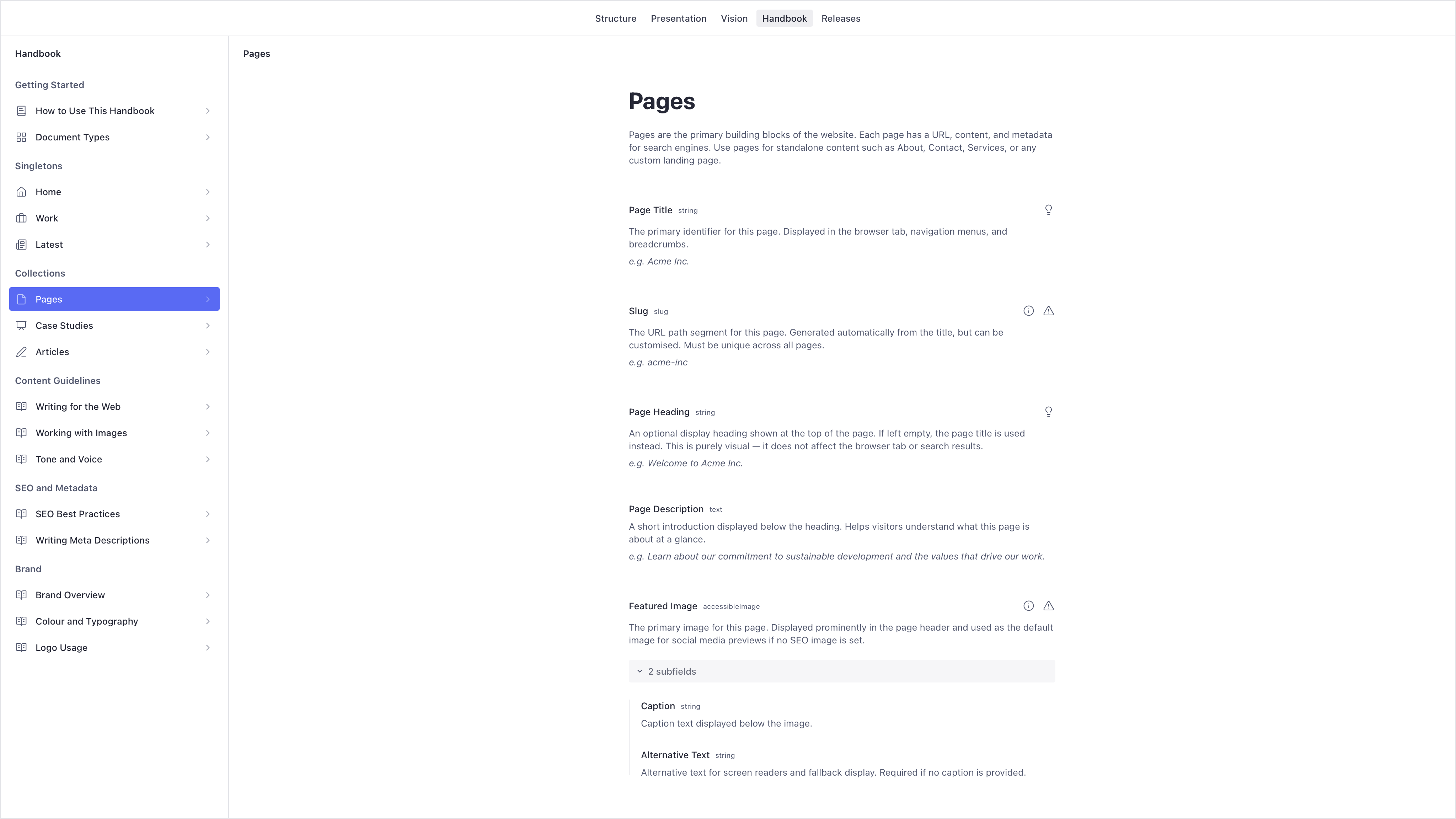
Field documentation generated automatically from your schema definitions.
bun add -E @driftime/sanity-plugin-handbookAdd the plugin to your Sanity configuration and pass in the document types you want to document. Each group appears as a labelled section in the sidebar.
import { defineConfig } from "sanity";
import { handbookPlugin } from "@driftime/sanity-plugin-handbook";
// ...

export default defineConfig({
  // ...
  plugins: [
    handbookPlugin({
      groups: [
        {
          title: "Singletons",
          description: "Document types that exist as a single instance.",
          documents: [home, work, latest],
        },
        {
          title: "Collections",
          description: "Document types with multiple entries.",
          documents: [page, caseStudy, article],
        },
      ],
    }),
  ],
});
This registers a Handbook tool in the Studio navigation. Opening it displays a sidebar with your document types, each showing its fields with their descriptions. See Configuration for all available options.
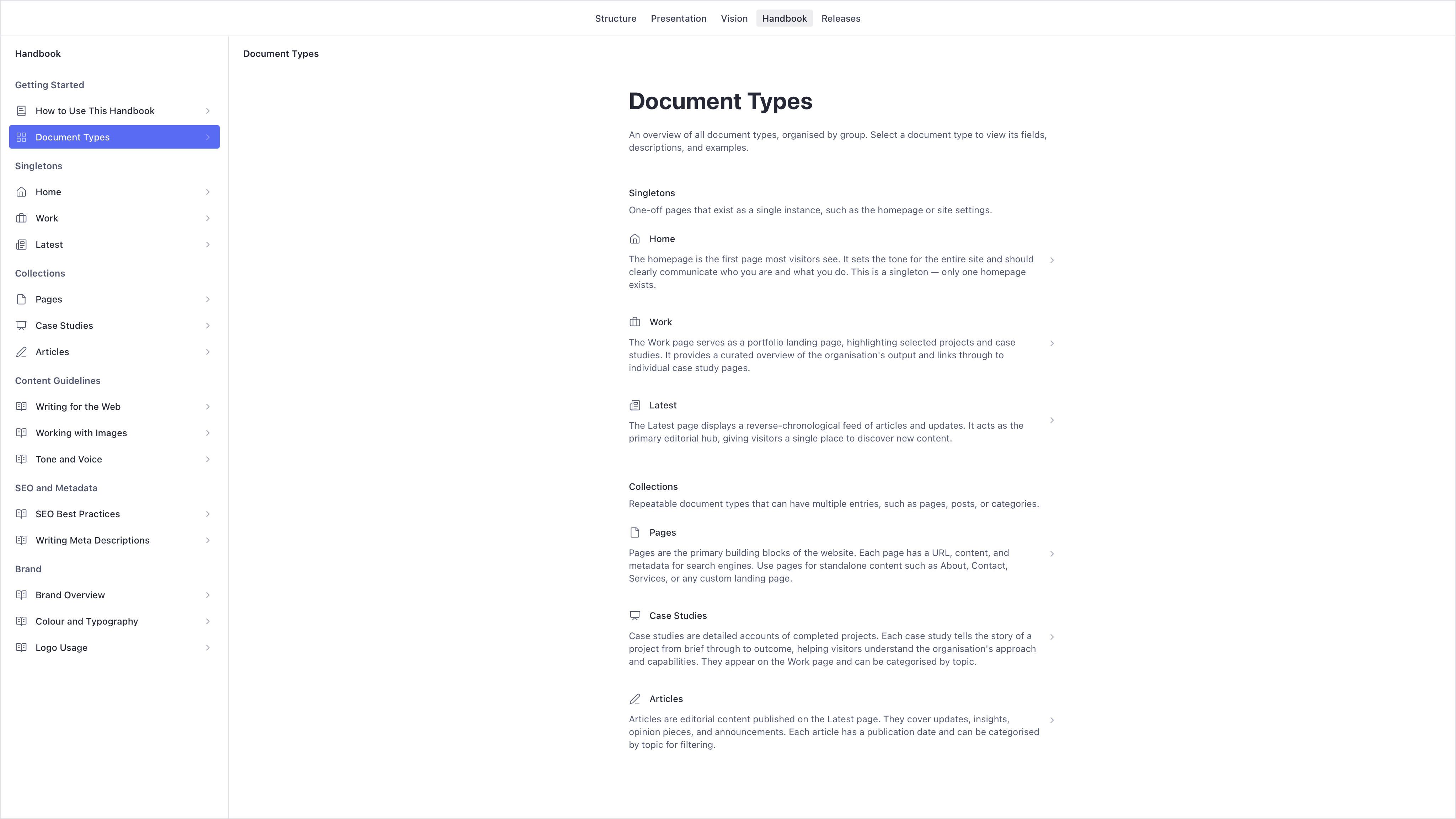
Document types organised into groups, browsable from the sidebar.
The plugin augments Sanity's FieldDefinitionBase and DocumentDefinition interfaces, adding a handbook property that TypeScript recognises automatically.
import { defineField, defineType } from "sanity";

export const pageType = defineType({
  name: "page",
  title: "Page",
  type: "document",
  handbook: {
    title: "Page",
    description: "A standalone page with a unique URL.",
  },
  fields: [
    defineField({
      name: "title",
      title: "Title",
      type: "string",
      description: "The primary heading displayed on this page.",
      handbook: {
        example: "Acme Inc.",
        tip: "Keep titles concise — under 60 characters for best results.",
        info: "The title is also used to generate the page's URL slug.",
        caution:
          "This field is required. Publishing without a title will cause the page to be excluded from navigation and search indexing.",
      },
    }),
  ],
});
The handbook property supports the following keys:
| Key | Purpose |
|---|---|
title |
Display title override for the field or document. |
description |
Description shown beneath the field or document heading. |
example |
Illustrative example value, displayed in italics. |
tip |
Helpful guidance shown as a popover hint. |
info |
Additional context shown as a popover hint. |
caution |
Warning about constraints or potential issues, shown as a popover hint. |
If no handbook property is provided, the tool falls back to the field's title and description properties. If neither exists, the field name is converted to title case. Fields without any description display a configurable fallback message (see undocumentedFieldMessage in Configuration).
Fields with nested structure display a collapsible section that editors can expand to explore subfields. Custom types extending built-in types like image or file show only the fields you add — inherited fields are excluded automatically. Circular type references are detected and labelled rather than rendering infinitely.
Handbook includes a guide authoring system powered by Portable Text. The plugin automatically registers a handbook.handbook singleton and a handbook.guide document type — no additional schema setup is required.
The singleton defines the groups and ordering of your guides. Each group contains references to guide documents, which are authored using a rich text editor with built-in support for:
- Paragraph, heading, and blockquote styles
- Bold, italic, strikethrough, and inline code formatting
- Bullet and numbered lists
- Inline links
- Image blocks with caption and alternative text
- Video blocks with caption
- Syntax-highlighted code blocks with language selection
- Callout blocks with tip, information, and warning variants
- Horizontal rule dividers
The Handbook tool displays guides in the sidebar alongside your document types. Selecting a guide opens its content in the main panel.
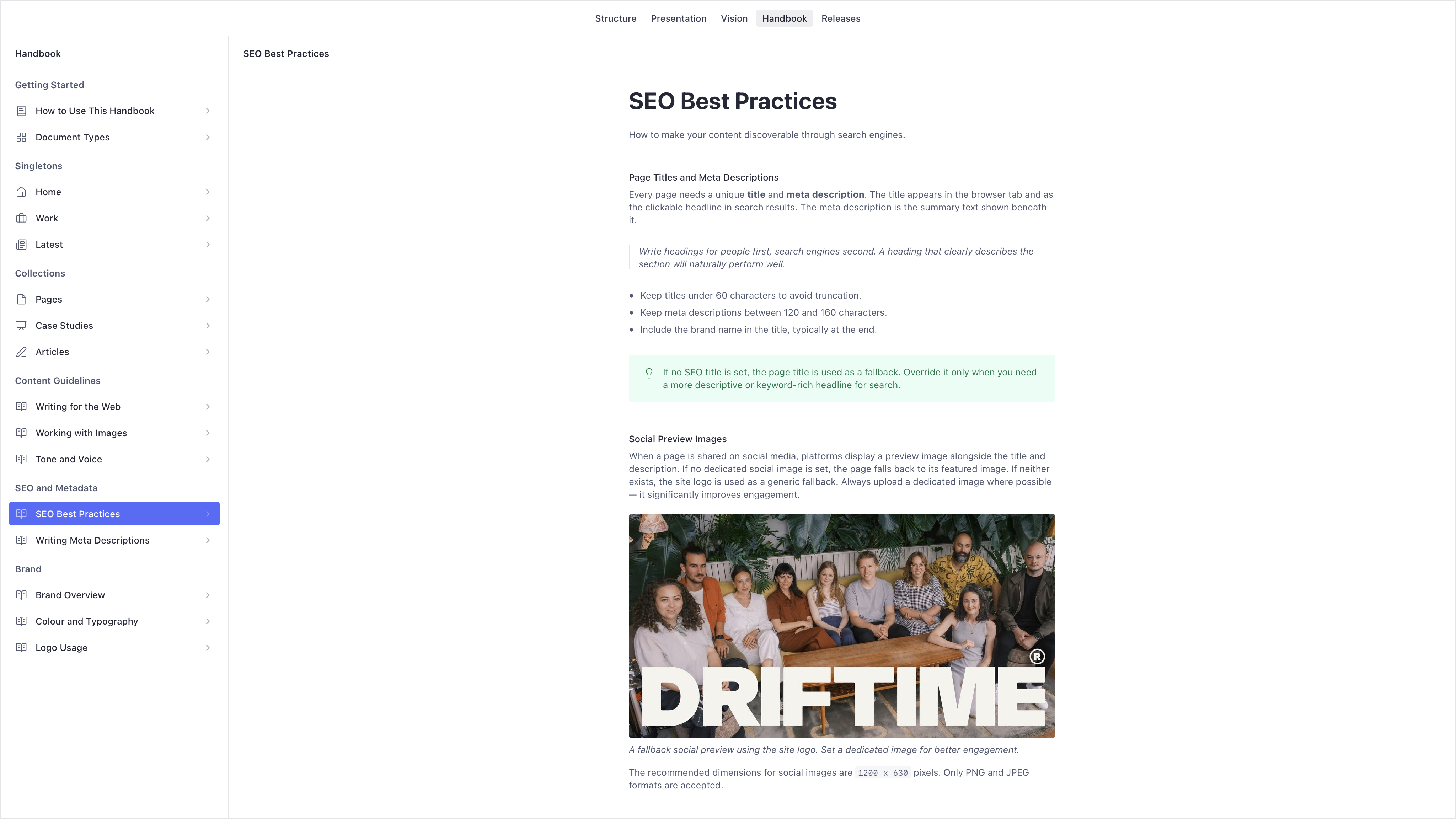
Editorial guides authored with Portable Text and rendered directly in the tool.
Register custom Portable Text blocks for use in guide content by providing a schema definition and a React component. Custom blocks appear as insertion options in the guide content editor and are rendered using the provided component in the Handbook viewer.
import { defineConfig, defineField, defineType } from "sanity";
import { handbookPlugin } from "@driftime/sanity-plugin-handbook";
// ...

const exampleSchema = defineType({
  name: "handbook.example",
  title: "Example",
  type: "object",
  fields: [
    defineField({
      name: "label",
      title: "Label",
      type: "string",
    }),
  ],
});

function ExampleBlock({ value }: { value: PortableTextObject & { label?: string } }) {
  return <p>{value.label}</p>;
}

export default defineConfig({
  // ...
  plugins: [
    handbookPlugin({
      blocks: [
        {
          schema: exampleSchema,
          component: ExampleBlock,
        },
      ],
    }),
  ],
});Restrict who can create and edit handbook documents by providing a list of email addresses.
handbookPlugin({
  editors: ["editor@acme.com", "admin@acme.com"],
});
When an editors list is provided, only users whose email appears in the list can create or manage handbook documents. Users not in the list are excluded entirely. If no editors list is provided, all users have full access.
The useIsHandbookEditor hook is exported for use in your own components if you need to conditionally render UI based on editor permissions.
import { useIsHandbookEditor } from "@driftime/sanity-plugin-handbook";

const isEditor = useIsHandbookEditor(["editor@acme.com"]);To add handbook documents to the Structure tool sidebar, use the handbookStructure helper. This adds a Handbook singleton editor and a Handbook Guides list. The structure helper respects the same editor permissions configured via the plugin.
import { handbookStructure } from "@driftime/sanity-plugin-handbook";

export const structure = (structureBuilder, context) => {
  return structureBuilder
    .list()
    .title("Content")
    .items([
      ...structureBuilder
        .documentTypeListItems()
        .filter((item) => !["handbook.handbook", "handbook.guide"].includes(item.getId() ?? "")),
      structureBuilder.divider(),
      ...handbookStructure(structureBuilder, context),
    ]);
};
The Handbook singleton is where you define guide groups and their ordering. Each group contains references to individual guide documents that editors can reorder as needed.
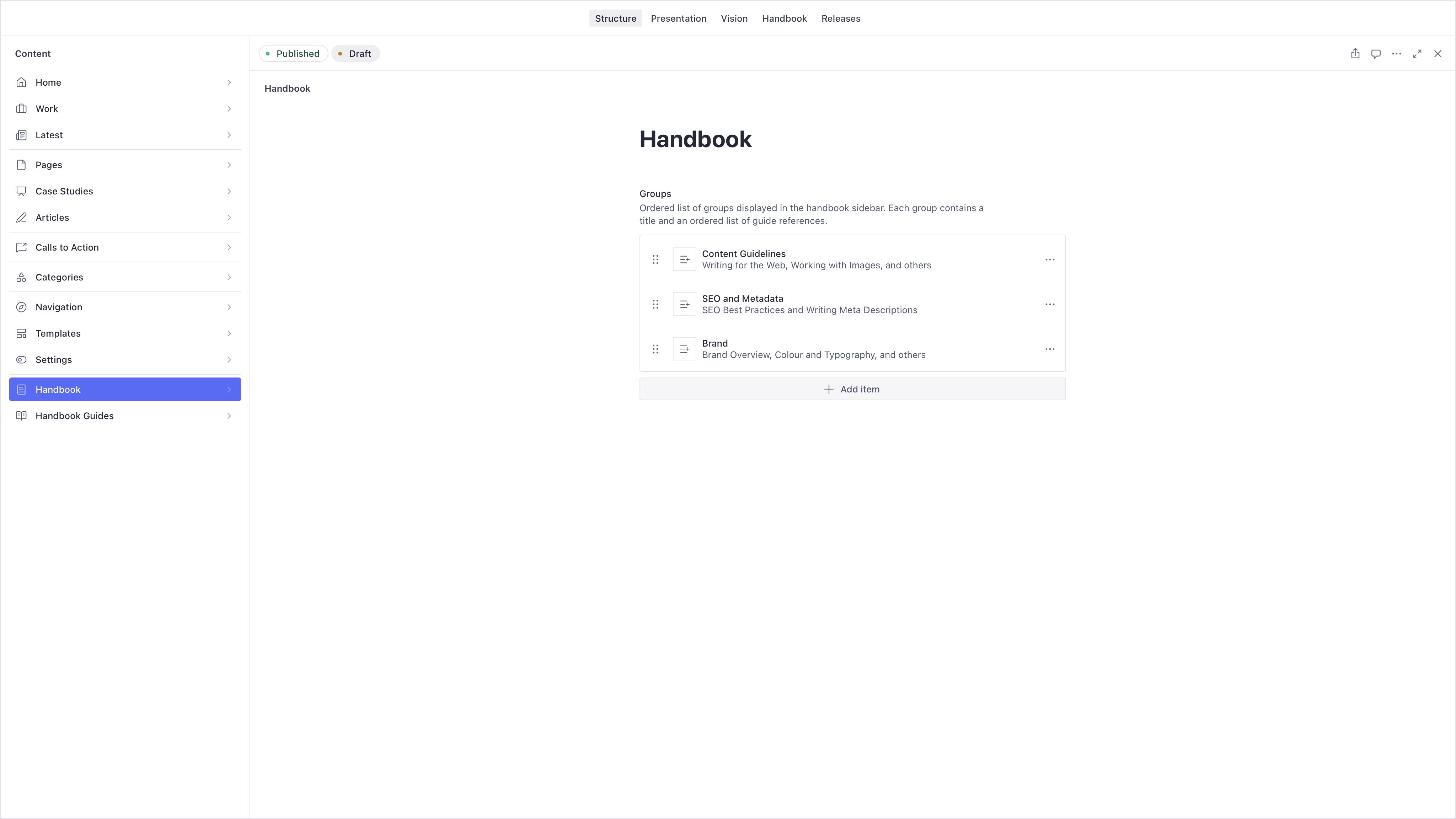
The Handbook singleton where groups and their ordering are managed.
Individual guides are authored as handbook.guide documents, which can be created and edited directly from the Structure tool using the built-in Portable Text editor.
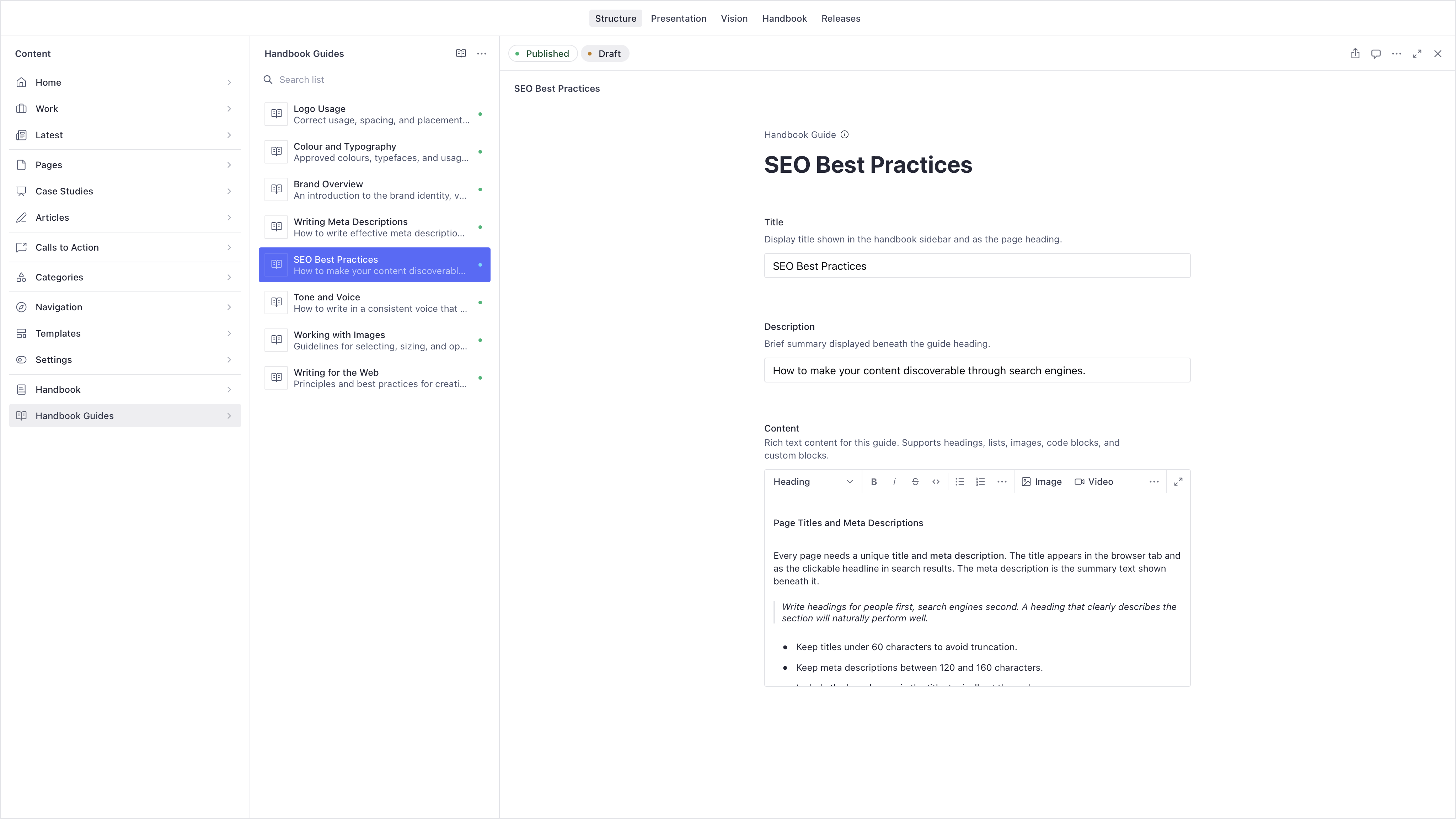
Handbook Guides listed in the Structure tool for authoring and editing.
All configuration is optional. The plugin works out of the box with sensible defaults.
| Option | Type | Default | Purpose |
|---|---|---|---|
title |
string |
"Handbook" |
Title shown in the Studio tool navigation. |
sidebarTitle |
string |
"Handbook" |
Heading displayed at the top of the sidebar. |
groups |
HandbookStructureGroup[] |
[] |
Document type groups defining the sidebar hierarchy. |
blocks |
HandbookBlockDefinition[] |
[] |
Custom Portable Text block definitions for guide content. |
editors |
string[] |
undefined |
Email addresses permitted to edit handbook documents. Unrestricted when omitted. |
undocumentedFieldMessage |
string |
"This field has not been documented yet. Contact your development team for guidance." |
Fallback message shown when a field has no description. |
