Secure, Instant, Peer-to-Peer (WebRTC) Terminal Sharing & Collaboration


-orange.svg)

🌐 Live server: https://minishare.divamtech.com/
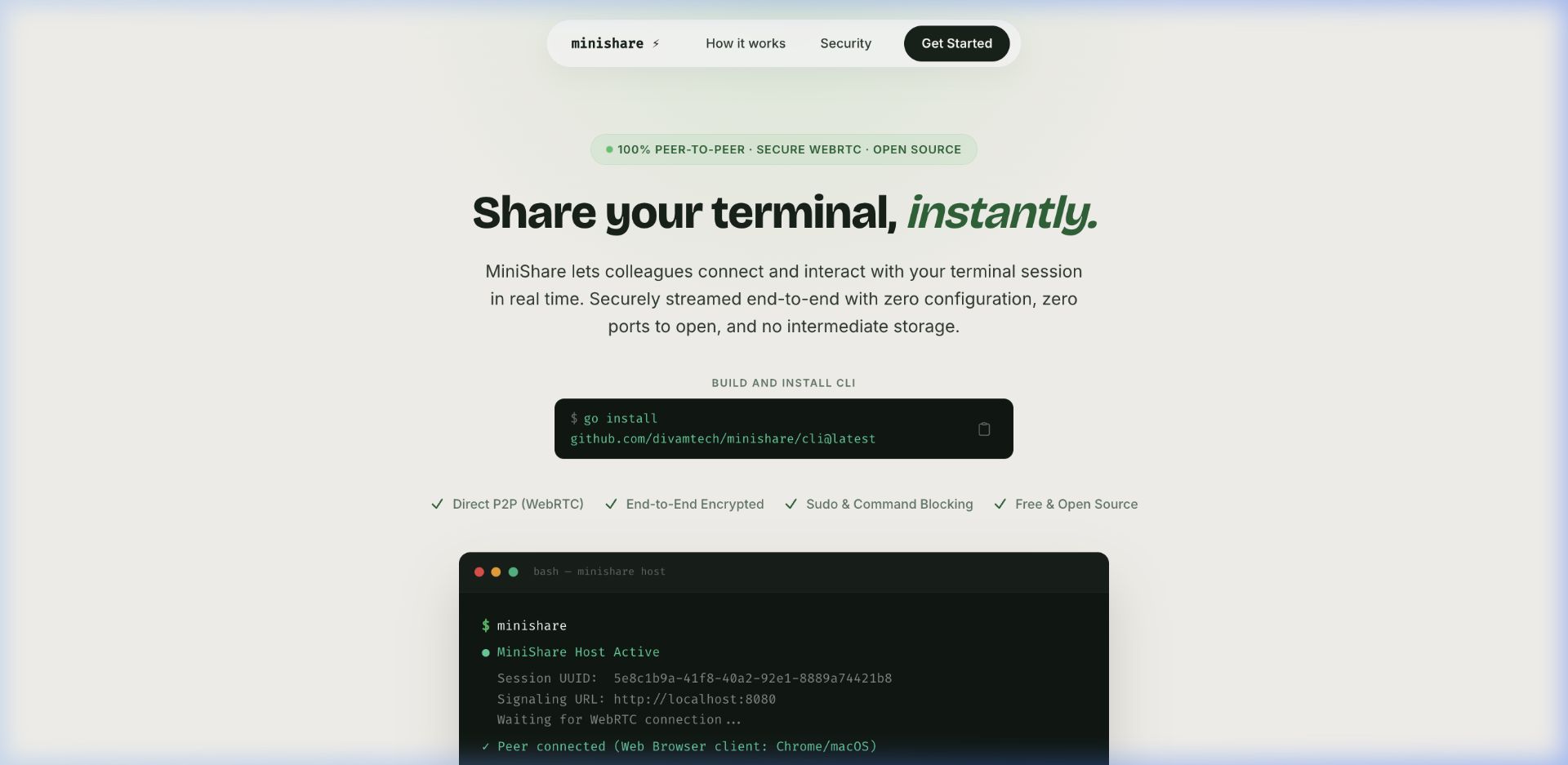
- ⚡ Zero-Config P2P Connections: Stream terminals directly between machines using WebRTC. No port forwarding, no firewall adjustments, and no reverse tunnels.
- 🔒 End-to-End Encrypted: Out-of-the-box DTLS/SRTP encryption. Keystrokes and terminal buffer streams never touch the cloud signaling server.
- 🛡️ Command & Folder Blocking: Advanced sandbox engine on the host intercepts actions in real time. Restrict dangerous execution (
sudo,rm) or hidden folders (/etc). - 💻 Single Binary, Double Mode: Host session terminal streams, or join active rooms from the command line using the same lightweight Go executable.
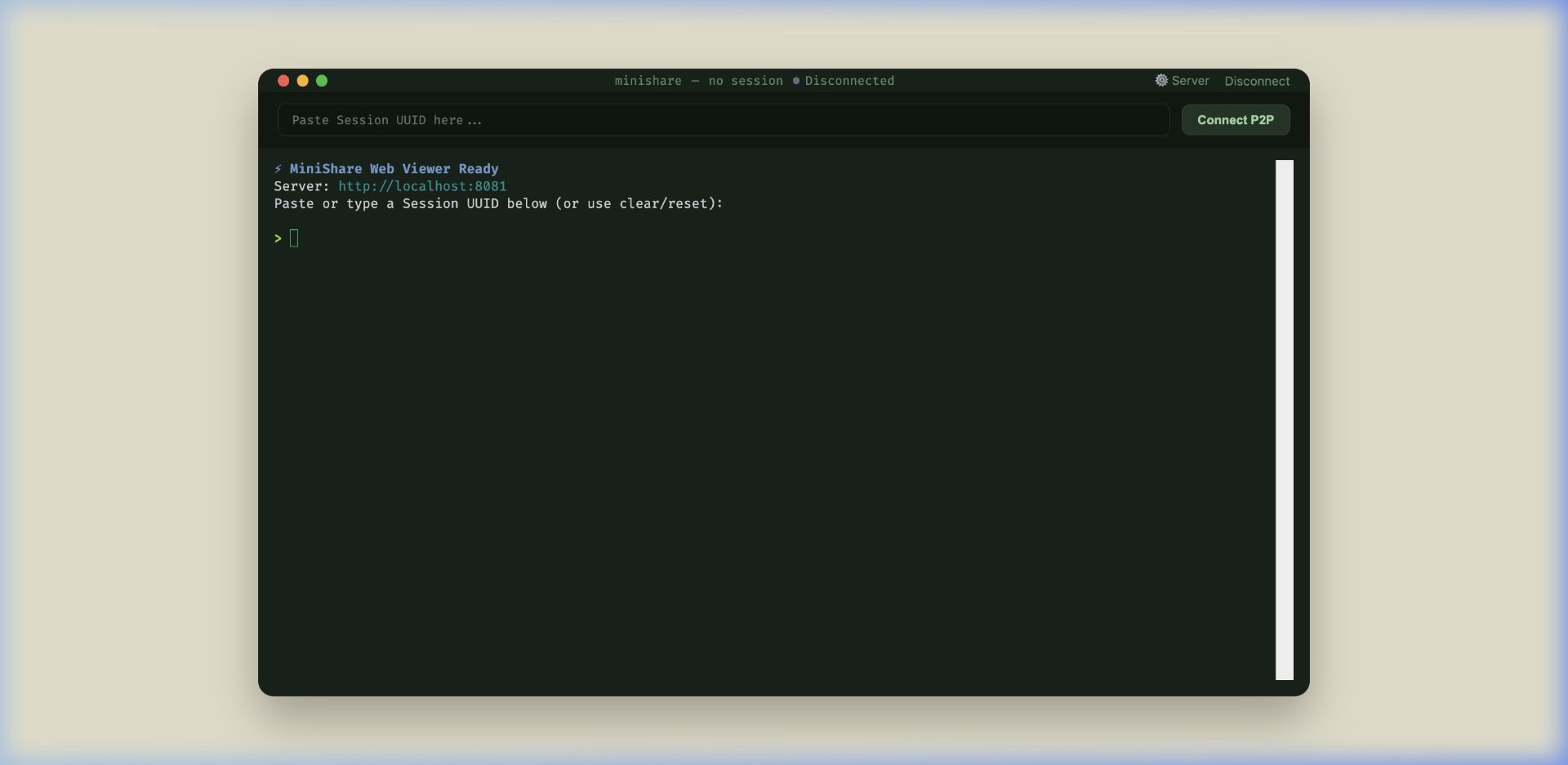
- 🌐 Web Client App: Invite browser users to view your active terminal stream directly via a responsive xterm.js Web App at
/app.
The client loads a premium terminal viewer in any web browser, establishing a secure direct WebRTC link to the host console session:
Install the latest precompiled CLI binary instantly:
curl -fsSL https://raw.githubusercontent.com/divamtech/MiniShare/main/install.sh | shOr build the zero-dependency executable binary locally:
cd cli
go build -o minishare
(Or install globally: go install github.com/divamtech/minishare-cli@latest)
Type minishare to start hosting. A unique room ID is generated and copied to your clipboard automatically:
./minishareTeammates can connect to your live terminal session in one of two ways:
- Option A: Web Browser Client (Zero Install)
Open the browser link generated by the host CLI:
https://minishare.divamtech.com/app/<uuid> - Option B: CLI Client (Terminal Viewer)
Join directly from another terminal:
(Type
./minishare connect <uuid>
exitor pressCtrl+]to detach from the session at any time)
MiniShare features a clean, colorized CLI help menu (run ./minishare -h to see it in action). Here is the reference:
minishare                            Start Host session (fresh UUID by default)
minishare -d                         Start Host session in background daemon mode
minishare daemon status              Check background daemon status and UUID
minishare kill -d                    Stop running background daemon process
minishare connect|-c|c <uuid> Connect to a remote Host sessionCustomize server URLs, durations, and configuration paths:
minishare set server <url>           Set signaling server URL
minishare set uuid <uuid>            Set fixed persistent UUID
minishare set share <1h|2mo|never>   Set UUID duration (1h, 30m, 2d, 2mo, 4y, never)
minishare set path <file-path>       Set custom config file path
Restore settings to factory defaults:
minishare reset                      Reset all settings to default (alias: reset default)
minishare reset server               Reset signaling server URL to default
minishare reset uuid                 Reset persistent UUID to default
minishare reset share                Reset UUID duration / expiration setting
minishare reset path                 Reset config file path to default OS location
minishare reset block Clear all blocked commands and foldersRestrict what commands or paths the connected viewer can run or inspect:
minishare block cmd <cmds...>        Block commands (comma or space separated)
minishare block dir <paths...>       Block folder navigation (comma or space separated)
minishare unblock cmd <cmds...>      Unblock specific commands
minishare unblock dir <paths...> Unblock specific folder restrictionsTo restrict command lines on the fly, run:
minishare block cmd rm,sudo,shutdown,rebootWhen viewers connect, any attempt to run blocked binaries or navigate to blocked paths will be immediately terminated on the host before execution.
By default the CLI uses the hosted signaling server at https://minishare.divamtech.com/, so no setup is required. To self-host instead, run the Go signaling server on your own machine or cluster:
cd server
go run main.go --port 8080
Or containerize with Docker:
docker build -t minishare-server ./server
docker run -p 8080:8080 minishare-serverTo read more about repository folder structures and WebRTC signaling flow diagrams, check out ARCHITECTURE.md.
Distributed under the MIT License.