


WH Mods Hub is a personal repository where I store my custom mods, configurations, and assets for the Windhawk platform.
.
├── assets/             # Media and audio files
├── Config/             # Exported configuration presets
├── mods/               # Windhawk source files (.wh.cpp)
├── previews/           # Visual documentation
└── install-config.ps1  # Automated configuration installer
Mod settings and presets are managed in the Config/ directory. For details on each preset and required process inclusions, see the Configuration README.
A PowerShell script is provided to apply configuration presets automatically.
One-Line Installation
Run the following in an Administrator PowerShell terminal:
iwr -useb https://raw.githubusercontent.com/ciizerr/wh-mods/main/install-config.ps1 | iexManual Run
- Right-click
install-config.ps1. - Select Run with PowerShell (Administrator required).
Warning
The automated installer modifies the Windows Registry. Please review the configuration files before running the script.


Note
Windhawk must be installed and running.
- Go to the
mods/directory. - Open the source file you want to install (e.g.,
neko-cat.wh.cpp). - Copy the file contents.
- In Windhawk, click the arrow next to the "Mods" tab and select Create New Mod.
- Paste the code into the editor and click Save and Compile.
Note
If a mod requires assets, it will download them from this repository automatically. An active internet connection is required during the first initialization.
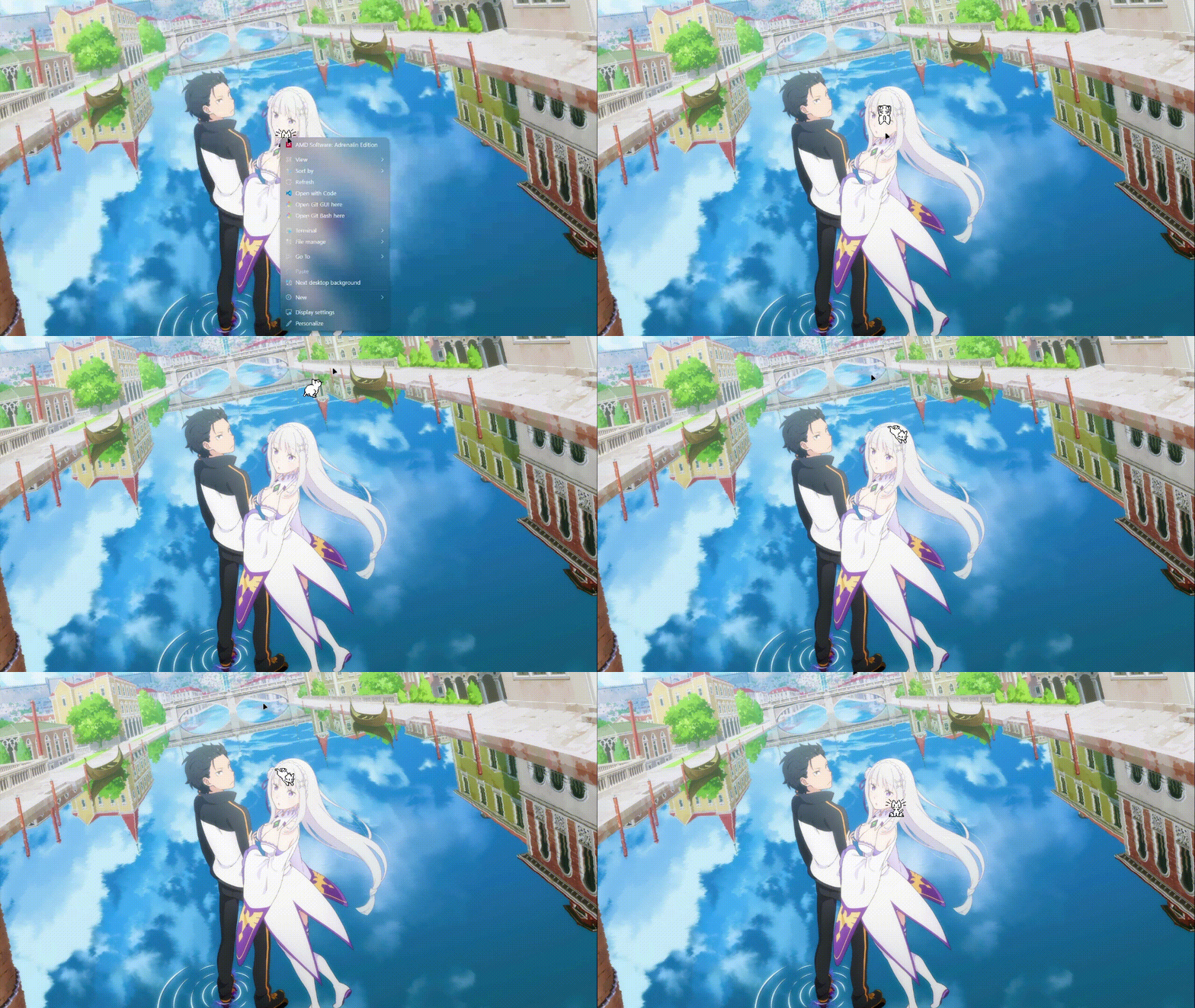
Neko Cat (Virtual Pet)
A port of the classic "Neko" desktop pet, optimized for modern Windows environments via Windhawk.
- Behaviors: Pathfinding, scratching, and sleeping.
- Customization: Toggle sound, adjust speed, and customize trigger zones.
- Performance: Written in C++ for minimal system impact.
- External Assets: Most mods fetch assets from this repository to keep the installation size small. This requires a network connection.
- Offline Support: To use mods offline, download the
assets/folder and update the asset URLs in the source code to point to your local paths. - Integrity: Assets are served directly from GitHub using HTTPS. No third-party binaries or trackers are included.
- Issues and Suggestions: GitHub Issues
By ciizerr
Licensed under the MIT License.