Steps was an open source step counting app built with SwiftUI and HealthKit. After several years and 250+ commits from contributors around the world, I've decided to stop active development here and rebuild the app from scratch as a closed source, commercial project.
This repository is now read-only. Issues, pull requests, and discussions are closed. The code remains available under the MIT License — you're free to fork it, learn from it, modify it, and ship it. That doesn't change.
Thank you to everyone who contributed. 💙
An open source step counting app for iOS, built entirely in SwiftUI and designed to be approachable for first-time open source contributors. A lot of people made their very first pull request here, which was always the point.
Tech used
- 🎨 SwiftUI
- ❤️🩹 HealthKit
- 📊 Swift Charts
- 🔔 Local Notifications
- 🗂️ MVVM
- 💾 App Storage
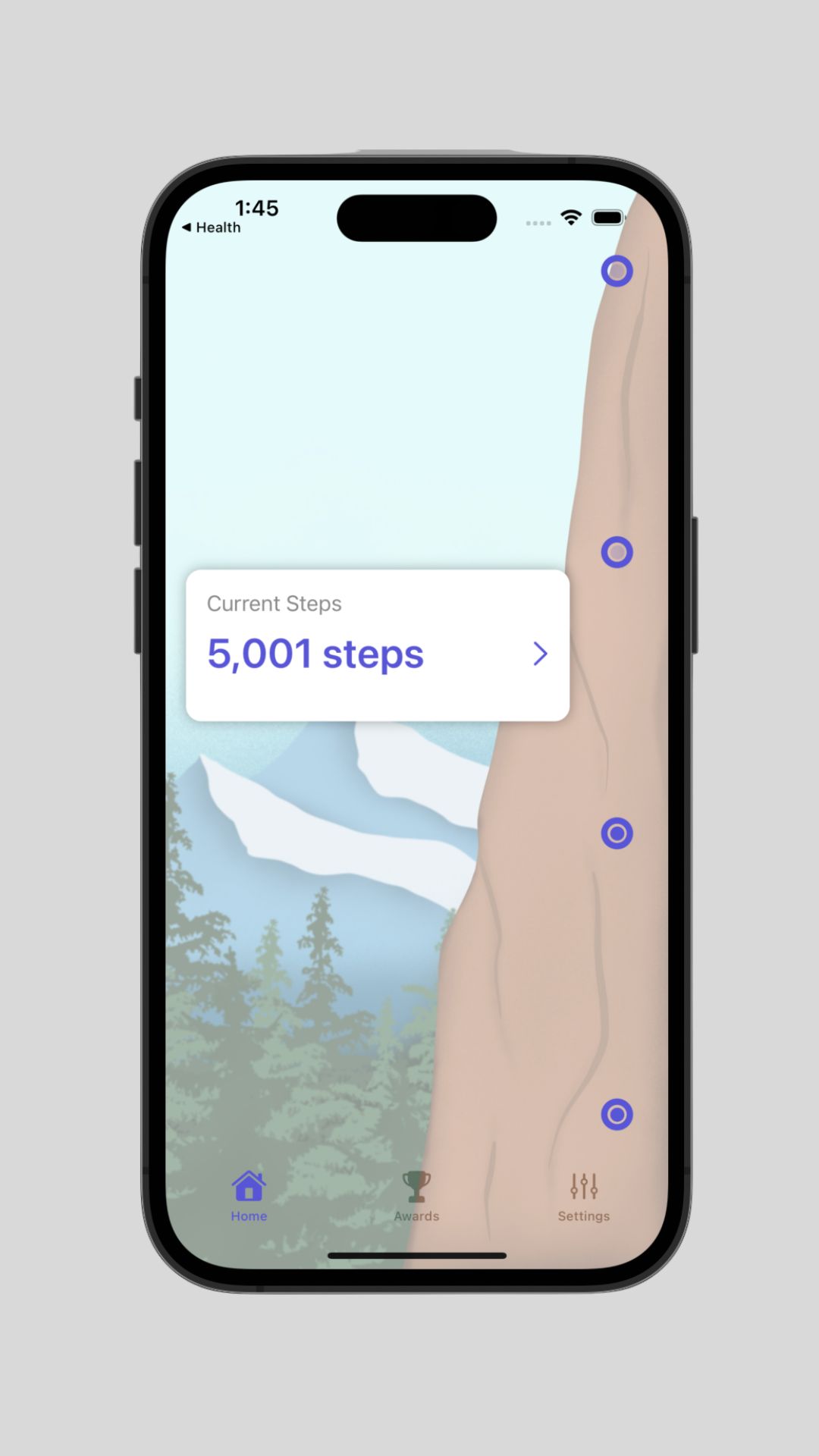

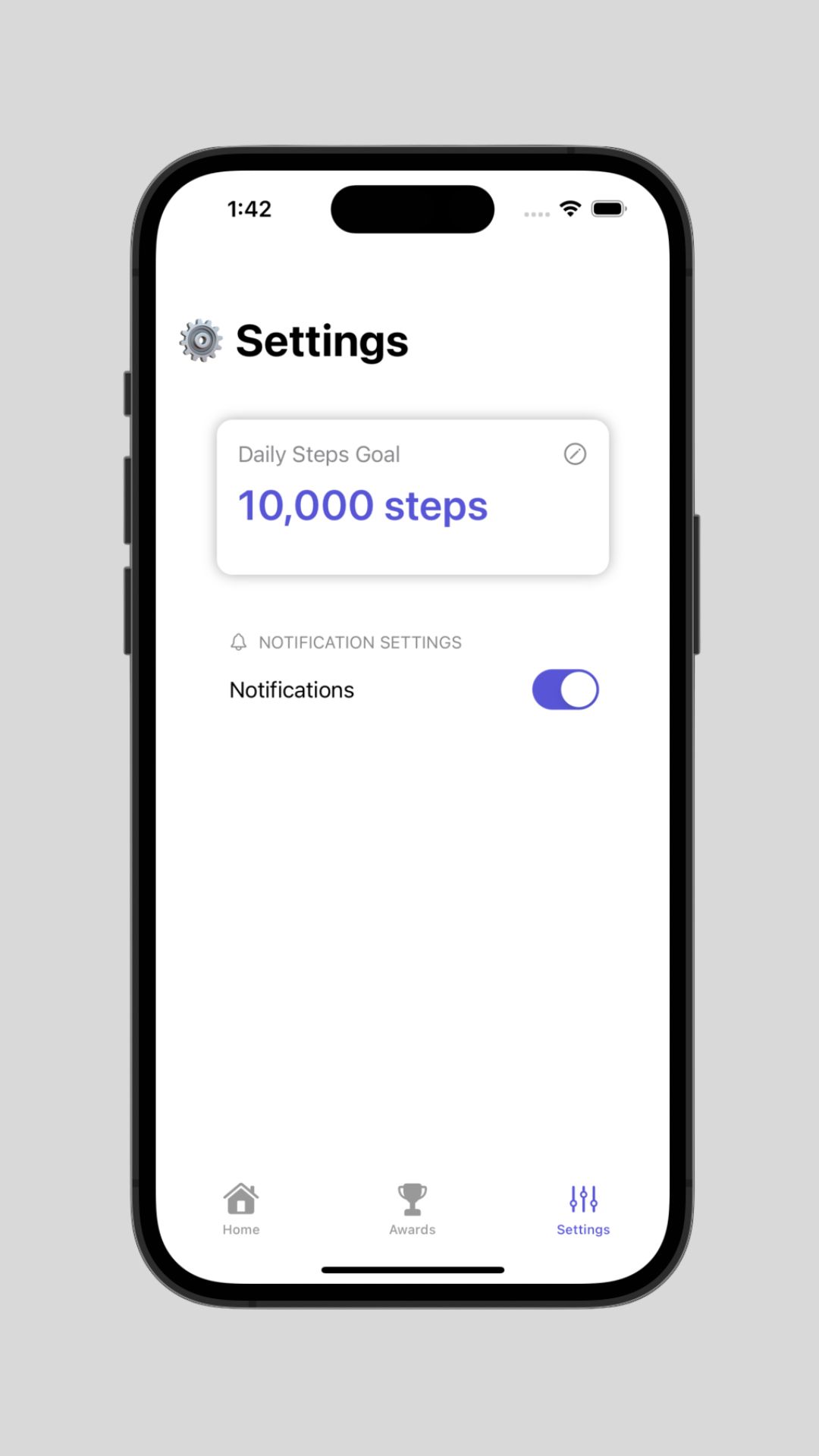

Steps started as a teaching project, and it did that job well. But maintaining an open source app alongside the version I want to build next stopped making sense — the app I'm working on now is a full rewrite with a different scope, a different architecture, and a business model behind it so it can actually be supported long term.
Rather than quietly let this repo rot or slowly close it off piece by piece, I'd rather draw a clean line: this version stays open, stays MIT, and stays here.
Everything below still works if you fork the project. You'll need Xcode 15 or later and macOS 14.0 or later.
-
Fork and clone the repo.
-
In the same folder as
StepsConfigTemplate.xcconfig, create your own config file:cp StepsConfigTemplate.xcconfig StepsConfig.xcconfig -
Fill in your
DEVELOPMENT_TEAMandBUNDLE_IDinStepsConfig.xcconfig:DEVELOPMENT_TEAM = YourTeamID BUNDLE_ID = com.yourname.stepsYour Team ID is in the Apple Developer Portal. This is only needed to run on a physical device, and works with both free and paid developer accounts.
-
Repeat for the widget extension:
cp StepsWidgetConfigTemplate.xcconfig StepsWidgetConfig.xcconfig⚠️ Make sure you append.widgetto the widget'sPRODUCT_BUNDLE_IDENTIFIER— e.g.com.yourname.steps.widget. -
Build and run.
Since HealthKit data isn't available in the simulator for step counts, you'll want to run on a real device to see anything meaningful.
If you want to keep this alive under your own name, please do — that's what the license is for. A couple of asks, none of them legally binding, just neighborly:
- Rename it and use your own bundle identifier and app icon.
- Don't imply your fork is maintained by me or affiliated with what I'm building next.
- Keep the MIT license and attribution intact.
This app was built by a lot of people, many of whom were making their first open source contribution. That's the part I'm proudest of.
Made with contrib.rocks.
MIT — see LICENSE.
The code published here is MIT licensed and always will be. Archiving the repository doesn't revoke or change that in any way.