




PatchOpsIII is a modern, full-featured control center for Call of Duty: Black Ops III modding, maintenance, and performance tuning.
- Overview
- Key Features
- Installation
- Forked Components
- Quick Start
- Screenshots
- Known Issues
- Support
- Special Thanks
- License
- Star History
PatchOpsIII streamlines the setup and upkeep of Black Ops III by surfacing popular community tools and quality-of-life tweaks in a single polished Electron interface backed by a local Python API. Whether you are securing your game with T7 Patch, smoothing shader compilation stutter with DXVK, or fine-tuning launch options, PatchOpsIII consolidates every workflow into one cohesive experience.
- Smart Game Directory Detection: Automatically locates your Black Ops III installation or lets you browse manually.
- T7 Patch Management: Install, update, configure gamertags and colors, apply network passwords, toggle Friends Only mode, deploy LPC fixes, and cleanly uninstall.
- DXVK-GPLAsync Integration: Deploy and remove Vulkan-based shader compilation to smooth frametimes by reducing shader cache stutter.
- Workshop Helper: One-click access to curated Steam Workshop mods and documentation.
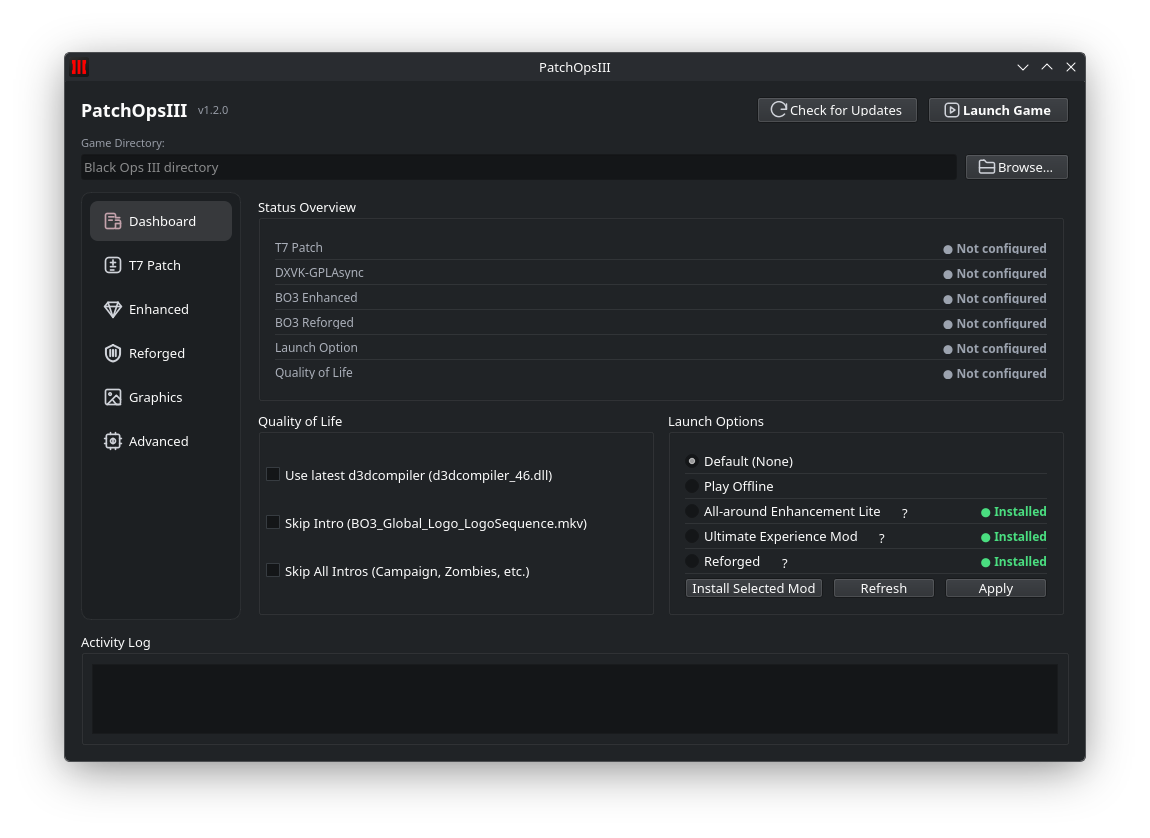
- Launch Profiles: Preset command-line configurations for Default, Play Offline, All-around Enhancement Lite, and Ultimate Experience Mod.
- Preset Loader: Apply curated JSON presets to instantly switch between visual configurations.
- Convenience Sliders: Tweak FOV, display mode, resolution, refresh rate, render resolution %, V-Sync, and FPS counters.
- Intro Skip & FPS Limiter: Automate
.mkvrenames and adjust FPS limits from 0–1000 for faster load times and smoother gameplay.
- Power Tweaks: Toggle SmoothFramerate, unlock full VRAM usage, reduce CPU pressure, manage frame latency, and expose hidden graphics options by editing
config.inisafely. - Stutter Fixes: Automate DirectX DLL renaming to keep shader compilation modern and responsive.
- Config Safeguards: Set configuration files read-only to preserve your optimized setup.
- Embedded console view provides live feedback on every action.
- Automatic
PatchOpsIII.loggeneration captures a detailed audit trail for troubleshooting and support.
- Download: Grab the latest release from the Releases page.
- Extract: Unzip the package to a preferred folder outside of your game directory.
- Run: Launch
PatchOpsIII.exeon Windows (or the corresponding binary for other platforms as they become available). - Dependencies: The packaged build bundles all required Python dependencies; no additional setup is needed.
PatchOpsIII uses a React + TypeScript renderer wrapped by Electron. Bun is the JavaScript runtime/package manager, while Python runs the local backend API.
# install Python service dependencies
python -m venv .venv
source .venv/bin/activate  # On Windows use: .venv\Scripts\activate
pip install -r requirements.txt

# install desktop frontend dependencies
bun install

# run Vite and the Python local API
bun run dev

# run the Electron desktop app
bun run dev:desktop
The browser development server uses Vite on 127.0.0.1:5173 and the Python API on 127.0.0.1:8765. The Electron desktop command uses Vite on 127.0.0.1:5174 and its Python API on 127.0.0.1:8766, so both commands can run at the same time. The renderer communicates with Python through HTTP APIs and /ws WebSockets; Electron IPC is reserved for desktop-specific bridge actions such as selecting a local game directory.
- BO3 Enhanced Proton fork metadata: bo3-enhanced-proton/README.md
- Upstream source: https://github.com/Weather-OS/GDK-Proton
- Current base release:
release10-32 - Local
bo3-enhanced-proton/BO3 Enhancedcontent is optional for development/offline workflow and is intentionally gitignored. - Normal Linux installs do not require this local bundle; PatchOpsIII downloads and caches the upstream release on demand.
- Launch PatchOpsIII and verify your Black Ops III directory.
- Apply the T7 Patch to secure multiplayer connectivity and remove RCE vulnerabilities.
- Enable DXVK-GPLAsync for async shader compilation and smoother frametimes.
- Choose a graphics preset or dial in custom display options.
- Visit the Advanced tab to unlock VRAM, tweak frame latency, and set your config to read-only once satisfied.
Dashboard |
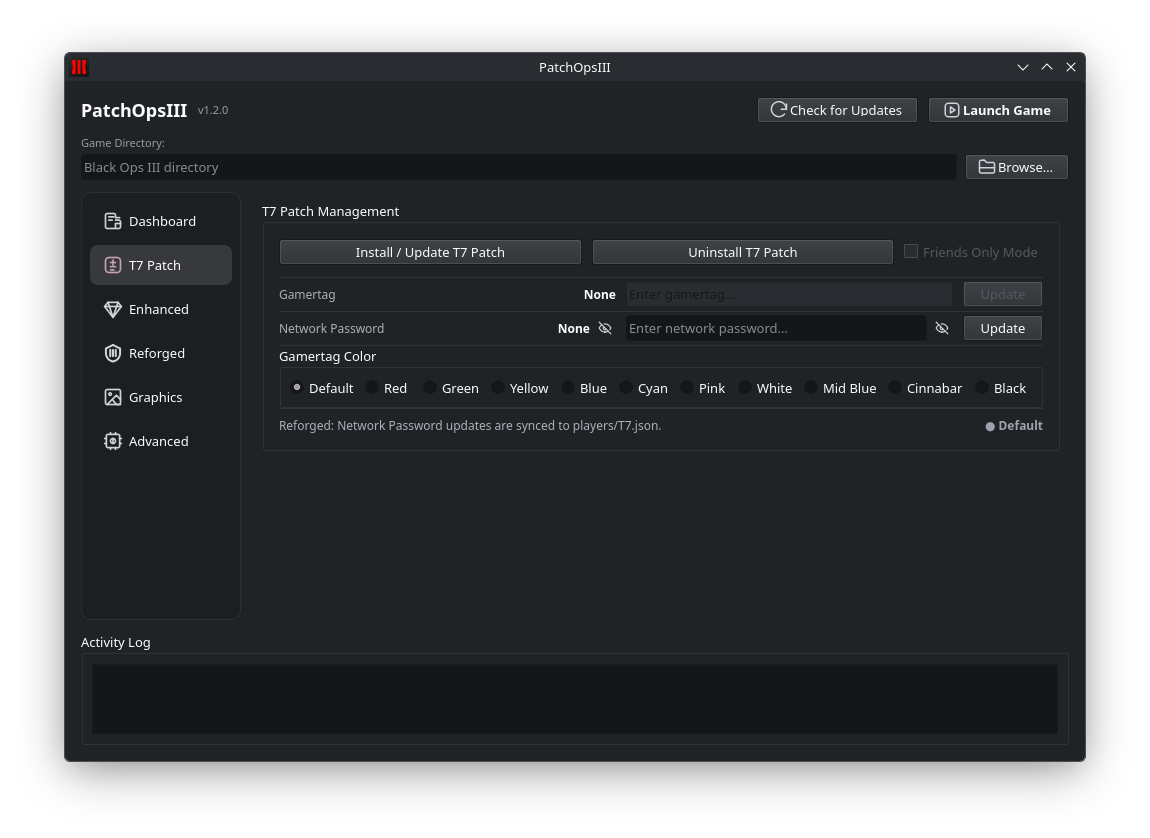 T7 Patch |
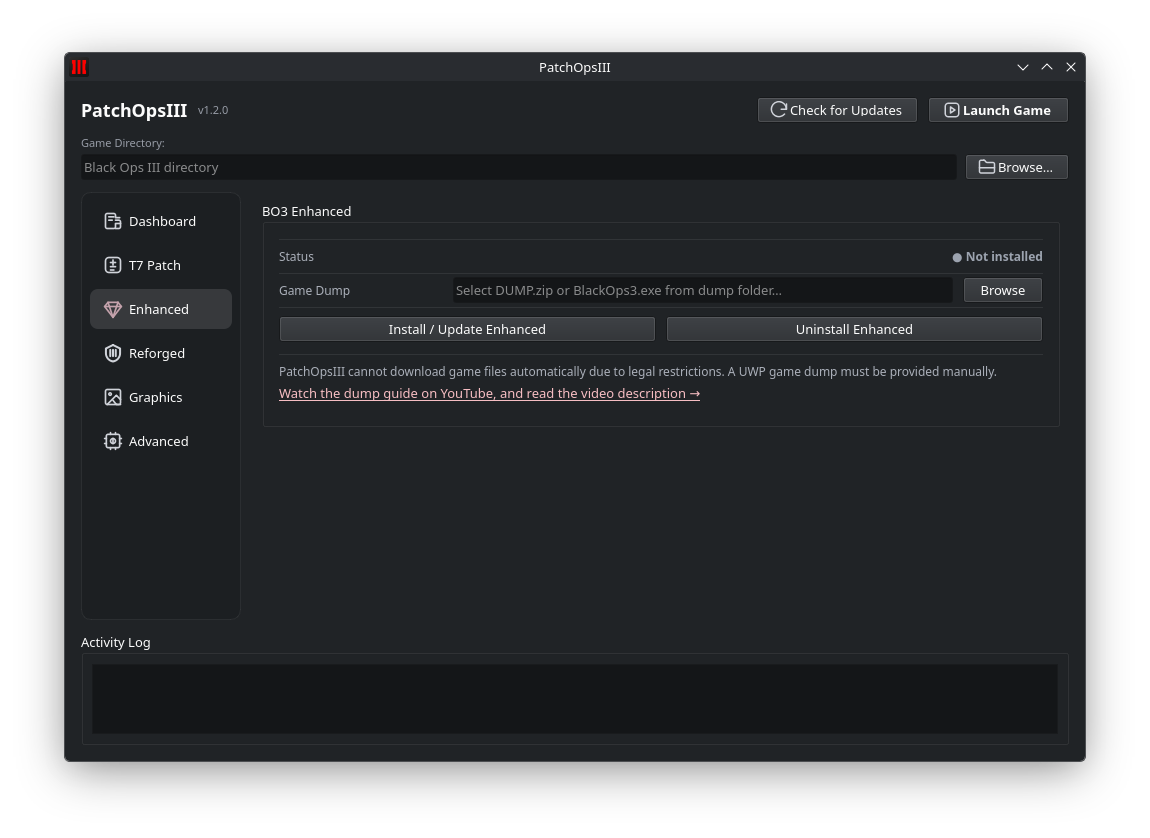 Enhanced |
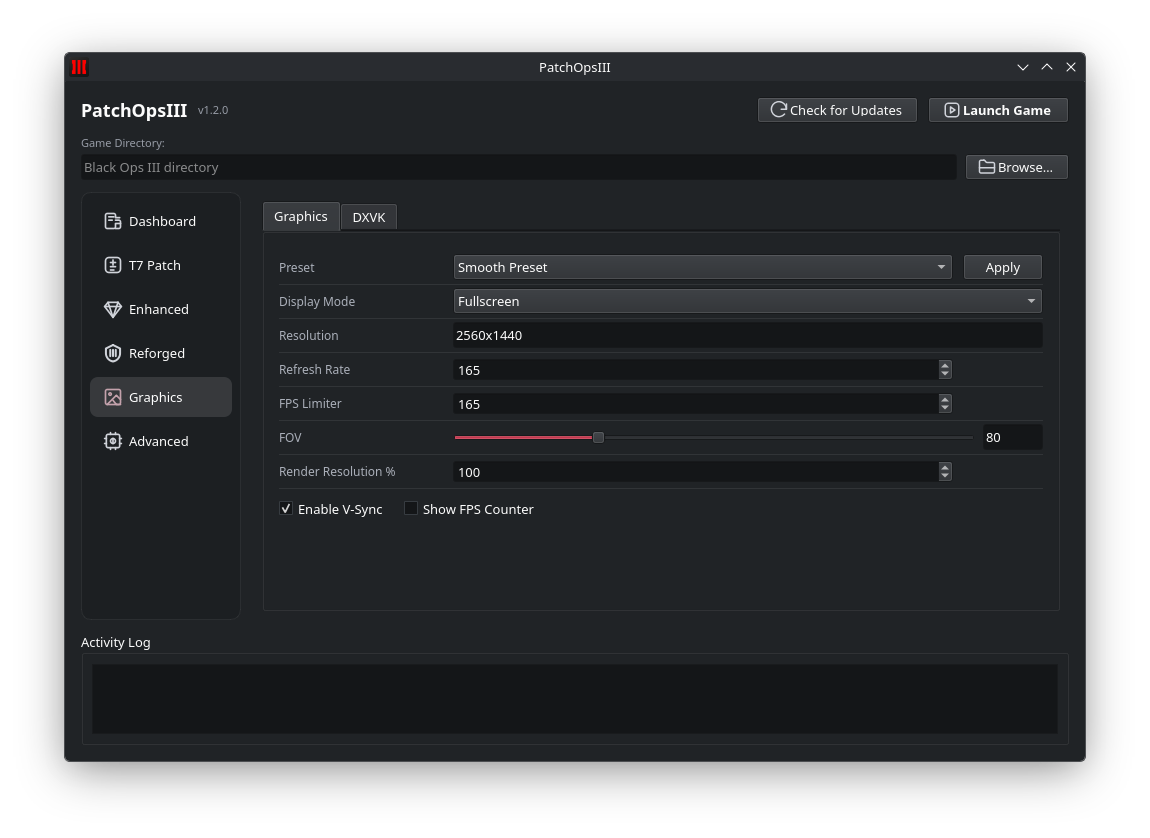 Graphics |
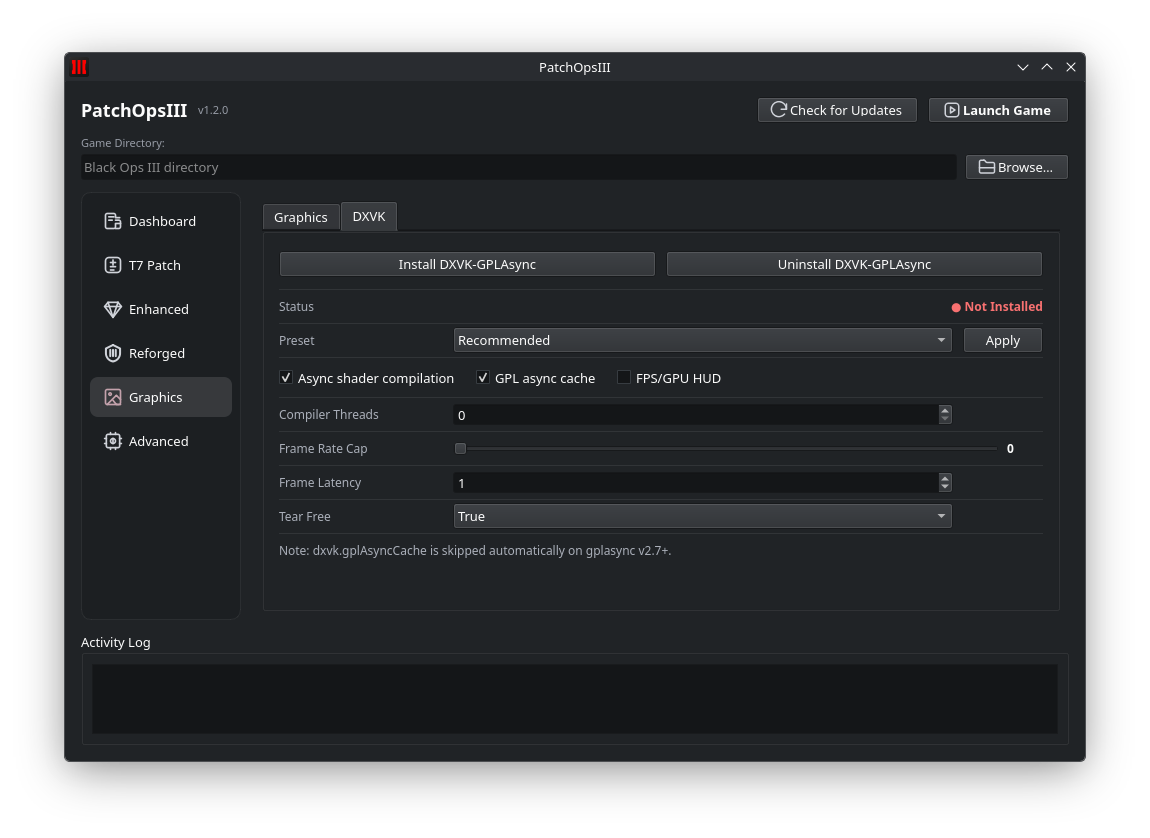 DXVK |
|
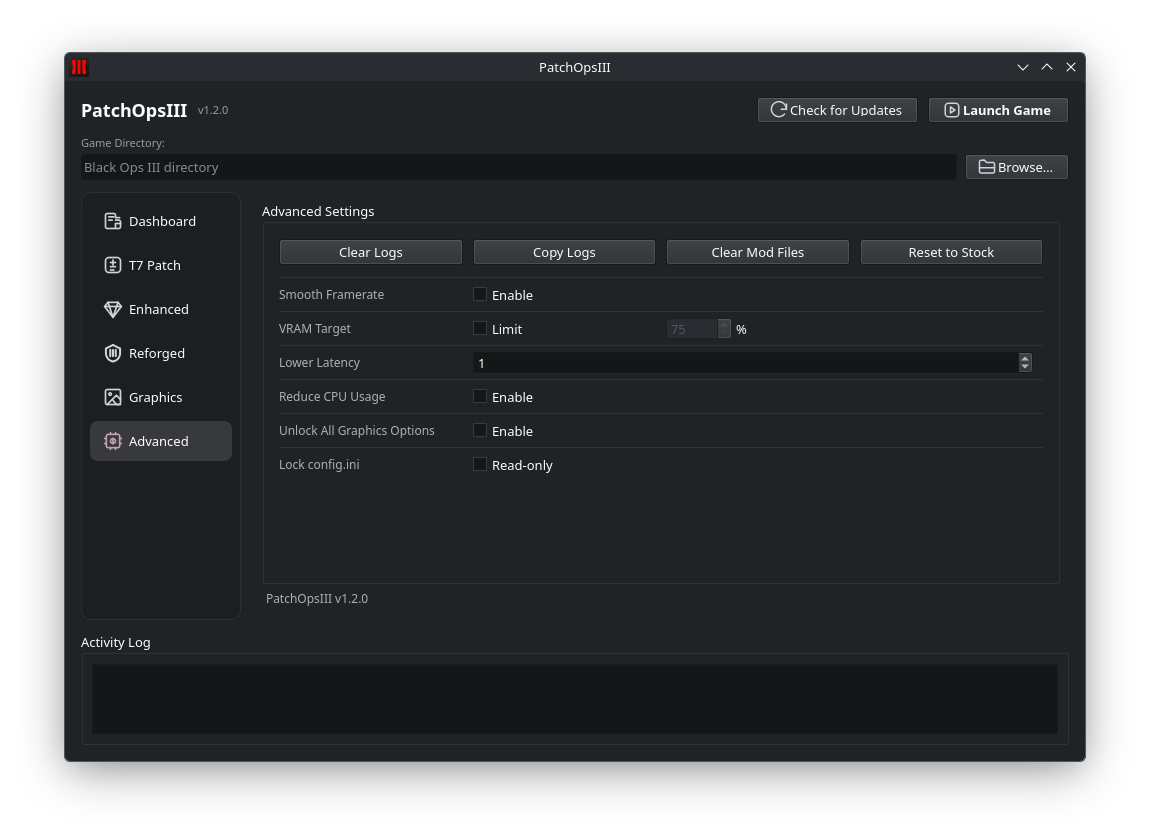 Advanced |
|
- Full version of the All-around Enhancement Mod currently crashes before the game finishes launching, so it is not exposed as a launch option in PatchOpsIII.
- Launch option stability can vary between systems; experiment to find a stable configuration.
- A few advanced toggles remain in beta testing—report issues via GitHub.
- 📚 Explore detailed usage notes in the project wiki.
- 🐛 Report bugs or request features through GitHub Issues.
- 💬 Join the community discussion on Discord (coming soon).
This project would not be possible without the incredible work of the broader community:
- t7patch – Security and stability backbone for Black Ops III multiplayer.
Original work byshiversoftdev, continued byScroptss: https://github.com/Scroptss/T7Patch - dxvk-gplasync – Vulkan translation layer with async shader compilation.
https://gitlab.com/Ph42oN/dxvk-gplasync - ValvePython/vdf – Reliable Steam VDF parsing utilities used throughout PatchOpsIII.
https://github.com/ValvePython/vdf
PatchOpsIII is released under the MIT License.