
Desktop and WEB application to do maps veto for the game Counter-Strike Global Offensive.
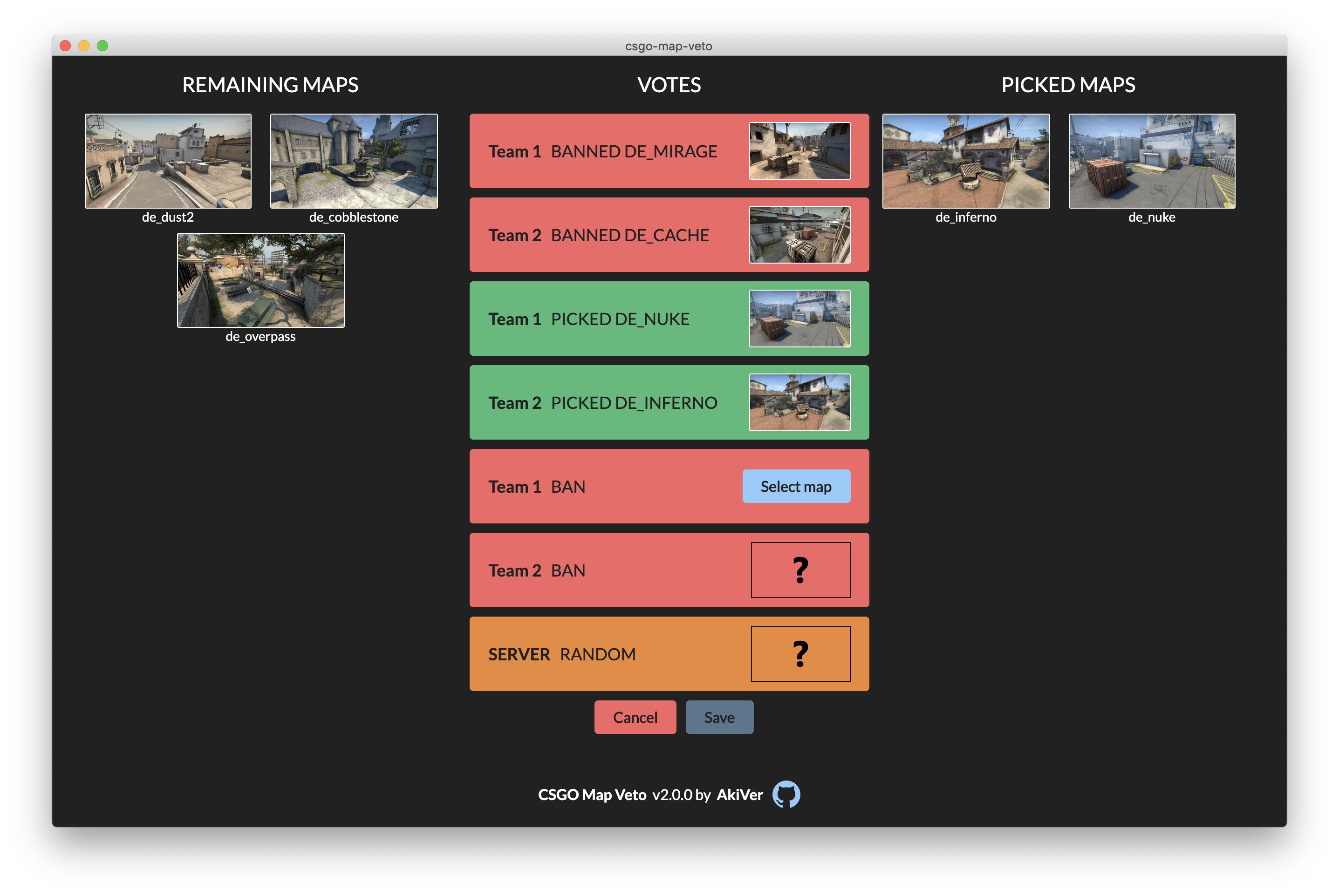
You can use the web version here or download the last desktop version here.
Since the version 2.0.0, an optional database service (MySQL) is available to persist your vetos.
Assuming you have a working MySQL server, if you want to use it you have few steps to do:
- Download the binary file called
backendfor your OS from GitHub - Create a file called
.envnext to thebackendfile and copy paste the content of .env.example into it - Edit the
.envfile and adjust the values if necessary - Create a database, by default the name is
csgomapveto, you can change it from the.envfile - Execute the
backendfile, the database should be running now - Launch the application, go to the settings and fill the
API addressfield (examplehttp://localhost:3080by default)
yarnyarn devfor WEB version,yarn dev:electronfor the Electron version
You have to install go to run the database during development.
cp backend/.env.example backend/.env- Edit the
.envfile and setDISABLE_CORSandDEBUGtotrue, you can also adjust the other options if you want yarn dbto build and start the database
To build the WEB version
yarn build:web
To build the desktop application for your current OS
yarn build:electron
To build the desktop application for all platforms (tested on MAC OS only)
yarn build:electron:all
Dist files are located in the dist folder for Electron build and in the out folder for the WEB build.
yarn build:db
The binary file is located in backend/backend[.exe].
yarn test
Or yarn tw to watch the tests.
yarn e2e (headless mode)
yarn e2e:debug (open Cypress to debug tests)
yarn test:coverage