



Get help fast → Join Discord • Prefer async? → Join r/RooCode
Your AI-Powered Dev Team, Right in Your Editor
Slim Code is an optimized distribution built on Roo Code. It keeps the same core idea—AI-assisted development inside your editor—with a leaner footprint, targeted performance and workflow improvements, and ongoing tuning for practical daily use. For upstream features, docs, and community, see Roo Code’s official channels below.
Slim Code is built on Roo Code v3.51.0 and then applies Slim Code's own optimizations and workflow tuning.
Slim Code focuses on one practical goal: send less unnecessary context while keeping answer quality and tool reliability. In long sessions this helps:
- reduce token usage and API cost,
- speed up request/response time,
- lower "context bloat" that can hurt reasoning quality.
Most of these changes live in src/opt and are controlled by OptConfig (defaults in DEFAULT_OPT_CONFIG). They mainly affect what is sent to the model API, and avoid breaking tool semantics (tool_use_id chains, Anthropic signed thinking rules, etc.). Deeper history: docs/slim-code-git-history.md.
| Area | What it does |
|---|---|
| Tool result compression | When tool results are written into the conversation, compress by tool: e.g. list_files groups paths by directory; execute_command uses run-length style compression on repeated lines and a tighter character cap (default 6000) than other tools (default 8000); search_files caps match count. Oversized text gets head+tail truncation. read_file avoids whitespace/content transforms that would break apply_diff / patch tools—only safe truncation with an explicit notice. |
Old environment_details |
User messages carry <environment_details> (tabs, terminals, costs, etc.). Earlier user turns replace that block with a small placeholder; the last few rounds stay full (default 3 rounds). |
| Old reasoning / thinking | On Anthropic (and Vertex), thinking blocks stay intact (API signature rules). On other providers, older rounds can strip plain reasoning_content / reasoning_details to stop long chats from re-sending huge reasoning traces. |
| Old tool blocks | Before the request is sent, older assistant/user turns: compact tool_use JSON (no pretty-print), shorten old tool_result strings (default 2000 chars for those rounds), merge text blocks / image placeholders where applicable—without breaking tool IDs. |
| MCP tool text | Optional: shorten descriptions for MCP tools that are not in heavy use (default off; max description length default 120). Applied when building the tools array for the API. |
| System prompt cache | getSystemPrompt() memoizes the built system prompt until mode, instructions, language, model, simple reply, MCP tool count proxy, or related inputs change—avoids rebuilding the same large string every turn. |
| Request shaping | Merges consecutive user API messages for the outgoing call only; applies condense / sliding-window truncation when context management runs (non-destructive to stored history; effective history drives what is sent). |
- Shorter core prompts: System prompt sections (capabilities, rules, modes, tools, etc.) and native tool descriptions are edited for fewer tokens than a stock Roo Code checkout.
- Environment & support text:
getEnvironmentDetailsand related support prompts are tightened so each turn’s “meta” payload stays smaller where possible. - Simple reply (on by default in settings): Extra RULES text pushes concise assistant replies—fewer filler phrases and less narration—saving both output tokens and follow-up context.
- Fallback hints: If the main model is stuck, an optional fallback provider can inject a short diagnostic hint (
hint-injector), reducing useless retries and error churn in the thread.
- Generate Code from natural language descriptions and specs
- Adapt with Modes: Code, Architect, Ask, Debug, and Custom Modes
- Refactor & Debug existing code
- Write & Update documentation
- Answer Questions about your codebase
- Automate repetitive tasks
- Utilize MCP Servers
Slim Code adapts to how you work:
- Code Mode: everyday coding, edits, and file ops
- Architect Mode: plan systems, specs, and migrations
- Ask Mode: fast answers, explanations, and docs
- Debug Mode: trace issues, add logs, isolate root causes
- Custom Modes: build specialized modes for your team or workflow
Learn more: Using Modes • Custom Modes
 Installing Slim Code |
 Configuring Profiles |
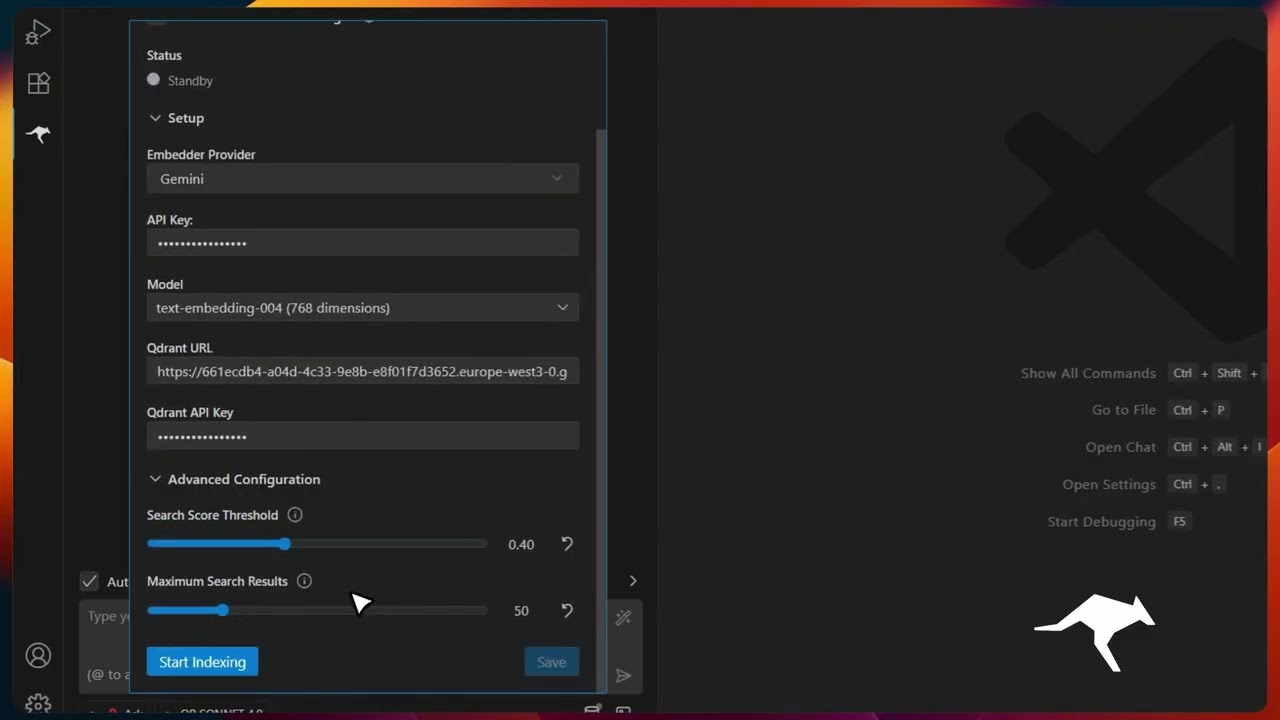 Codebase Indexing |
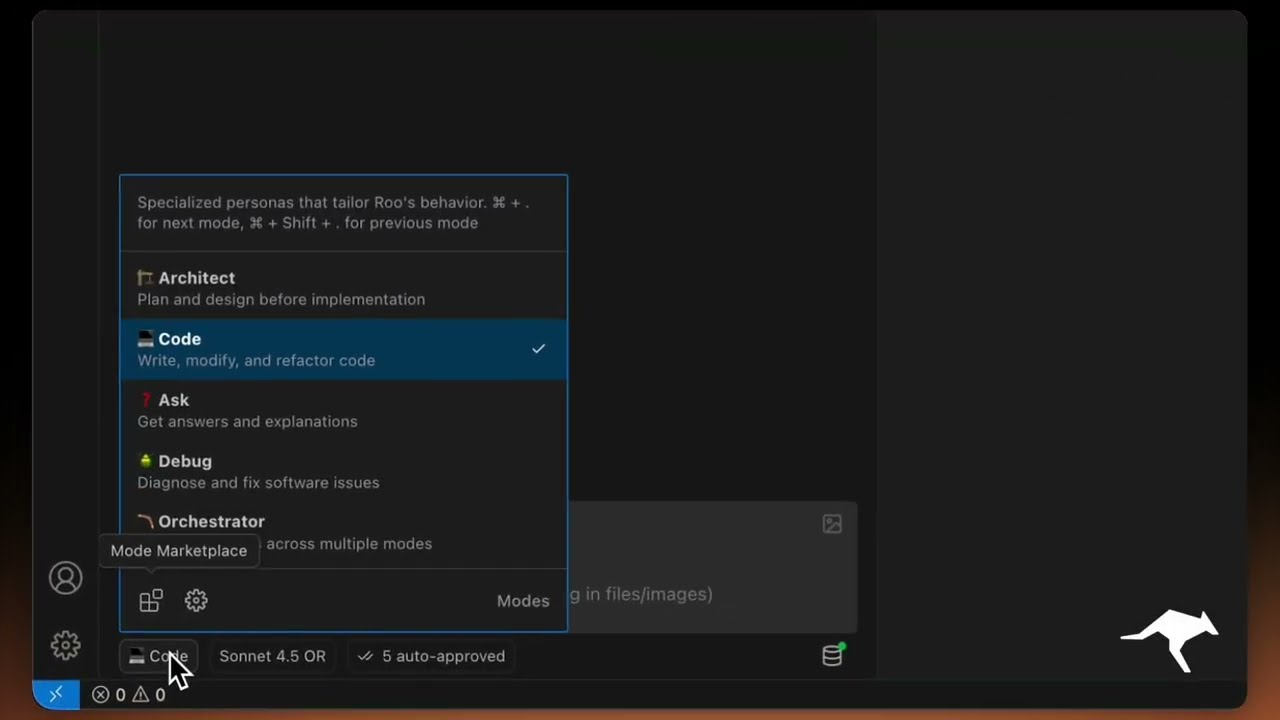 Custom Modes |
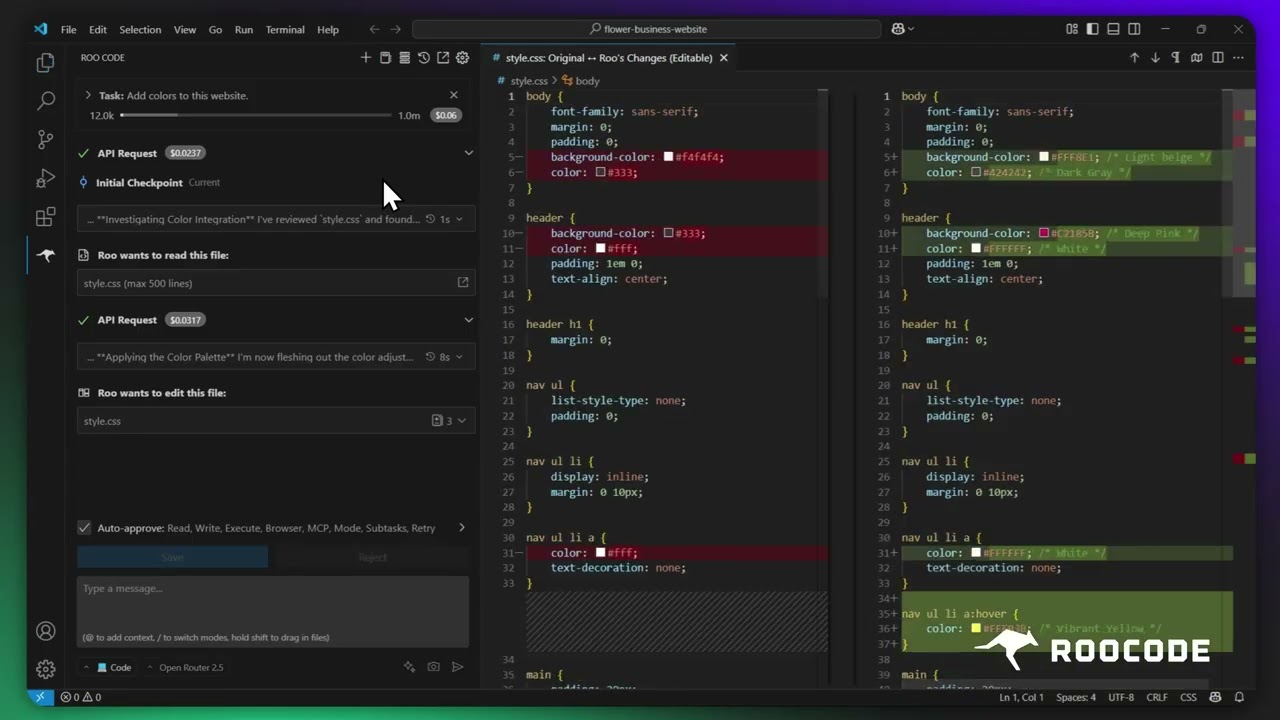 Checkpoints |
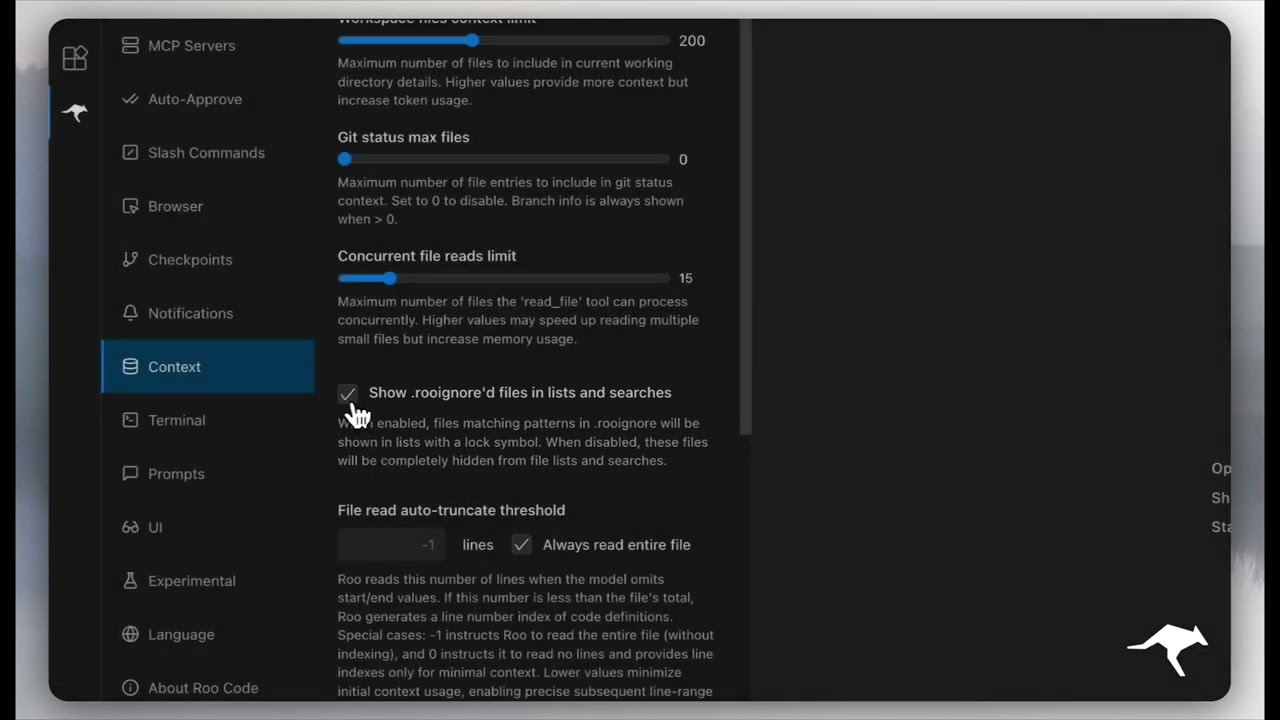 Context Management |
More quick tutorial and feature videos...
- Roo Code (upstream): The open-source project Slim Code is based on; use it for upstream history, comparisons, and contributions to the core codebase.
- Documentation: The official guide to installing, configuring, and mastering Slim Code (and shared Roo Code concepts).
- YouTube Channel: Watch tutorials and see features in action.
- Discord Server: Join the community for real-time help and discussion.
- Reddit Community: Share your experiences and see what others are building.
- GitHub Issues: Report bugs and track development.
- Feature Requests: Have an idea? Share it with the developers.
- Clone the repo:
git clone https://github.com/RooCodeInc/Roo-Code.git- Install dependencies:
pnpm install- Run the extension:
There are several ways to run the Slim Code extension:
For active development, use VSCode's built-in debugging:
Press F5 (or go to Run → Start Debugging) in VSCode. This will open a new VSCode window with the Slim Code extension running.
- Changes to the webview will appear immediately.
- Changes to the core extension will also hot reload automatically.
To build and install the extension as a VSIX package directly into VSCode:
pnpm install:vsix [-y] [--editor=<command>]This command will:
- Ask which editor command to use (code/cursor/code-insiders) - defaults to 'code'
- Uninstall any existing version of the extension.
- Build the latest VSIX package.
- Install the newly built VSIX.
- Prompt you to restart VS Code for changes to take effect.
Options:
-y: Skip all confirmation prompts and use defaults--editor=<command>: Specify the editor command (e.g.,--editor=cursoror--editor=code-insiders)
If you prefer to install the VSIX package manually:
- First, build the VSIX package:
pnpm vsix
- A
.vsixfile will be generated in thebin/directory (e.g.,bin/SlimCode-<version>.vsix). - Install it manually using the VSCode CLI:
code --install-extension bin/SlimCode-<version>.vsix
We use changesets for versioning and publishing. Check our CHANGELOG.md for release notes.
Please note that Slim Code, Inc does not make any representations or warranties regarding any code, models, or other tools provided or made available in connection with Slim Code, any associated third-party tools, or any resulting outputs. You assume all risks associated with the use of any such tools or outputs; such tools are provided on an "AS IS" and "AS AVAILABLE" basis. Such risks may include, without limitation, intellectual property infringement, cyber vulnerabilities or attacks, bias, inaccuracies, errors, defects, viruses, downtime, property loss or damage, and/or personal injury. You are solely responsible for your use of any such tools or outputs (including, without limitation, the legality, appropriateness, and results thereof).
We love community contributions! Get started by reading our CONTRIBUTING.md.
Apache 2.0 © 2025 Slim Code, Inc.
Enjoy Slim Code! Whether you keep it on a short leash or let it roam autonomously, we can’t wait to see what you build. If you have questions or feature ideas, drop by our Reddit community or Discord. Happy coding!