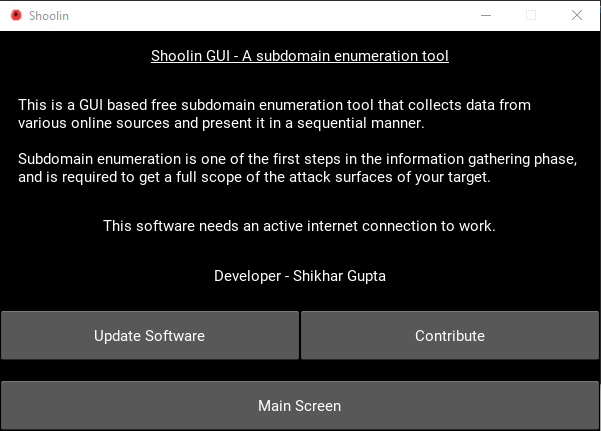
This is a GUI based free subdomain enumeration tool that collects subdomain data from various online resources and present it in a sequential manner.
Subdomain enumeration is one of the first steps in the information gathering phase, and is required to get a full scope of the attack surfaces of your target.
- Nmap (if wanting to run port scans and certain certificate scans)
- Check the nmap using 'nmap' command. If not present, download Nmap from Nmap Website
It is preferable to create a virtual environment before installing the requirements.
git clone https://github.com/Shikhar0051/Shoolin-GUI.git
cd Shoolin-GUI
pip install  -r requirements.txt
If any problem is encountered while installing kivy, please follow the given code.
python -m pip install --upgrade pip wheel setuptools
python -m pip install docutils pygments pypiwin32 kivy.deps.sdl2 kivy.deps.glew
python -m pip install kivy.deps.gstreamer
python -m pip install kivy.deps.angle
python -m pip install pygame
python -m pip install kivy
Run the requirements.txt file again to install other package dependencies.
Run the Shoolin_GUI.py file to execute the code.
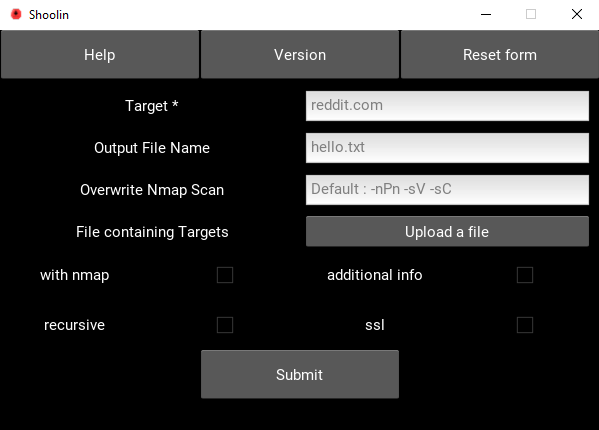
It is a simple to use GUI tool. It is necessary to provide a specific target or a target file to run the application. The output data will be gathered and presented in the output window. A navigable button is provided to traverse between the screens.
Read the Contributing.md file before contributing or opening an issue.