ScreenScribe is an innovative app that allows users to capture screenshots and extract text from them using OCR (Optical Character Recognition). Designed to streamline productivity, ScreenScribe makes it easy to quickly capture information, search for text within images, and save content for later use.
Note: ScreenScribe is currently in the very early development stage and may contain bugs. This is a fun project, so it does not yet follow a specific app structure or design pattern.
- Screenshot Capture: Easily capture screenshots and store them.
- OCR Text Extraction: Convert text in images to editable and searchable text.
- History Management: View and organize past screenshots and extracted text.
- Quick Share: Share text or images directly from the app to other apps.
- Copy to Clipboard: Quickly copy extracted text to the clipboard for easy pasting.
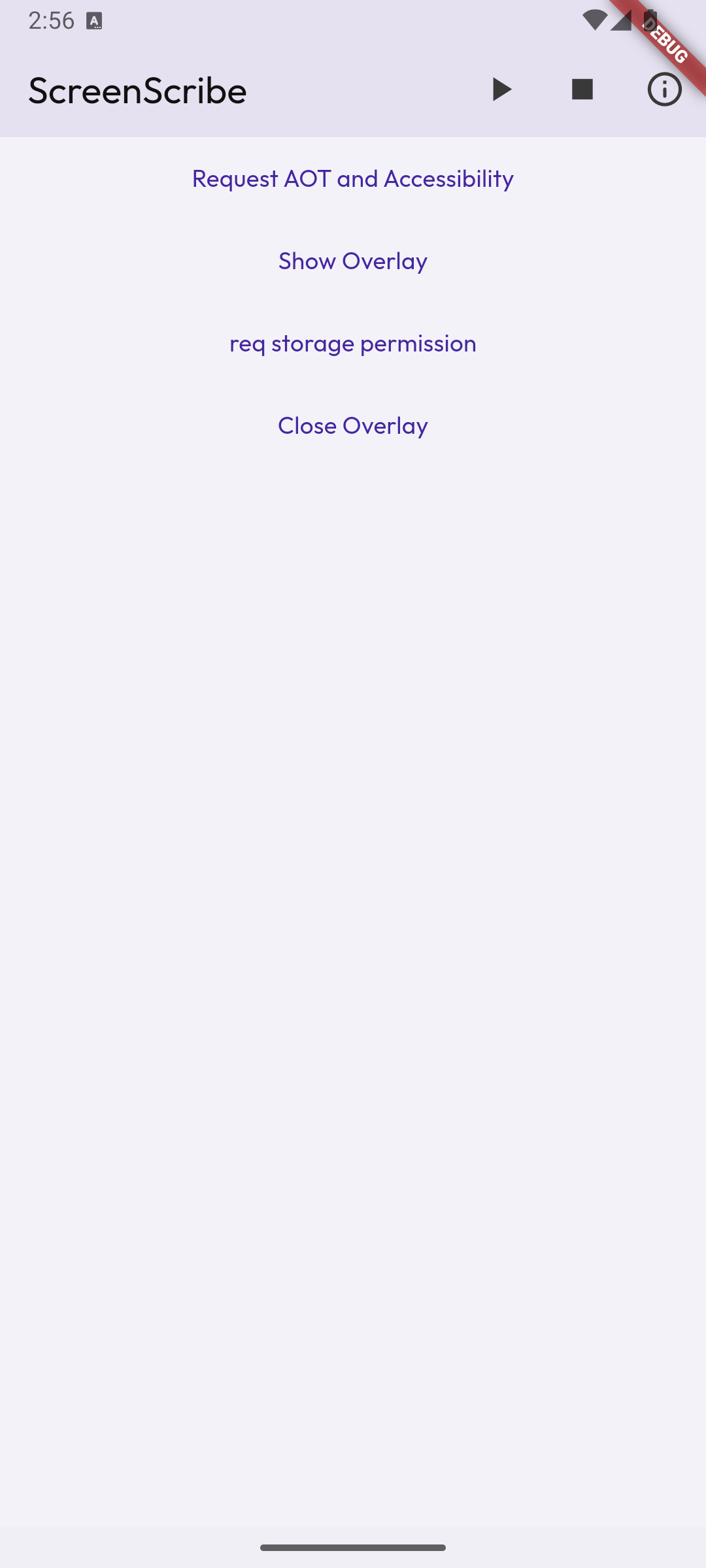 |
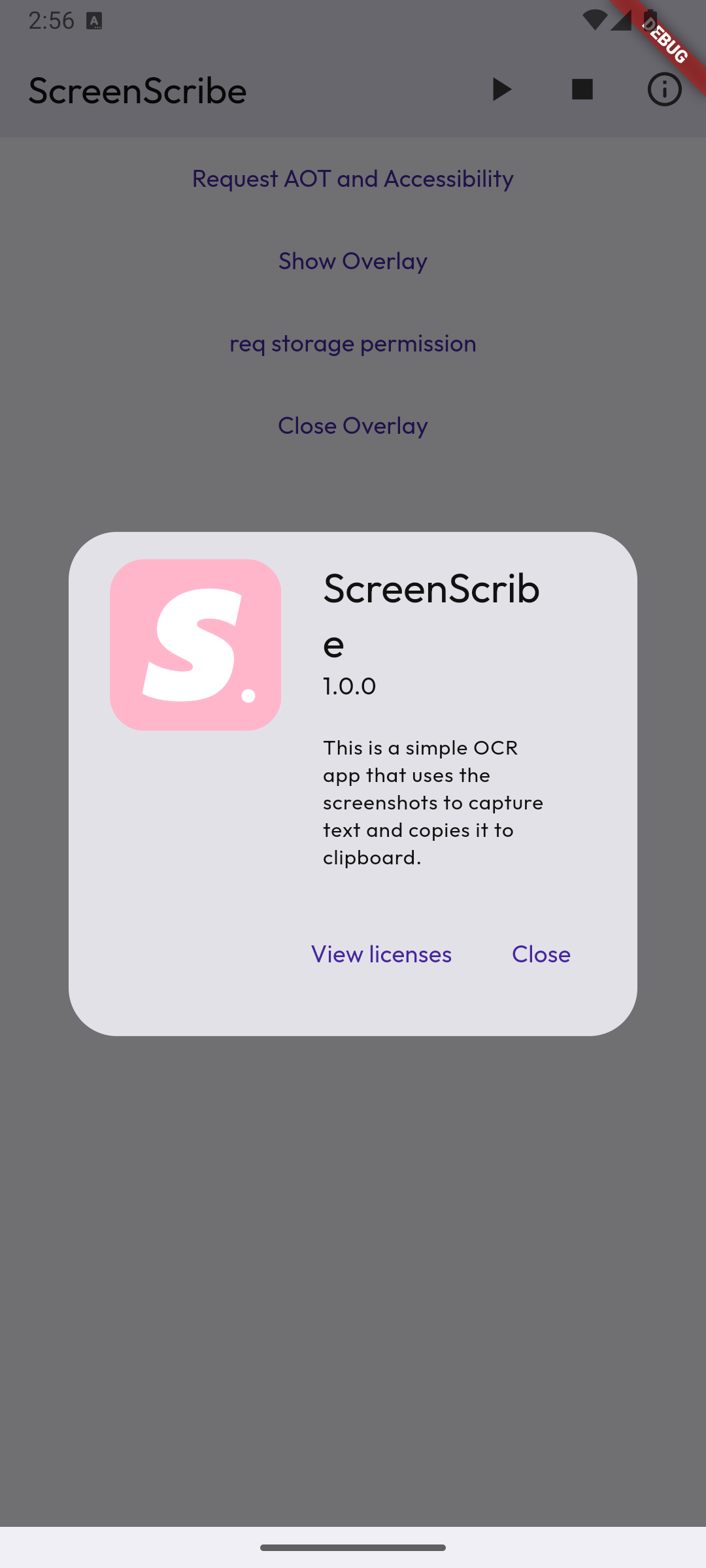 |
|---|---|
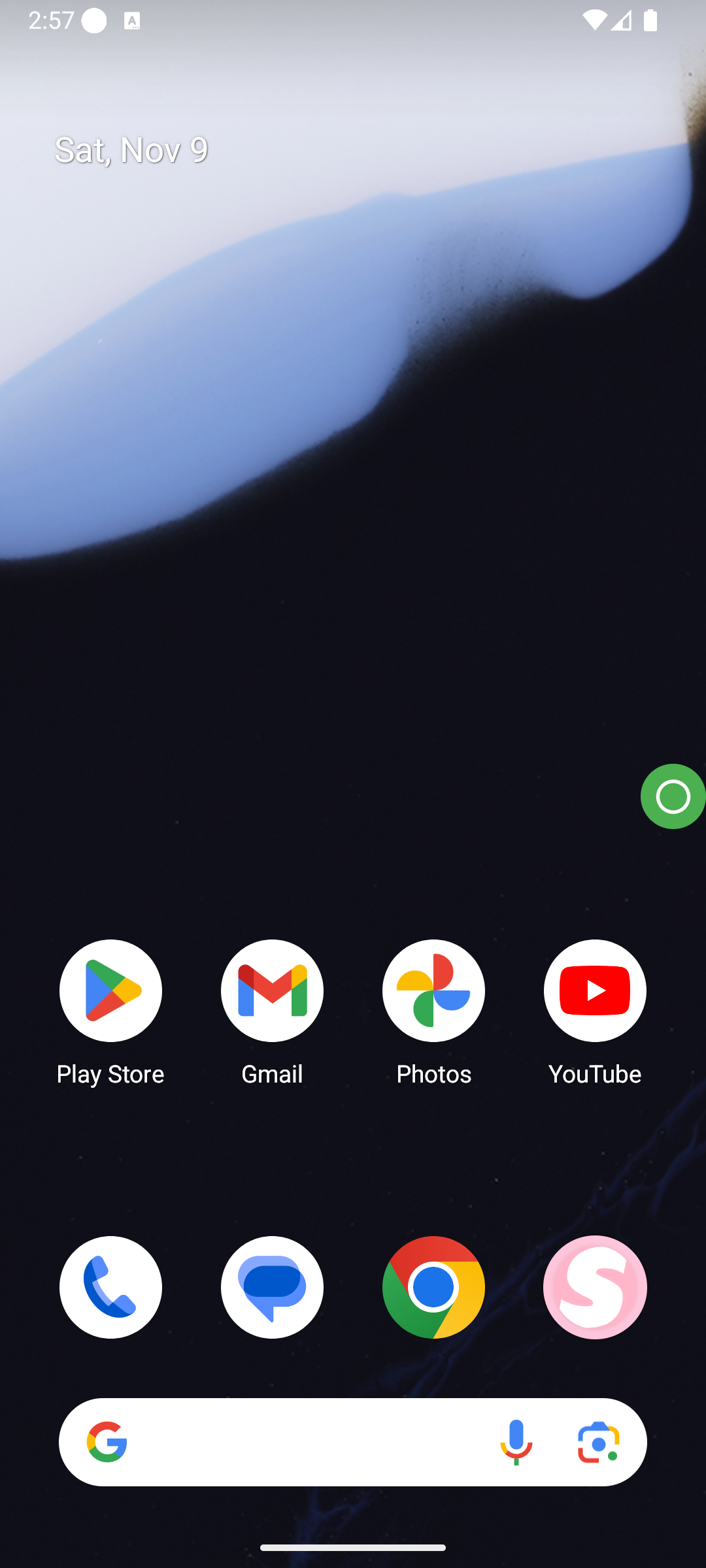 |
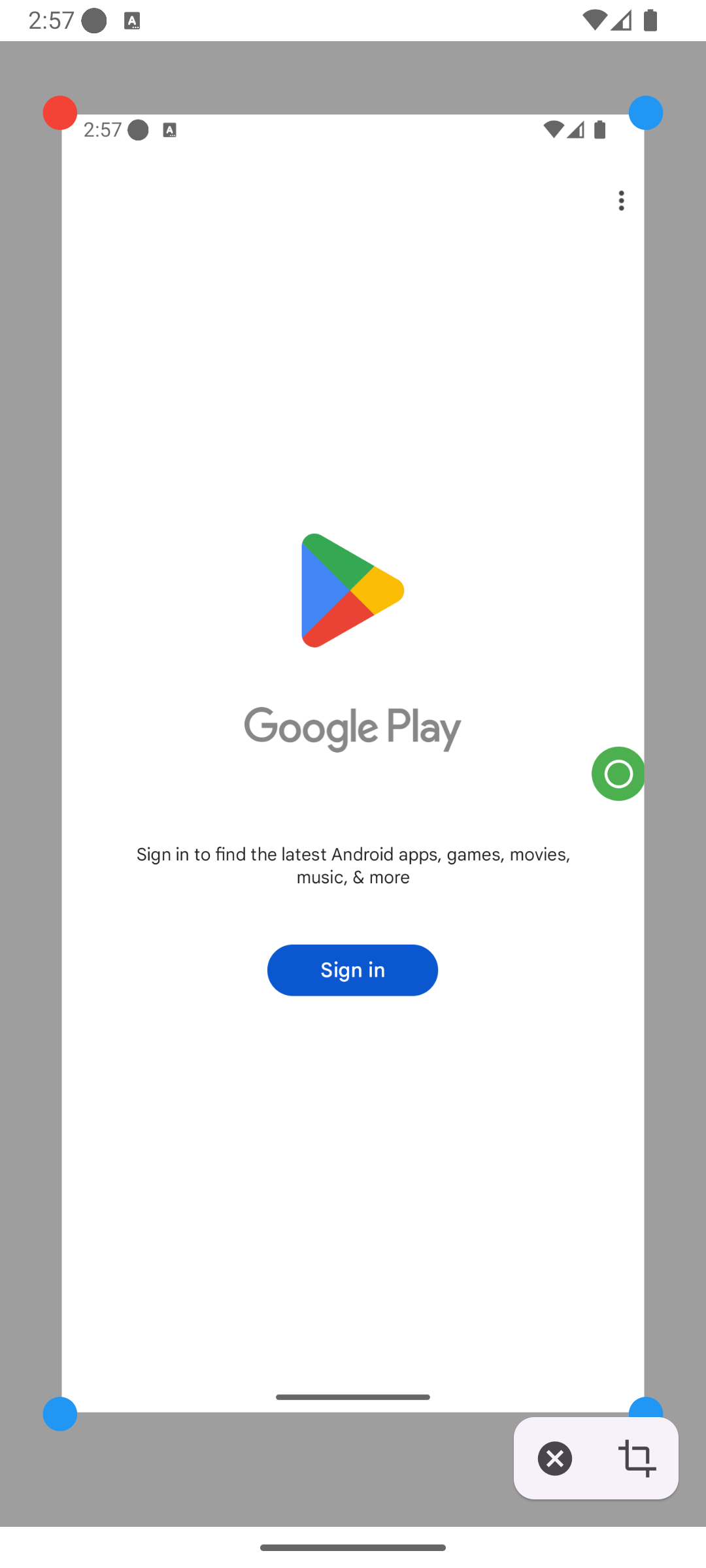 |
showcase.2.mp4
-
Clone the Repository
git clone https://github.com/Not-Dhanraj/ScreenScribe.git cd ScreenScribe -
Install Dependencies Make sure you have Flutter installed, then install dependencies:
flutter pub get
-
Run the App
flutter run
- Capture Screenshot: Take a screenshot by tapping on the overlay icon.
- Extract Text: ScreenScribe will automatically analyze the image and extract any readable text using google ml kit.
- Manage Text: Edit, copy, or search extracted text from your screenshots.
- Built with Flutter: A cross-platform framework that ensures the app runs smoothly on both iOS and Android devices.
- Path Provider: Used to access directories and locate screenshots.
- Google ML Kit: Utilized for robust and accurate OCR text extraction from images, enabling high-quality text recognition directly on-device.
Alpha Version: ScreenScribe is still in its early development stages. As a fun project, it does not follow a structured design or architecture and may have significant bugs or unimplemented features. Contributions are welcome to help improve stability, design, and functionality.
We welcome contributions to ScreenScribe! If you’d like to add features, fix bugs, or improve the codebase:
- Fork the repository.
- Create a new branch:
git checkout -b feature-name
- Commit your changes:
git commit -m "Add new feature" - Push to the branch:
git push origin feature-name
- Open a Pull Request.
This project is licensed under the MIT License. See the LICENSE file for more details.