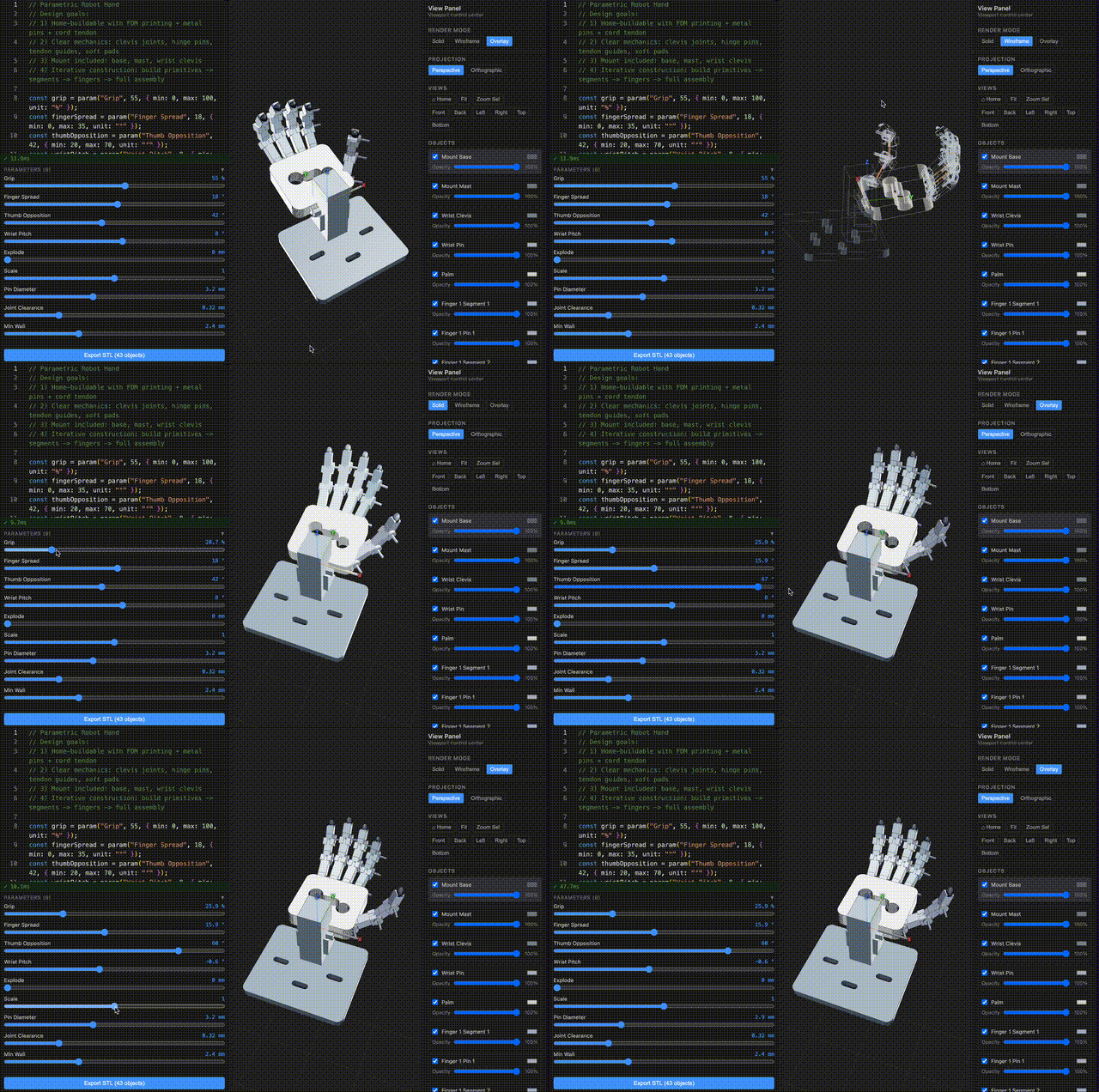
Code-first parametric CAD for JavaScript/TypeScript, with a browser workbench, local CLI, and agent-ready modeling workflow.
ForgeCAD turns a normal .forge.js file into a live CAD model: parameters become sliders, scripts return shapes or assemblies, and the CLI can validate, render, inspect, and export the same model from your terminal.
TypeScript is the file format. The browser is the CAD system.
Try it in the browser • Docs • Examples • Agent Skill • Open an issue
Install the CLI:
npm install -g forgecadStart from the hosted starter project:
forgecad login
forgecad project clone start-here
cd start-here
forgecad studio .
A ForgeCAD project is a dedicated local folder linked to the hosted app by forgecad.json. Use forgecad project clone <slug> to download an existing project, or run forgecad project init inside a folder you want to make into a new ForgeCAD project.
Create a new project locally:
mkdir spool-adapter
cd spool-adapter
forgecad project init "Spool Adapter" --visibility private
forgecad new adapter --template part
forgecad studio .
Do not point forgecad studio at your home directory, downloads folder, desktop, or a huge source tree. It requires an explicit project path; use . for the current project folder.
Explore the public examples locally:
git clone https://github.com/KoStard/ForgeCAD.git
cd ForgeCAD
forgecad studio examples
forgecad run examples/products/cup.forge.js
forgecad render 3d examples/products/cup.forge.js
Open more than one local project at once:
forgecad studio examples path/to/another-projectInside a cloned or initialized ForgeCAD project, drop this into starter.forge.js:
const width = Param.number("Width", 90, { min: 50, max: 160, unit: "mm" });
const depth = Param.number("Depth", 56, { min: 32, max: 100, unit: "mm" });
const height = Param.number("Height", 12, { min: 6, max: 32, unit: "mm" });
const holeRadius = Param.number("Hole Radius", 5, { min: 2, max: 10, unit: "mm" });

const base = box(width, depth, height).color("#5f87c6");
const hole = cylinder(height * 3, holeRadius).translate(0, 0, -height);

return {
  "starter plate": base.subtract(hole),
};
Then run:
forgecad run starter.forge.js
forgecad studio .This repository is ForgeCAD's public home for:
- Issues and discussion — bugs, feature requests, questions, and public roadmap input.
- Examples — ready-to-run
.forge.jsscripts underexamples/. - Agent skills — the generated ForgeCAD modeling skill plus companion workflows under
skills/. - Benchmarks — examples of how current language models handle code-first CAD prompts.
- Docs links — full user documentation lives at forgecad.io/docs.
Active application development currently happens in a private repository. This public repo is intentionally focused on the assets people can use directly: examples, issue tracking, agent context, and public workflow prompts. If there is a component you want opened up sooner, file an issue.
| Area | Start here |
|---|---|
| API basics | examples/api/boolean-operations.forge.js, examples/api/constrained-sketch-basics.forge.js |
| Assemblies | examples/api/static-assembly-connectors.forge.js, examples/mechanical/5-finger-robot-hand.forge.js |
| Exact and surface workflows | examples/api/exact-surface-studio.forge.js, examples/exact-arc-housing.forge.js |
| Generative forms | examples/generative/voronoi-lampshade.forge.js, examples/api/sdf-shapes.forge.js |
| Products | examples/products/chess-set.forge.js, examples/products/classical-piano.forge.js |
| Solver cases | examples/constraints/, examples/compiler-corpus/ |
| Task | Command |
|---|---|
| Clone a hosted project | forgecad project clone <slug> |
| Create a new hosted project from the current folder | forgecad project init "Project Name" |
| Open one or more local projects | forgecad studio <project-path> [project-path ...] |
| Validate a script | forgecad run file.forge.js |
| Render a PNG | forgecad render 3d file.forge.js |
| Render an inspection bundle | forgecad render inspect file.forge.js --channels rgb,mask |
| Render a section | forgecad render section file.forge.js --plane XZ |
| Export STL | forgecad export stl file.forge.js |
| Export STEP | forgecad export step file.forge.js |
| Sweep parameters | forgecad check params file.forge.js --samples 10 |
forgecad project init creates the remote project, writes forgecad.json, and uploads local source files. forgecad project push syncs an already initialized project; it does not create a remote project from a random folder.
Run forgecad doctor if render or exact export dependencies need checking.
ForgeCAD is built to work well with coding agents because CAD models are just code. The strongest loop is:
agent edits .forge.js -> forgecad run -> forgecad render inspect -> iterate
The full setup, approved model list, installed skills, flattened skill files, and completion criteria are in the AI Usage guide.
Install the ForgeCAD public skill library:
forgecad skill installThat installs the core forgecad skill plus public workflow skills such as forgecad-make-a-model, forgecad-render-inspect, and forgecad-lld into the known global skill directories for generic agents, Claude Code, Codex, and OpenCode. Use --target when you want to update only one agent location:
forgecad skill install --target claude    # ~/.claude/skills
forgecad skill install --target opencode  # ~/.config/opencode/skills
forgecad skill install --target codex     # ~/.codex/skills
The library includes public prompts for:
- build-brief preparation with
forgecad-prepare-prompt - model authoring with
forgecad-make-a-model - component discipline with
forgecad-component-model - high-level and low-level design with
forgecad-high-level-specandforgecad-lld - render-bundle verification with
forgecad-render-inspect - visual prompt generation with
forgecad-visual-spec
The generated core modeling skill is checked in at skills/forgecad/SKILL.md. The full public skill index is skills/README.md.
Start the agent inside the initialized project folder and require command evidence:
Use the ForgeCAD skills. Work in this project folder. Build real ForgeCAD
geometry, validate with forgecad run, render or inspect the result, run
parameter checks when relevant, and push with forgecad project push when done.
For chat tools without local shell access, generate a single context file:
forgecad skill one-file ~/Desktop/forgecad-context.mdHistorical benchmark archive only. These rows are not recommendations and are not the approved model list. For current supported AI workflows, use the approved models in the AI Usage guide.
Latest benchmark iterations from ForgeCADBenchmark/results/* (version_{n}.forge.js with highest n per run folder).
| model name | prompt | GIF |
|---|---|---|
3dprinter-gpt52codex2026-02-13 14-36-06 • v2 |
Make a detailed home 3D printer, showing the internal details of how it should work. Add some params for controlling positions, etc. | 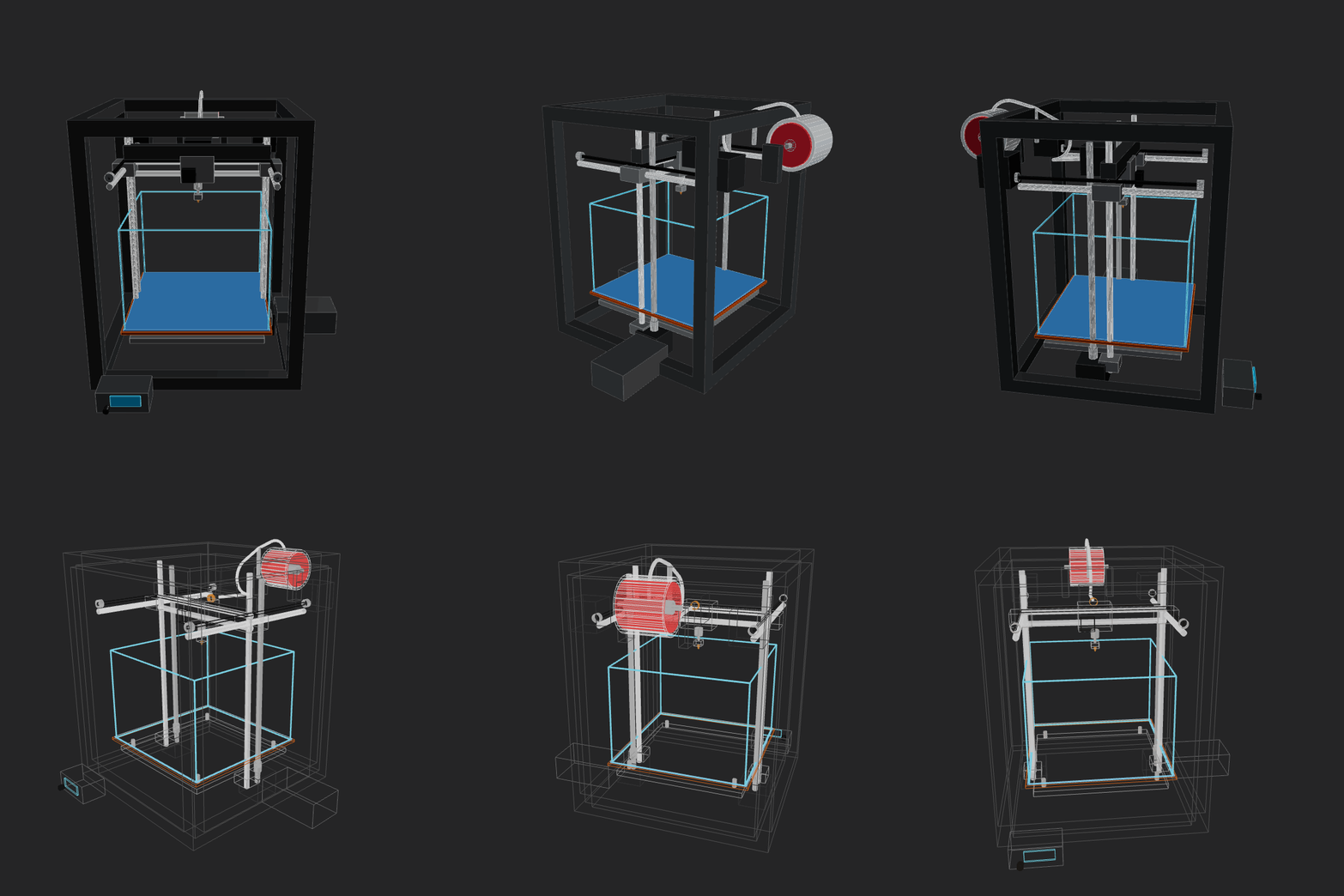 |
amazon-nova-2-lite-v12026-02-13 00-15-44 • v1 |
Make a home AC unit, showing both pieces on different sides of the wall (inside and outside). The external piece should have a fan positioned on its external face vertically. Implement whatever features/methods you are missing in the script itself for your convenience. Use the simpler primitives when unsure. | 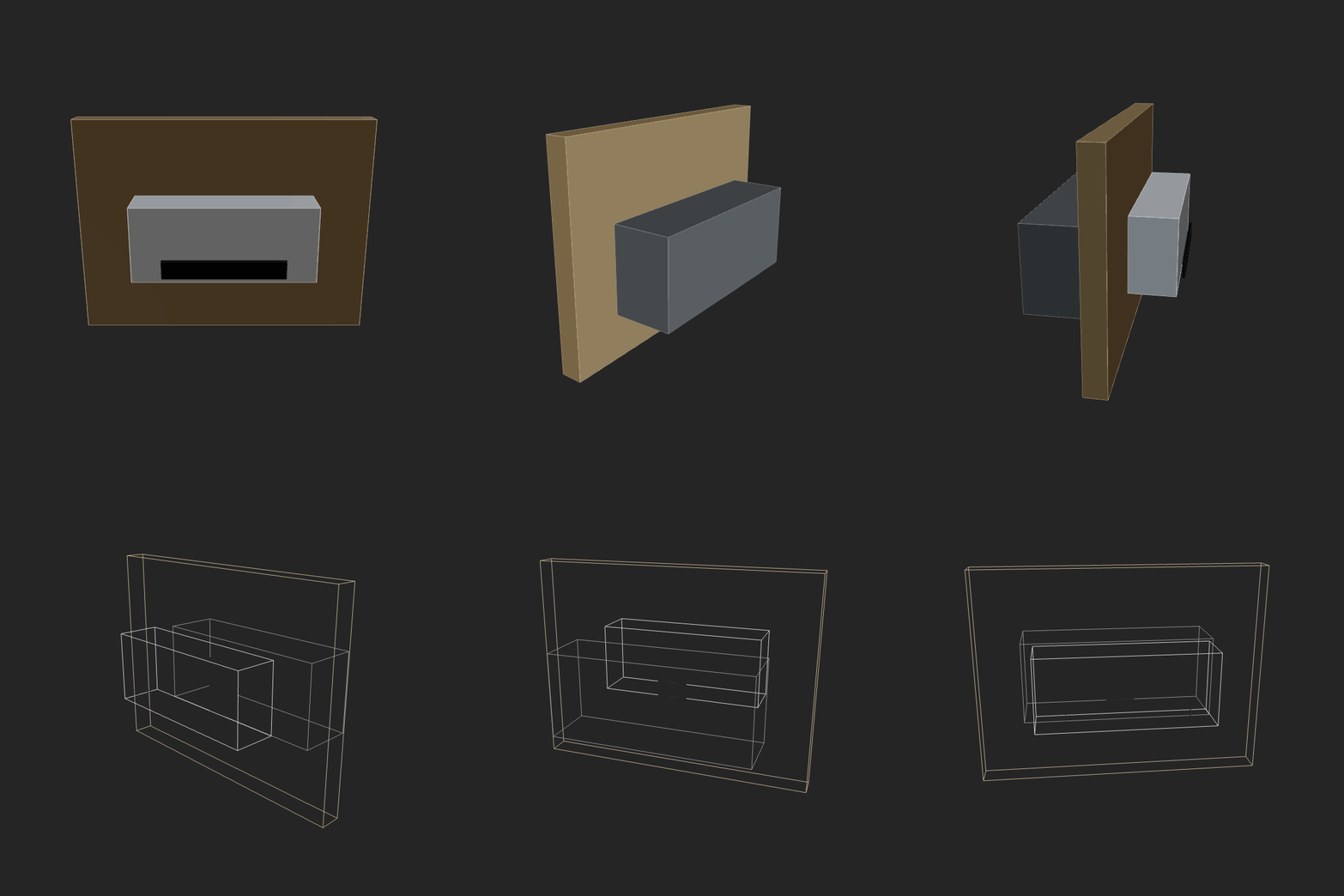 |
amazon-nova-premier-v12026-02-13 00-36-50 • v1 |
Make a home AC unit, showing both pieces on different sides of the wall (inside and outside). The external piece should have a fan positioned on its external face vertically. Implement whatever features/methods you are missing in the script itself for your convenience. Use the simpler primitives when unsure. | GIF generation failed (script runtime error). |
aurora_alpha2026-02-12 15-19-30 • v2 |
Make a home AC unit, showing both pieces on different sides of the wall (inside and outside). Implement whatever features/methods you are missing in the script itself for your convenience. Use the simpler primitives when unsure. | GIF generation failed (script runtime error). |
bytedance-seed-seed-1.62026-02-13 00-14-02 • v3 |
Make a home AC unit, showing both pieces on different sides of the wall (inside and outside). The external piece should have a fan positioned on its external face vertically. Implement whatever features/methods you are missing in the script itself for your convenience. Use the simpler primitives when unsure. | 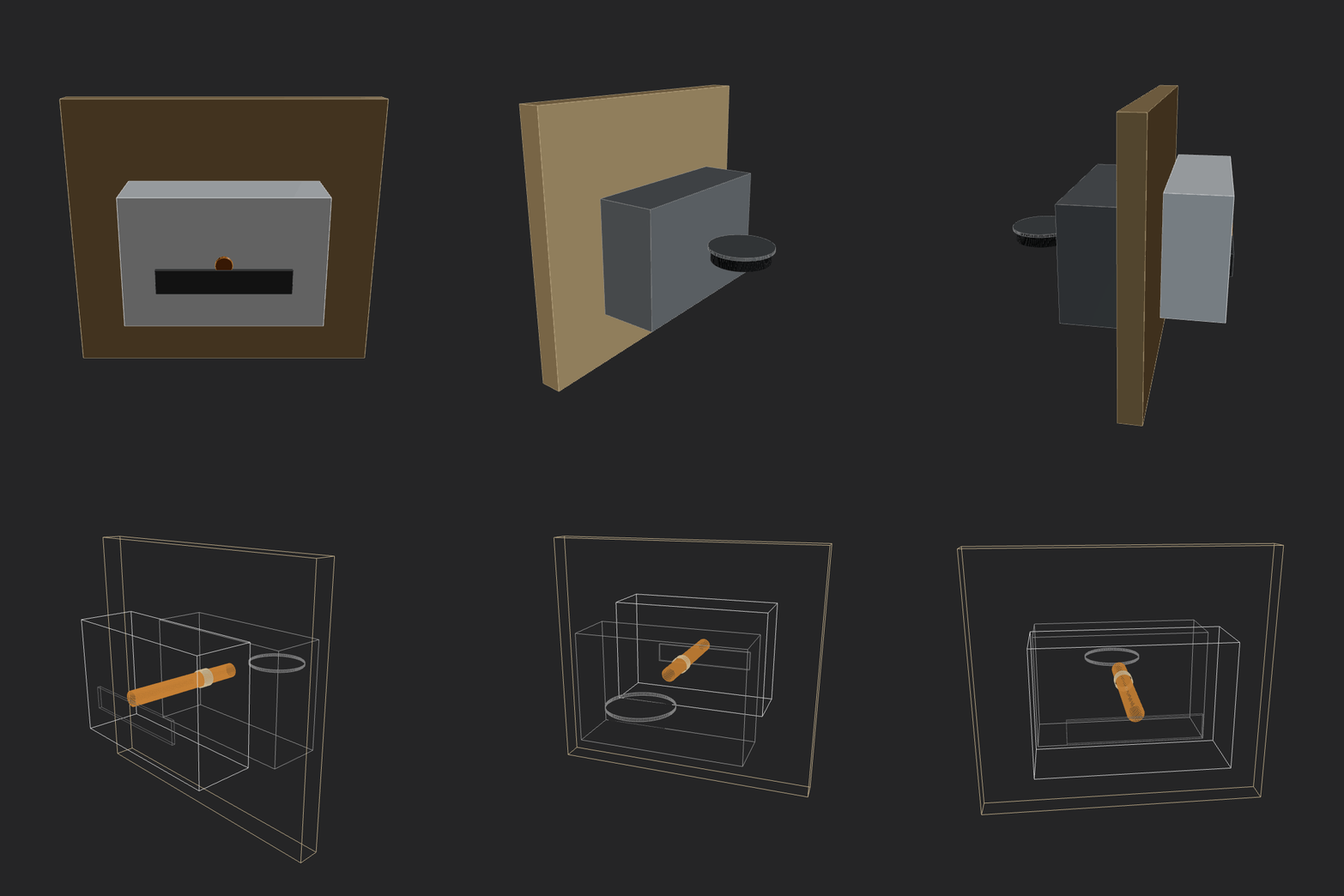 |
deepseek-deepseek-v3.22026-02-13 00-30-04 • v3 |
Make a home AC unit, showing both pieces on different sides of the wall (inside and outside). The external piece should have a fan positioned on its external face vertically. Implement whatever features/methods you are missing in the script itself for your convenience. Use the simpler primitives when unsure. | 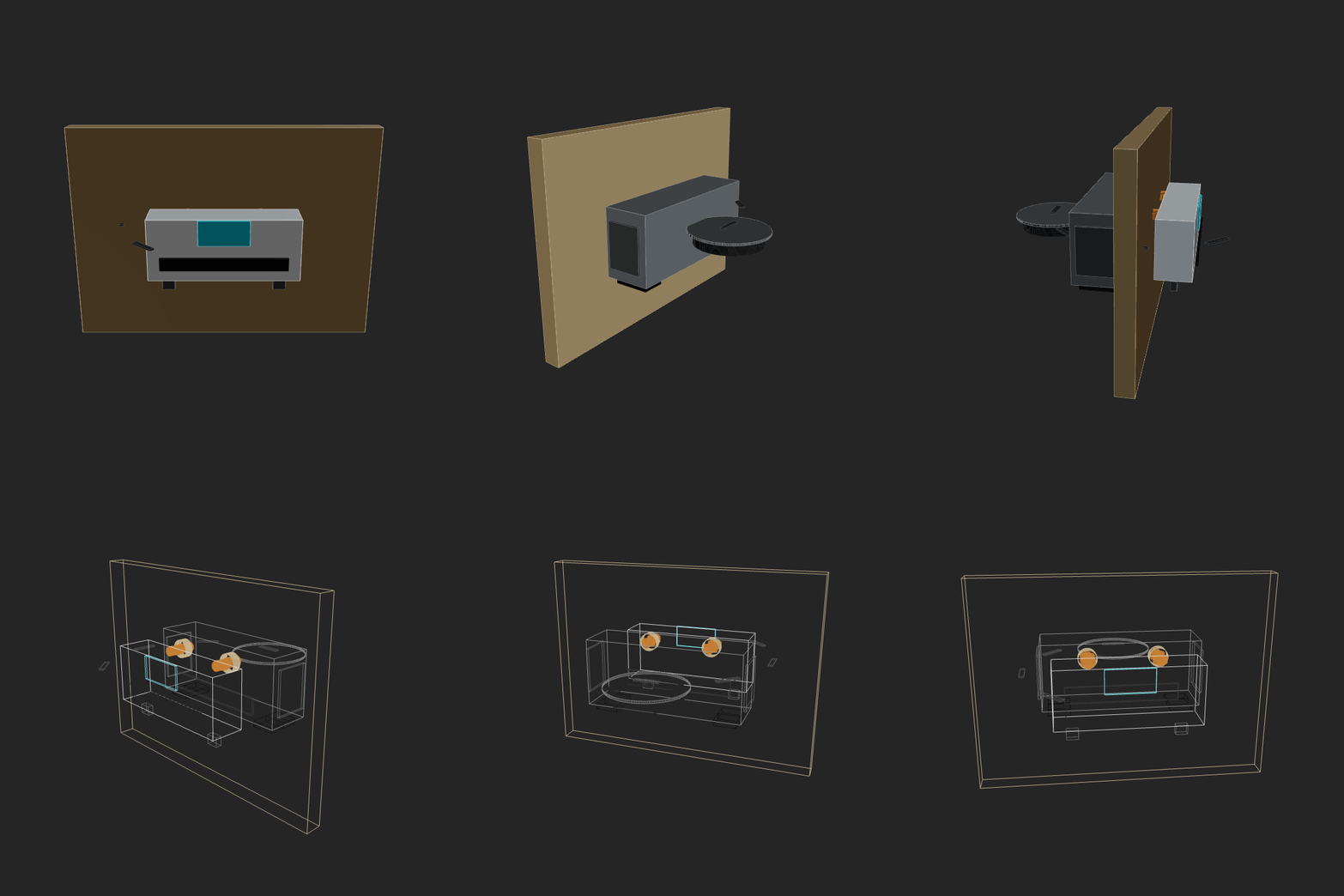 |
gemini3flash2026-02-12 23-53-27 • v5 |
Make a home AC unit, showing both pieces on different sides of the wall (inside and outside). The external piece should have a fan positioned on its external face vertically. Implement whatever features/methods you are missing in the script itself for your convenience. Use the simpler primitives when unsure. | 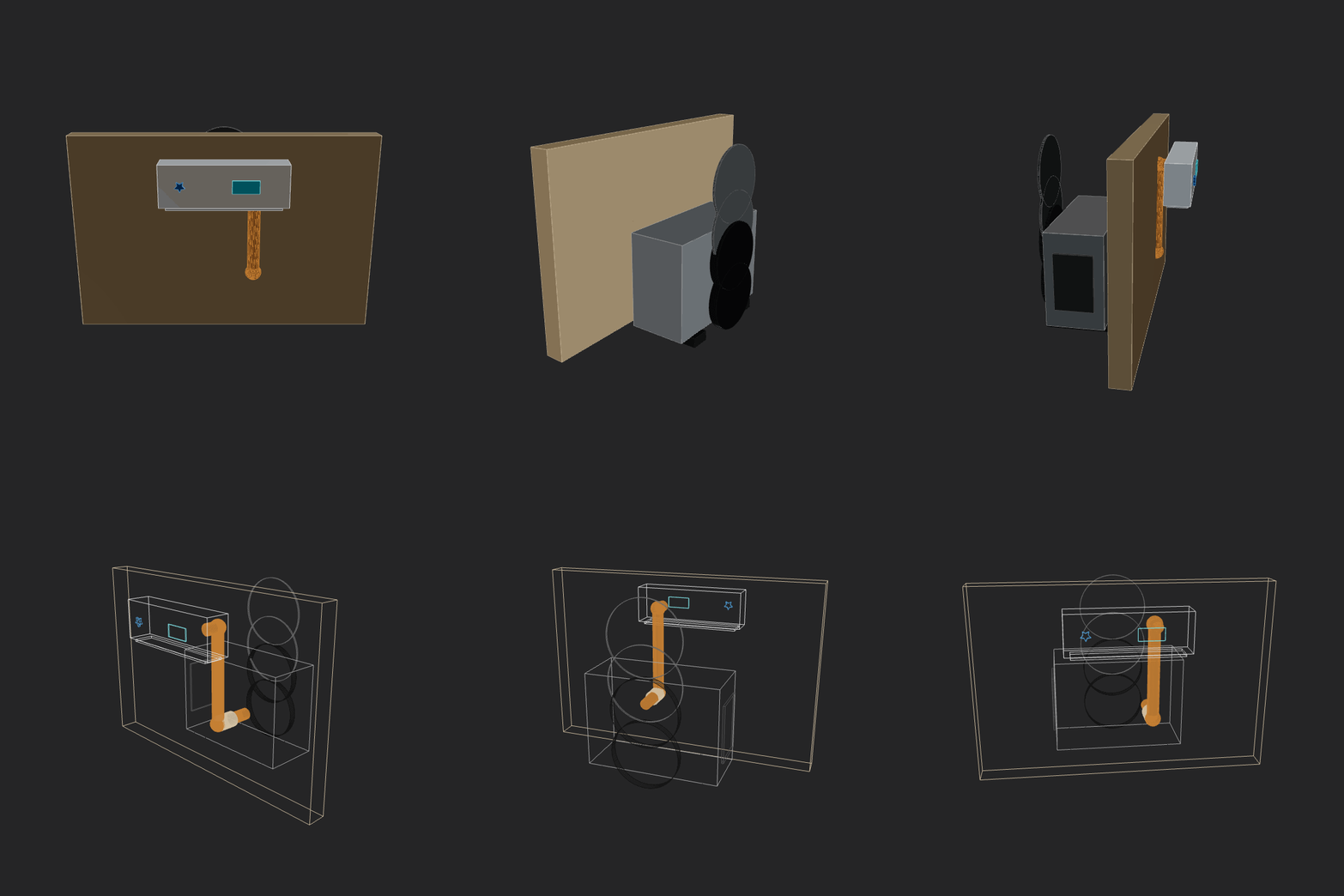 |
glm52026-02-12 14-58-52 • v3 |
Make a home AC unit, showing both pieces on different sides of the wall (inside and outside). Implement whatever features/methods you are missing in the script itself for your convenience. Use the simpler primitives when unsure. | 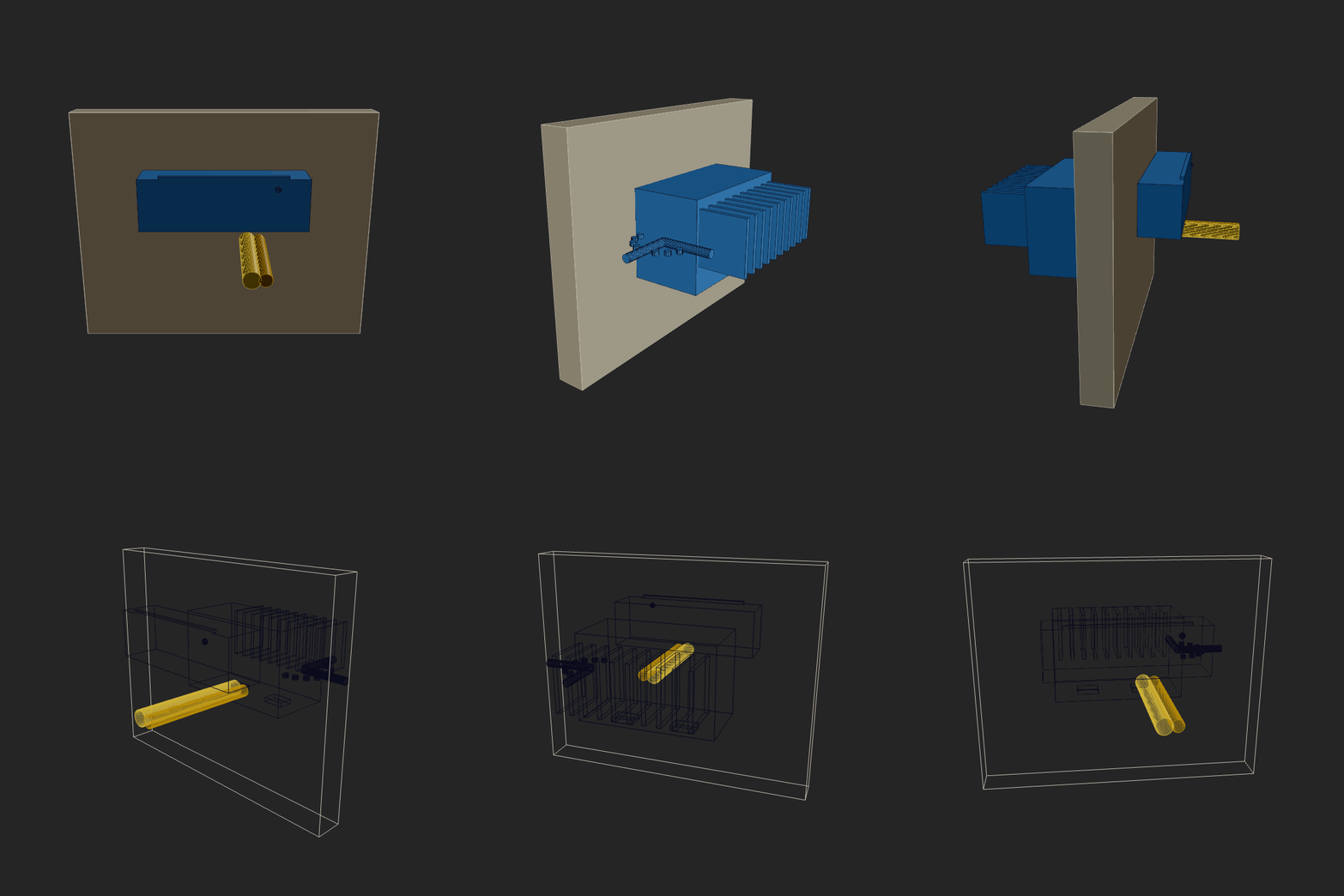 |
glm52026-02-12 23-04-12 • v4 |
Make a home AC unit, showing both pieces on different sides of the wall (inside and outside). The external piece should have a fan positioned on its external face vertically. Implement whatever features/methods you are missing in the script itself for your convenience. Use the simpler primitives when unsure. | 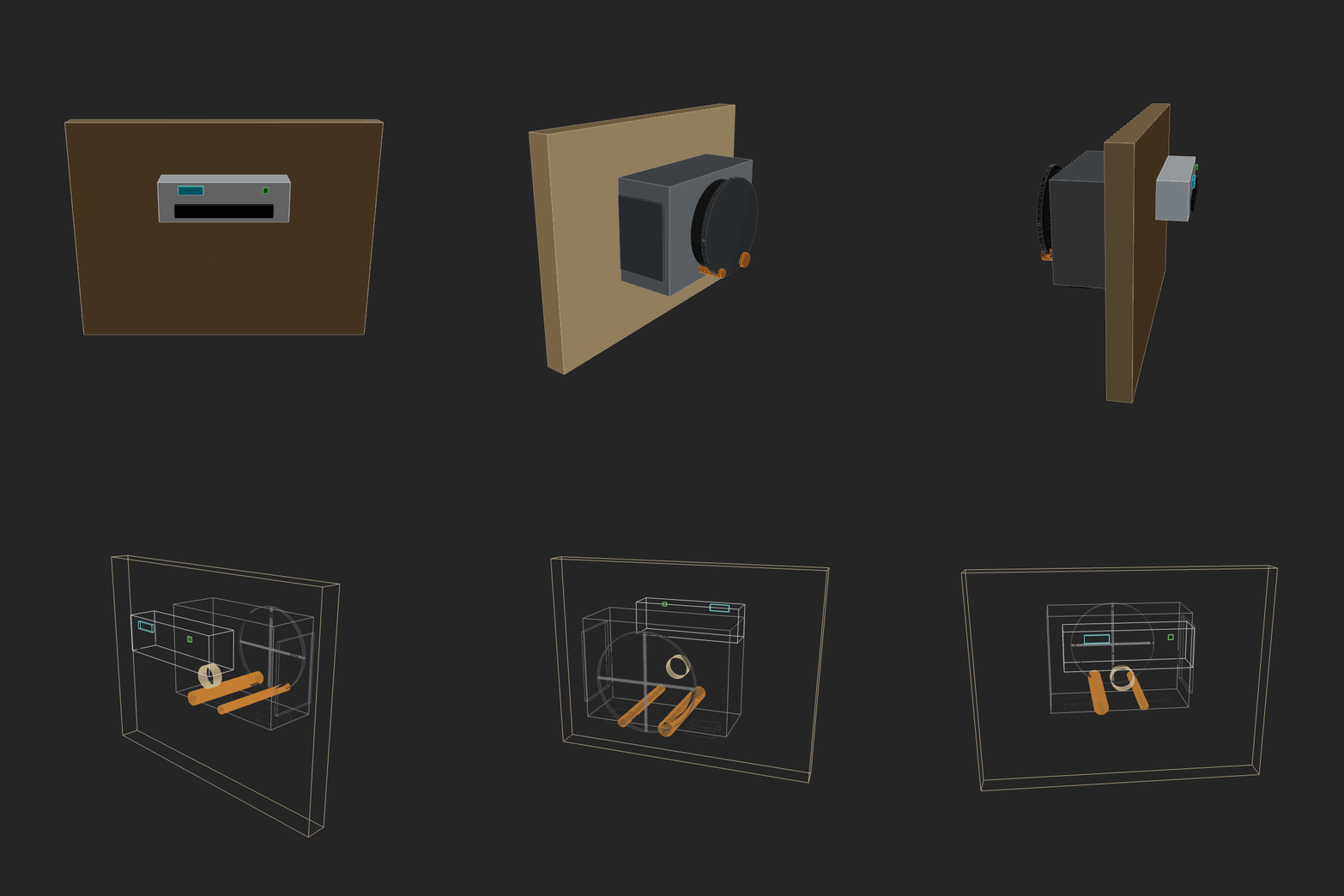 |
google-gemini-3-pro-preview2026-02-13 00-36-12 • v2 |
Make a home AC unit, showing both pieces on different sides of the wall (inside and outside). The external piece should have a fan positioned on its external face vertically. Implement whatever features/methods you are missing in the script itself for your convenience. Use the simpler primitives when unsure. |  |
gpt52codex2026-02-13 00-04-30 • v2 |
Make a home AC unit, showing both pieces on different sides of the wall (inside and outside). The external piece should have a fan positioned on its external face vertically. Implement whatever features/methods you are missing in the script itself for your convenience. Use the simpler primitives when unsure. | 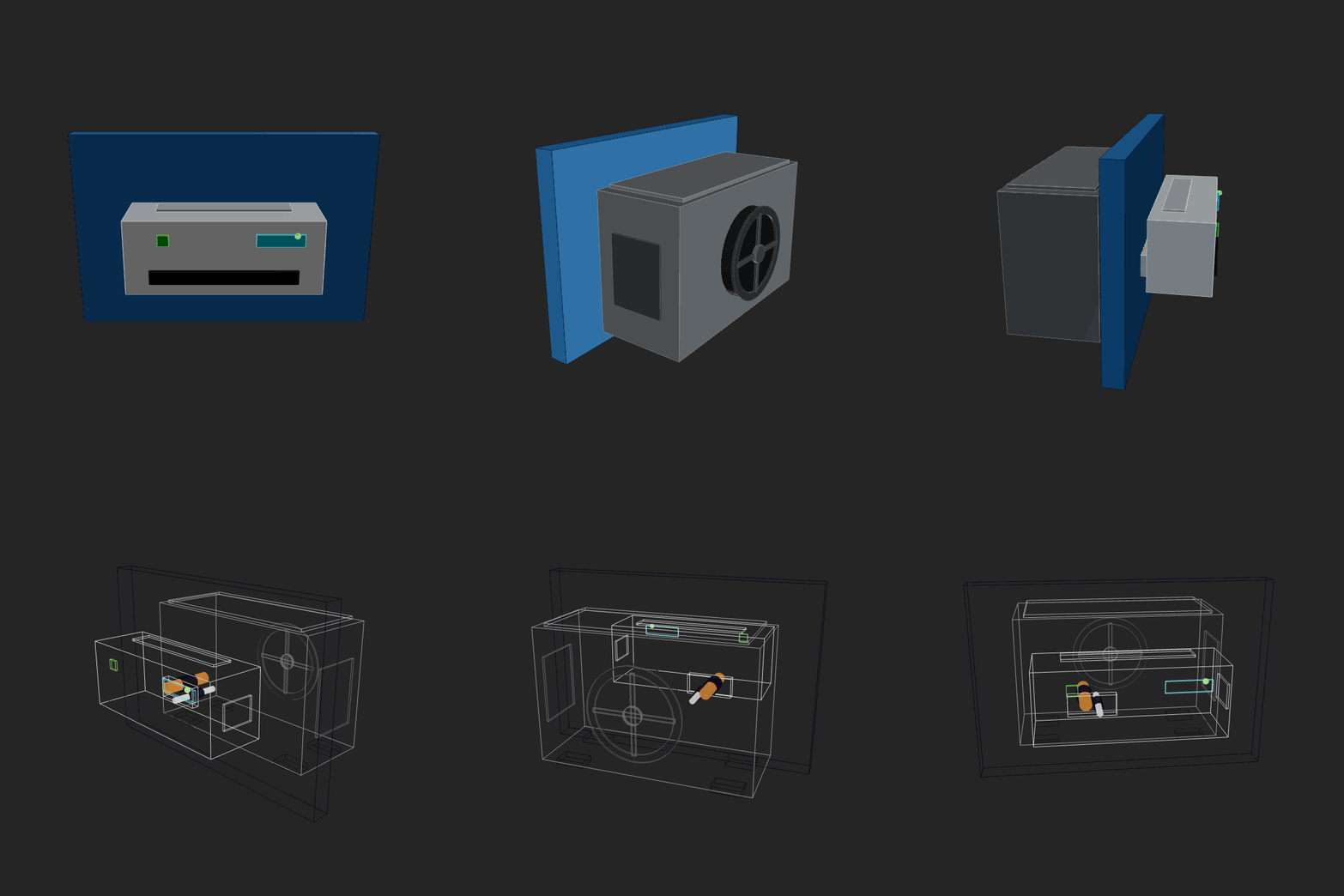 |
gpt52codex2026-02-13 12-40-31 • v2 |
Make a home AC unit, showing both pieces on different sides of the wall (inside and outside). The external piece should have a fan positioned on its external face vertically. Include as many details as you safely can. Implement whatever features/methods you are missing in the script itself for your convenience. Use the simpler primitives when unsure. | 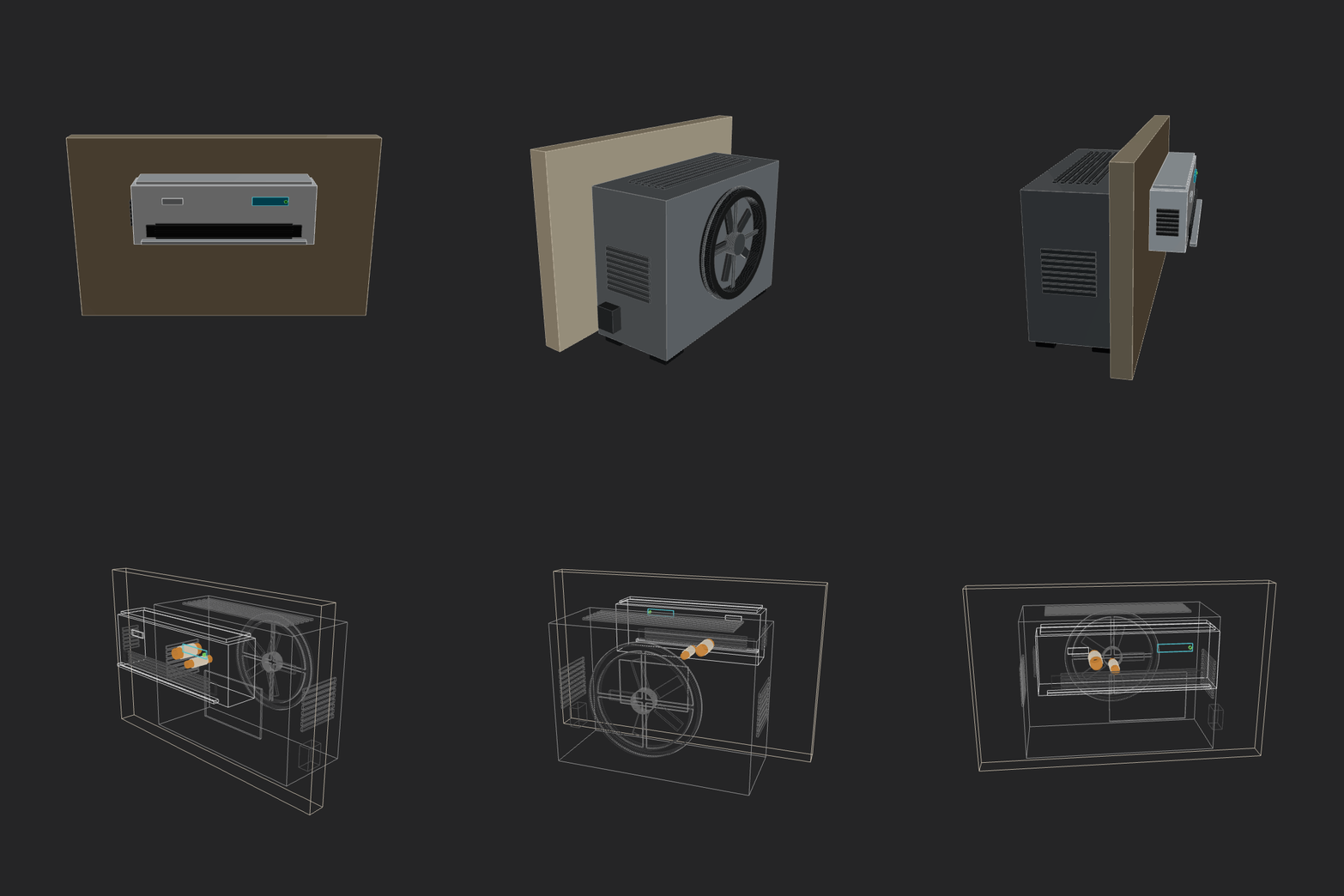 |
haiku_4_52026-02-12 21-49-51 • v1 |
Make a home AC unit, showing both pieces on different sides of the wall (inside and outside). Implement whatever features/methods you are missing in the script itself for your convenience. Use the simpler primitives when unsure. |  |
haiku_4_52026-02-12 21-54-22 • v3 |
Make a home AC unit, showing both pieces on different sides of the wall (inside and outside). Implement whatever features/methods you are missing in the script itself for your convenience. Use the simpler primitives when unsure. | 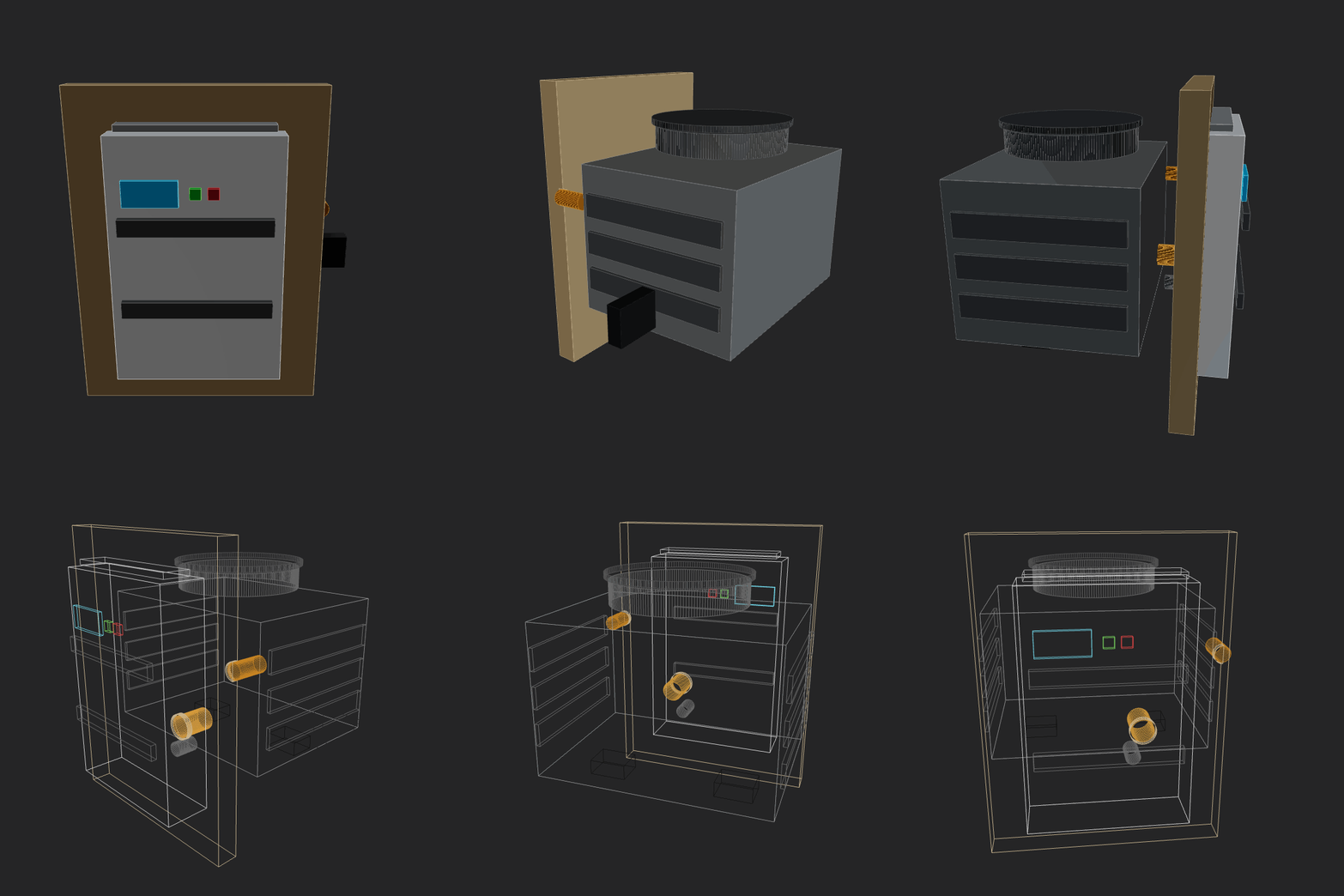 |
kimi252026-02-12 13-50-22 • v4 |
Make a home AC unit, showing both pieces on different sides of the wall (inside and outside). Implement whatever features/methods you are missing in the script itself for your convenience. Use the simpler primitives when unsure. | 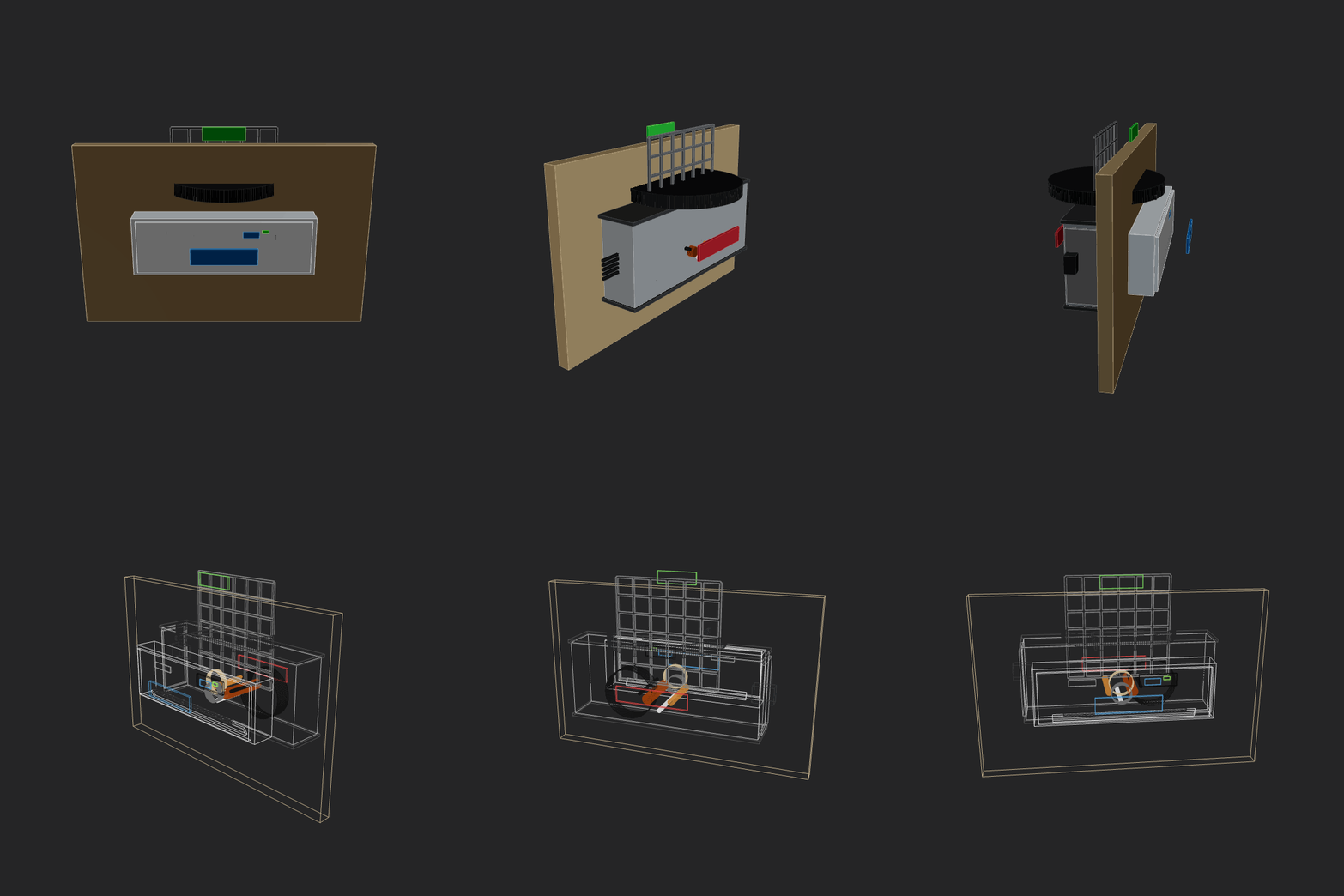 |
kimi252026-02-12 14-58-53 • v3 |
Make a home AC unit, showing both pieces on different sides of the wall (inside and outside). Implement whatever features/methods you are missing in the script itself for your convenience. Use the simpler primitives when unsure. | 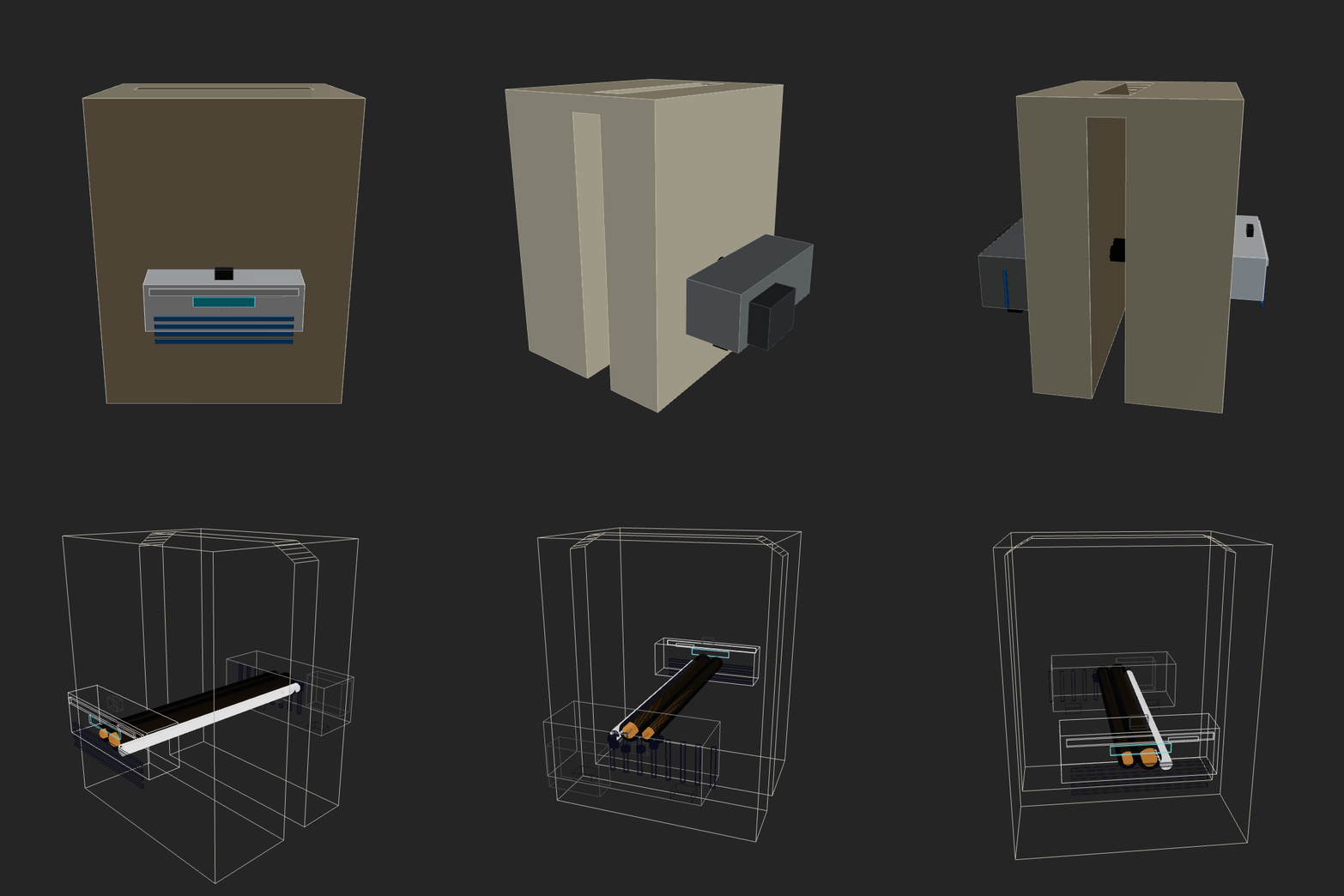 |
manual-gemini-flash2026-02-12 23-44-23 • v3 |
Make a home AC unit, showing both pieces on different sides of the wall (inside and outside). The external piece should have a fan positioned on its external face vertically. Implement whatever features/methods you are missing in the script itself for your convenience. Use the simpler primitives when unsure. |  |
minimax252026-02-12 14-32-24 • v5 |
Make a home AC unit, showing both pieces on different sides of the wall (inside and outside). Implement whatever features/methods you are missing in the script itself for your convenience. Use the simpler primitives when unsure. | 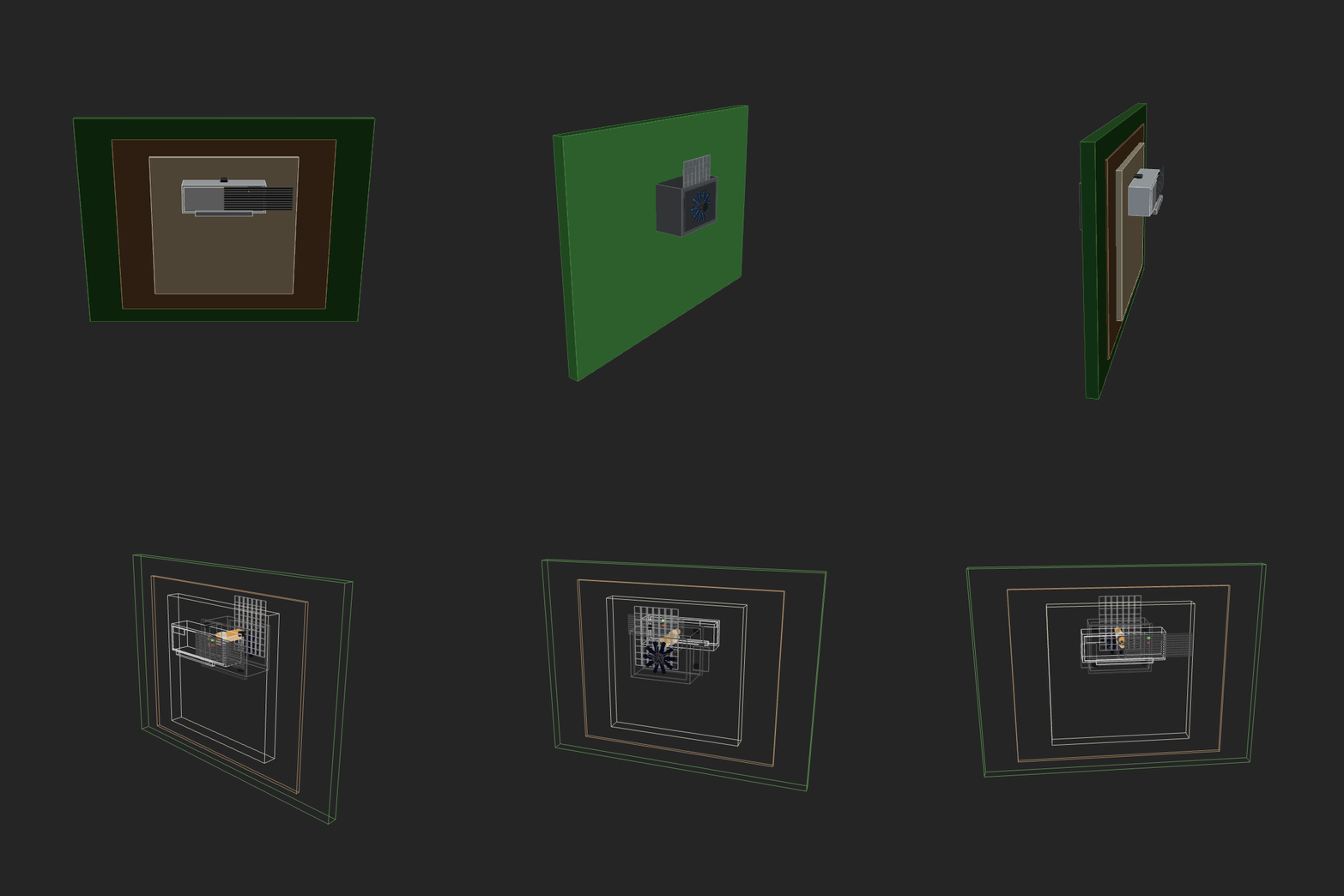 |
minimax252026-02-12 23-05-17 • v3 |
Make a home AC unit, showing both pieces on different sides of the wall (inside and outside). The external piece should have a fan positioned on its external face vertically. Implement whatever features/methods you are missing in the script itself for your convenience. Use the simpler primitives when unsure. | 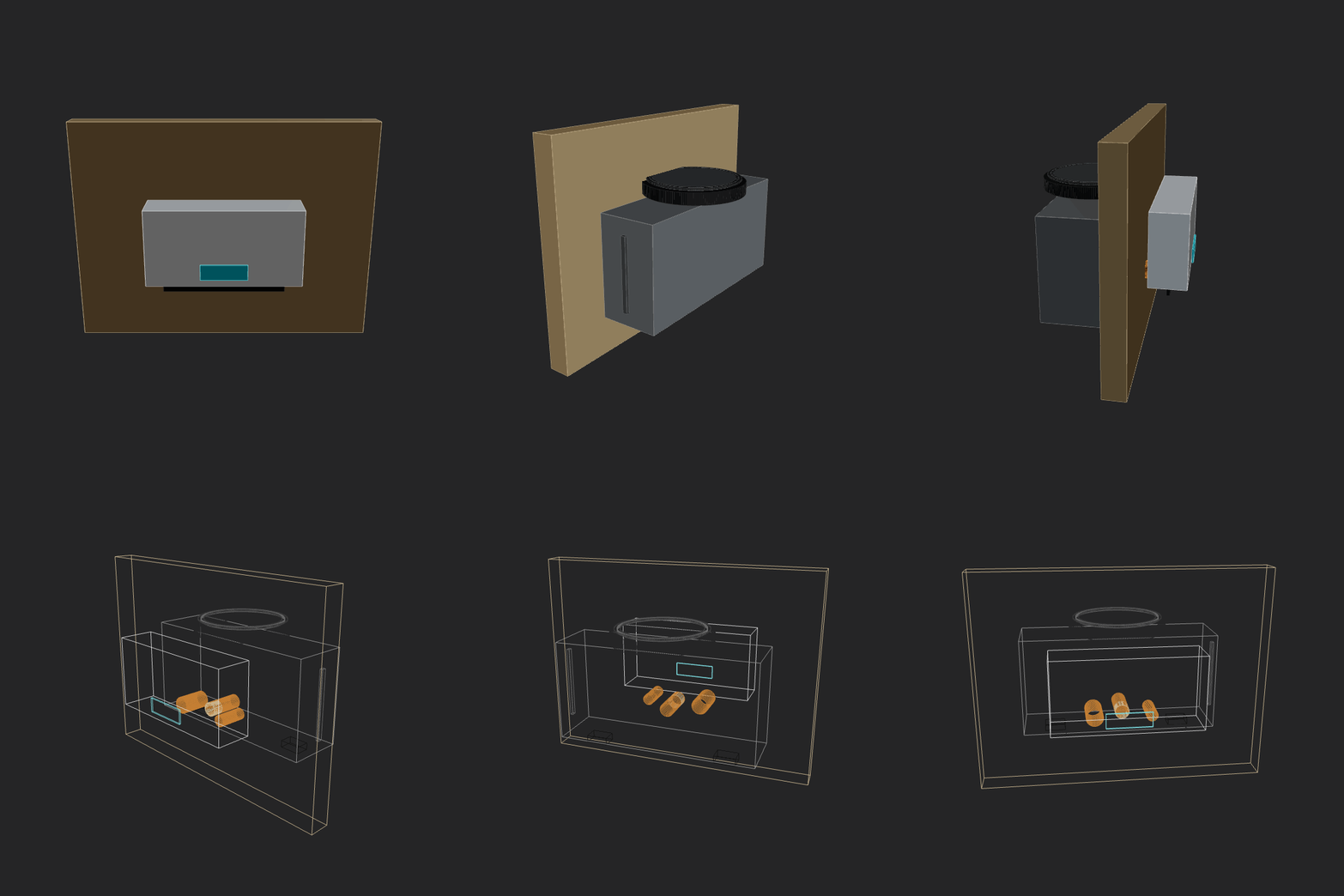 |
minimax252026-02-13 12-37-52 • v4 |
Make a home AC unit, showing both pieces on different sides of the wall (inside and outside). The external piece should have a fan positioned on its external face vertically. Implement whatever features/methods you are missing in the script itself for your convenience. Use the simpler primitives when unsure. | 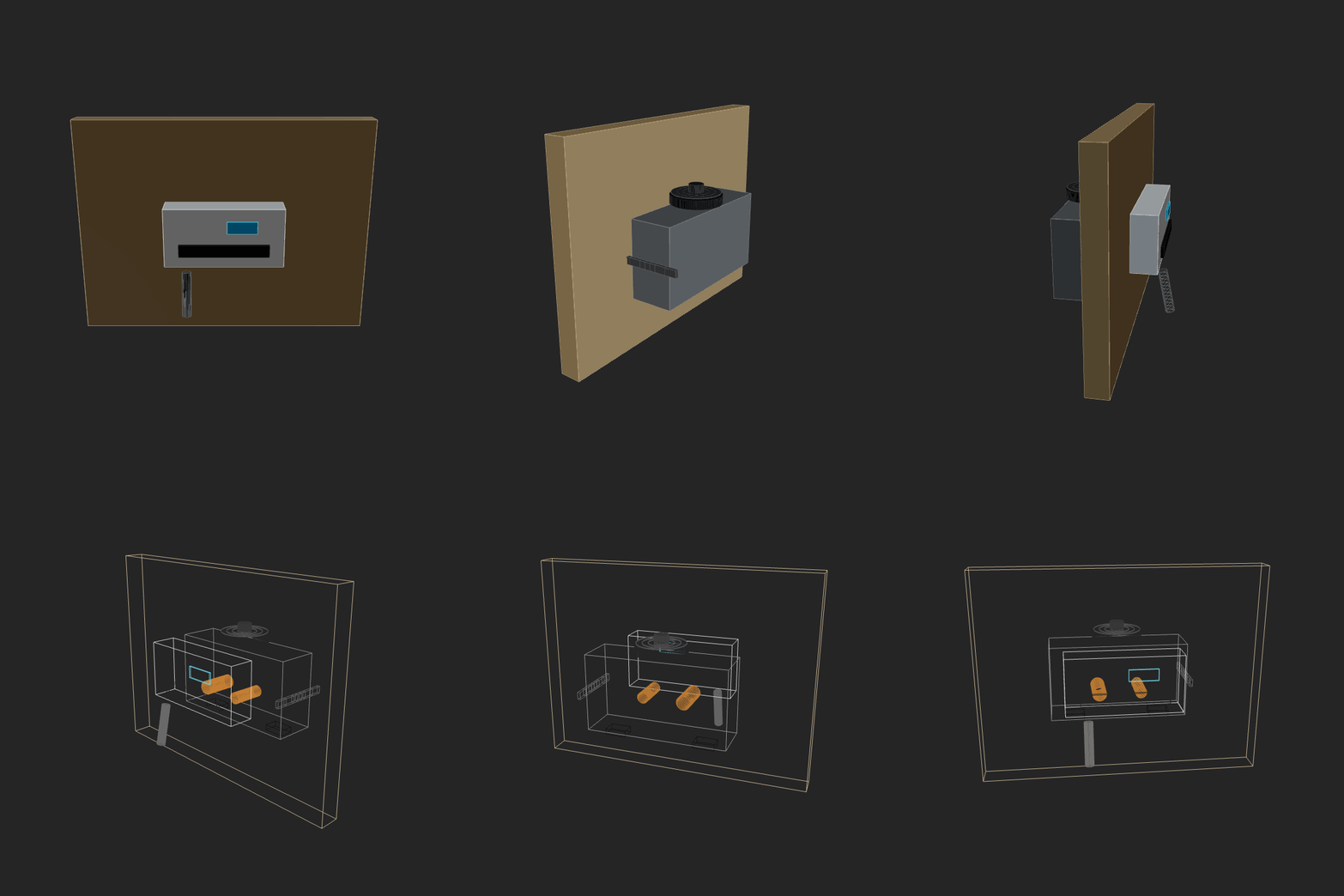 |
openai-gpt-oss-120b2026-02-13 00-38-15 • v1 |
Make a home AC unit, showing both pieces on different sides of the wall (inside and outside). The external piece should have a fan positioned on its external face vertically. Implement whatever features/methods you are missing in the script itself for your convenience. Use the simpler primitives when unsure. |  |
opus_4_62026-02-13 11-47-54 • v5 |
Make a home AC unit, showing both pieces on different sides of the wall (inside and outside). The external piece should have a fan positioned on its external face vertically. Implement whatever features/methods you are missing in the script itself for your convenience. Use the simpler primitives when unsure. | 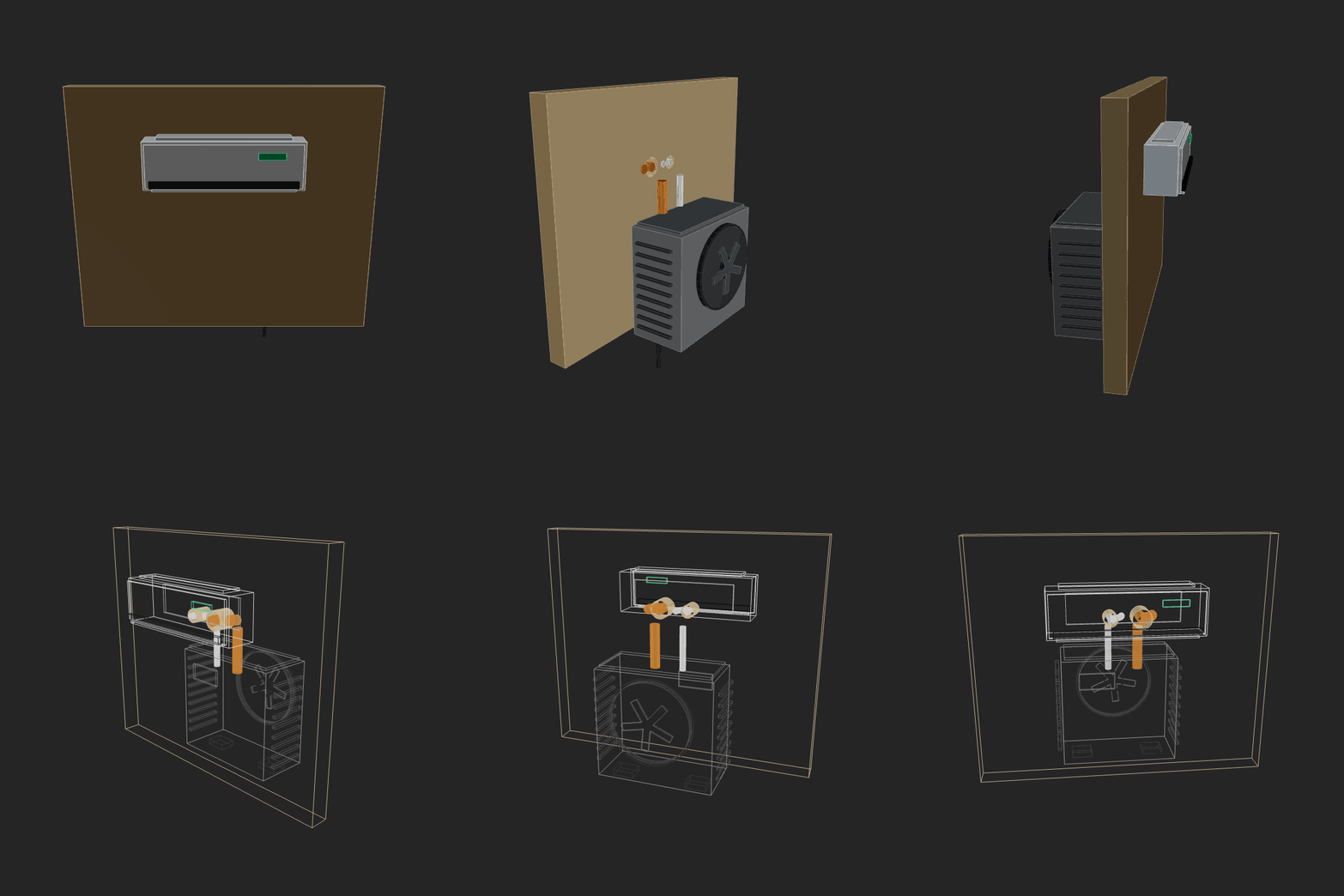 |
prime-intellect-intellect-32026-02-13 00-31-28 • v1 |
Make a home AC unit, showing both pieces on different sides of the wall (inside and outside). The external piece should have a fan positioned on its external face vertically. Implement whatever features/methods you are missing in the script itself for your convenience. Use the simpler primitives when unsure. | 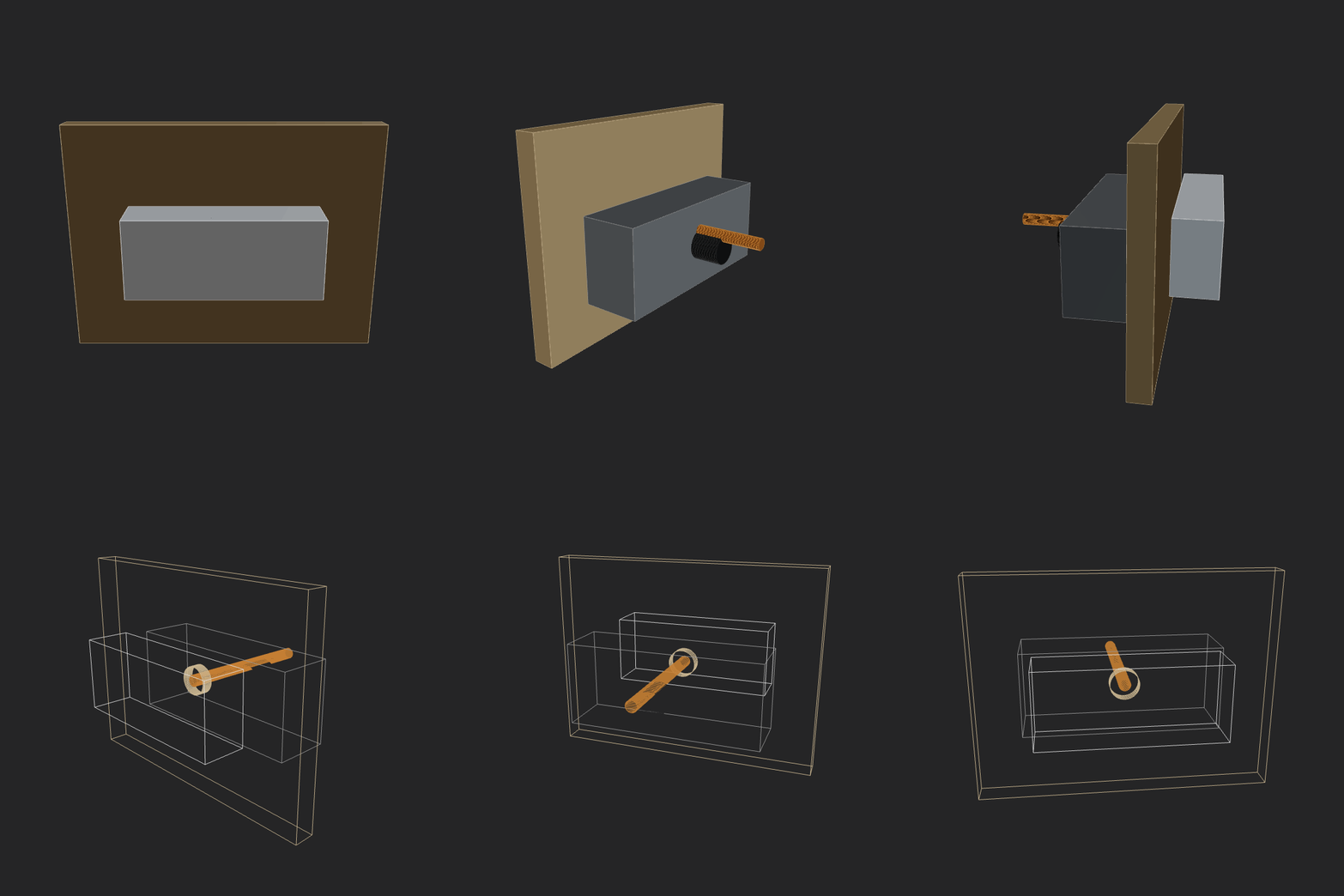 |
qwen3.5-397b-a17b2026-02-16 14-29-22 • v3 |
Make a home AC unit, showing both pieces on different sides of the wall (inside and outside). The external piece should have a fan positioned on its external face vertically. Implement whatever features/methods you are missing in the script itself for your convenience. Use the simpler primitives when unsure. | 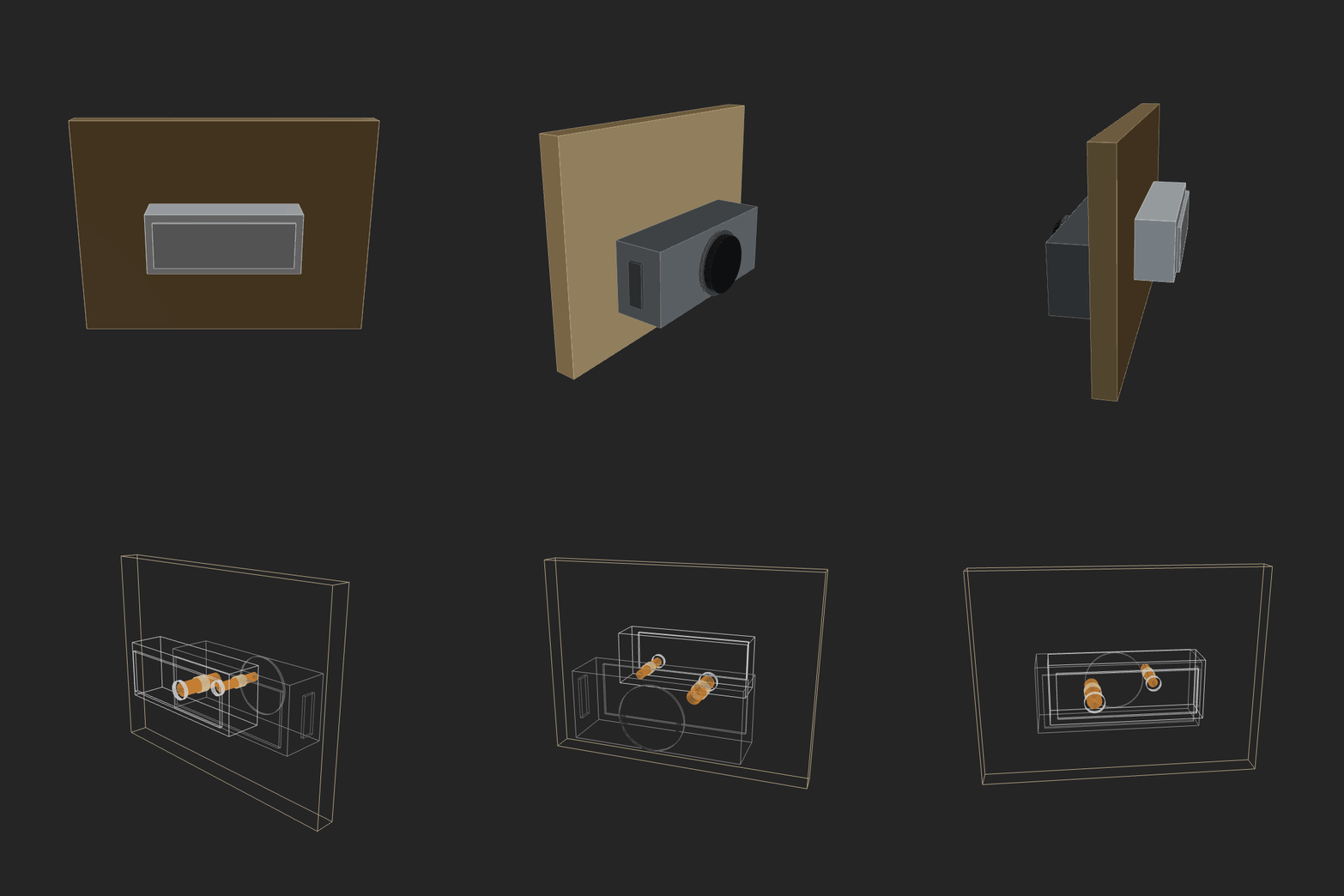 |
qwen3maxthinking2026-02-12 23-16-41 • v2 |
Make a home AC unit, showing both pieces on different sides of the wall (inside and outside). The external piece should have a fan positioned on its external face vertically. Implement whatever features/methods you are missing in the script itself for your convenience. Use the simpler primitives when unsure. | 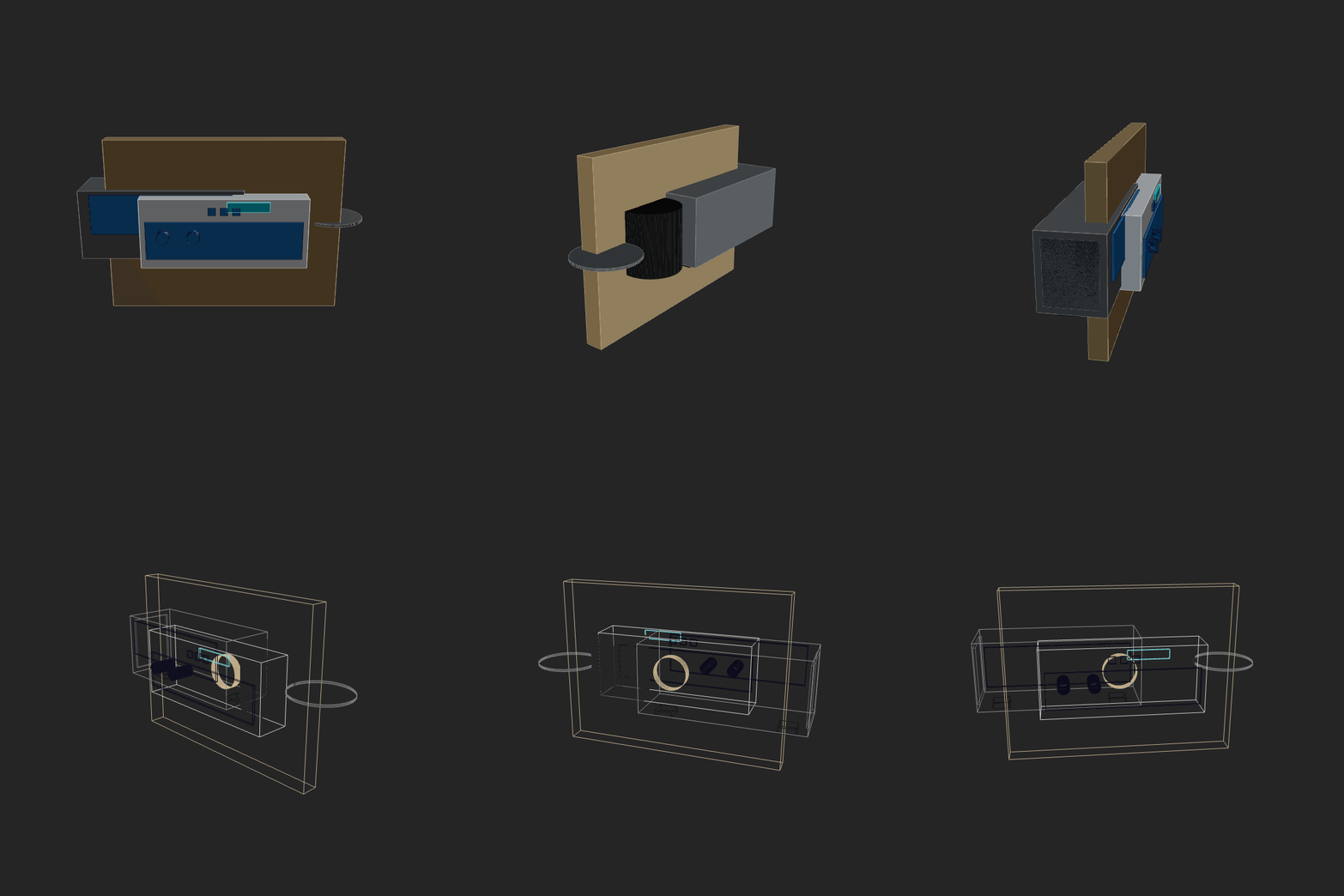 |
robot-hand-gpt52codex2026-02-14 00-51-41 • v1 |
Make a fully functional robot hand. Should be easy to build, maybe even at home with some good tools. Show all the mechanics. Should be able to hold arbitrary shape objects. Don't be a perfectionist, but be an artist and an engineer. As this is a complex task, break it down to simpler ones, solve them, combine, iterate. | 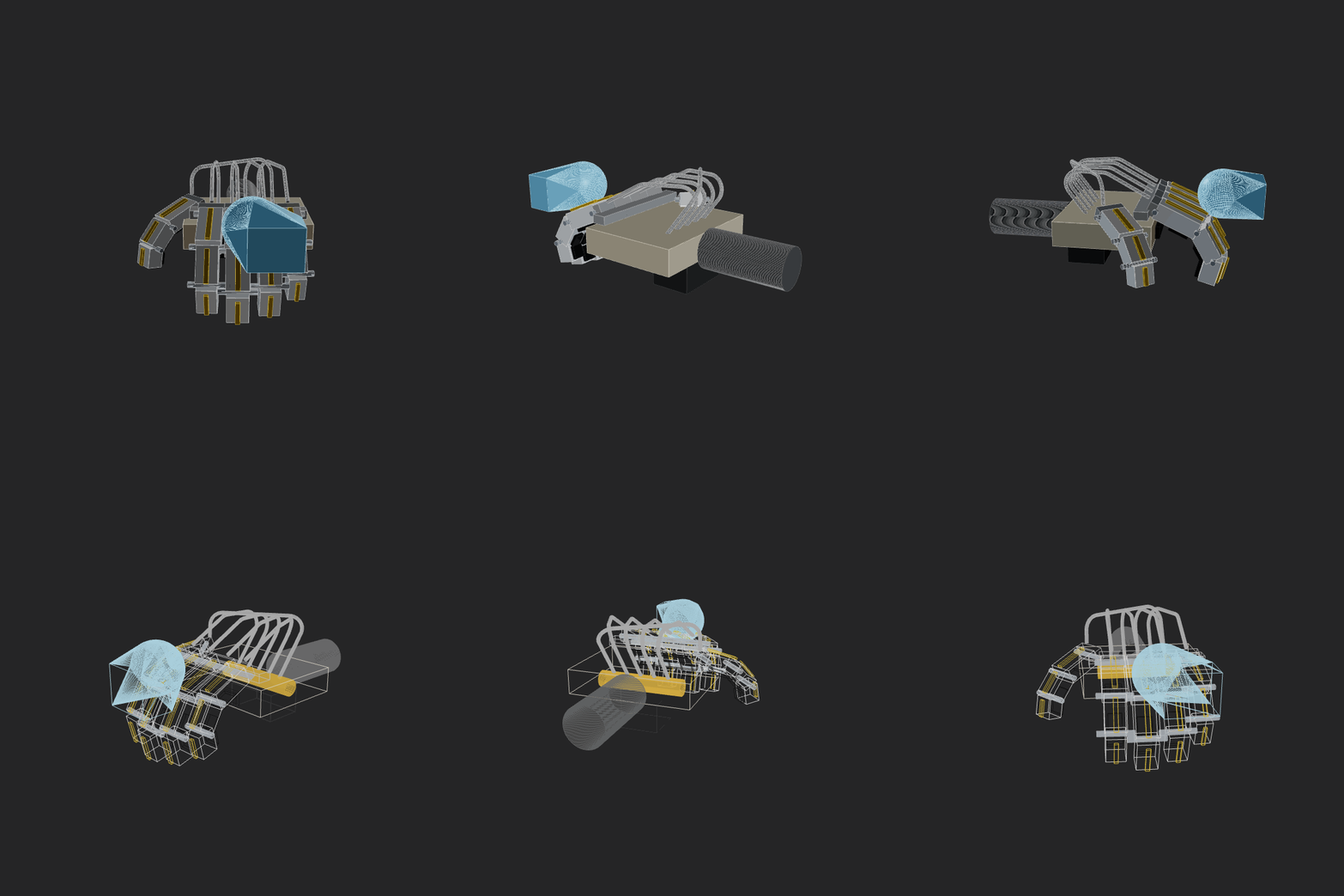 |
sonnet_4_52026-02-12 21-58-26 • v3 |
Make a home AC unit, showing both pieces on different sides of the wall (inside and outside). Implement whatever features/methods you are missing in the script itself for your convenience. Use the simpler primitives when unsure. |  |
x-ai-grok-4.1-fast2026-02-13 00-26-36 • v2 |
Make a home AC unit, showing both pieces on different sides of the wall (inside and outside). The external piece should have a fan positioned on its external face vertically. Implement whatever features/methods you are missing in the script itself for your convenience. Use the simpler primitives when unsure. | 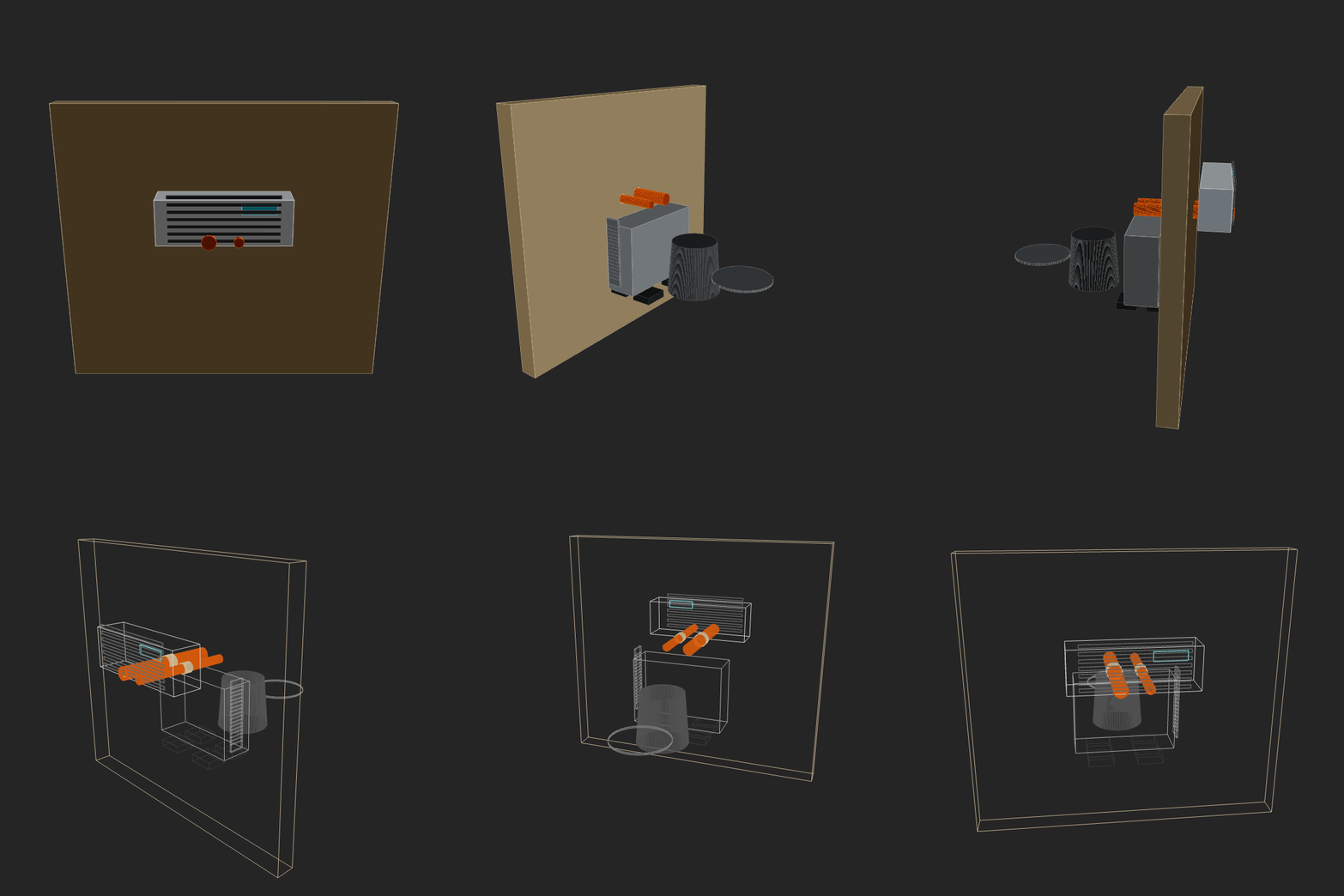 |
- Browser CAD workbench with Monaco editing, live parameters, and a real-time 3D viewport.
- Code-first modeling API for primitives, sketches, booleans, transforms, offsets, constraints, patterns, and SDF/level-set workflows.
- Named shapes, face/edge references, fillet/chamfer helpers, geometry inspection, dimensions, BOMs, and report-oriented annotations.
- Assembly modeling with parts, connectors, joints, coupled motion, and collision/clearance checks.
- CLI validation, parameter sweeps, viewport renders, inspection bundles, mesh export, exact export workflows, and project sync.
- Agent context that can be installed locally or inspected directly from this repository.
Full documentation is available at forgecad.io/docs. Useful starting points:
Business Source License 1.1 with an additional use grant for most production use, excluding hosted or embedded use that competes with ForgeCAD's paid version. Each version converts to MIT four years after its first public distribution. See LICENSE for the exact terms.