This program will allow you to get discord active developer badge.
- Go to the discord developer portal, sign in, and click
New Application. Choose any name, click accept and create. Next go to theBotsection and clickAdd Bot. Click onReset Tokenand click onCopybutton.
- IMPORTANT: DO NOT share copyed token! Others can use this to control your bot!
- Download the zip code and unzip it. Next run
BadgeBot.exeand (or just use bot.py, but I recommend you to use BadgeBot.exe for simplicity) useCTRL + Vto paste token of your bot and pressEnter.
- IMPORTANT: DO NOT close the terminal window until you complete step 4.
- Now you will see that you got the invite link for your bot that you want to open by pressing
CTRL + LMB. On the following menu you will have to choose the server that you want to use as your badge server and invite the bot.
- IMPORTANT: DO NOT use any server you are using for anything other than getting this badge!
- Now go to the server where the bot is and use the
/helloslash command in any text channel (after completing this step you can close the terminal window).
- IMPORTANT: You have to wait now 24 hours for discord to proces that you used command on your bot before proceding to next step!
- IMPORTANT: You need to have
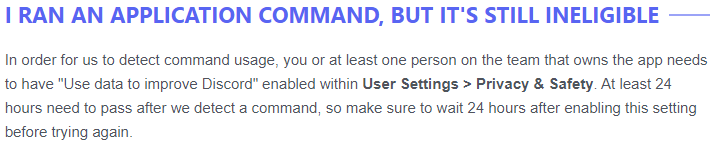
Use data to improve Discordenabled withinUser Settings>Privacy & Safety. At least 24 hours need to pass after enabling this setting before using command. For more info check this article.
- After 24 hours, open discord developer portal and fill out the form that will allow you to claim the badge.
- IMPORTANT: If you don't run the command again in 30 days after claiming badge, it will be removed from your account!
If you need help contact me on my discord server.
Big thanks to all of the amazing people (only me) who have helped by contributing to this project!