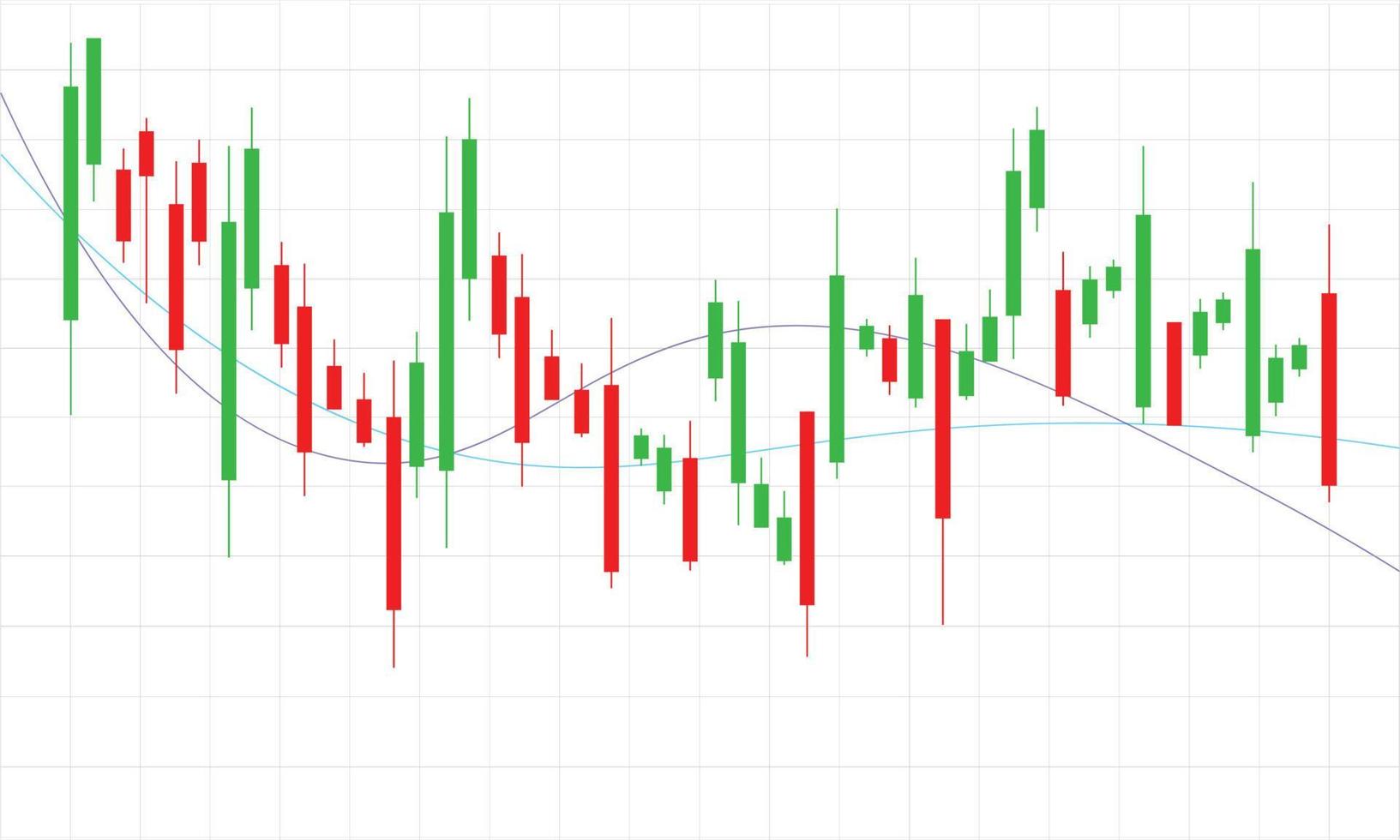
This project fetches Ethereum (ETH) price data for the past 30 days from the CoinGecko API and visualizes it as an interactive Candlestick Chart using Plotly. The chart is saved as an HTML file and automatically opened in your default web browser.
- 📡 Live Data Fetching from CoinGecko
- 🔄 OHLC Conversion (Open, High, Low, Close) using Pandas
- 📊 Interactive Candlestick Chart with Plotly
- 🌐 Auto Opens in Browser for Easy Viewing
Here's what you'll get:
- Python 3.7+
- Libraries:
requestspandasplotlydatetimewebbrowser(built-in)
Install required packages using the provided requirements.txt file:
pip install -r requirements.txtThis project performs three main steps to generate a candlestick chart for Ethereum using live market data:
The script pulls ETH market data from CoinGecko's API for the last 30 days using the get_eth_market_chart() function.
eth_data = get_eth_market_chart()The raw price data is resampled into daily OHLC (Open, High, Low, Close) format using Pandas' .resample() method.
ohlc = convert_to_ohlc(eth_data)An interactive chart is created using Plotly and opened in your default browser:
plot_candlestick_to_browser(ohlc)-
Change Currency: Modify the
vs_currency='usd'parameter inget_eth_market_chart()to another currency likeeur,inr,gbp, etc. -
Adjust Time Range: Modify the
daysparameter to'7','90','365', or'max'to change the time window of the data. -
Dynamic File Naming: To avoid overwriting charts and save with the current date:
filename = f"eth_candlestick_{datetime.now().strftime('%Y-%m-%d')}.html"
- 📊 Charting powered by Plotly
- 📡 Price data from CoinGecko API
This project is licensed under the MIT License — you are free to use, modify, and distribute it.