自托管 star 曲线图,用官方 star-history.com 渲染管线为多个 GitHub 项目批量生成星标历史图表。
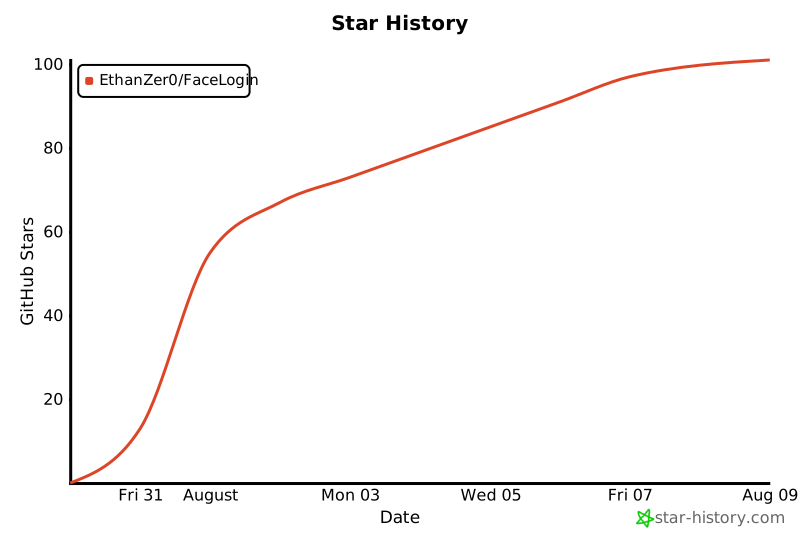
完全复刻官方 star-history 项目的渲染管线(1:1):
- 渲染核心
src/:官方xy-chart.tsx+drawAxis/drawLabels/drawLegend/drawWatermark+ d3 依赖,逐字移植 - 数据获取
src/api.js:官方getRepoStarRecords采样逻辑(GitHub API,全量拉取) - 批量生成
scripts/fetch.mjs:读repos.json,为每个 repo 生成svg/{owner-repo}.svg+history/{owner-repo}.json - 调度
.github/workflows/star-history.yml:每日 UTC 02:47 更新
git clone https://github.com/EthanZer0/StarHistory.git
cd StarHistory
npm install在 StarHistory 仓库 → Settings → Secrets and variables → Actions → New repository secret,添加:
| 名称 | 值 |
|---|---|
STAR_HISTORY_TOKEN |
你的 GitHub classic PAT |
必须用 classic PAT(
ghp_开头)。2026-06 后 GitHub 收紧 stargazers API,fine-grained PAT(github_pat_开头)读不了。token 只读账号下你能访问的仓库即可。
编辑 repos.json,列出仓库:
[
  "EthanZer0/FaceLogin",
  "owner/other-repo"
]# 用 GitHub Actions 的 token 值,或你自己的 PAT
export STAR_HISTORY_TOKEN=ghp_xxxxxxxx
node scripts/fetch.mjs每个 repo 会生成:
svg/{owner-repo}.svg— 图表history/{owner-repo}.json— 数据
workflow 每日 UTC 02:47 自动跑一次,也可手动触发:
gh workflow run star-history.yml --repo EthanZer0/StarHistory