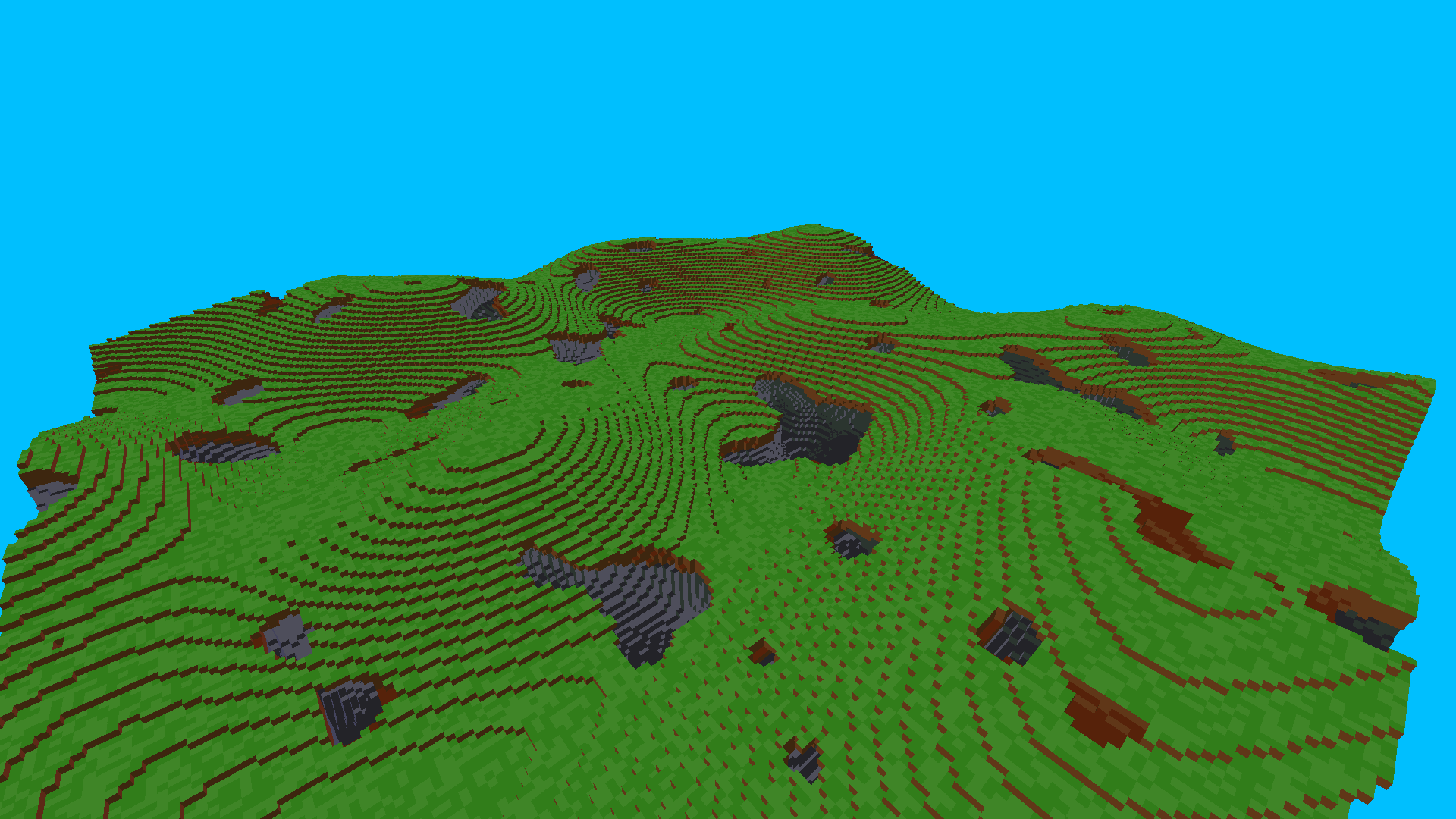
General Info
This project's is about experimenting with octrees and octree-based ray-casting.

It is currently focused around a compressed, yet dynamic octree-implementation, which can be found
in och_h_octree.h.
This is inspired by "High Resolution Sparse Voxel DAGs" by Viktor Kämpe, Erik Sintorn and Ulf
Assarson (ACM Transactions on Graphics 34(4), 2013). However, unlike the structure presented in
the paper, h_octree can be dynamically edited at runtime, while achieving "ideal" compression for
a given topology, regardless of the order of operations performed. This is achieved by using a
reference-stable, reference-counted linear hashtable to store tree-nodes, hence avoiding the need
for separately storing identical nodes.

The ray-traversal algorithm is an adapted version of the one presented by Samuli Laine and Tero
Karras in the appendix of Efficient Sparse Voxel Octrees: Analysis, Extensions, and Implementation
(Nvidia Research, 2010).
I recommend having a look at the original paper to gain an understanding of the algorithm, as this
one is a bit lacking when it comes to comments.
The major adaptations are the use of a bitmask indicating the dimension of the currently traversed
node, as well as an early branch which avoids an overstep-correction when traversing up the tree.
Getting it Running
The easiest way of executing the code on your own machine is using Visual Studio and its Git/Github
integration. If you aren't familiar with this extension I recommend Bill Raymond's Video "Up and
Running with GitHub and Visual Studio 2019" (https://www.youtube.com/watch?v=csgO95sbSfA).
From there it should be a simple matter of compiling the solution and... voila.
Keybinds
Camera movement:

W, A, S, D		Move camera
C			Switch camera-mode between horizontal and directional movement
Shift			When the camera is in horizontal move-mode, move down
Space			When the camera is in horizontal move-mode, move up
Mousewheel		Change camera-speed. If Shift is pressed as well, change slower

Interaction with tree:

LMB			Remove a voxel
RMB			Place a new voxel
T			Place 40^3 voxels
Z			Remove 40^3 voxels

Various:

ENTER/ESC		Close window
I			If the camera is in an active voxel, move it to the first empty voxel above it
O			Toggle debug-output in top right of screen
M			Mark a point to measure a distance

These are only available when the Visualisation-window is open and in focus.
Customization
Voxel-names and their colours can be specified in the file "voxels.txt". In the future, tree-filling will be directly adjustable as well
Roadmap
Implement terrain-customization

Make tree center on camera (fh_tree)

Port tracing to GPU (CUDA)