
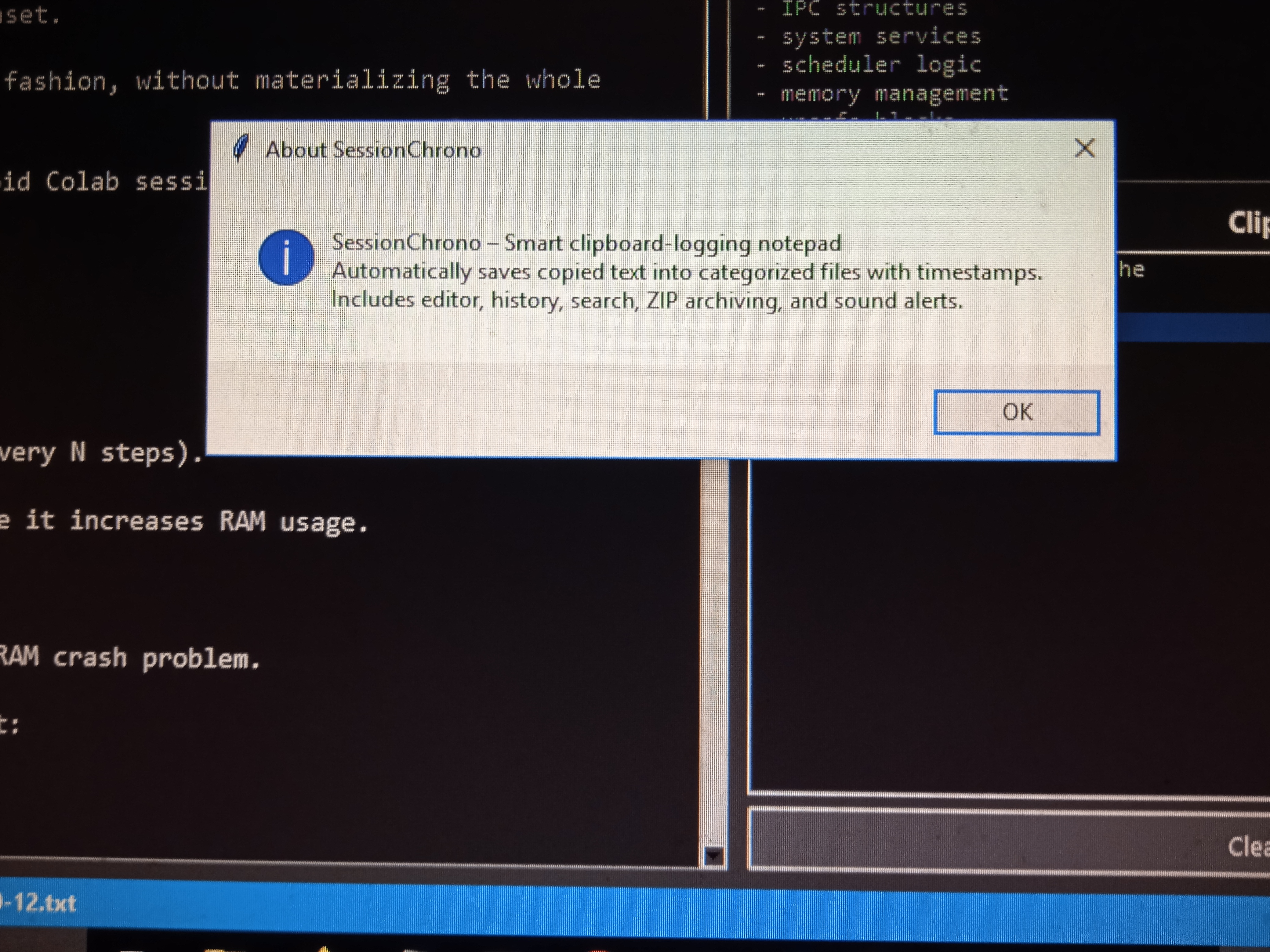
SessionChrono is a smart clipboard‑logging notepad that automatically saves copied text into categorized files with timestamps. Includes a built‑in editor, history panel, search, ZIP archiving, sound alerts, and daily log organization. A fast and minimal tool for developers and creators.
SessionChrono
👉 Download the installer: ⬇️ Download SessionChrono Setup Click here to download SessionChrono Setup
A smart clipboard‑logging notepad that automatically saves copied text into categorized files with timestamps. Includes a built‑in editor, history panel, search, ZIP archiving, sound alerts, and daily log organization. A fast and minimal tool for developers and creators.
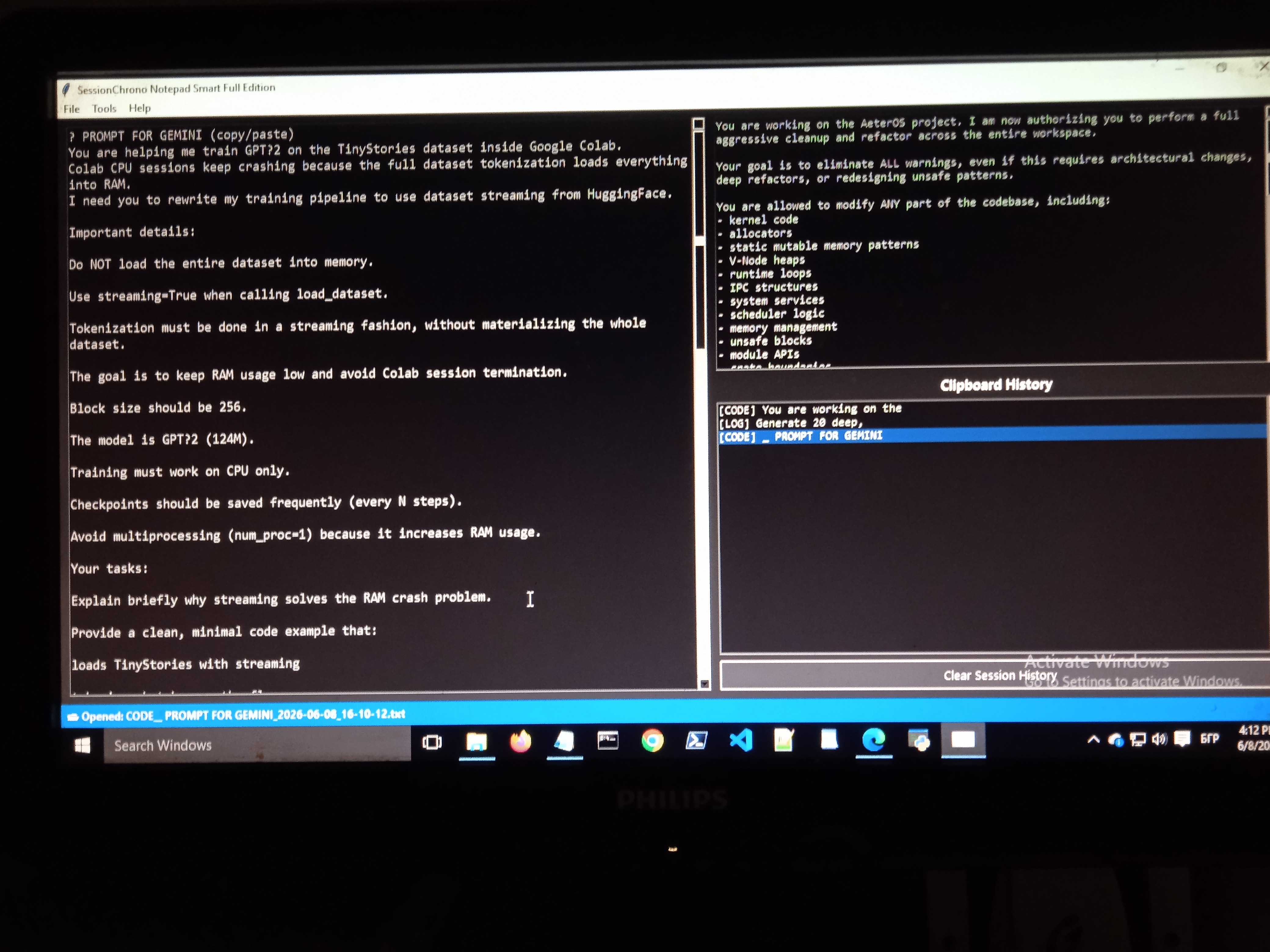
✨ Features
Automatic clipboard logging
Every copied text is instantly saved into a structured folder system by date and category.

Smart text classification
Detects URLs, code, logs, TODOs, chat messages, and general notes.
Built‑in notepad editor
Edit, save, and manage text files directly inside the app.
Clipboard history panel
View and reopen your last 20 copied items with one click.
Daily ZIP archiving
Create a compressed archive of all logs for the current day.

Search across all logs
Quickly find any text inside your saved notes.
Sound notifications
Custom sounds for copy, save, open, pause, resume, and errors.
Dark UI theme
Clean, minimal, and comfortable for long sessions.
📁 Log Structure
SessionChrono organizes logs automatically:
Built with support from Microsoft Copilot