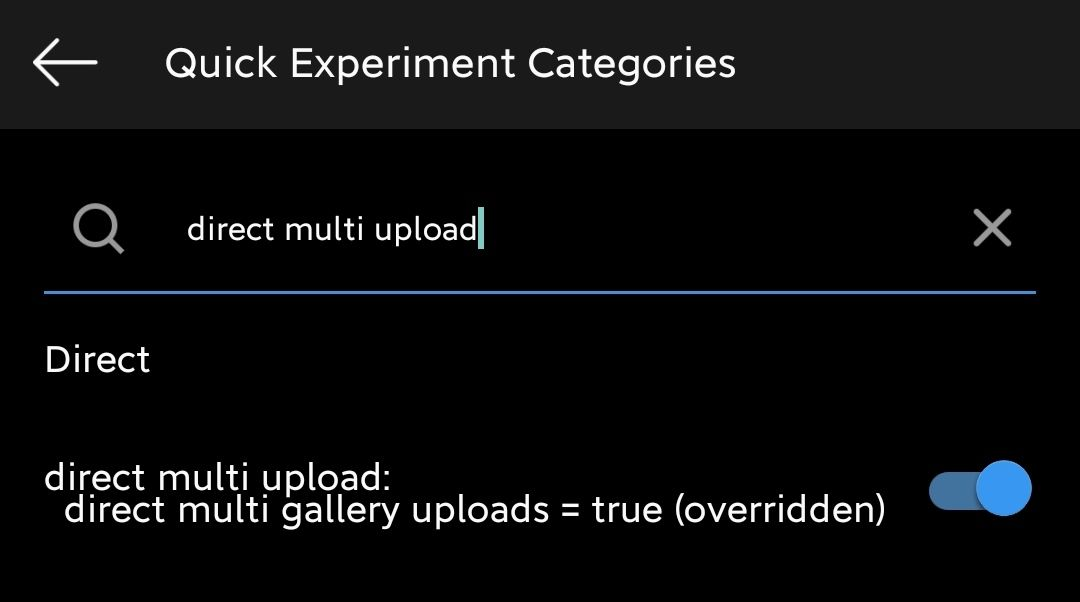
Developer Mode
Insta developer mode tips and tricks
These are Insta developer mode tips and tutorials for you to get the most out of it.
Warning: This publication is willing to change at any time due to updates and features that are added and removed with each update :)
To access developer mode, just hold the home button of the news feed and access "Modify Quick Experiment Settings"
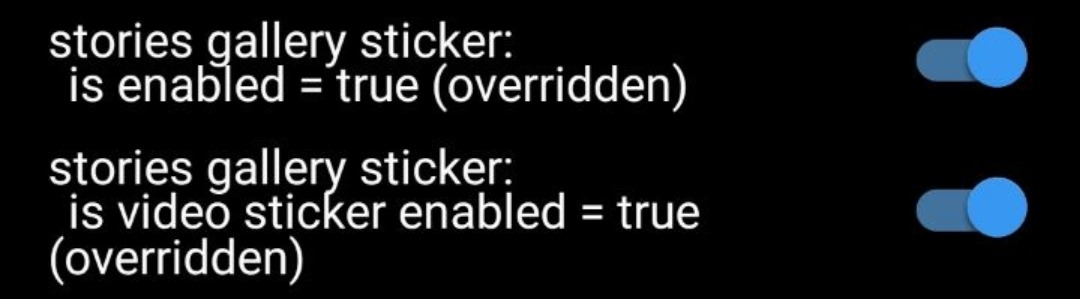
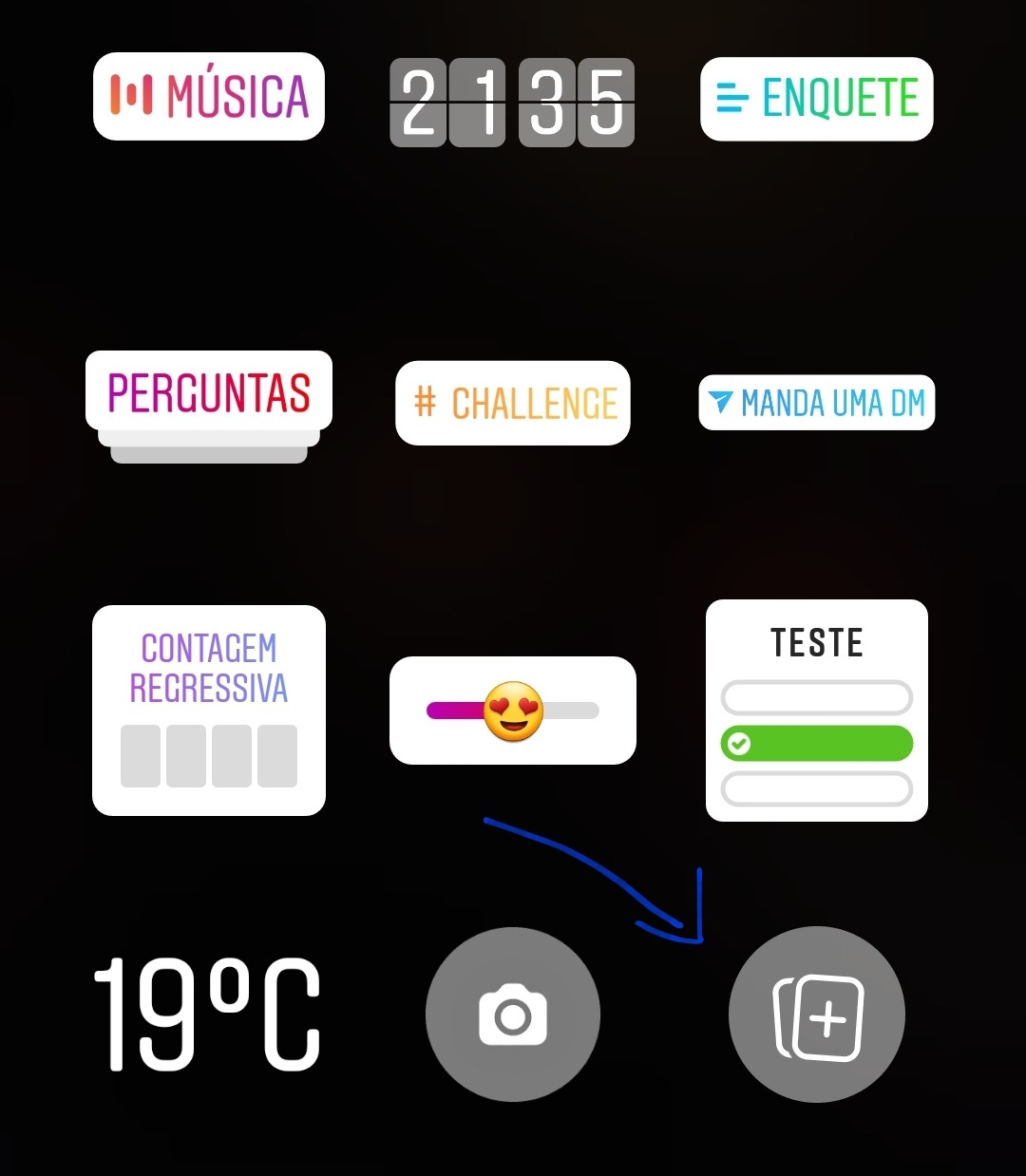
Adding stickers to stories
Increase the quality of published photos
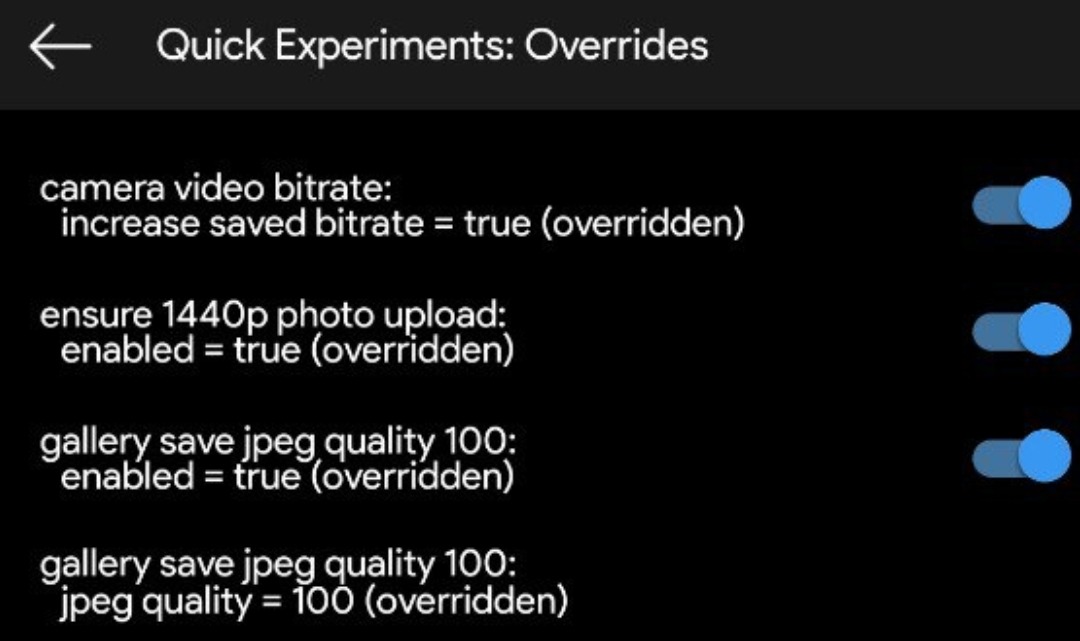
Research these options and activate them all. In the latter hold on top of the option and change it to 100 from 70.
Change the layout of actions in photos
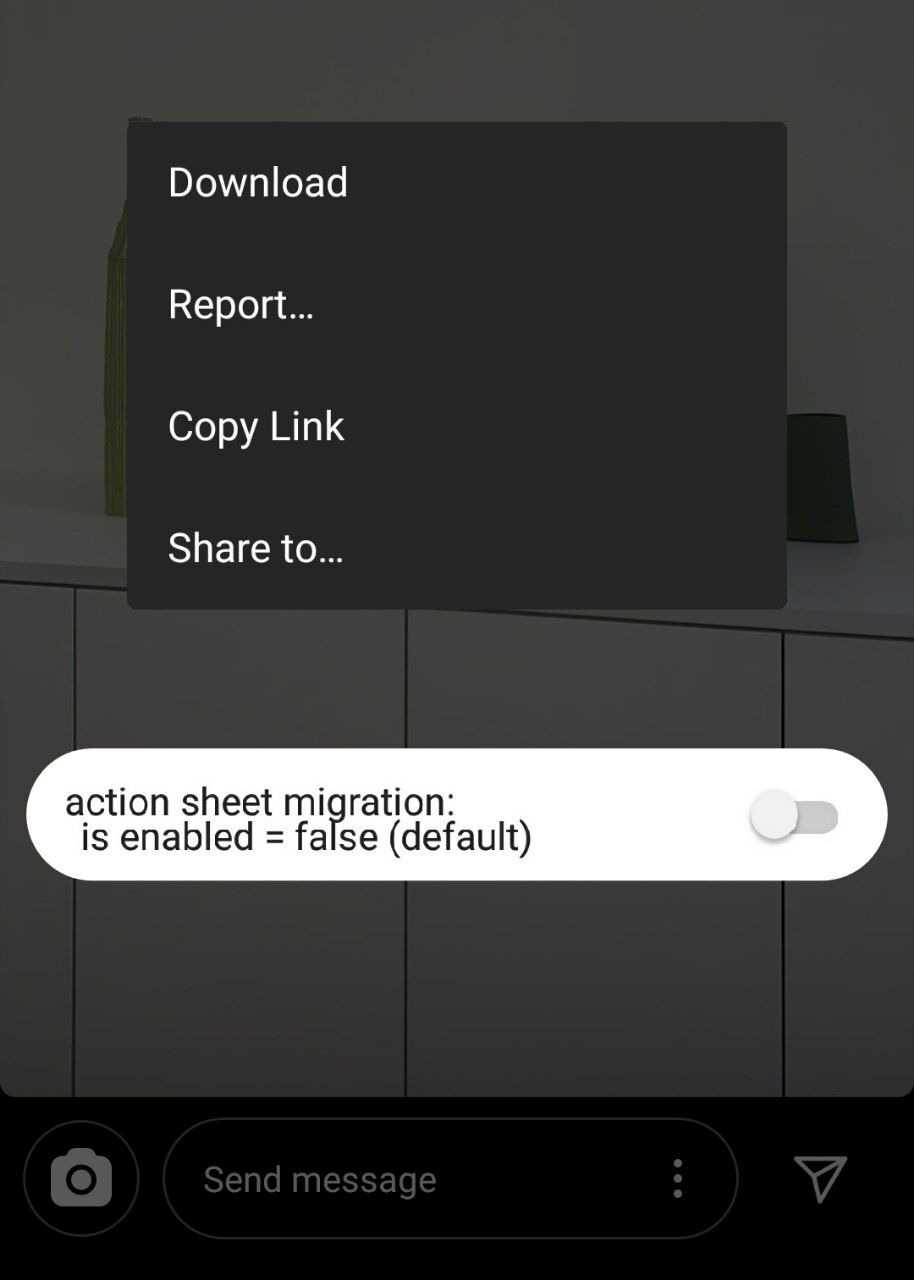
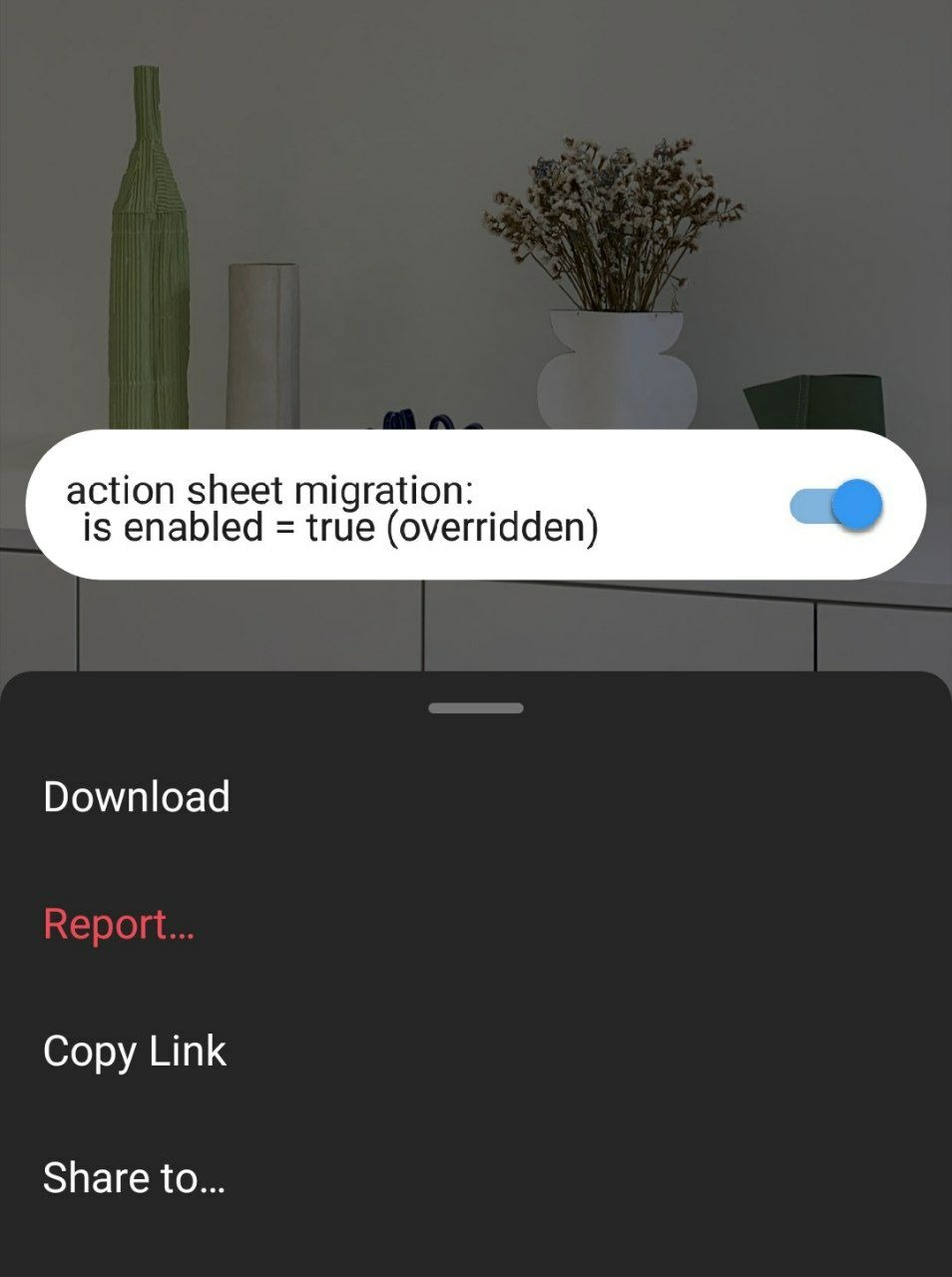
Activate this option and it will look like this :)
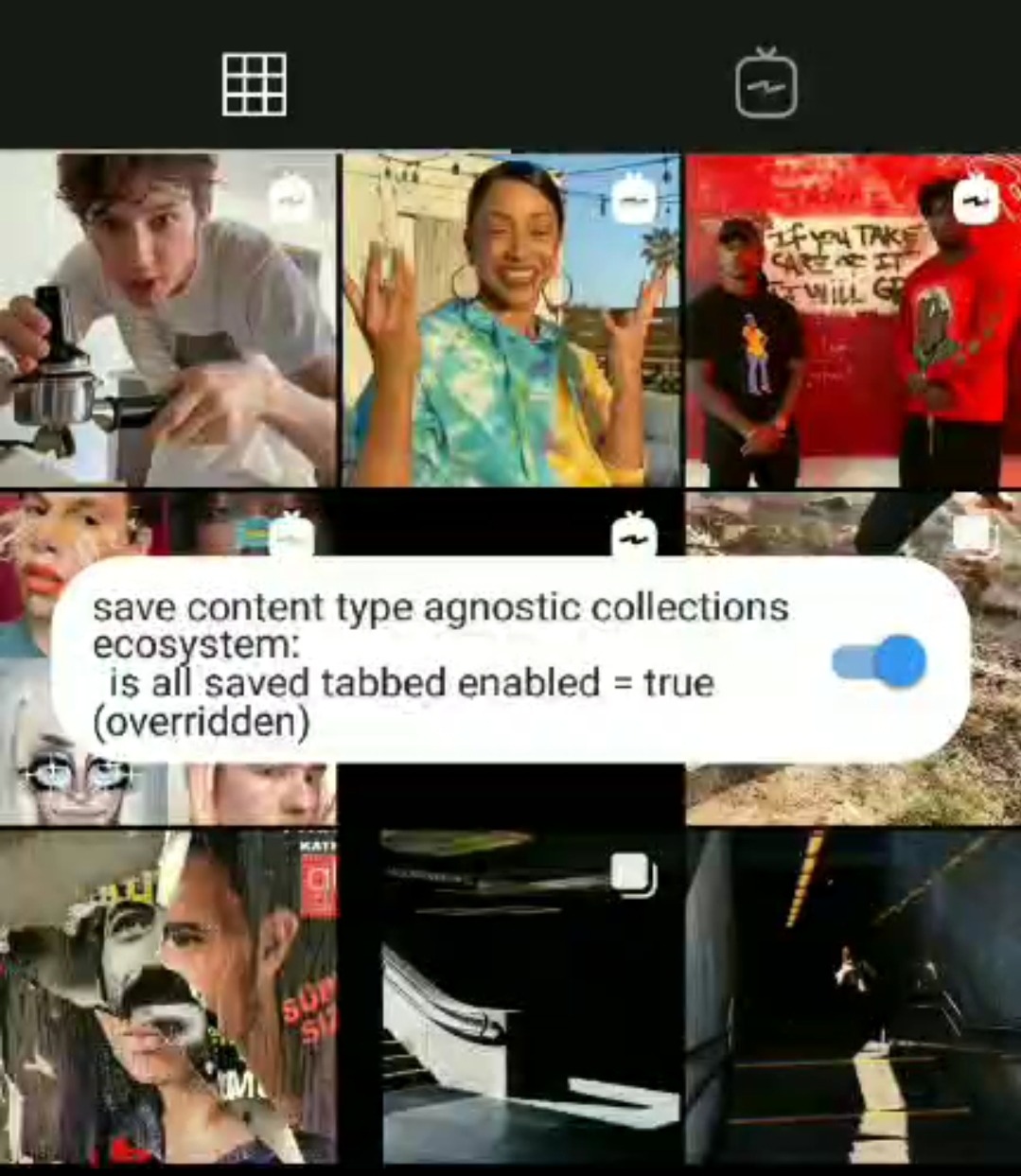
Change how the gallery is displayed
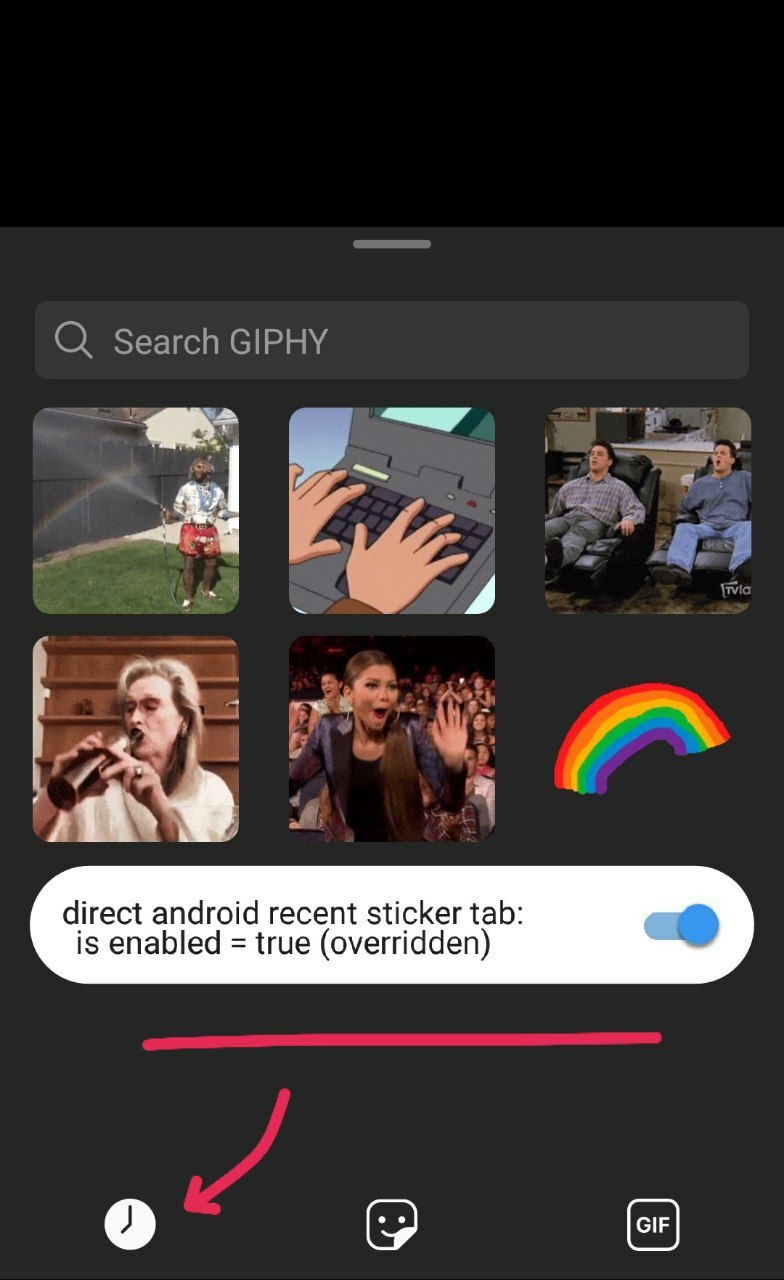
Show recent gifs in direct
Show the time the message was seen in the direct
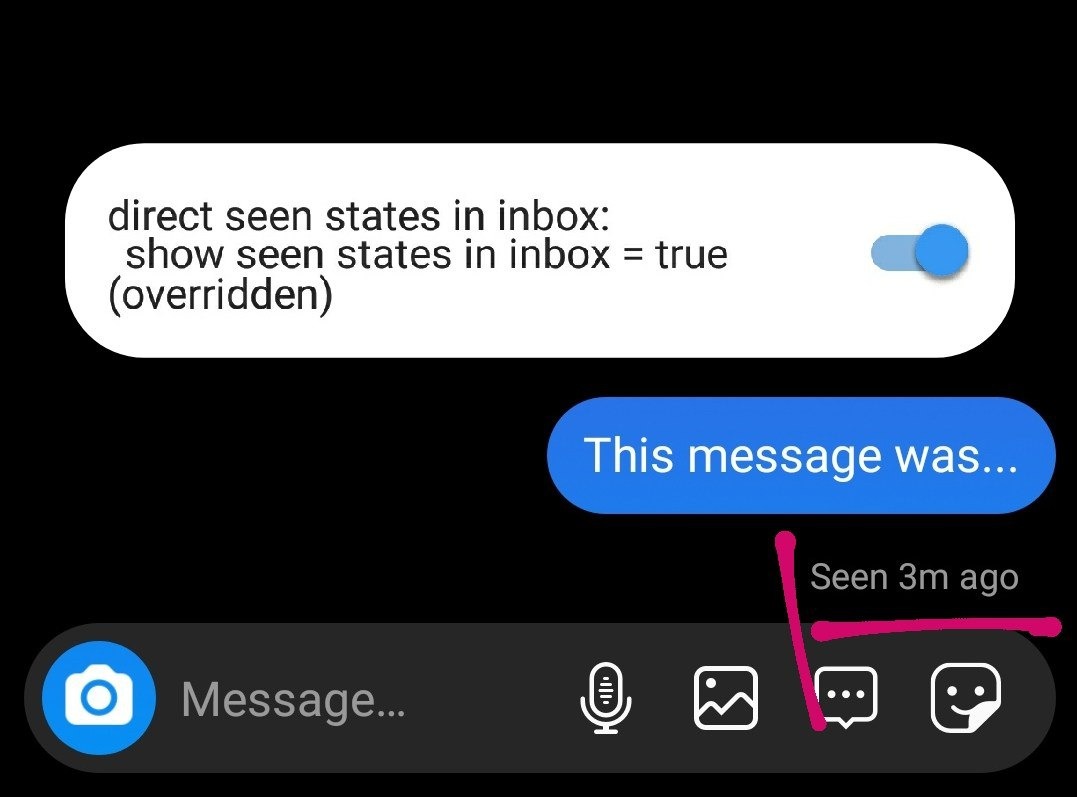
Ex: "Seen 3 minutes ago"
Enable the option to rewind and advance the video in the feed
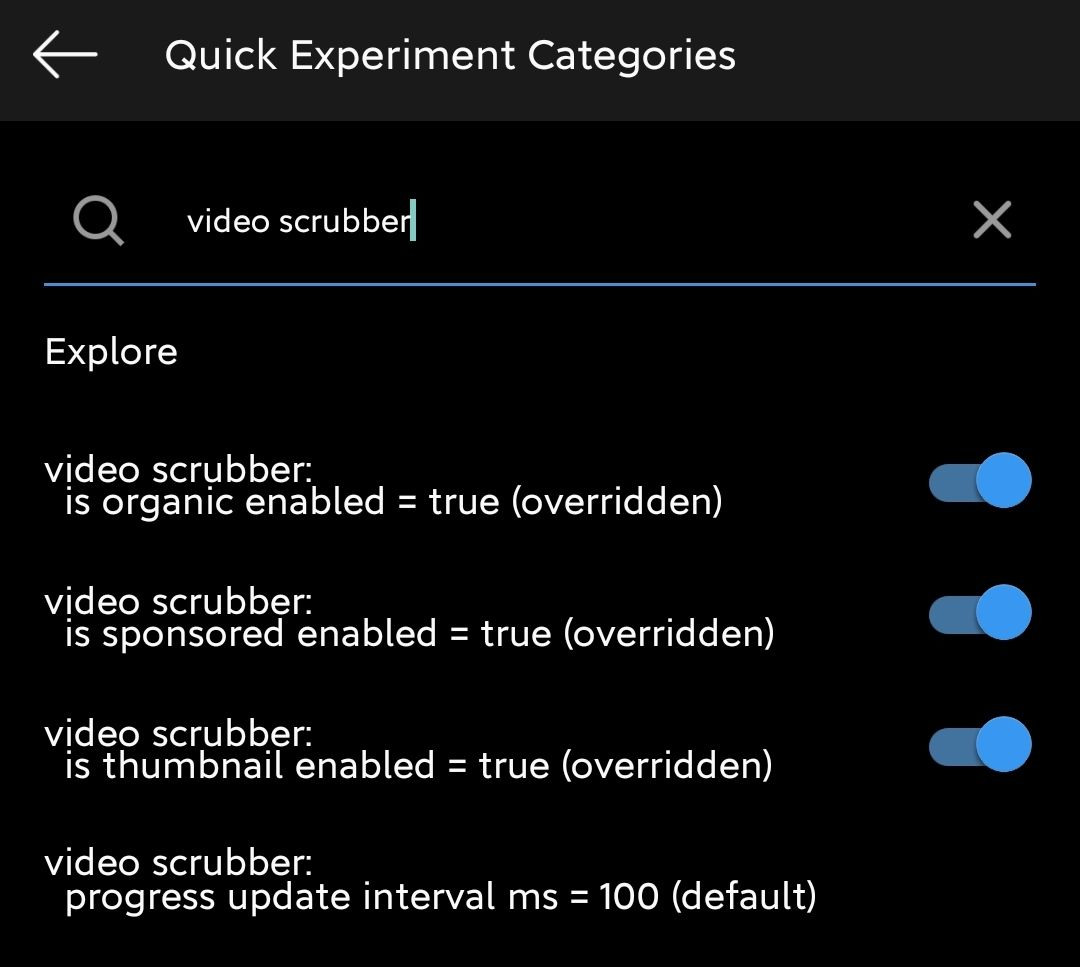
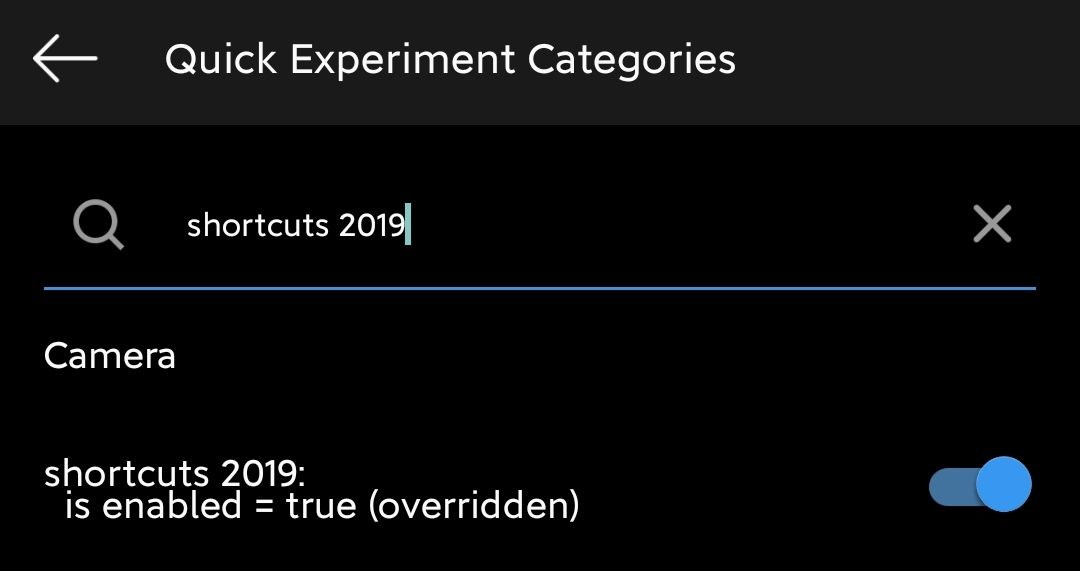
Shortcuts when touching and holding the APP icon
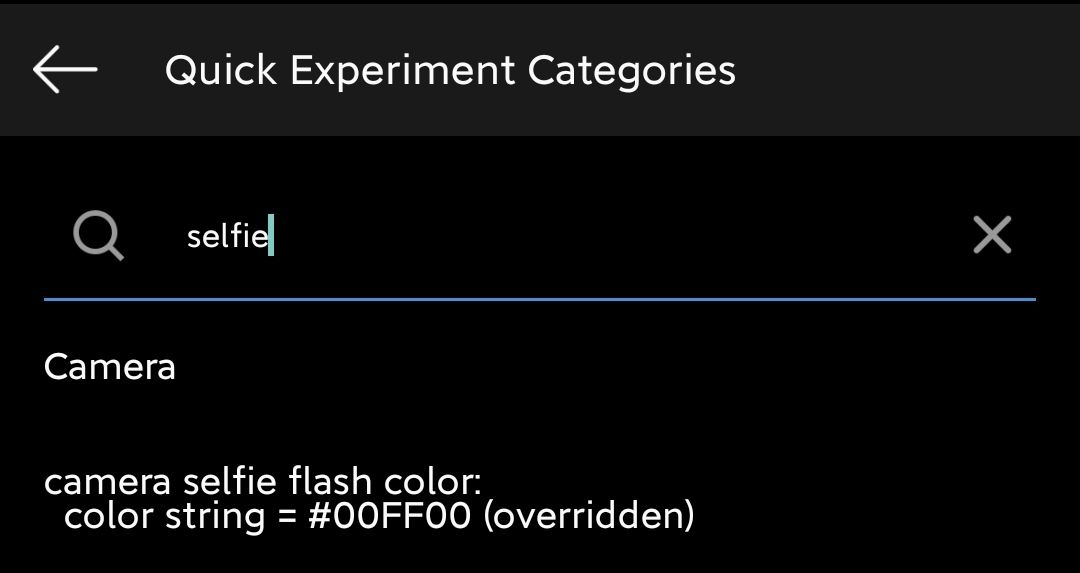
Change the color of the front camera flash in Stories.
To change: long press on the setting.
IMPORTANT: the color of the flash must be inserted in HEX format only.
Unlimited photo upload to Direct