A real-time AI-powered desktop application that detects and analyzes student emotions through a live camera feed — built as a graduation project.
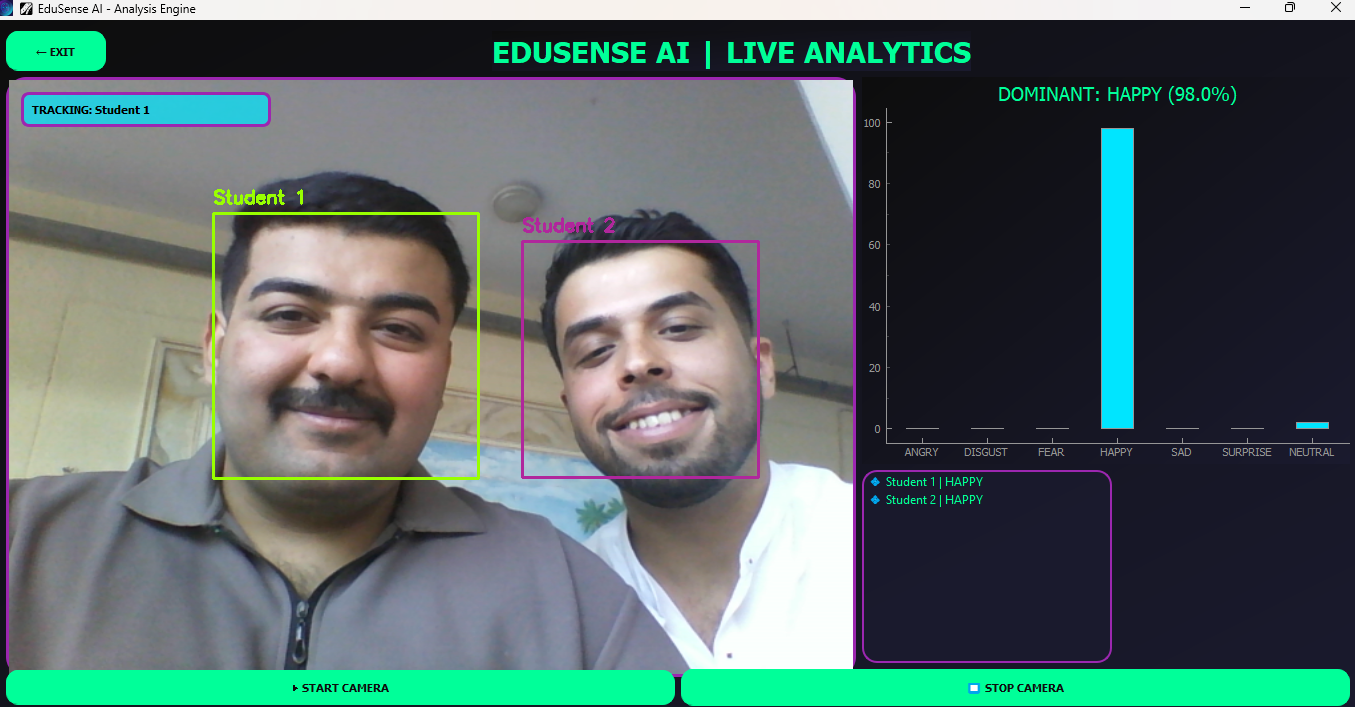
EduSense AI uses your webcam to detect multiple students in a classroom and analyze their facial emotions in real time. The system identifies 7 emotions for each detected face simultaneously and displays live results through an interactive bar chart.
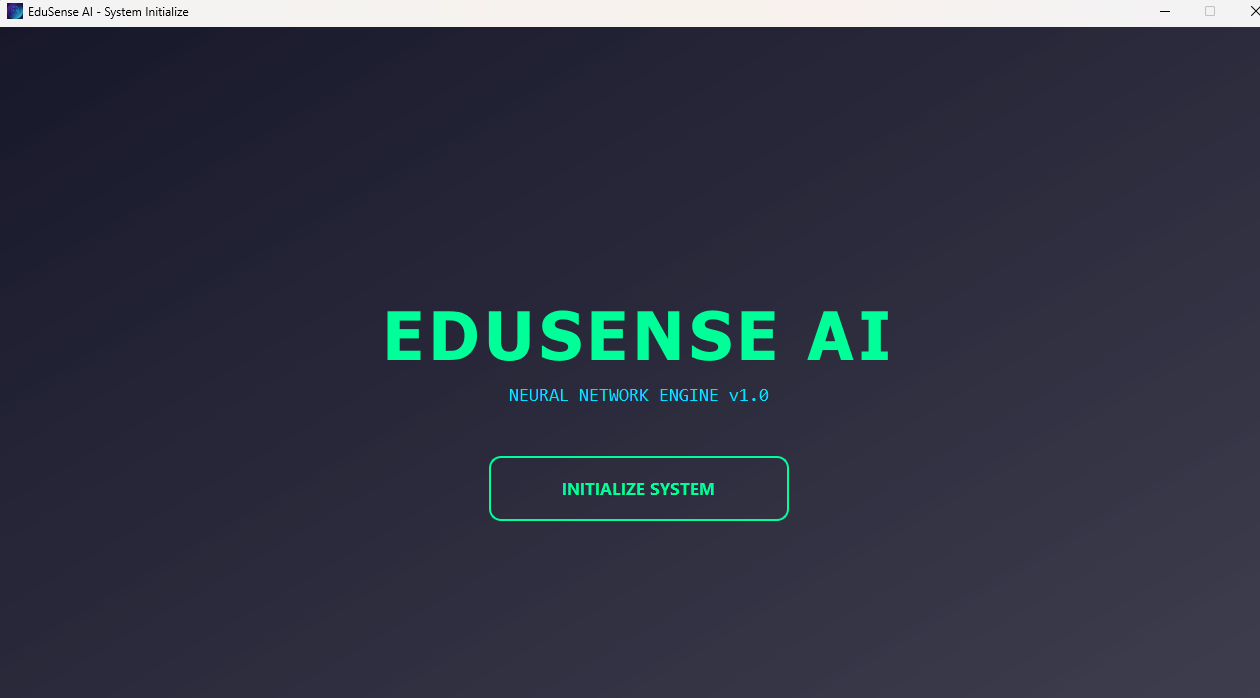
- Launch the app → Welcome screen initializes the system
- Click INITIALIZE SYSTEM → loading sequence begins
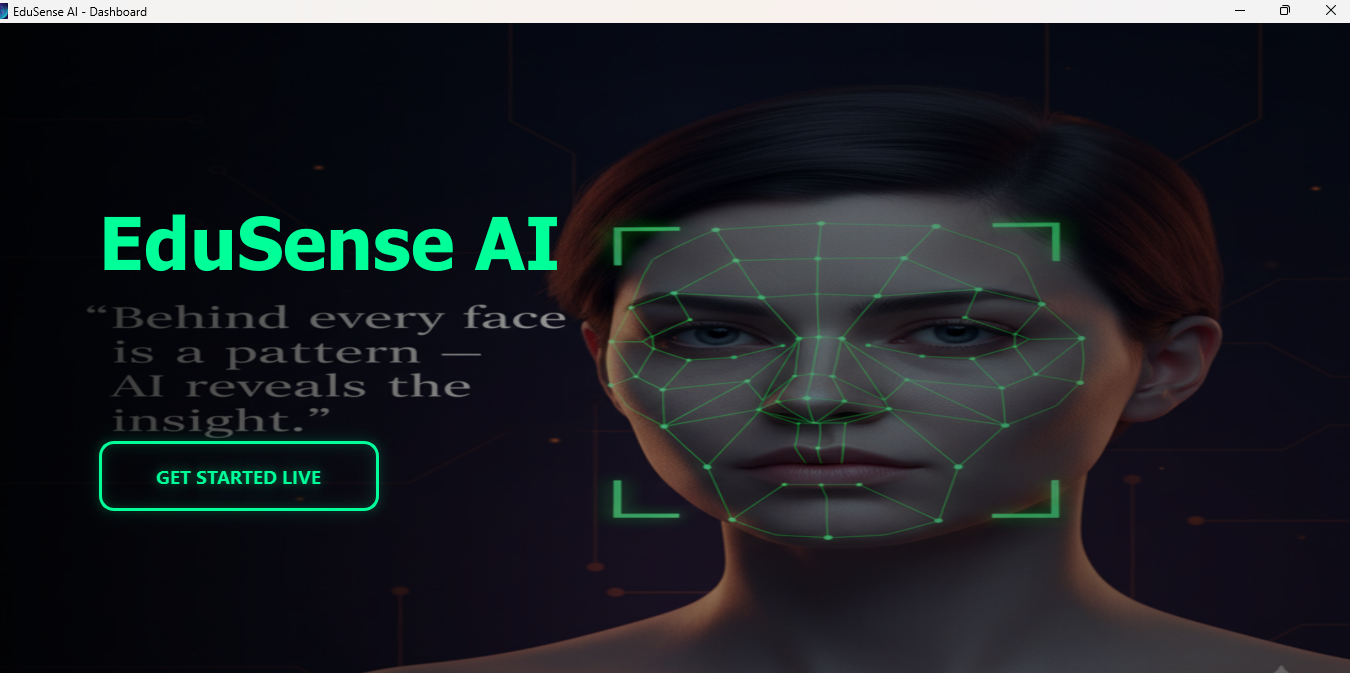
- Enter the Dashboard → click GET STARTED LIVE
- Camera activates → AI detects all faces automatically
- Click on any student face → track their emotions live on the chart
Angry Disgust Fear Happy Sad Surprise Neutral
| Tool | Purpose |
|---|---|
| Python | Core language |
| PyQt5 | Desktop UI framework |
| DeepFace | Facial emotion recognition |
| OpenCV | Camera feed & face detection |
| PyQtGraph | Live emotion bar chart |
| QThread | Background AI processing (no UI freezing) |
EduSense-AI/
│
├── login_full_desktop.py   # Welcome & loading screen
├── dashboard.py            # Main dashboard with background slideshow
├── app.py                  # Live analysis engine (camera + AI)
├── icon.ico                # App icon
├── bg_images/              # Background images for welcome screen
└── dashboard_images/       # Slideshow images for dashboard
# Clone the repository
git clone https://github.com/your-username/EduSense-AI.git
cd EduSense-AI

# Install dependencies
pip install PyQt5 opencv-python deepface pyqtgraph numpy

# Run the app
python login_full_desktop.py- Multi-face detection — tracks multiple students at the same time
- Real-time chart — updates live as emotions change
- Background threading — AI runs separately so the UI stays smooth
- Cyberpunk UI — custom-built interface with no external UI libraries