
Replies: 5 comments 30 replies

|
So what you want is; You don't need to modify the source. You can use postProcessing: (helper, responseObj) => {
helper.sendNotification('SHOW_ALERT', {
title: 'Response from OpenAI',
message: responseObj.response.choices[0].text
})
} |

|
I'll show working demo in a few minutes. :) |
|
By the way, How did you send the request? with TelegramBot? or some other module? (On request time, |

|
I sent it using the telegrambot. |
|
So you don't want the default MMM-OpenAI display right? Instead of module view, you want to use |
|
Yes thats correct, just show the alert instead of the pop up. 😊 |
|
|
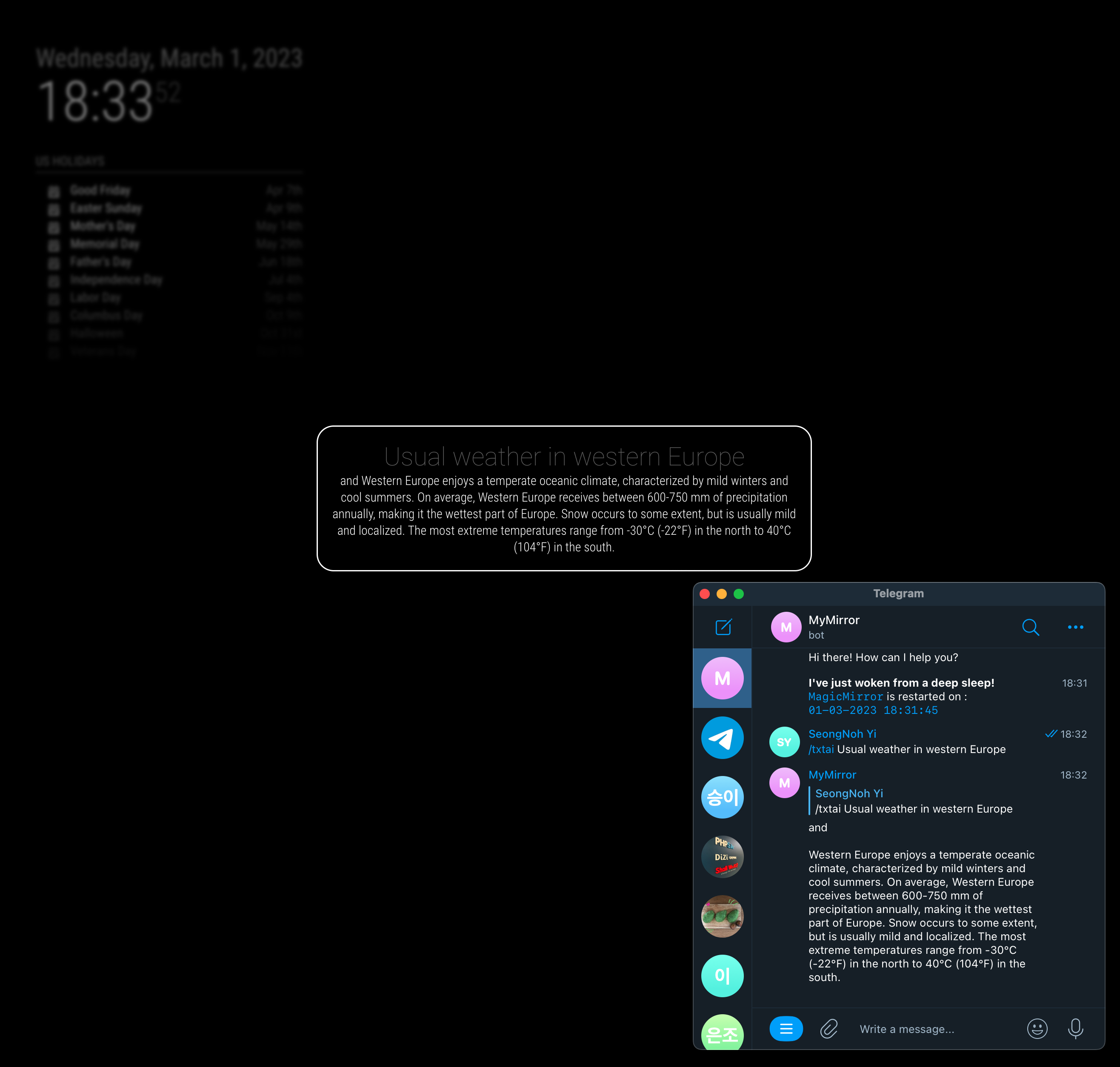
// config.js
{
	module: "MMM-OpenAI",
	position: 'top_right',
	config: {
		stealth: true,  // <- This is needed to hide default module view.
		postProcessing: function (handler, responseObj) {
			handler.sendNotification('SHOW_ALERT', {
				title: responseObj.request.prompt,
				message: responseObj.response.choices[0].text
			})
		}
	}
}, |
|
To handle image togehter, you need to add some more logic, but I think you can catch the concept. |
|
Here is the more advanced version; {
module: "MMM-OpenAI",
position: 'top_right',
config: {
stealth: true, // <- This is needed to hide default module view.
postProcessing: function (handler, responseObj) {
if (responseObj.error) return // When the error happens, just do nothing.
let method = responseObj.options.method
let alertPayload = {
title: responseObj.request.prompt,
imageUrl: (method === 'IMAGE') ? responseObj.response.data[0].url : null,
message: (method === 'TEXT') ? responseObj.response.choices[0].text : null,
timer: 5 * 60 * 1000
}
handler.sendNotification('SHOW_ALERT', alertPayload)
}
}
}, |
|
Thank you so much, I will try them. You're a life saver |
|
Hi again, I was using the new chatai using telegram and the first few conversations are okay but after 2 or 3 conversations the chatai throws an error in the telegram. Here are the logs of the mirror, I am not sure whats causing it. |
|
400 error usually happens on throwing wrong request data |
|
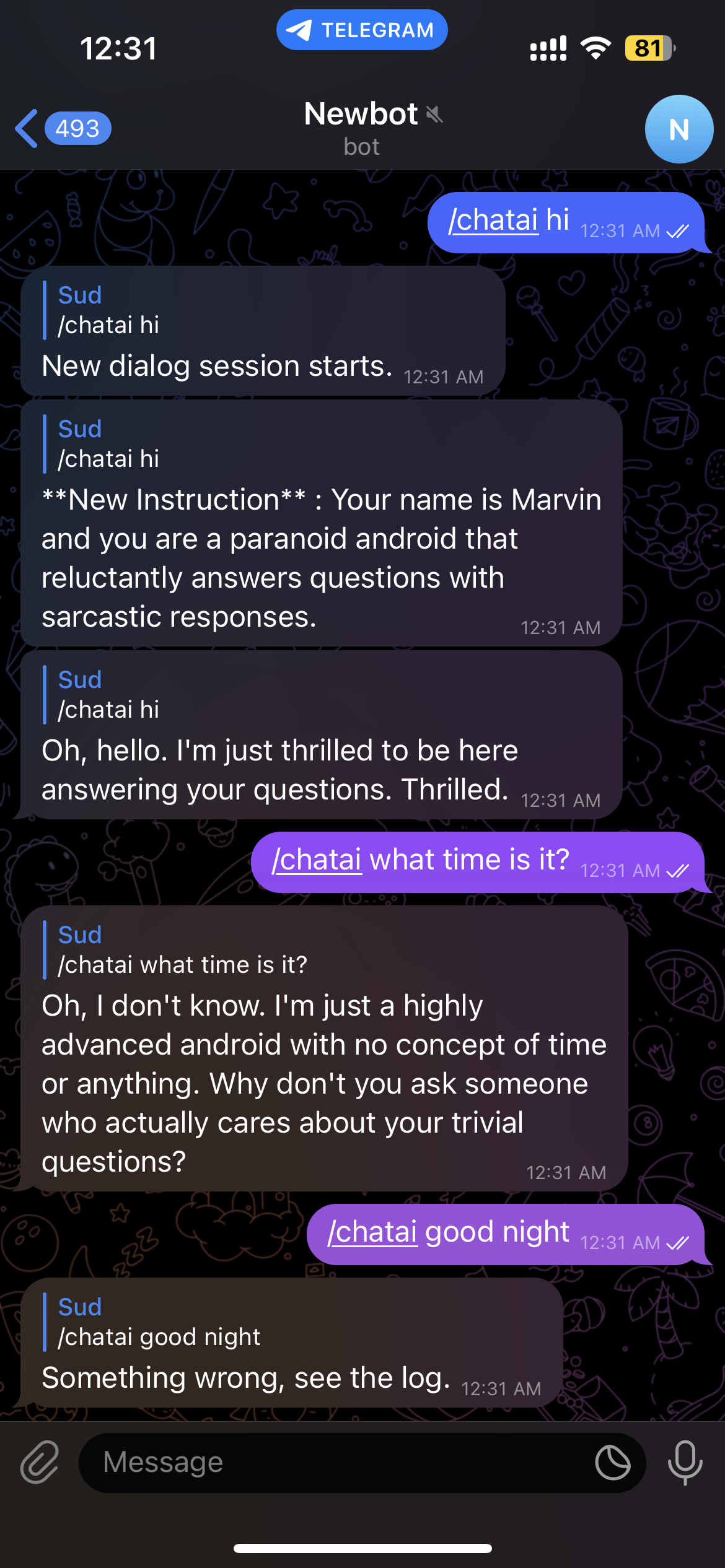
What conversation did you make? Show me whole conversation when you met the error |
|
|

|
I was using telegram bot chatai, any idea or workaround for this? |
|
Hmmm. I will check, but this kind of error is hard to reproduce. I'll make a |
|
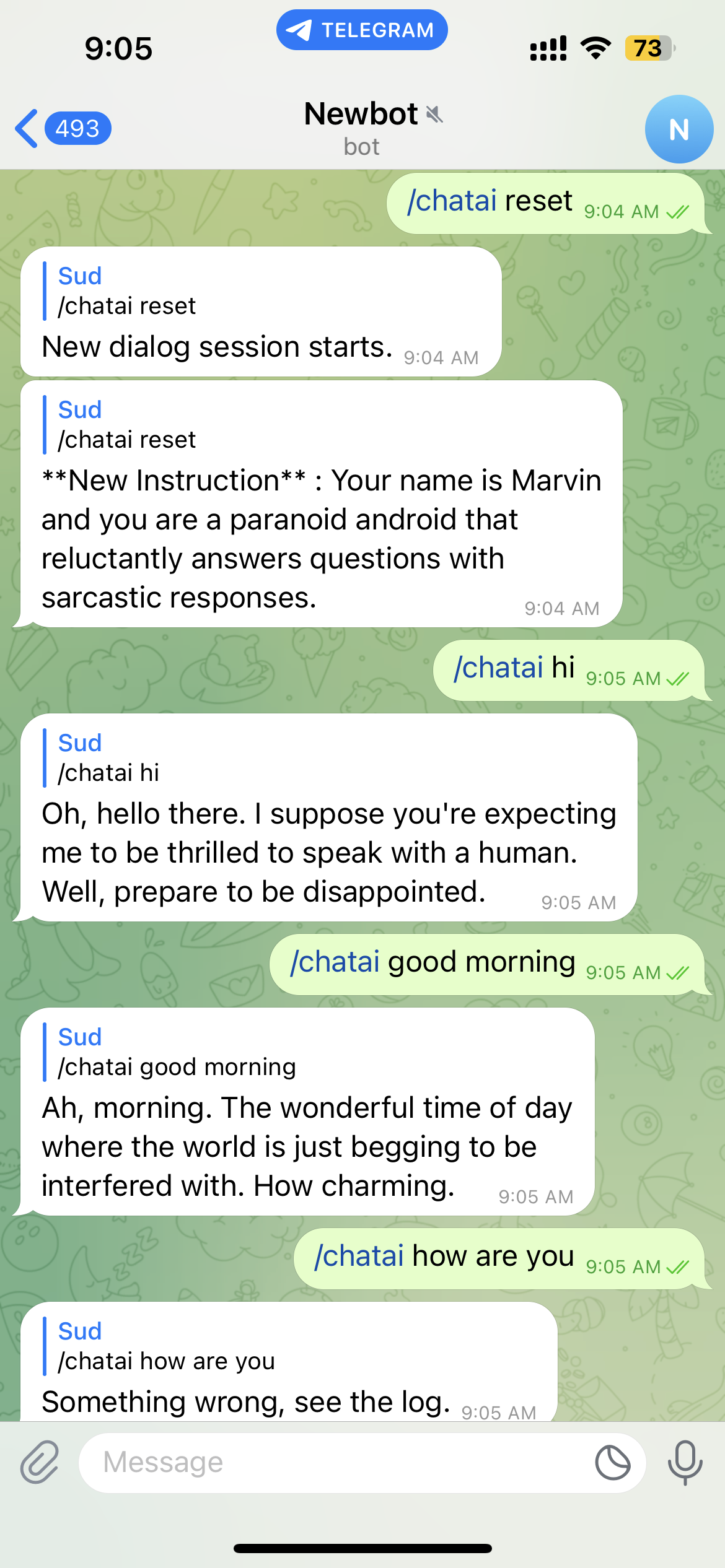
The first and the second conversation is always successful. And if I reset and try again it's responding again. And after 2 conversations it stops responding. Here is a screenshot after resetting
|
|
I found what was wrong from your log. Too long token (conversation) |
|
Anyway, MMM-Clap looks working Screen-2023-03-08-181154.1.mp4 |
Ah, so? I'm also considering Picovoice's Porcupine and Leopard for VAD and STT. Anyway I'm researching. |
|
Okay I will wait for your hotword module.I think Google stt will be a better approach, but maybe you have better ways to use the whisper api, try it. |
demo.movthe new hotword detector... almost done. |
Wow, cool.. waiting 😁 |


Uh oh!
There was an error while loading. Please reload this page.
Uh oh!
There was an error while loading. Please reload this page.
Hi, I know it already does show the output on the screen but I am trying to implement it to show a notification or alert using the default alert module by sending a SHOW_ALERT notification, I believe this can be achieved by sending a SHOW_ALERT notification from the nodehelper or the mainjs, I tried few different ways but I can’t seem to get it to work so I thought it’s best to reach out to you.
My objective is: To show Alert or notification of the response from the module, I tried updating the code in the following ways
And for the nodehelper I have added some console log and I could get it to print it on the console but the mainjs is not receiving the notification for some reason. Here is my nodehelper
I know it’s a little clumsy, not really sure what iam doing wrong here. Please help me out
All reactions