
Replies: 6 comments 1 reply

|
Leider meine Deutsche ist nicht so gut. Sorry for my English. I cannot find any Anyway, try this file. It will work like this. I just added the configuration for the module. |
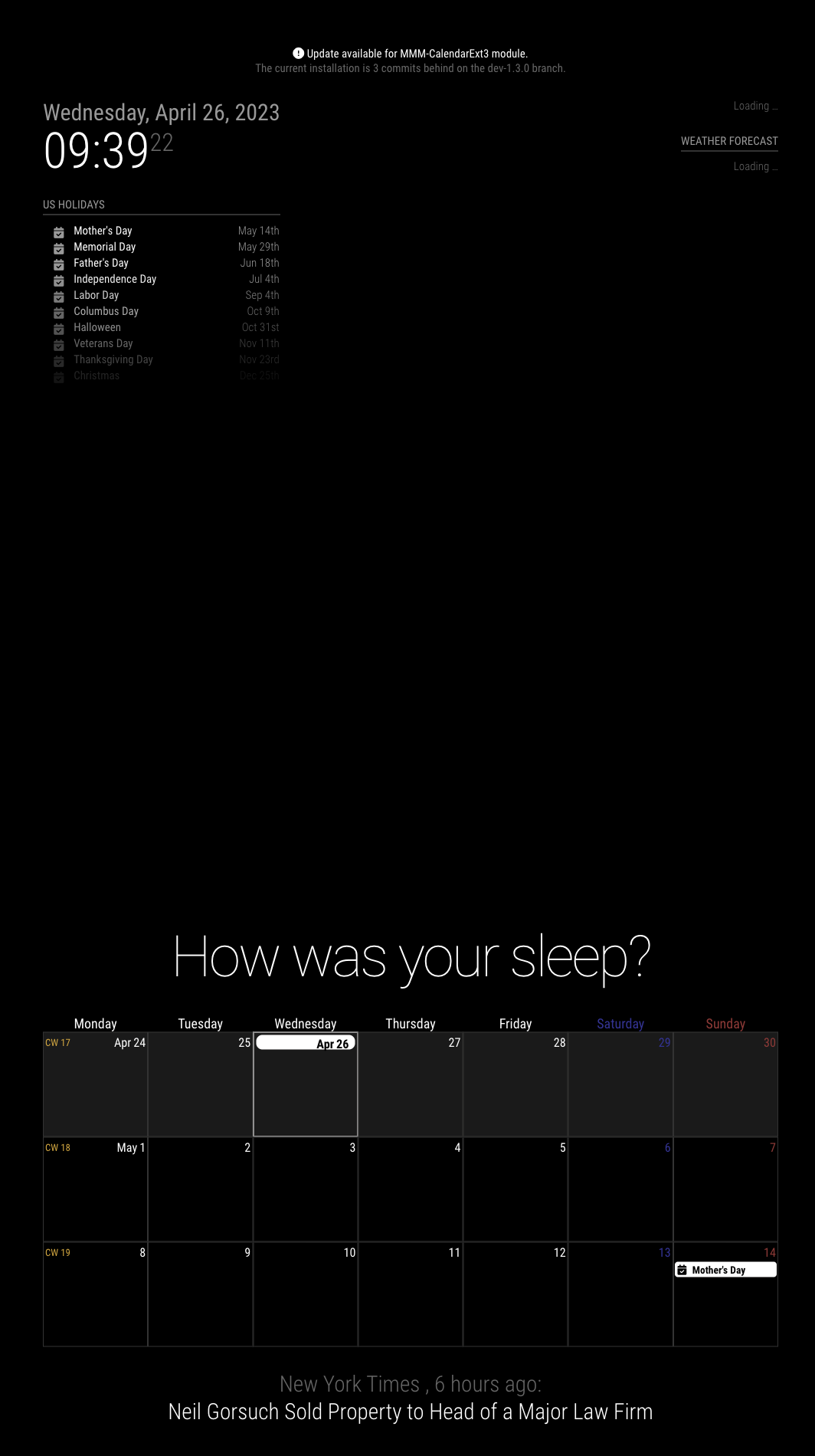
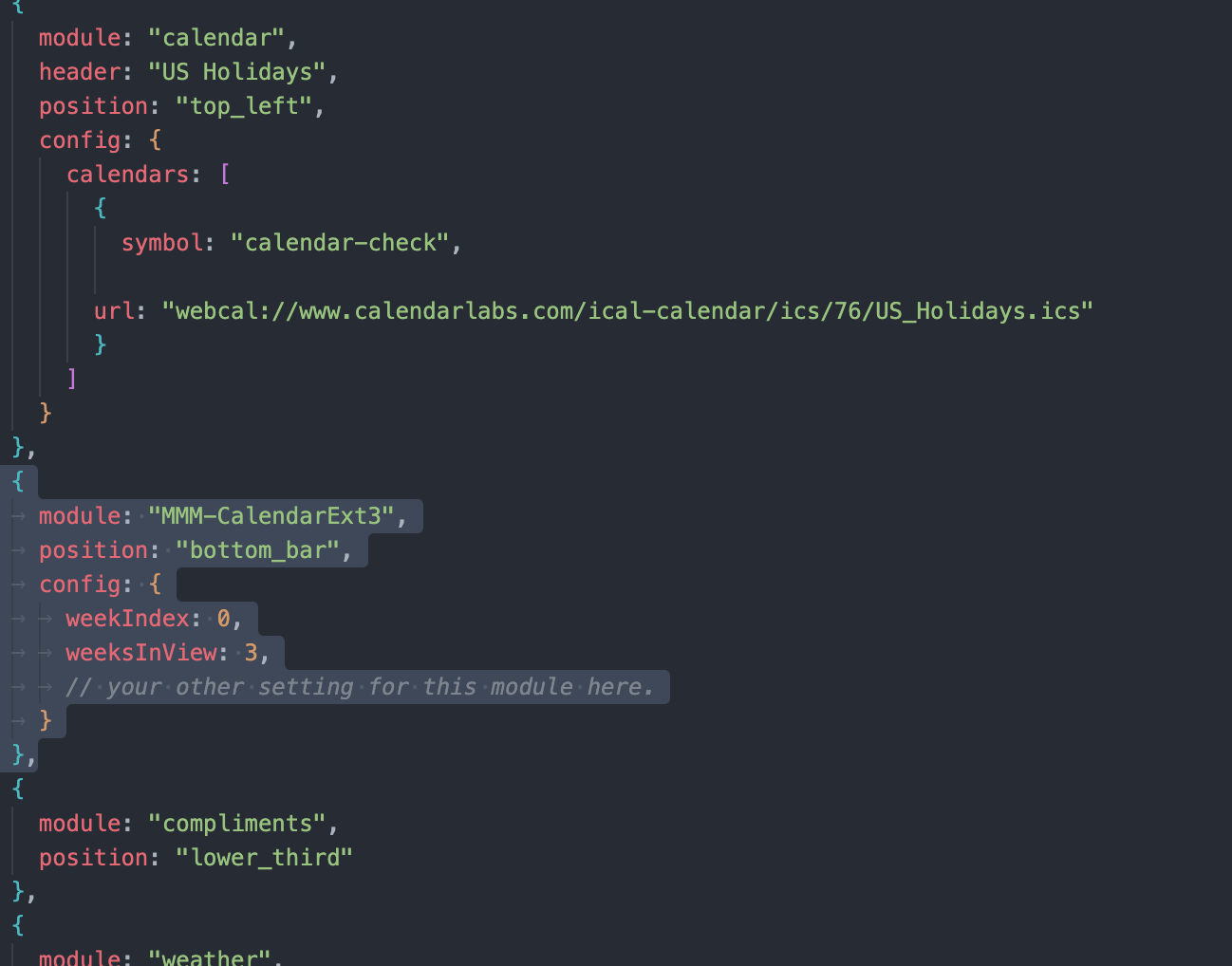

|
Good day, Thanks for your support. I can't speak English either, but the Google Translator works well for me. I inserted the code where you showed me, but only a line appears below that says "April". What am I doing wrong? |
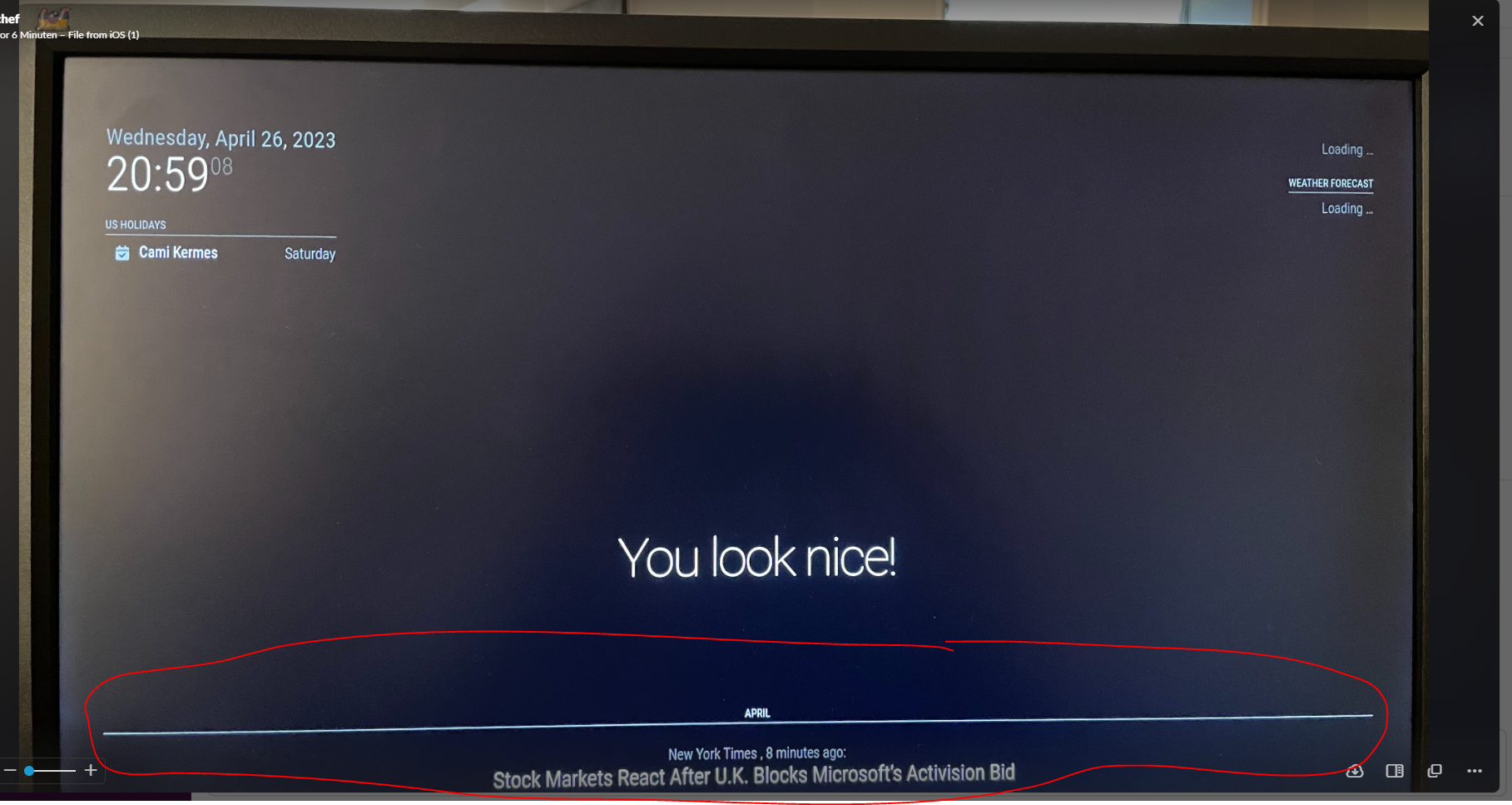

|
By the way, your current config seems not the same thing I gave you before. Have you tried mine and what happened? |
|
You don’t have “us_holiday”, "abfall" or "mytest" calendars in your "calendar" module. Your current calendar has no name. just leave your "calendarSet: []", By the way, regardless, your config should show an empty calendar table but none. I'll look inside your config tomorrow because I'm in the street at the moment. |
|
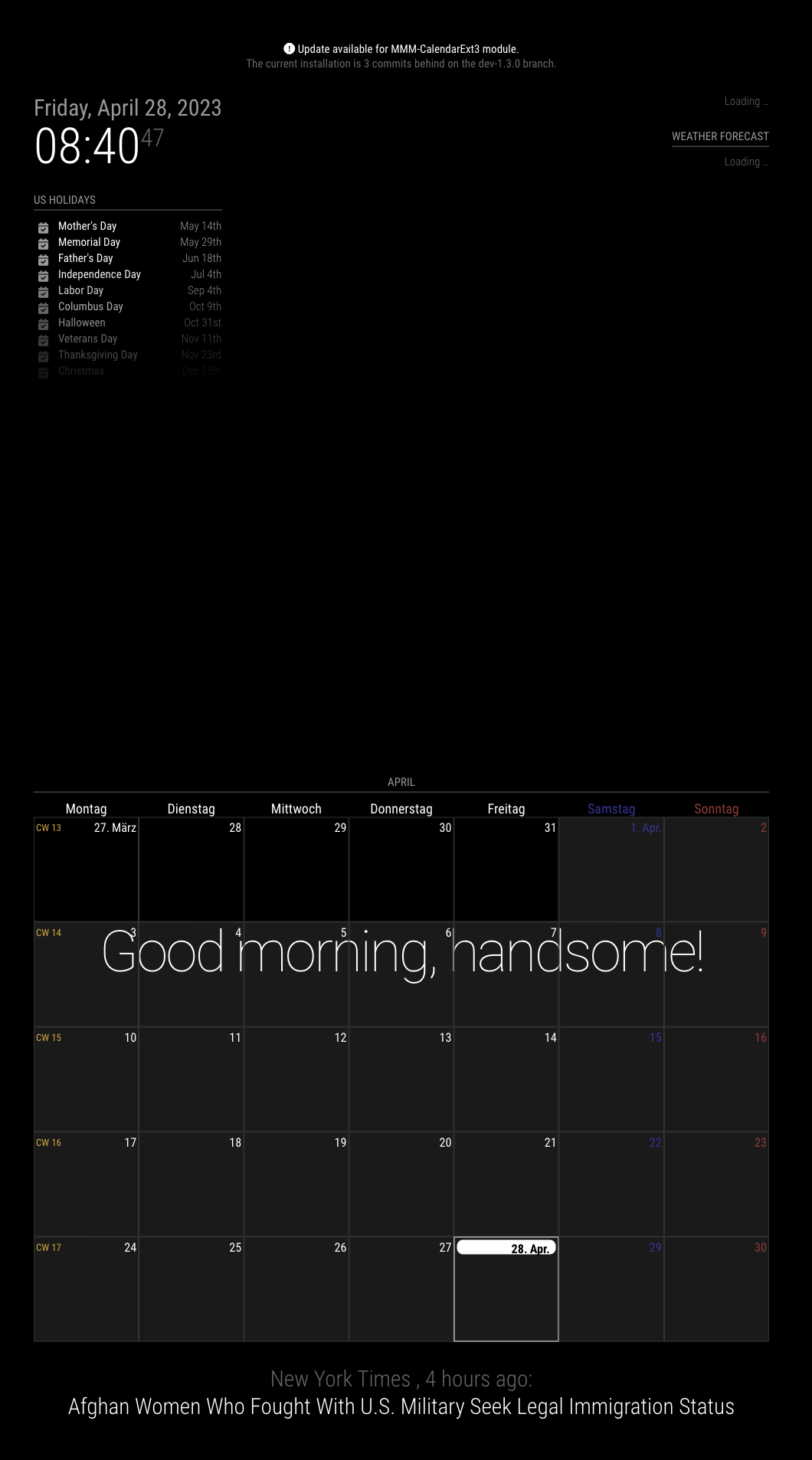
I tried your configuration, just with changing
|
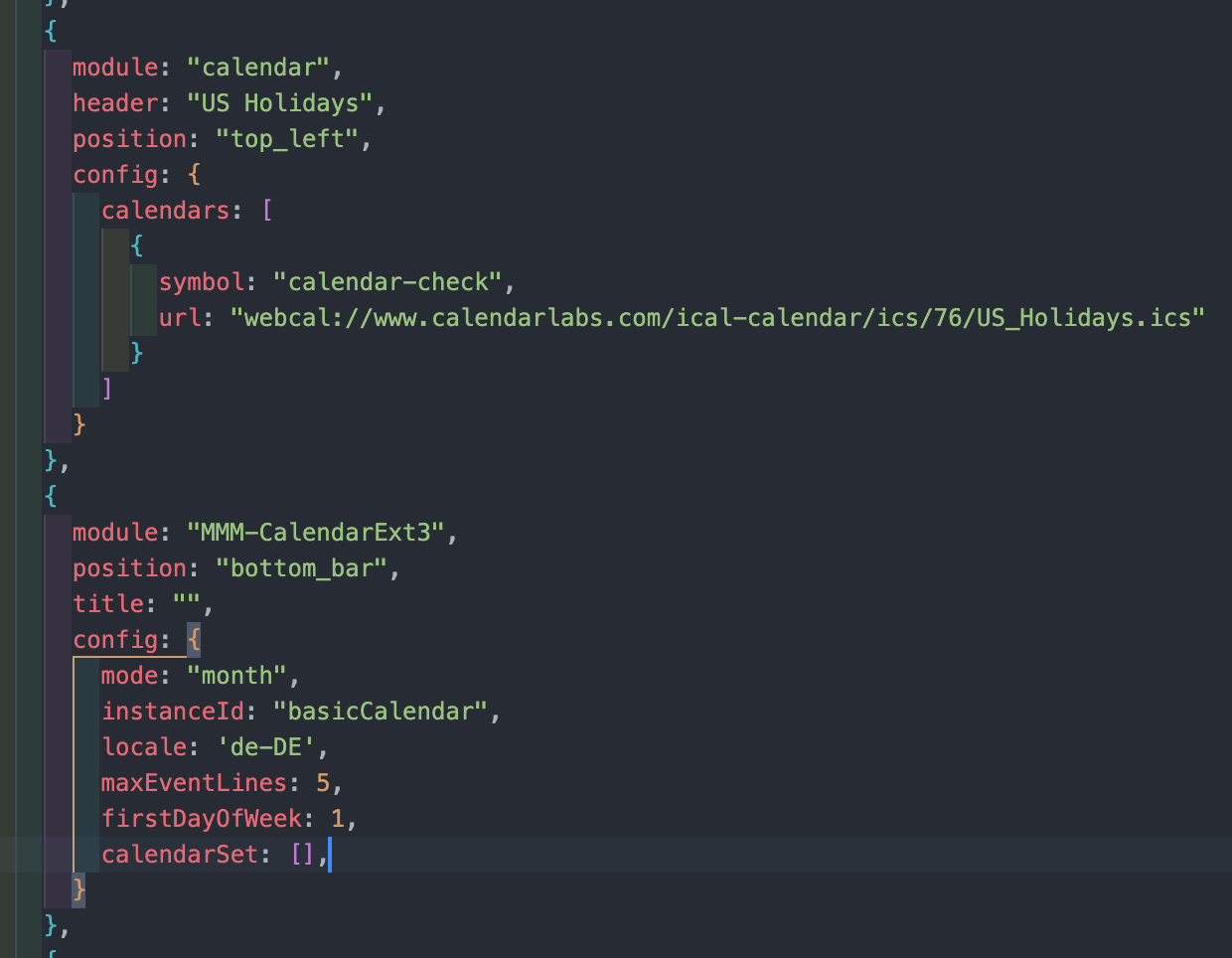
|
Thank you for your support. After performing the update, it's now working. Here are the commands I used: cd ~/MagicMirror/modules/MMM-CalendarExt3 git pull npm install I have a question or request: Can you create a view for me that shows an entire year? (I'll be using it on a 65-inch TV.) It should look like a large wall calendar. I'm also willing to pay for this. Please let me know how much you would charge. Also, I would like to know how I can shorten the query time. Currently, it takes more than five minutes for the next query from the Google Calendar to be made. Thank you. |

|
Regarding your two questions: 1. Yearly view (full year calendar): MMM-CalendarExt3 is designed for week/month views. A full year display would require significant changes and is better suited as a separate module. However, you can create a workaround using multiple month instances side-by-side: // Instance 1-12 for each month
{
module: "MMM-CalendarExt3",
position: "top_left",
config: {
mode: "month",
monthIndex: 0, // January
instanceId: "month_01"
}
},
// ... repeat for monthIndex: 1, 2, 3, etc.Then use CSS to arrange them in a grid layout on your 65" display. 2. Google Calendar query time: This is not a CalendarExt3 issue - CX3 only displays events from the {
module: "calendar",
config: {
updateInterval: 600000, // 10 minutes (in milliseconds)
calendars: [ ... ]
}
}Lower values = more frequent updates, but also more API requests to Google Calendar. Closing this discussion as the original configuration issue is resolved. Feel free to open a new discussion if you need further help! |


Uh oh!
There was an error while loading. Please reload this page.
Guten Tag,
ich bin ein Anfänger und versuche, MMM-CalendarExt3 mit Google calnder auf meinem Magic Mirror 2 zum Laufen zu bringen, jedoch ohne Erfolg. Irgendwo mache ich einen Fehler, aber ich finde ihn nicht. Ich würde mich freuen, wenn ihr mir helfen könntet. Die Anleitung zur Installation hat funktioniert, ich sehe auch MMM-CalendarExt3 im Ordner "Module". Ich denke, dass ich einen Fehler in der config.js mache. Im Anhang habe ich meine config.js beigefügt. Könnt ihr mir helfen, sie so anzupassen, dass ich sie verwenden kann?
Vielen Dank.
config.txt
All reactions