This plugin allow server admin to add invisible light sources.
Simple light

WorldEdit selection light
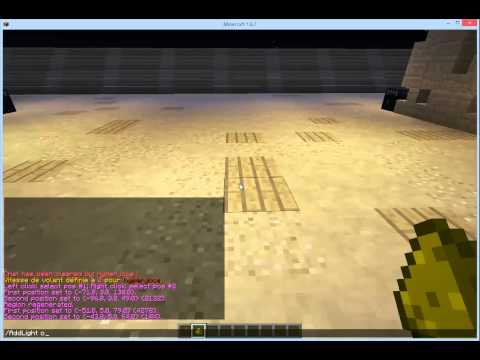
Enable the plugin using the command /AddLight enable then left click any item or inside a WorldEdit selection with glowstone dust to add invisible light source. You can also remove the light source by right clicking.
- /AddLight : Display the status of the plugin
- /AddLight [help] : Display AddLight help
- /AddLight [enable|on] : Enable light creation
- /AddLight [disable|off] : Disable light creation
- /AddLight [LightLevel] : Define light intensity (1-15)
- /AddLight [ConnectedBlocks] : Toggle the connected block status (Max connected blocks can be configure in the config file)
- /AddLight [reload] : Reload plugin
-
AddLight.admin : Allows creation of light to admin users
-
AddLight.user : Allows creation of light to any users
-
AddLight.use : Allows a user to use this plugin
-
AddLight.worldedit : AddLight can apply to a WorldEditSelection
-
AddLight.connected : AddLight can apply to any connected blocks
-
AddLight.intensity : user can change the light intensity
-
AddLight.debug : Display debug info
-
AddLight.* : given to op
- AddLight.admin
-
AddLight.admin
- AddLight.use
- AddLight.worldedit
- AddLight.connected
- AddLight.intensity
-
AddLight.user
- AddLight.use
The plugin use metrics and an integrated updater.
Both can be disable in config.yml
If you want to charge your players in glowstone or money, look into config.yml