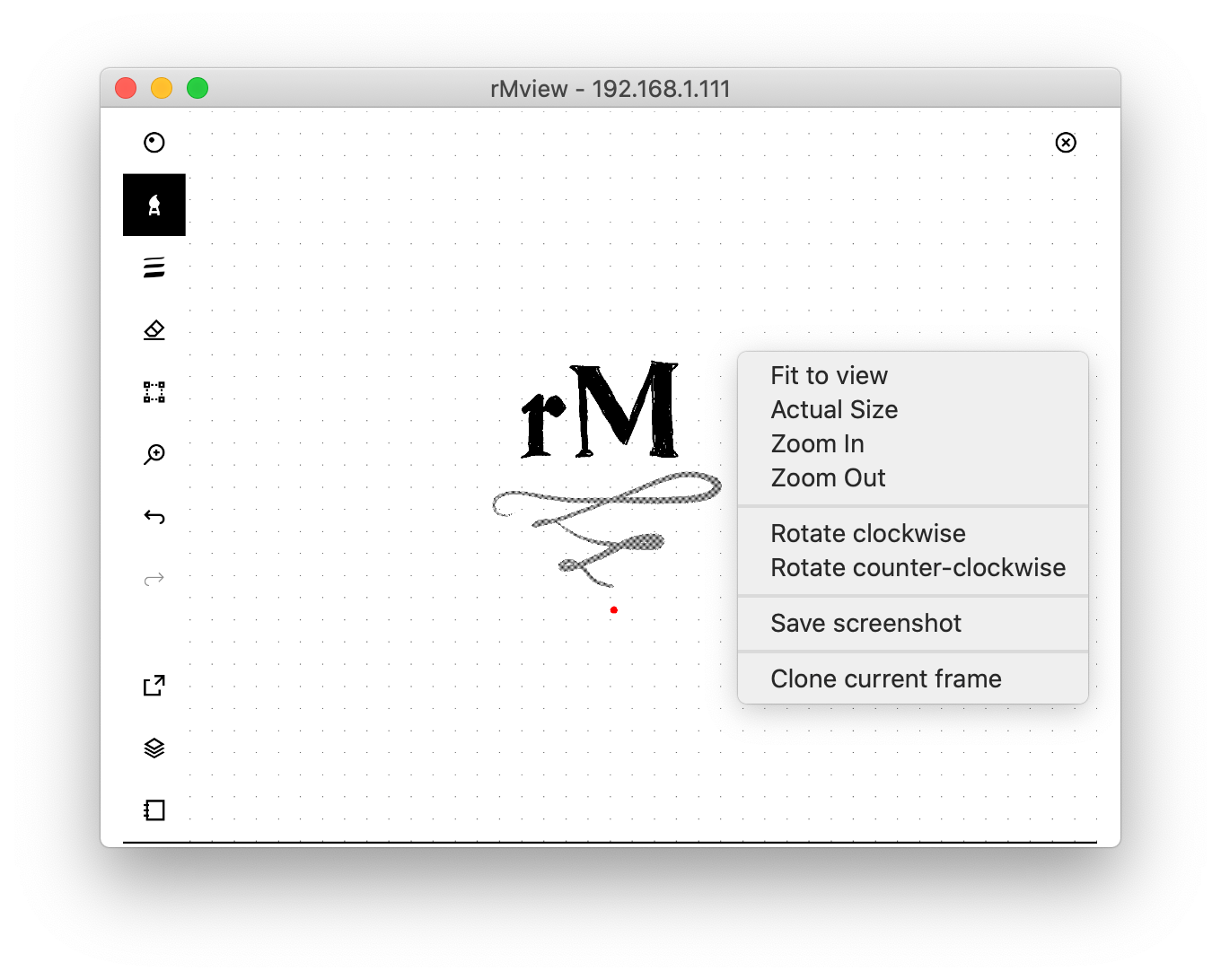
This repo and the code in this repository is currently only tested for the rM2 and not the rM1. It is known that this code does not work on a rM1.
- Clone this repository:
git clone https://github.com/Foxei/rmview. - Copy the
lz4program to your reMarkable withscp lz4.arm.static root@10.11.99.1:/home/root/lz4 - Make it executable with
ssh root@10.11.99.1 'chmod +x /home/root/lz4' - Copy the
rmheadprogram to your reMarkable withscp rmhead.remarkable.shared root@10.11.99.1:/home/root/rmhead - Make it executable with
ssh root@10.11.99.1 'chmod +x /home/root/rmhead' - Enter the virtual python3 environment.
- Install requirements wit
pip install -r requirements.txt - Install qt resources with
pyrcc5 -o src/resources.py resources.qrc - Execute rmviwe with:
python src/rmview.py [config]
The supported configuration settings are:
{ // all settings are optional, comments not allowed
  "ssh": {
    "address": "10.11.99.1", // works over WiFi too!
    "username": "root",
    "key": "~/.ssh/id_rsa_remarkable",
    // alternatively to key, "password": "****" is supported
    "timeout": 1 // in seconds
  },
  "orientation": "portrait", // auto for auto-detect, default: landscape
  "pen_size": 10, // set to 0 to disable
  "pen_color": "red",
  "pen_trail": 1000, // set to 0 to disable, default: 200
  "background_color": "black", // default: white
  "fetch_frame_delay": 0.03, // sleep 0.03s on remarkable before fetching new frame (default is no delay)
  "lz4_path_on_remarkable": "/usr/opt/lz4", // default: $HOME/lz4
  "hide_pen_on_press": false // hides pointer when pen touches display, default: true
}
Tested with Python 3.8.5, PyQt 5.15.2, Ubuntu 18.04, reMarkable firmware 2.4.1.3
- Settings dialog
- About dialog
- Pause stream of screen/pen
- Build system
- Bundle
- Add interaction for Lamy button? (1 331 1 down, 1 331 0 up)
- Remove dependency to Twisted in
vncbranch
I took inspiration from the following projects:
Icons adapted from designs by Freepik, xnimrodx from www.flaticon.com
This project is not affiliated to, nor endorsed by, reMarkable AS. I assume no responsibility for any damage done to your device due to the use of this software.
GPLv3